
Cartoon AI Generator & Prompt Gallery
Turn photos into cartoons or create original characters with tested AI prompts. Explore cartoon profile pictures, family portraits, pets, 3D characters, logos, coloring pages, and more.
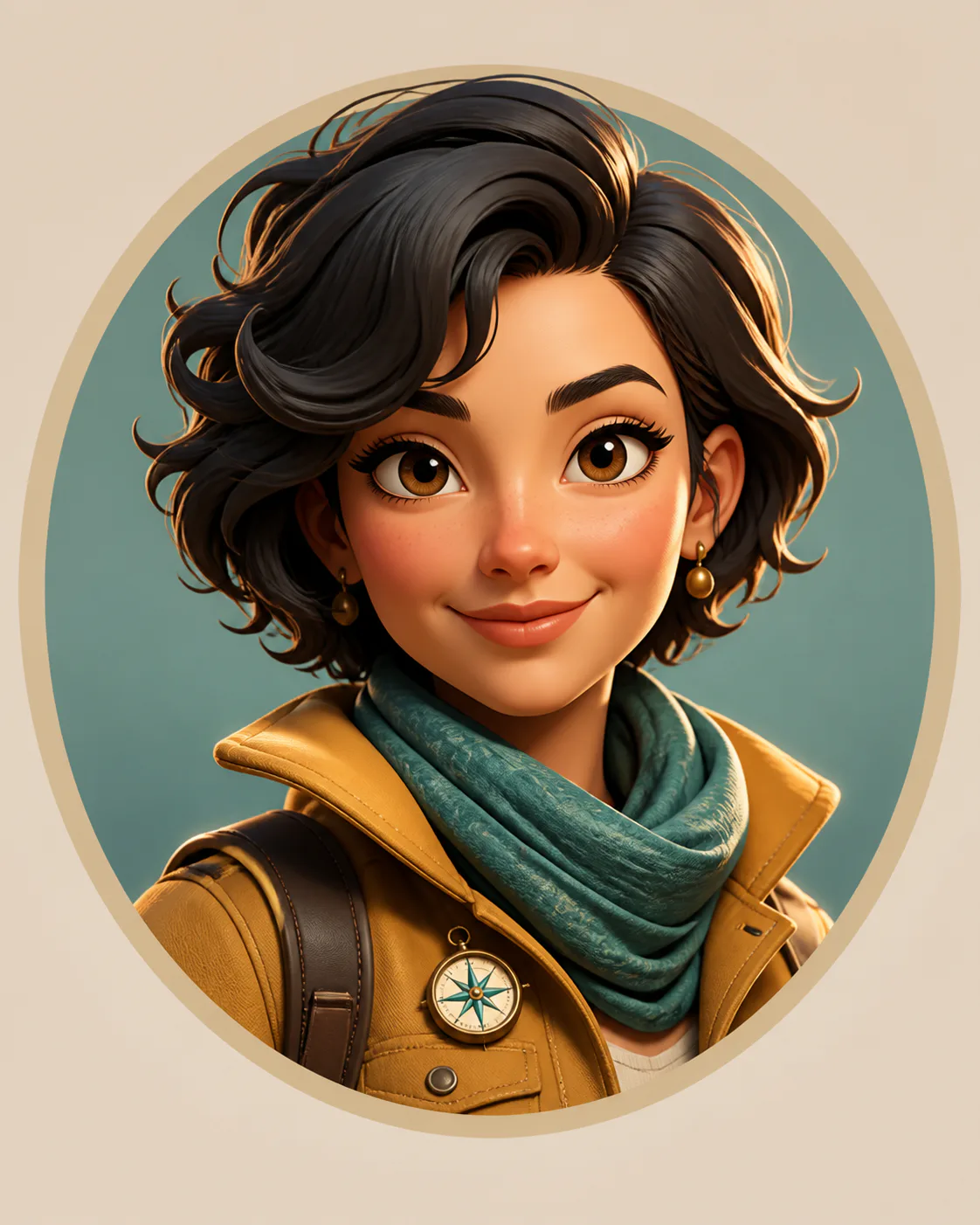
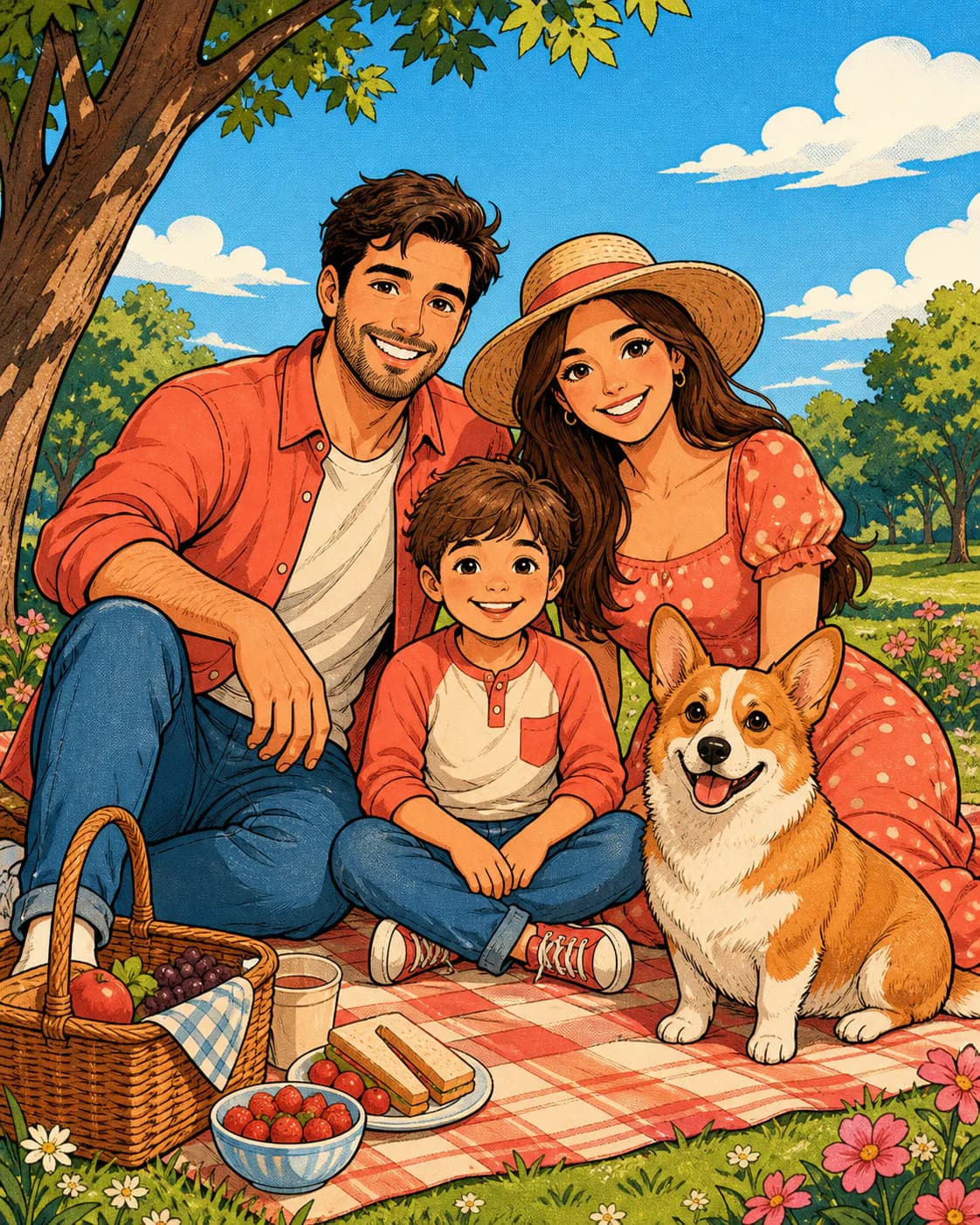
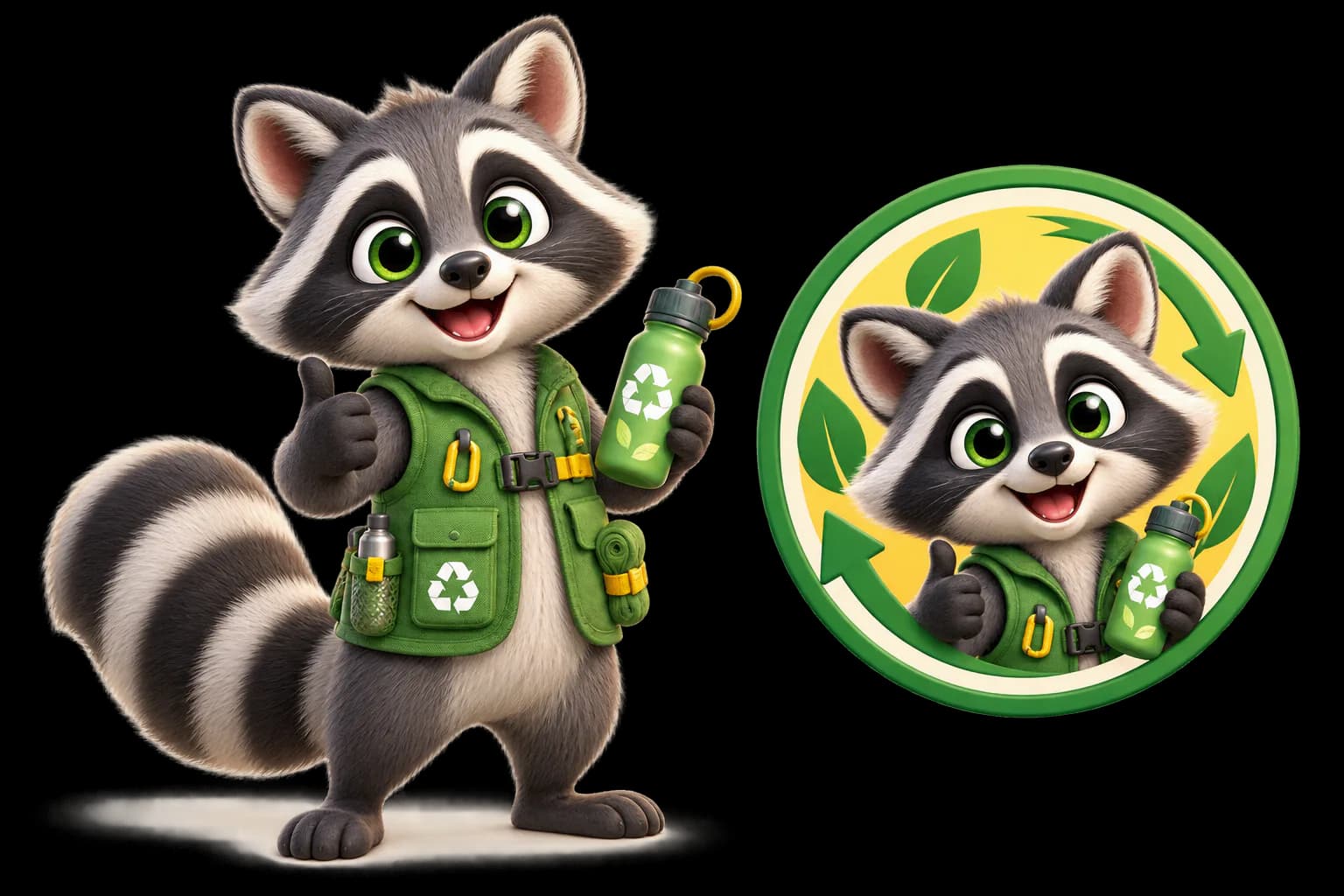
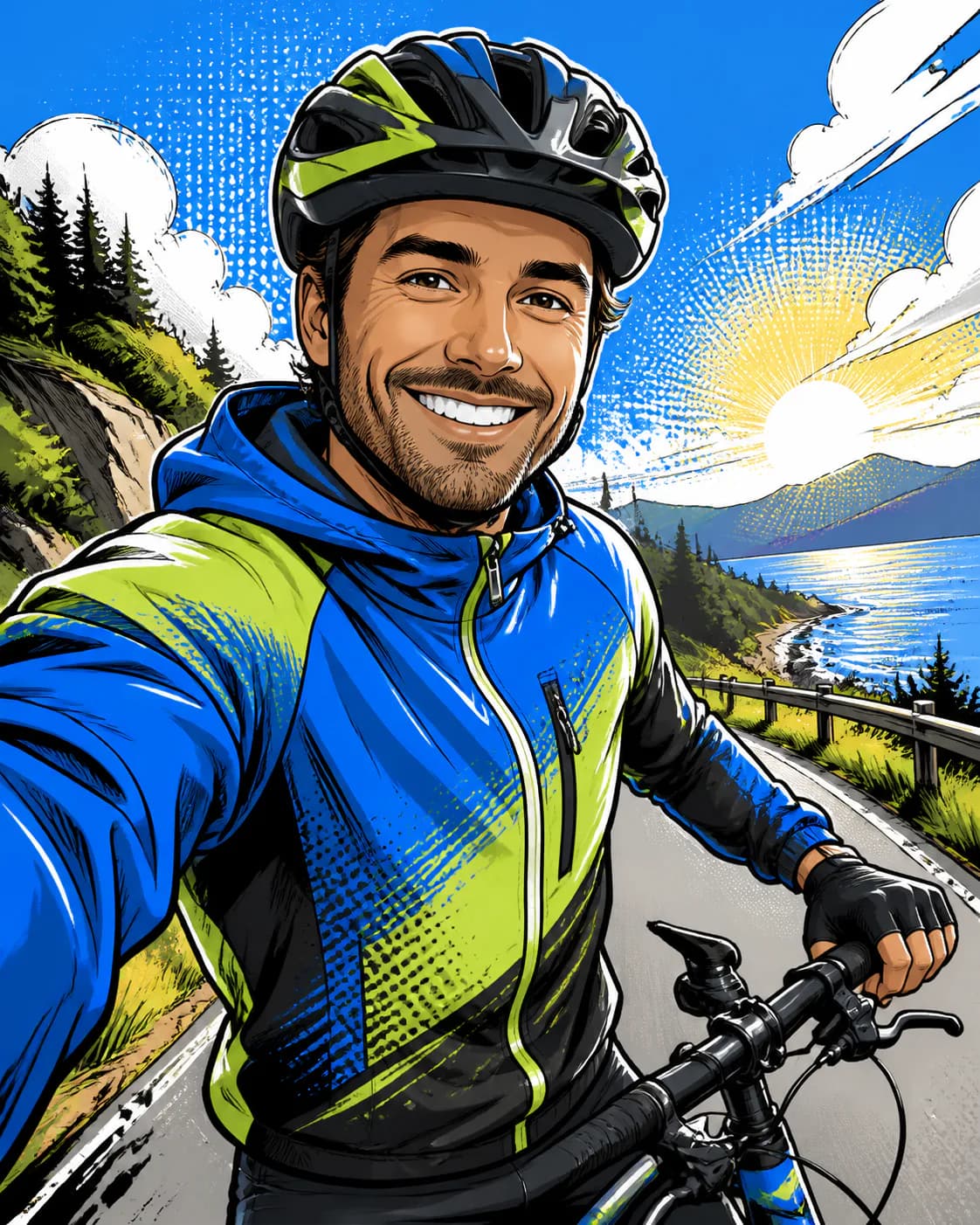
What Do You Want to Create?
Start with a photo, build an original character, or create a ready-to-use cartoon design.
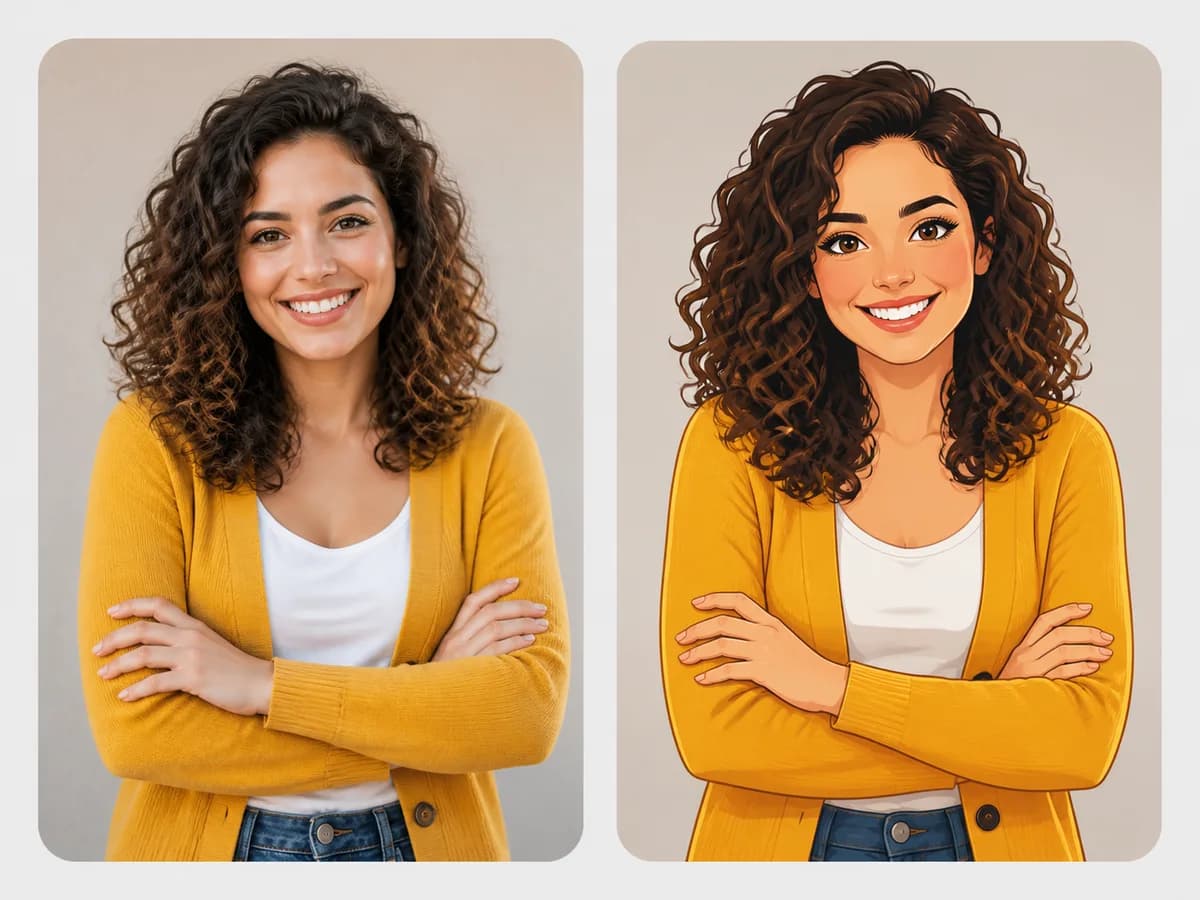 View details PHOTO TRANSFORMATIONPhoto to CartoonTurn a portrait, selfie, travel photo, or everyday picture into a polished cartoon image.Explore photo prompts
 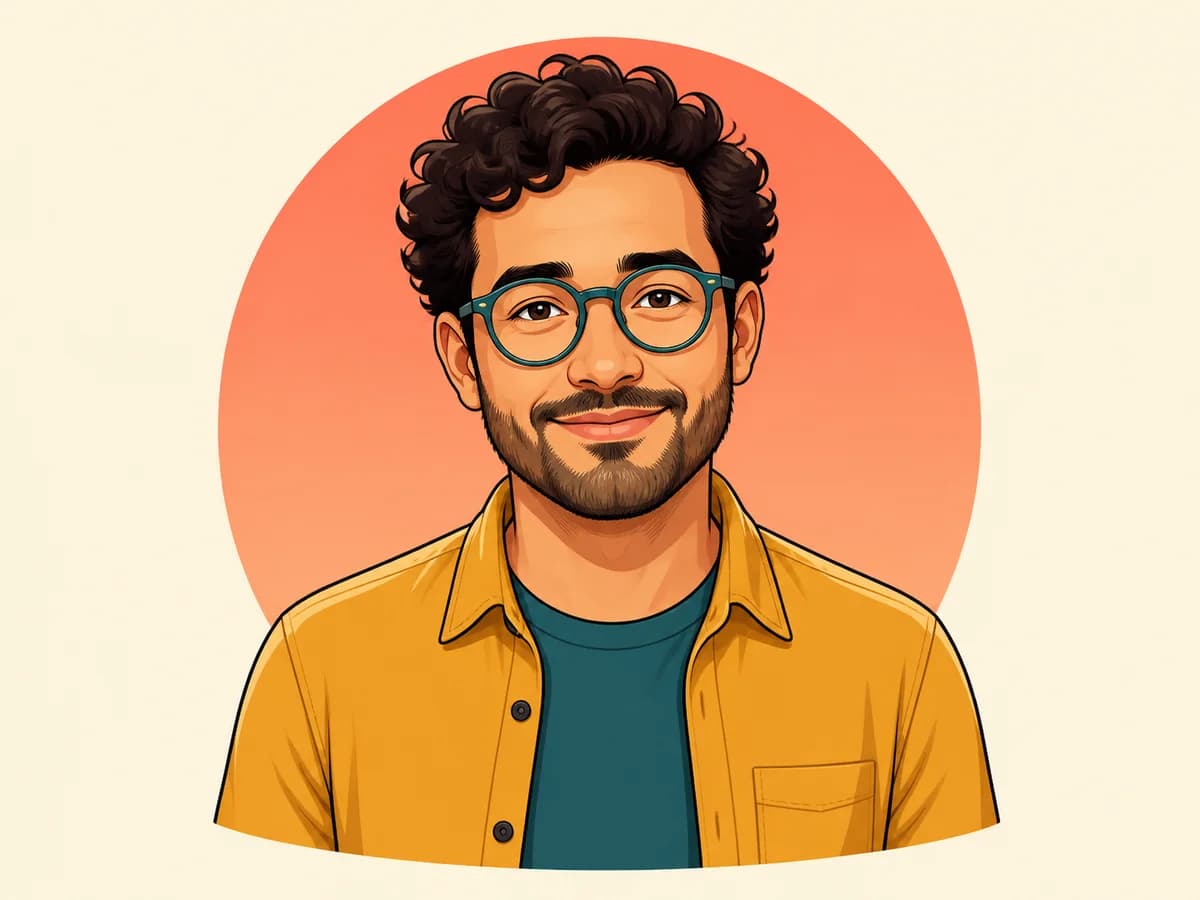 View details AVATAR & PFPCartoon Profile PictureCreate a distinctive cartoon avatar for social media, gaming profiles, and personal branding.Create a cartoon PFP
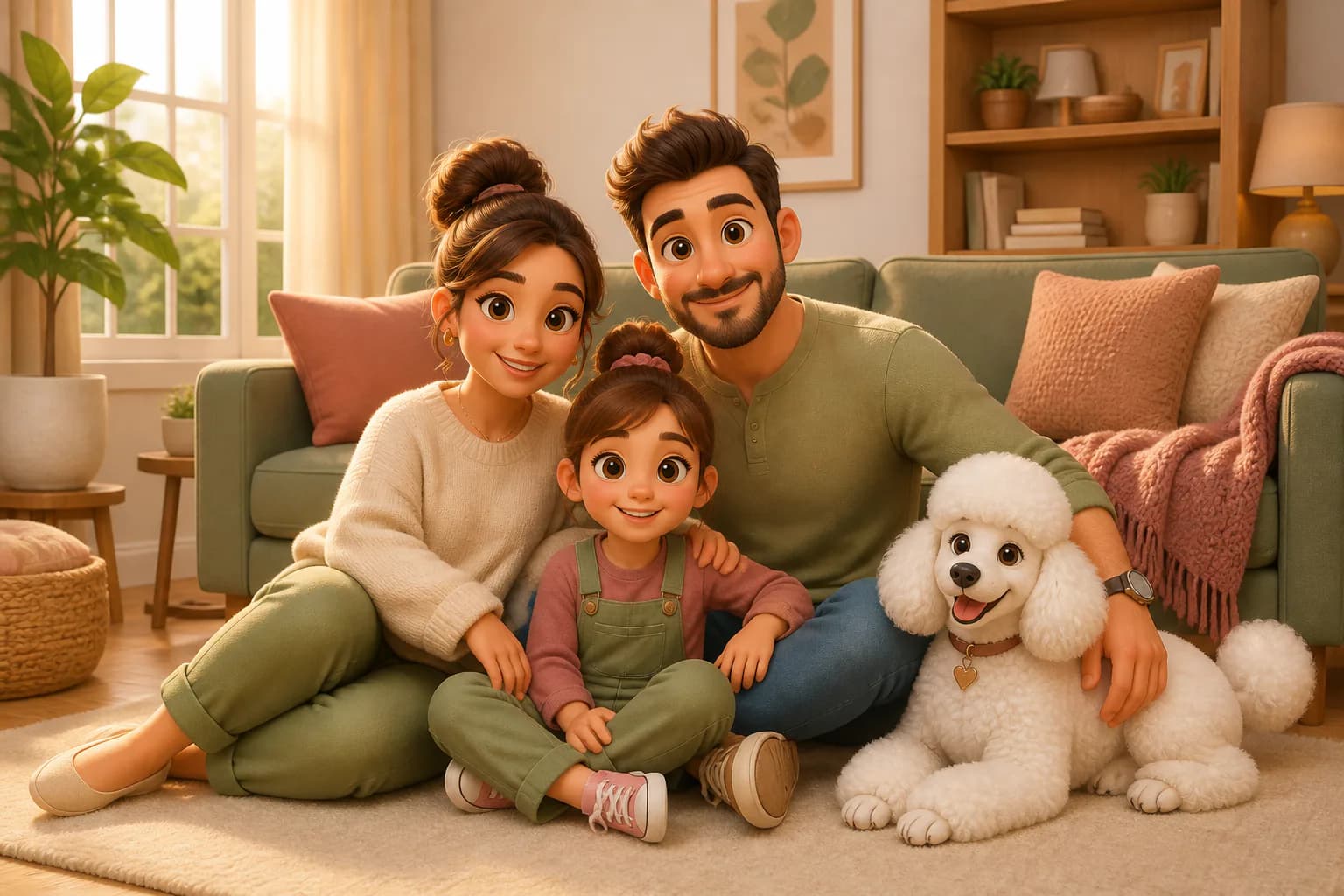
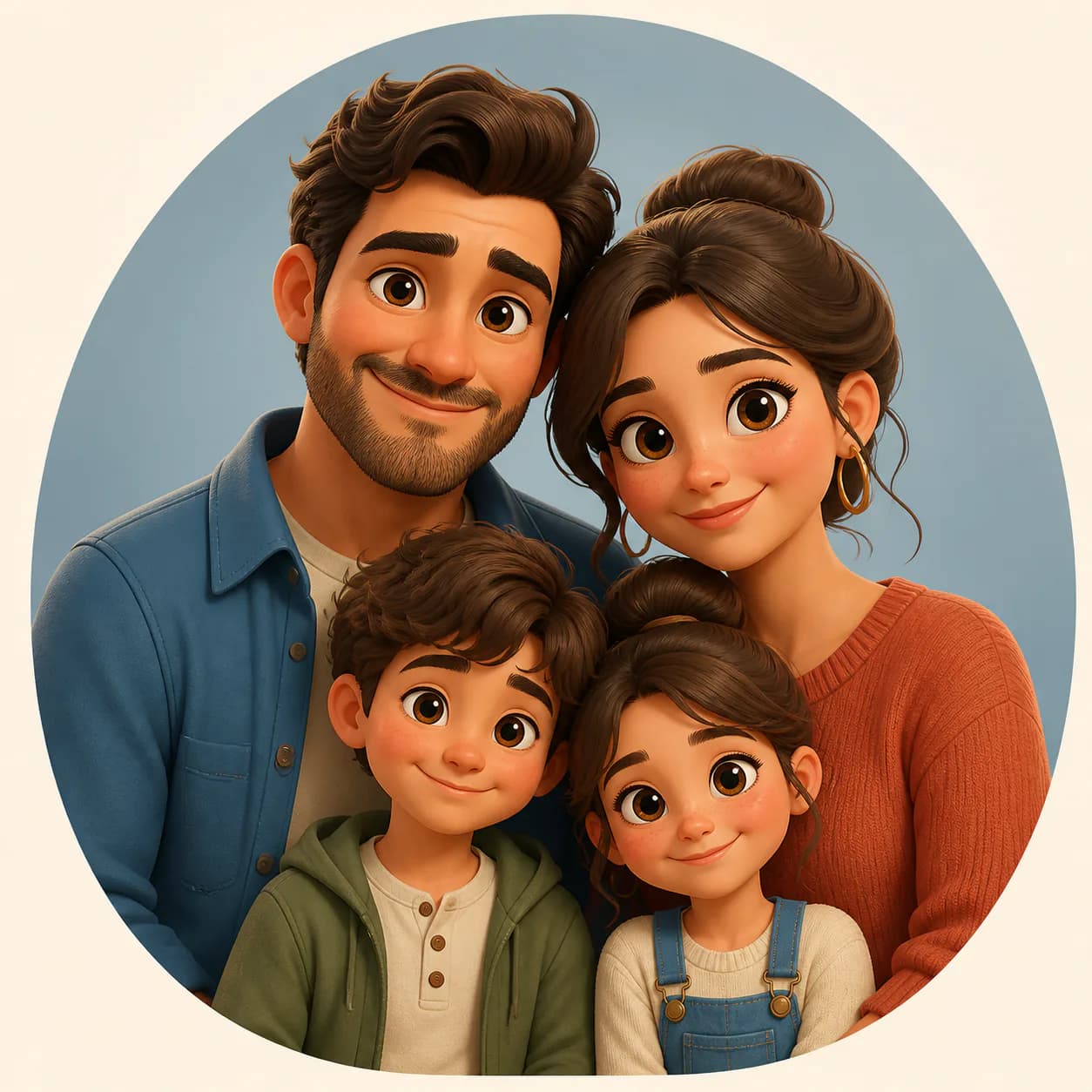
 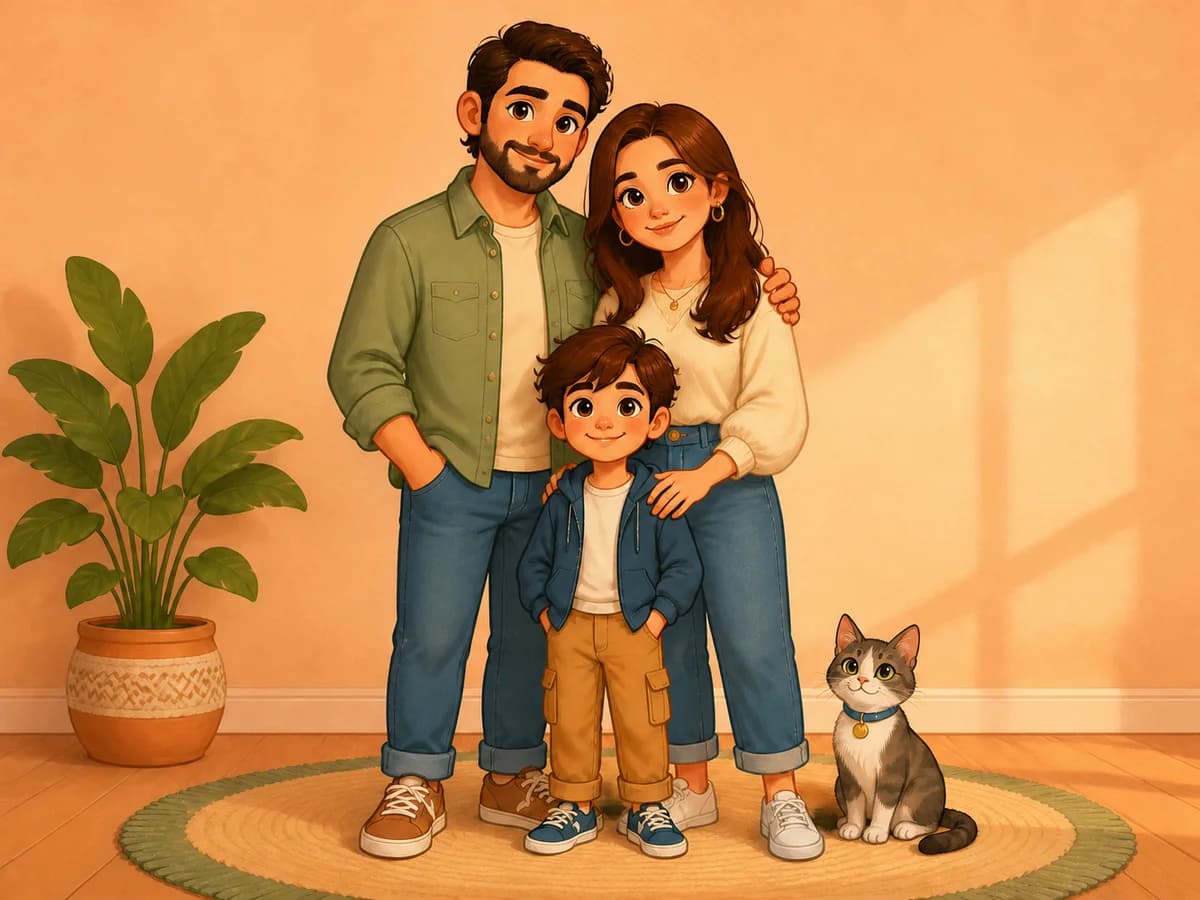 View details FAMILY & MEMORIESFamily Cartoon PortraitTransform a family photo into a warm cartoon portrait for gifts, prints, and keepsakes.Explore family portraits
 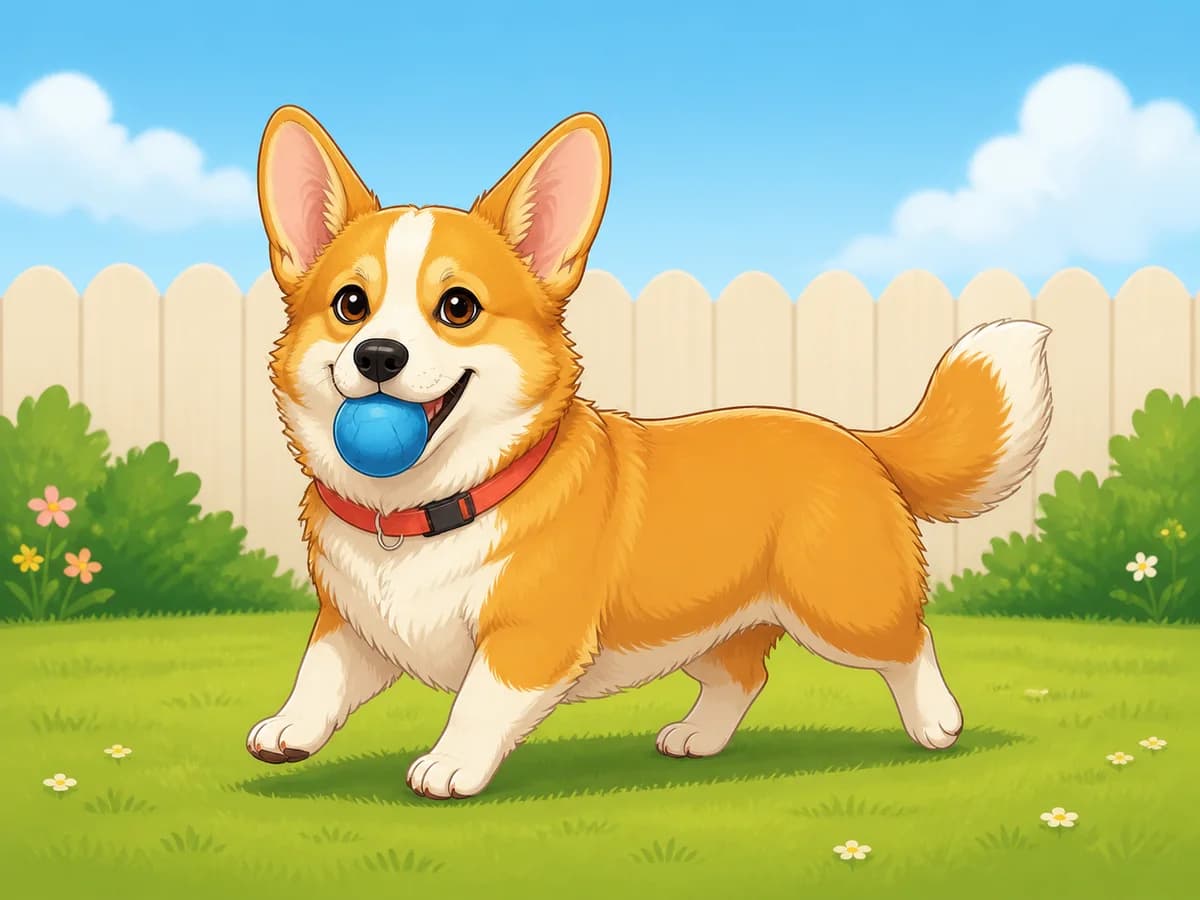 View details PETSCartoon Pet PortraitTurn dogs, cats, and other pets into playful cartoon characters while keeping their unique features.Cartoon your pet
 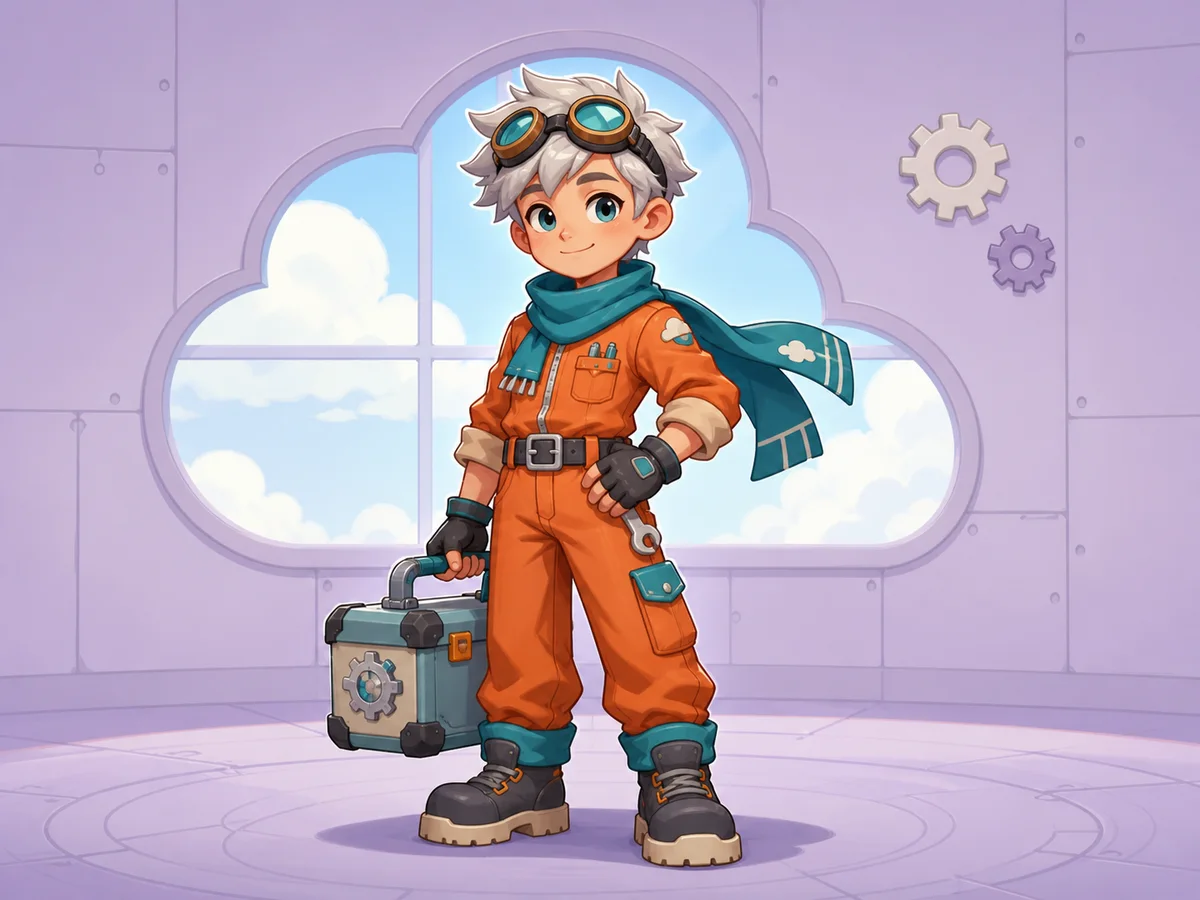 View details ORIGINAL CHARACTERSCartoon Character CreatorDesign an original cartoon character with a unique personality, outfit, pose, and visual style.Create a character
 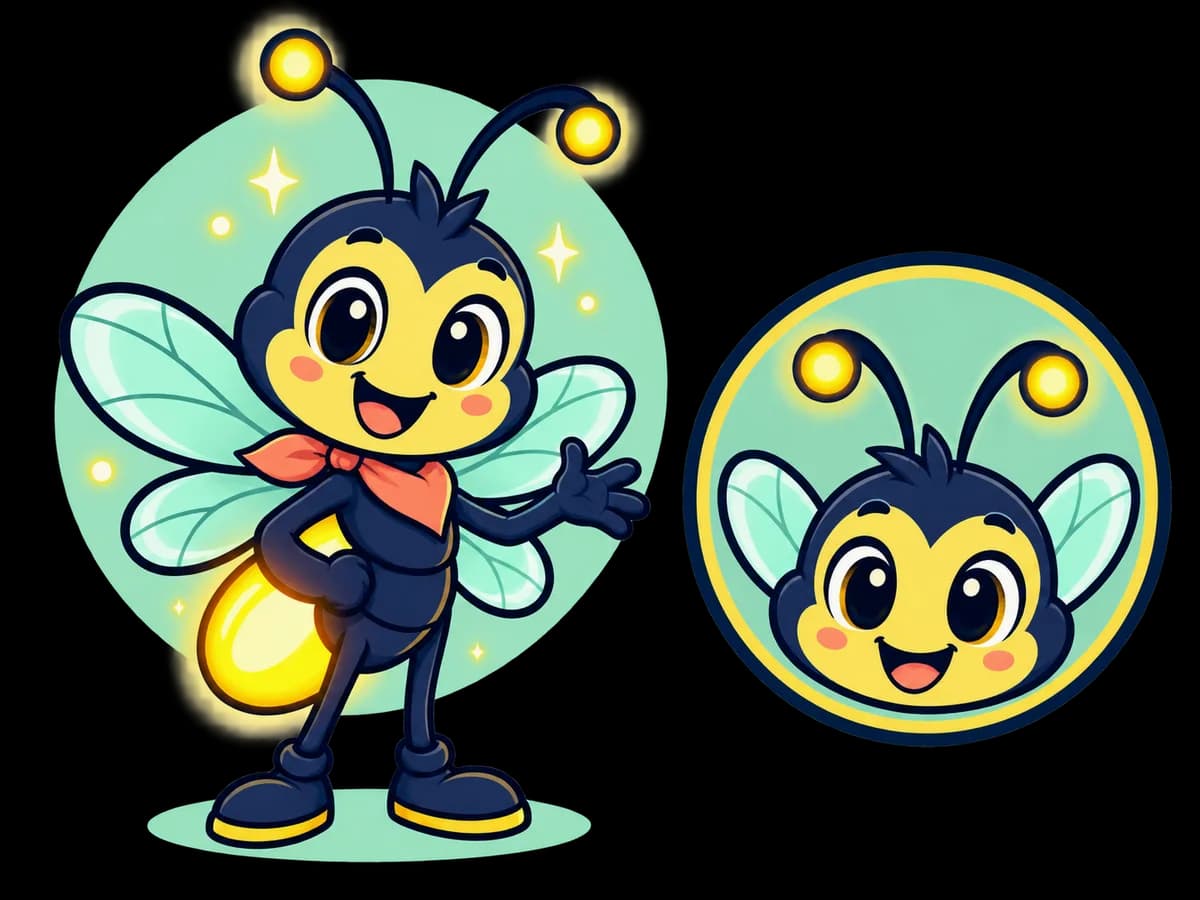 View details BRAND DESIGNCartoon Logo & MascotCreate a memorable cartoon mascot, brand icon, or playful logo concept for your project.Explore logo prompts
 Featured Cartoon Prompts
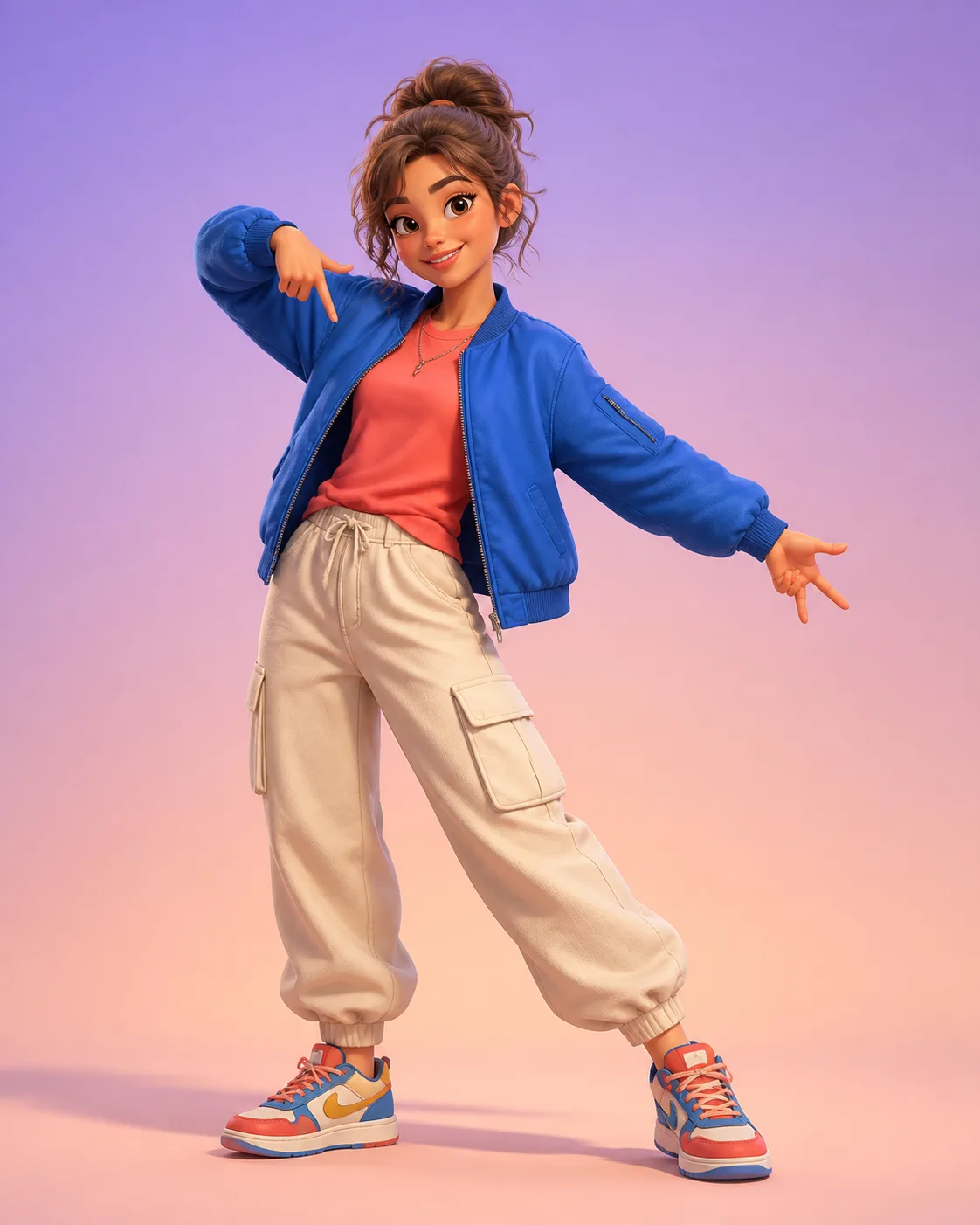
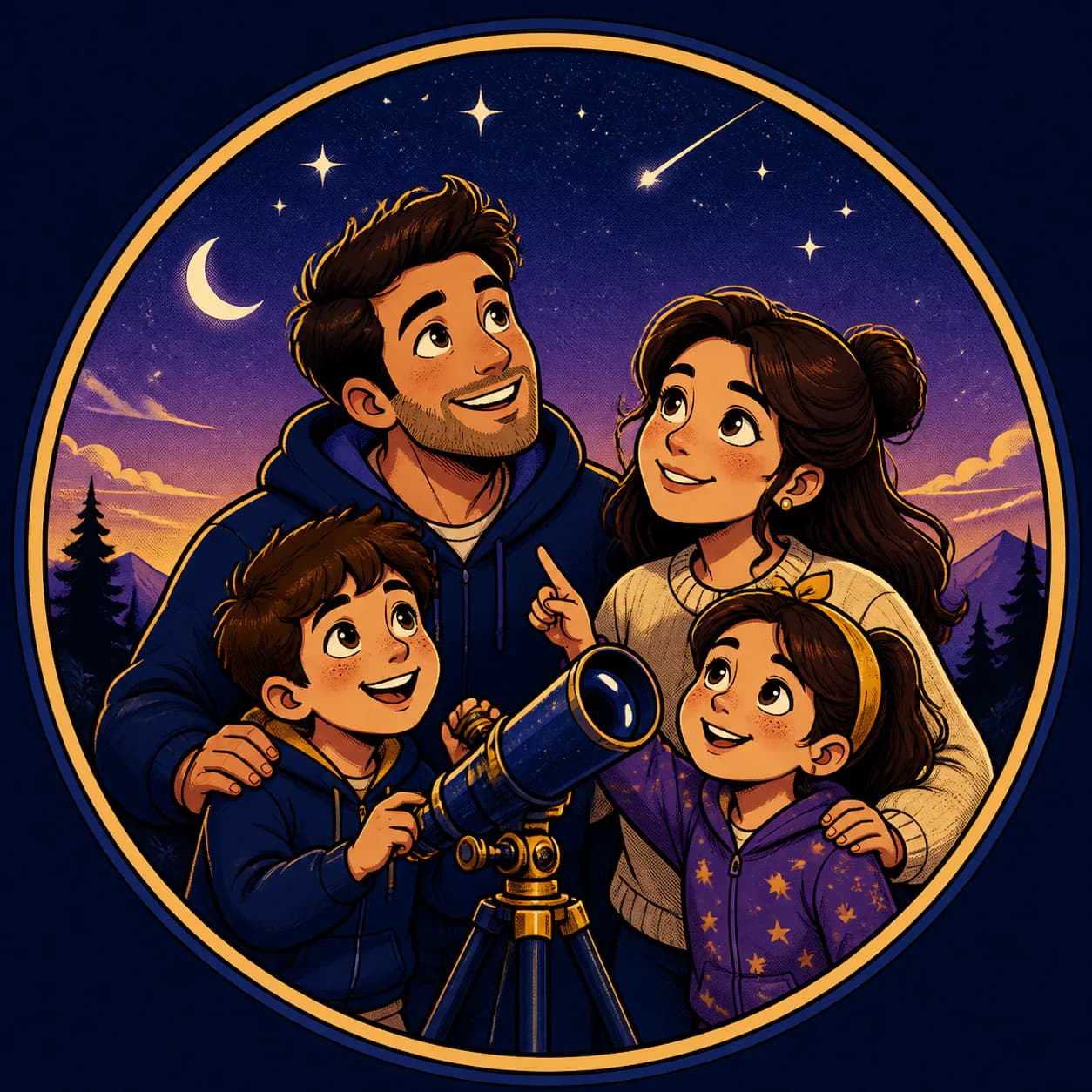
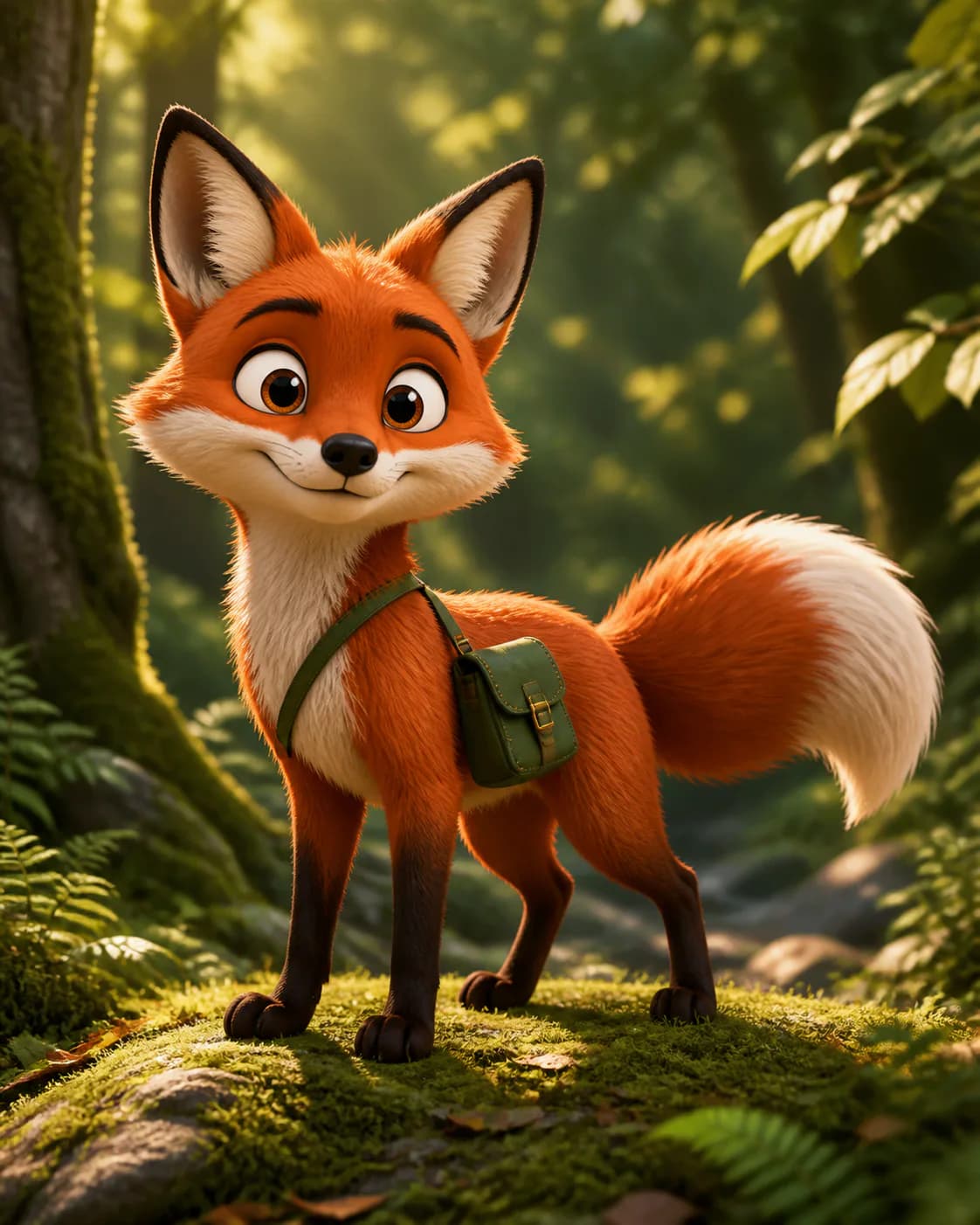
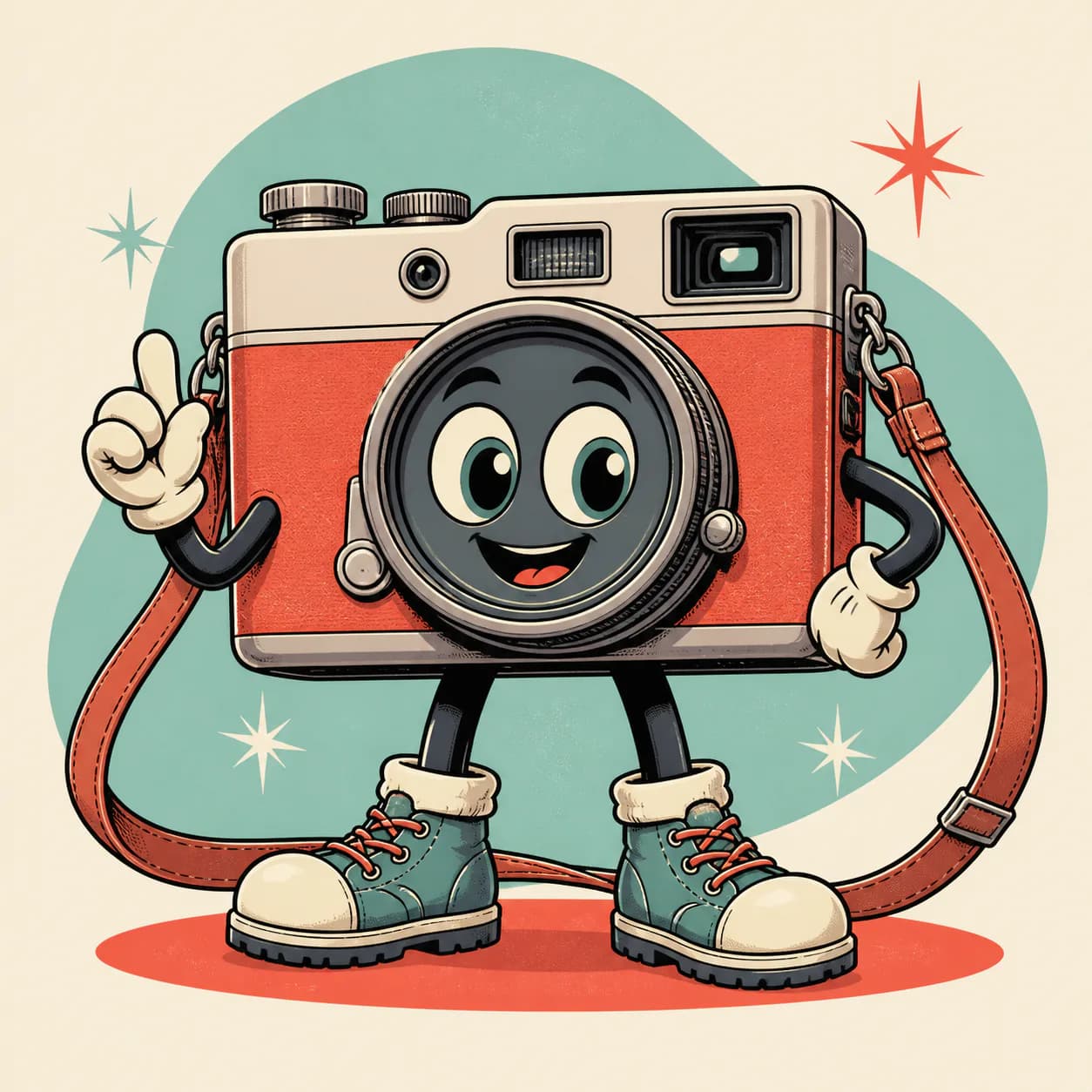
Explore tested cartoon prompts, open any result to view the full recipe, and remix it with your own subject or style.
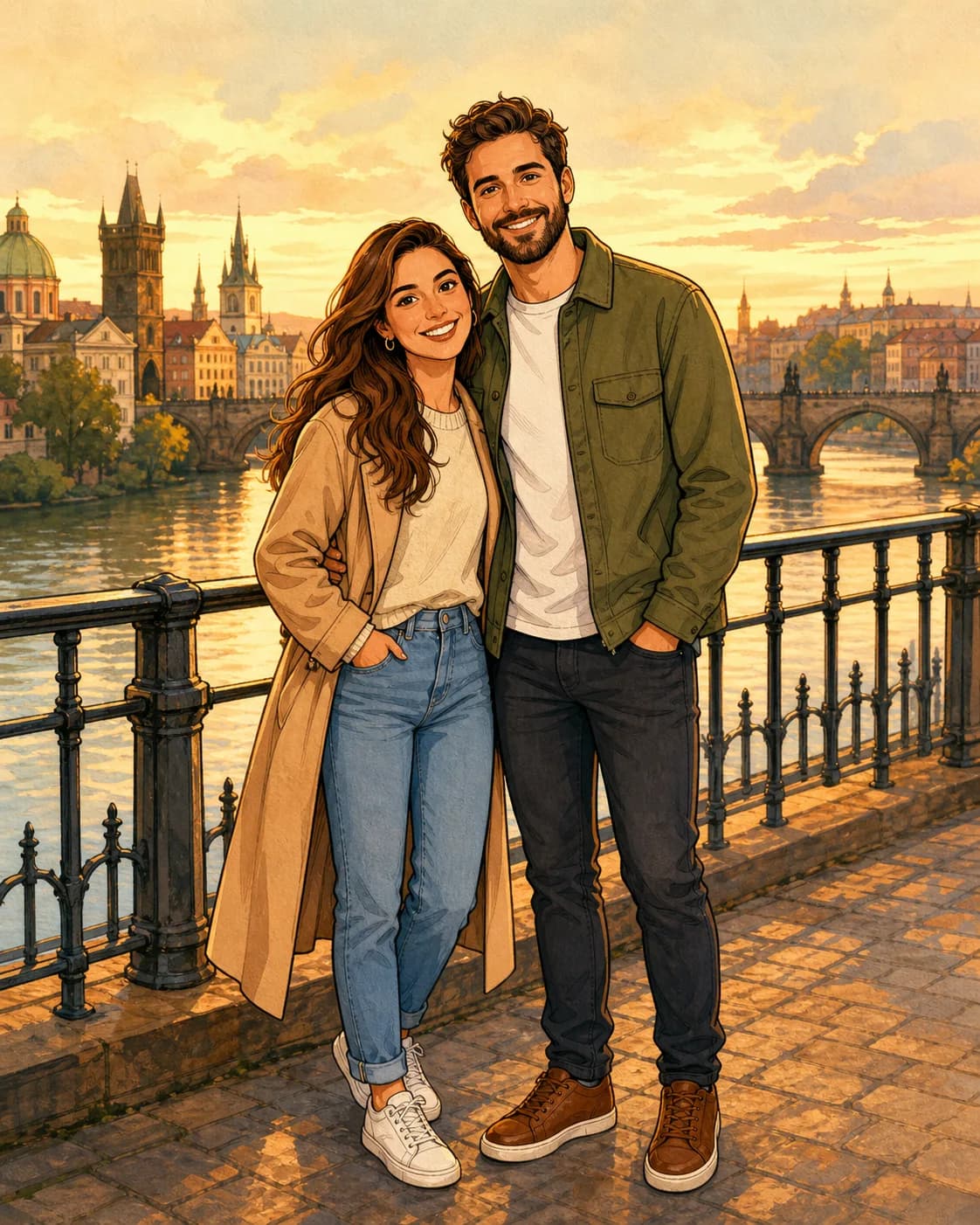
Explore Cartoon Styles
Choose a visual direction before customizing the subject, composition, and details.
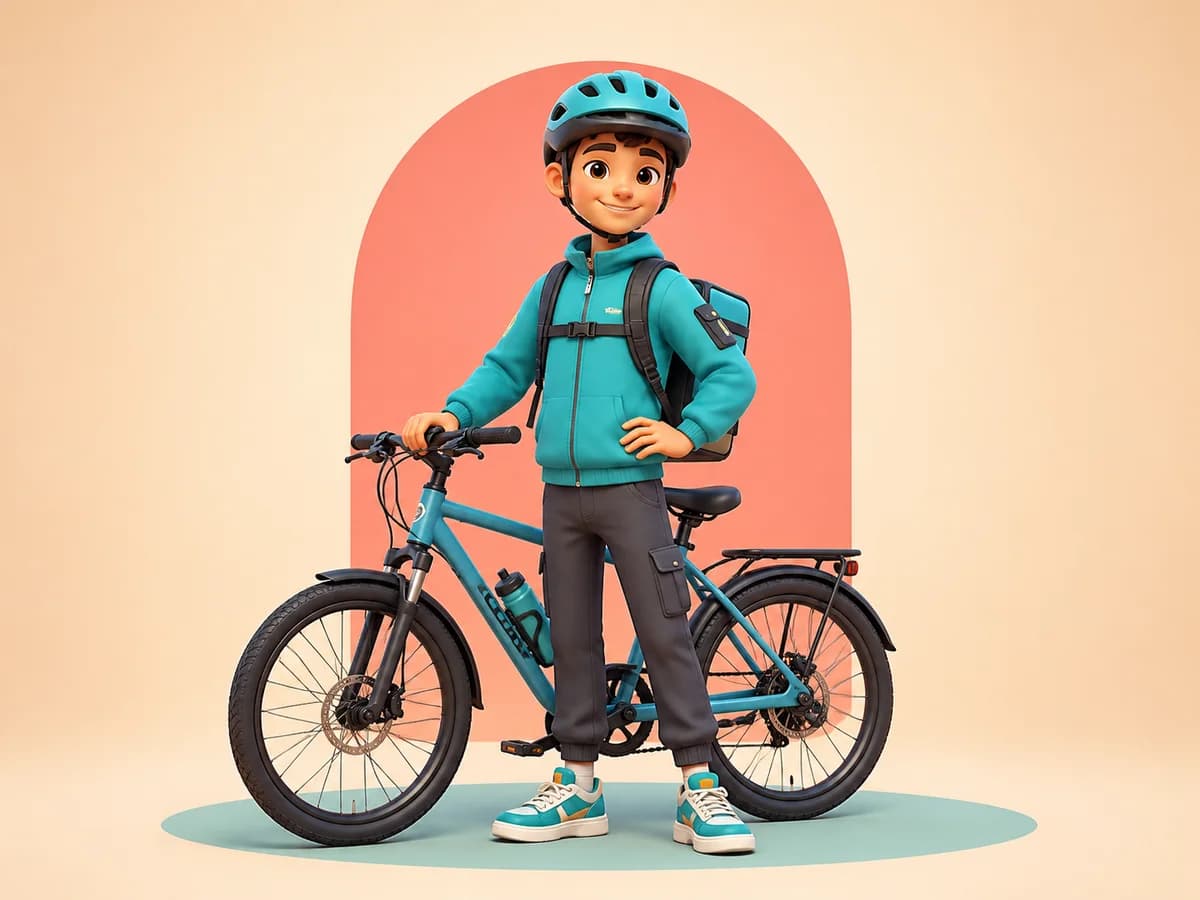 View details 3D Cartoon
Rounded characters, polished materials, expressive lighting, and cinematic depth.
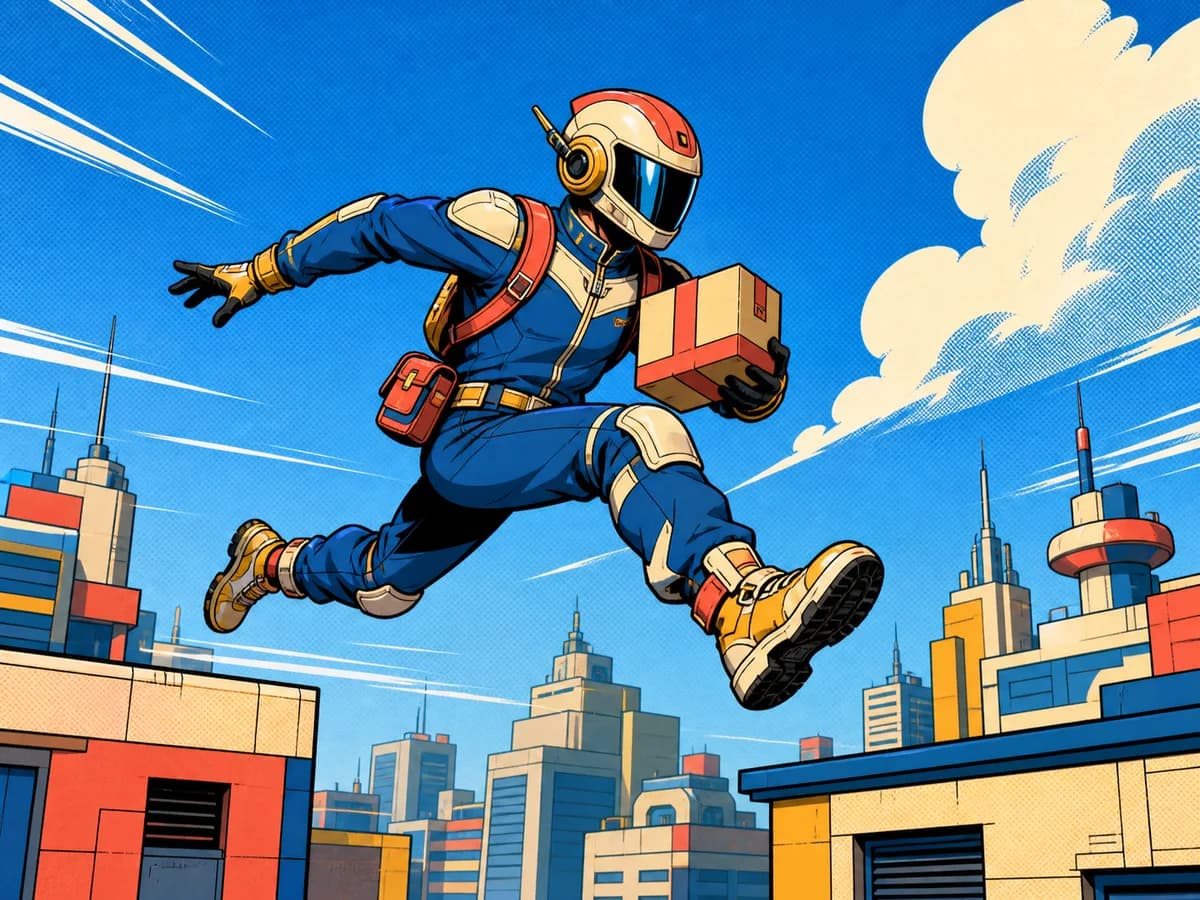 View details Comic Book
Bold outlines, dynamic poses, dramatic panels, and energetic halftone textures.
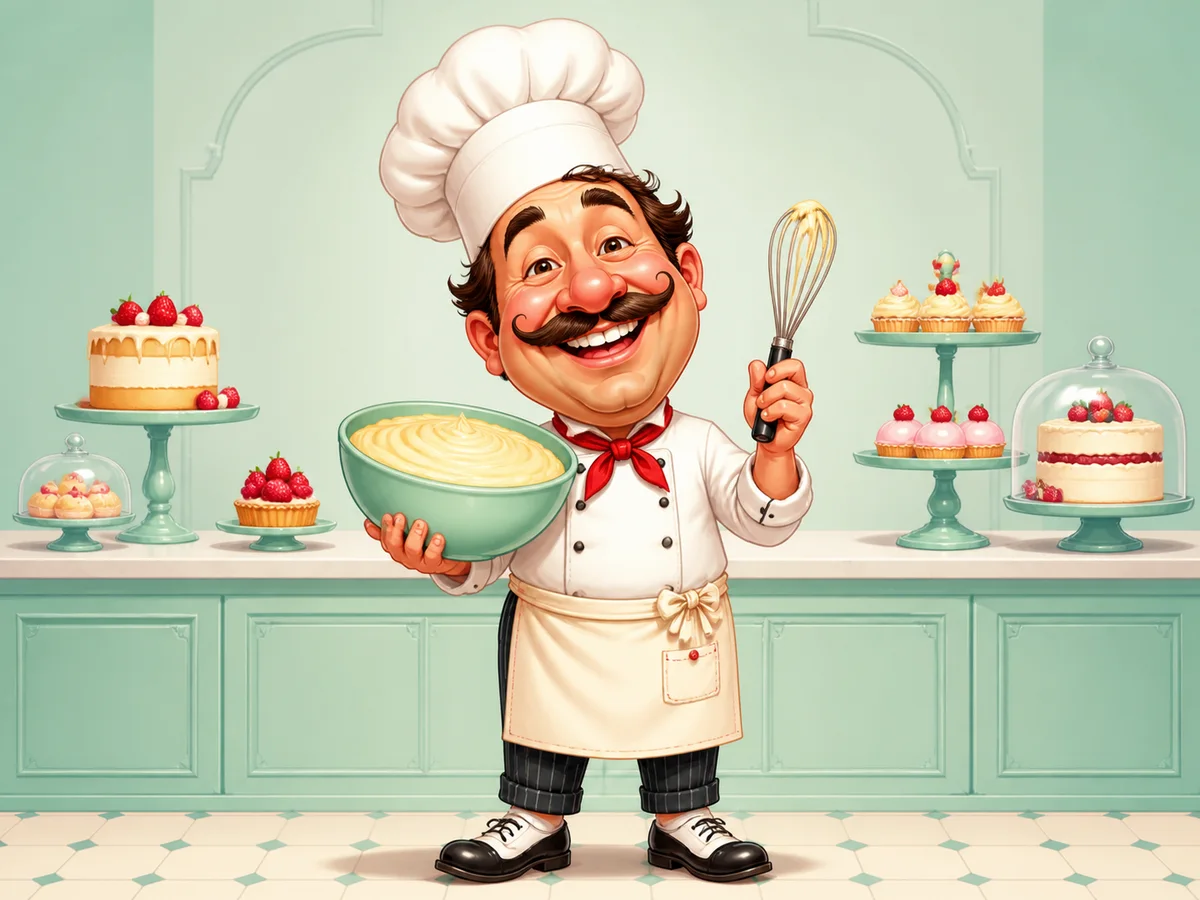 View details Caricature
Exaggerated facial features and playful proportions while keeping the subject recognizable.
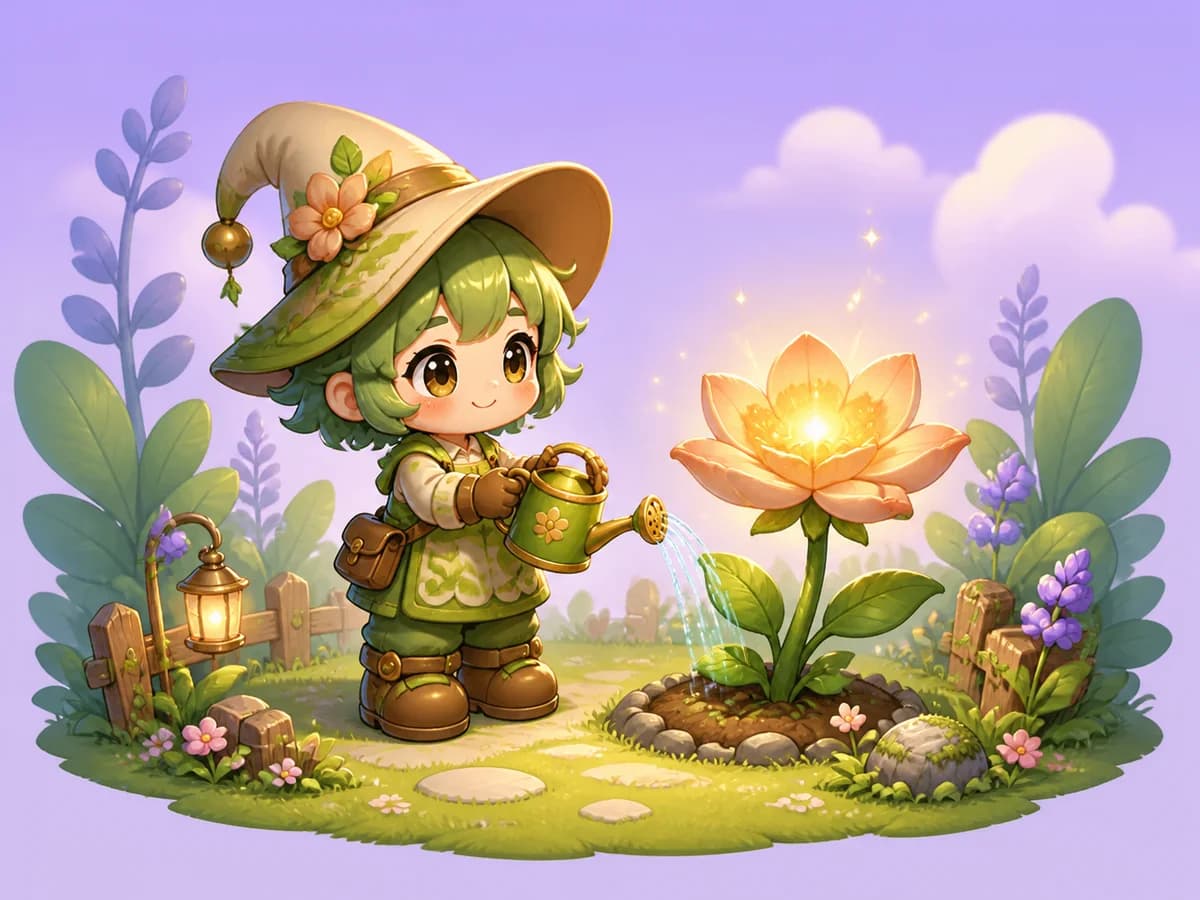 View details Chibi
Cute proportions, oversized heads, small bodies, and expressive character details.
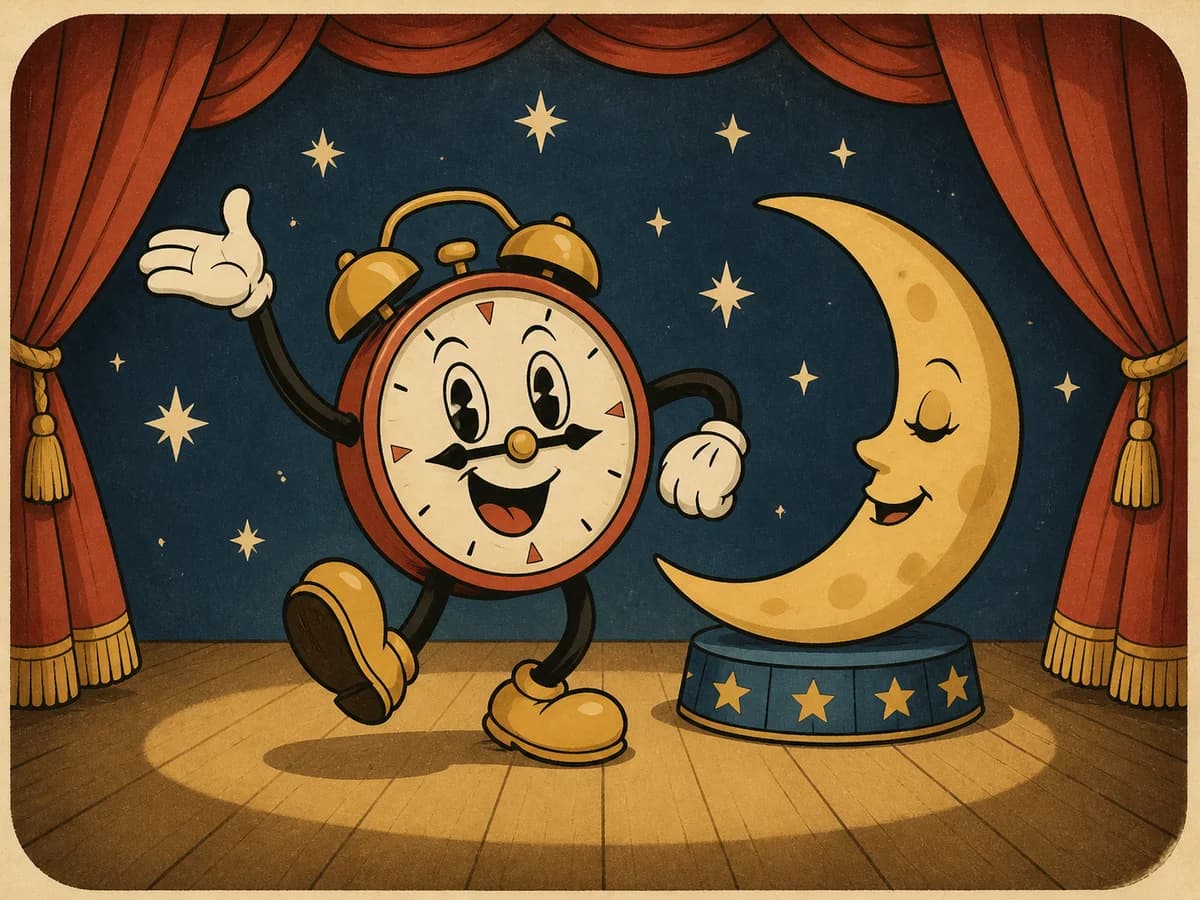 View details Retro Cartoon
Vintage linework, limited color palettes, print textures, and classic animation energy.
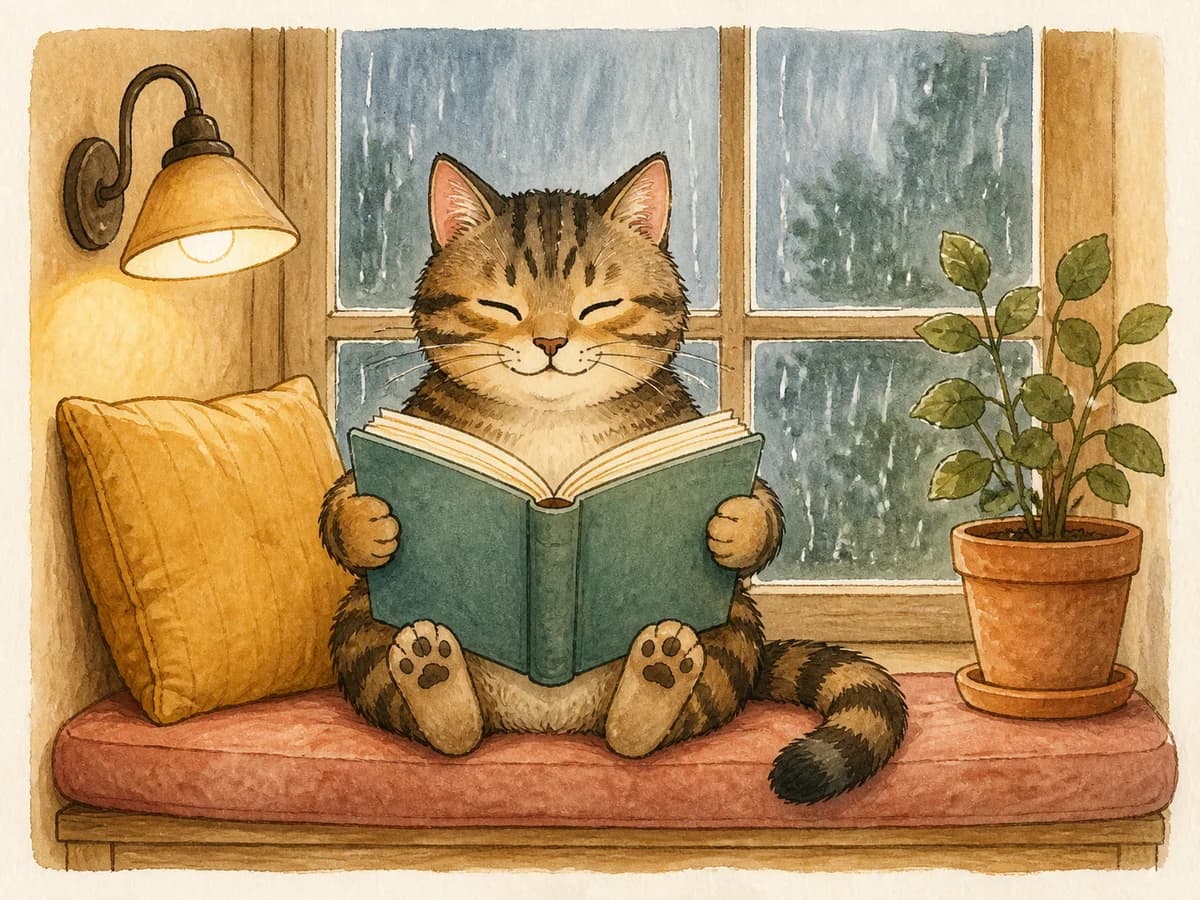 View details Hand-Drawn Cartoon
Organic outlines, sketch-like textures, and a warm illustrated finish.
Create Cartoon Design Assets
Generate cartoon artwork for printing, branding, social content, and creative projects.
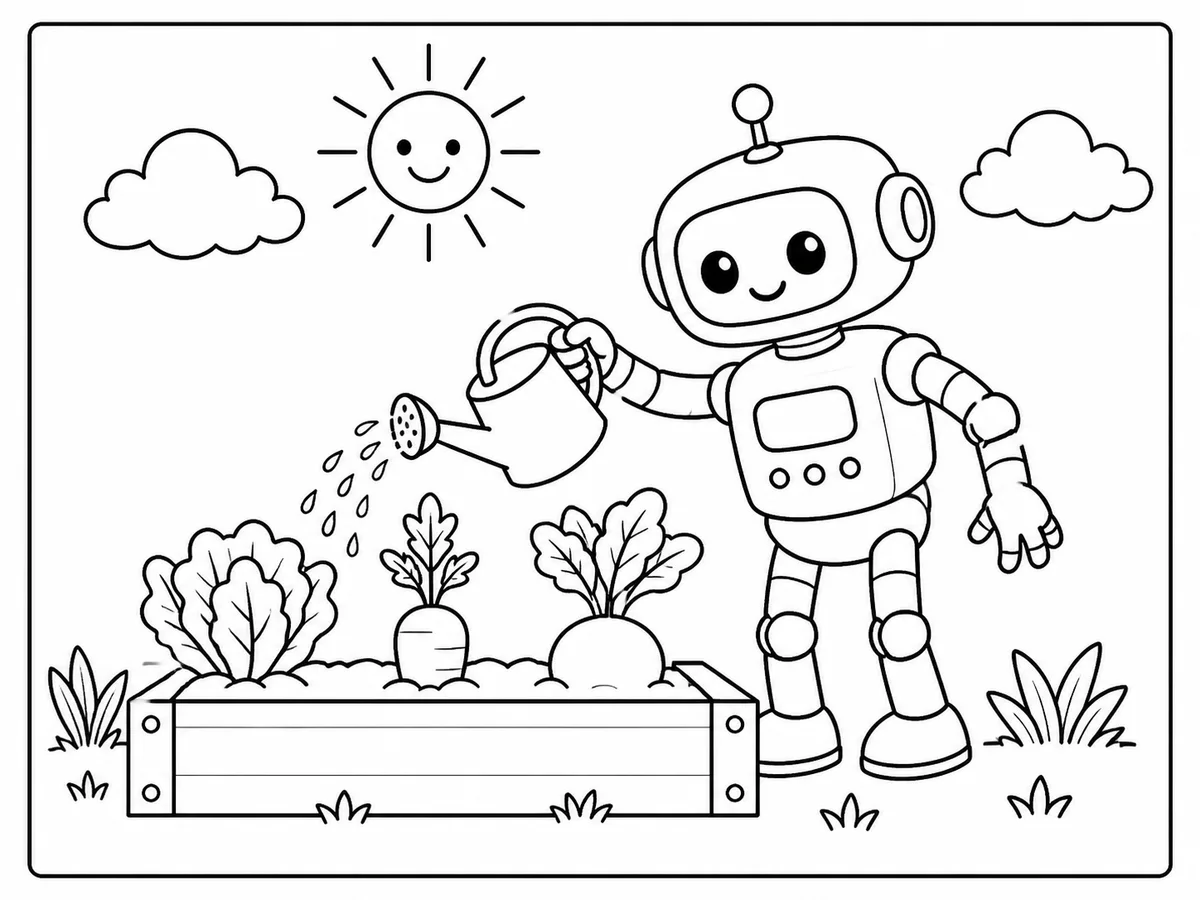 View details Cartoon Coloring PagesCreate clean black-and-white cartoon line art for kids, adults, classrooms, and printable activities.
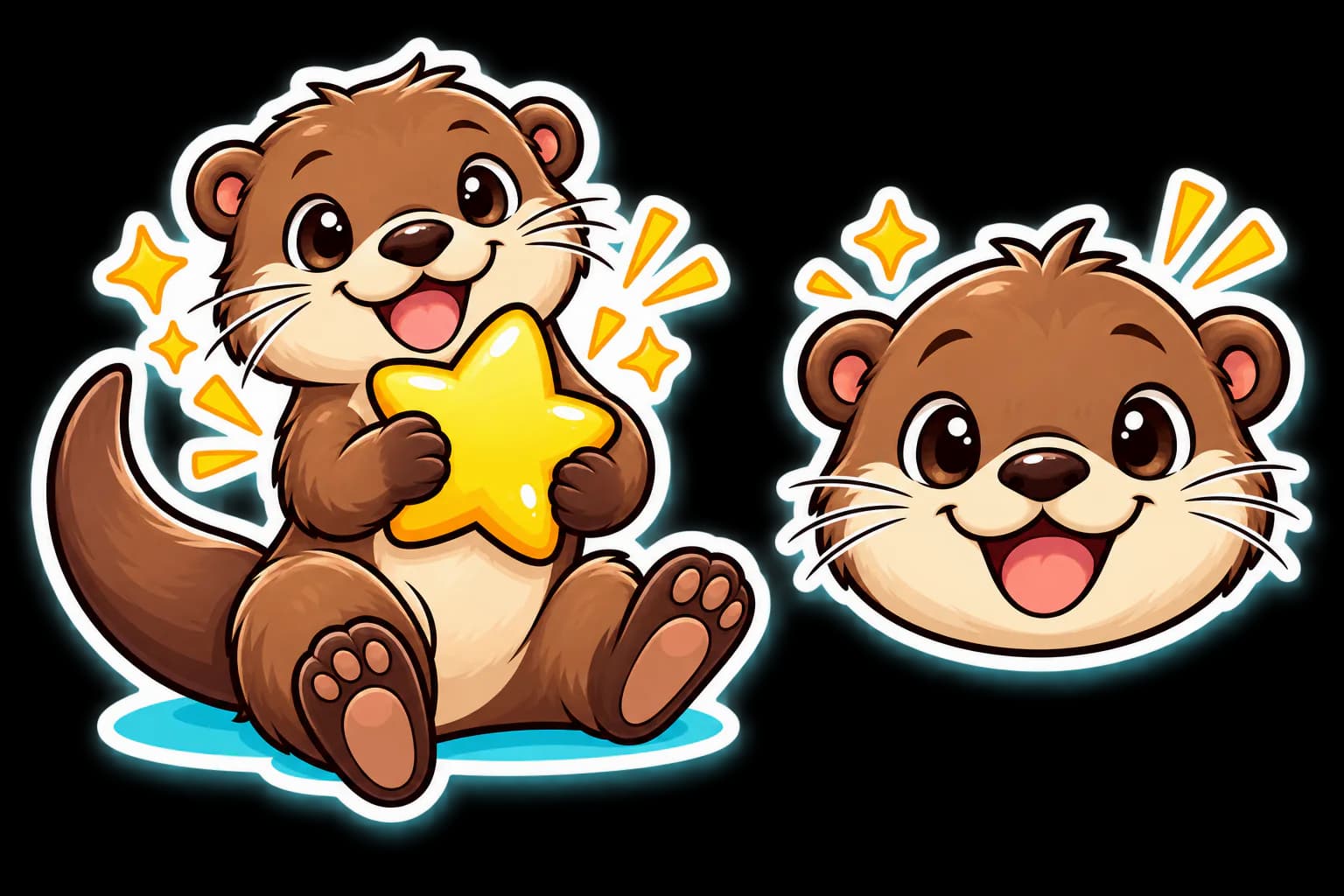
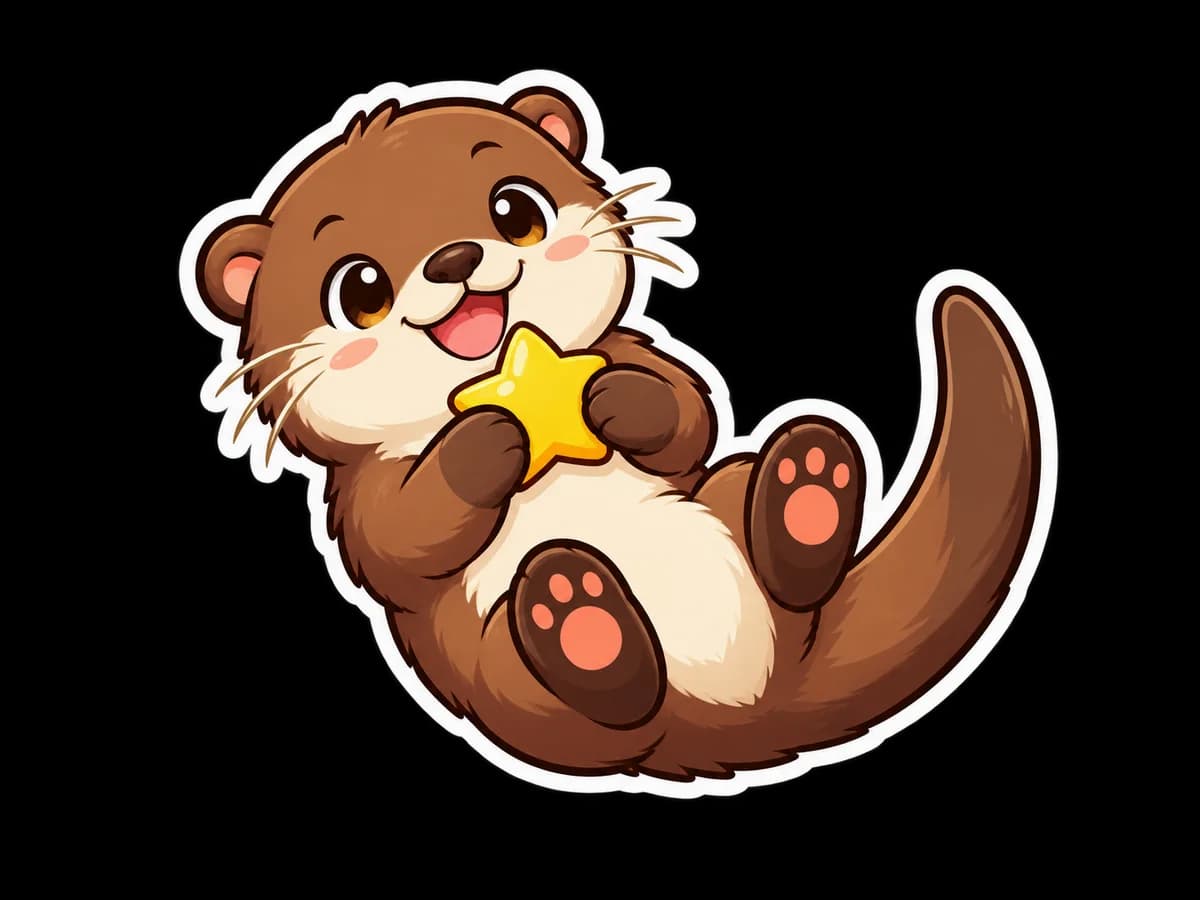 View details Cartoon StickersGenerate bold sticker characters with clean silhouettes, expressive poses, and transparent backgrounds.
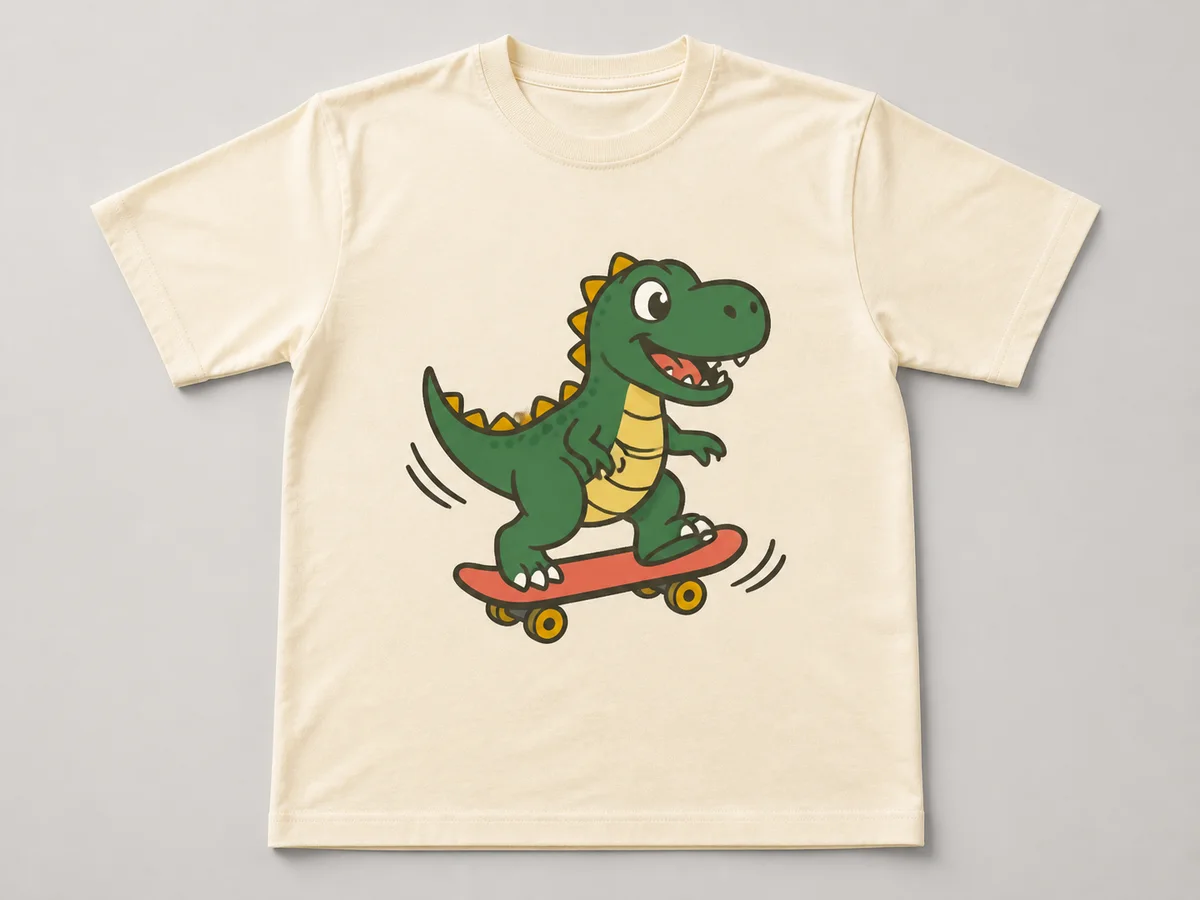 View details Cartoon T-Shirt DesignsCreate centered cartoon graphics with strong shapes, limited colors, and print-friendly compositions.
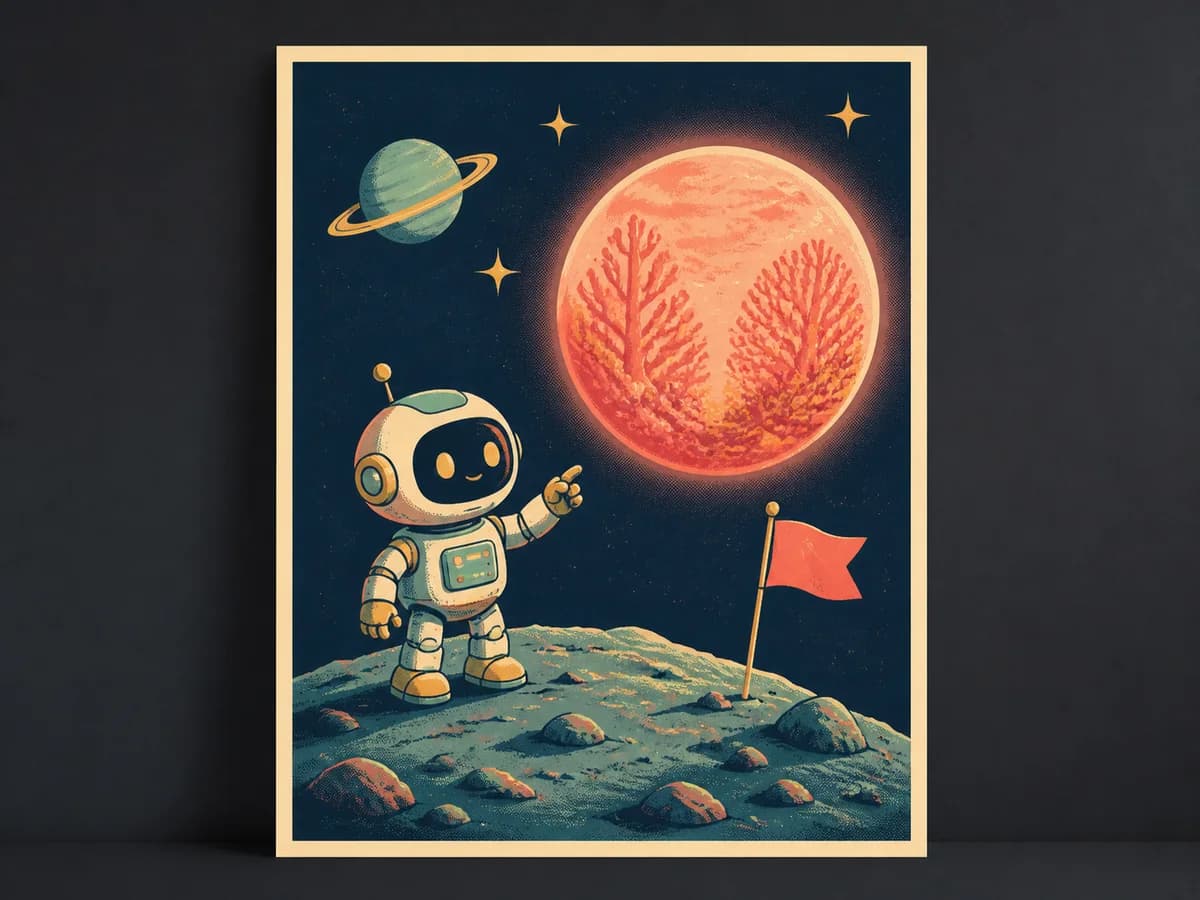 View details Cartoon PostersDesign playful cartoon posters for events, rooms, gifts, campaigns, and social content.
Create a Cartoon Image in Three Steps
- 01
Choose a Use Case
Start with a photo transformation, profile picture, family portrait, pet, original character, or design asset.
- 02
Open a Tested Prompt
Browse real generated examples and open any result to view the complete prompt, model, and settings.
- 03
Remix and Generate
Replace the subject, style, colors, or background, then generate your own version with Magggic.
Start with Prompts That Already Work
Magggic helps you skip the blank prompt box by starting from real examples and tested prompt structures.
Tested on Real Generations
Every featured prompt is paired with an actual output, so you can see the visual result before remixing it.
Easy to Customize
Change only the subject, outfit, style, colors, or background instead of rewriting an entire prompt.
Built for Different Models
Explore prompts created for multiple image models and choose the result that best matches your goal.
Create Better Cartoon Images with AI
Cartoon image generation works best when the prompt clearly defines both the subject and the visual treatment. A useful cartoon prompt usually describes who or what appears in the image, the character's expression and pose, the type of linework, the color palette, the background, and the intended final format.
If you already have a photo, start with a photo-to-cartoon prompt and focus on preserving recognizable details such as facial features, hairstyle, clothing, pet markings, or the number of people in the image. For original characters, describe the personality, outfit, proportions, pose, and environment before choosing a style such as 3D cartoon, comic book, caricature, retro animation, or hand-drawn illustration.
Magggic pairs prompts with real generated examples, making it easier to understand which words affect the final result. Open any image to view its prompt, replace the details that matter to you, and remix it into a new cartoon image.
For more reliable results, keep the camera angle and composition simple, state which details must remain recognizable, and describe the intended background instead of leaving it ambiguous. When a first generation feels too generic, refine one element at a time—such as the expression, outline weight, lighting, or palette—so you can see which change improves the image.
Match the output format to its final use: square framing for profile pictures, generous outer space for stickers and logos, centered graphics for shirts, high-contrast outlines for coloring pages, and readable focal points for posters. For families and pets, name every subject and describe where each person or animal should appear. This reduces missing subjects, accidental crops, and inconsistent details across generations.
Define the Subject
Describe the person, pet, character, object, or group before adding style details.
Choose a Clear Style
Use one strong visual direction instead of combining several unrelated cartoon styles.
Describe the Output
Specify whether the result is a profile picture, full-body character, logo, sticker, poster, or coloring page.
Cartoon AI Prompts FAQ
What is a cartoon AI prompt?
A cartoon AI prompt is a text description that tells an image model what subject to create and how the cartoon should look. It can define the character, pose, expression, linework, colors, background, composition, and final use.
Can I turn a real photo into a cartoon?
Yes. Start with a clear photo and use a prompt that asks the model to preserve recognizable features while changing the image into a specific cartoon style. Portraits with good lighting and visible facial details usually provide a stronger starting point.
Can I create a cartoon profile picture from a selfie?
Yes. A square selfie with a clear face and simple background works well for cartoon profile pictures. You can then choose a 3D, comic, cute, retro, caricature, or hand-drawn style.
How do I create a consistent cartoon character?
Keep the character description stable across prompts. Reuse the same details for the face, hair, outfit, proportions, color palette, and personality, and only change the pose, expression, or scene when needed.
Do I need to write a cartoon prompt from scratch?
No. Open any generated example on Magggic, review the full prompt, and use Remix to replace the subject, style, colors, background, or other details.
Can I use AI-generated cartoon images commercially?
Commercial usage depends on the image model, your account plan, the source material, and the rights connected to the subject or brand. Review the terms of the model you use before publishing or selling the final image.
Ready to Create Your Cartoon?
Choose a tested prompt, customize the details, and generate a cartoon image that feels like your own.