
Turn Your Photo into a Cartoon with AI
Upload a portrait, selfie, family picture, or pet photo. Choose a cartoon style, customize a tested prompt, and generate a new version without starting from a blank prompt.
- Real generated examples
- Tested prompt recipes
- Multiple cartoon styles
Upload a Photo to Get Started
Use a clear photo with the main subject fully visible. You can refine the style and details before generating.
Choose a Cartoon Style
One clear visual direction keeps the transformation consistent.
Describe Any Changes
The tested transformation prompt and selected style are already included.
Transform the uploaded photo into a polished cartoon illustration. Preserve the subject's recognizable facial features, hairstyle, clothing, pose, important accessories, and overall composition. Use clean outlines, expressive details, a cohesive color palette, and a refined background. Use rounded 3D character styling, polished materials, soft cinematic lighting, expressive facial details, and natural depth.
See a Photo Become a Cartoon
Compare the original reference with a generated cartoon result before trying the style yourself.
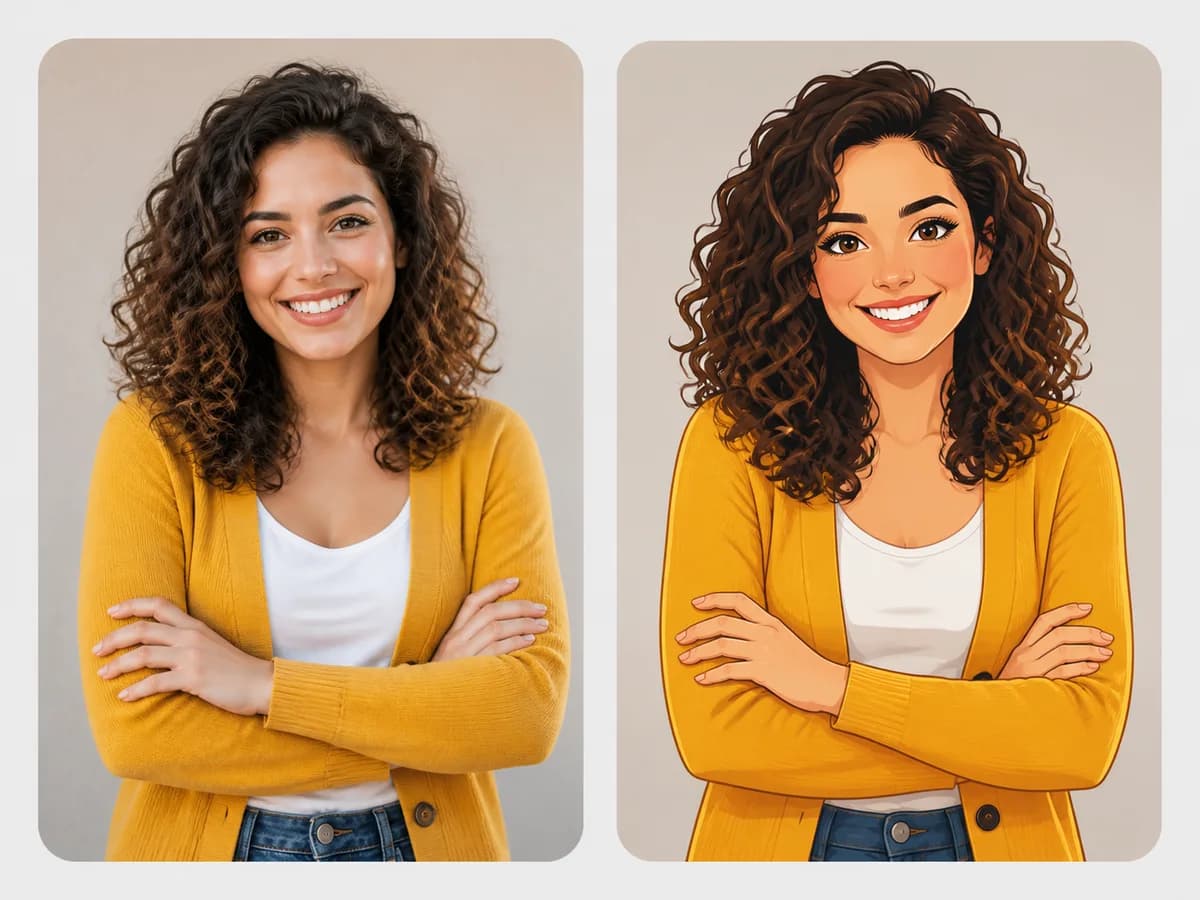
Portrait Photo to Polished Cartoon
The cartoon keeps the subject's curly hair, smile, mustard cardigan, crossed-arm pose, and neutral framing recognizable.
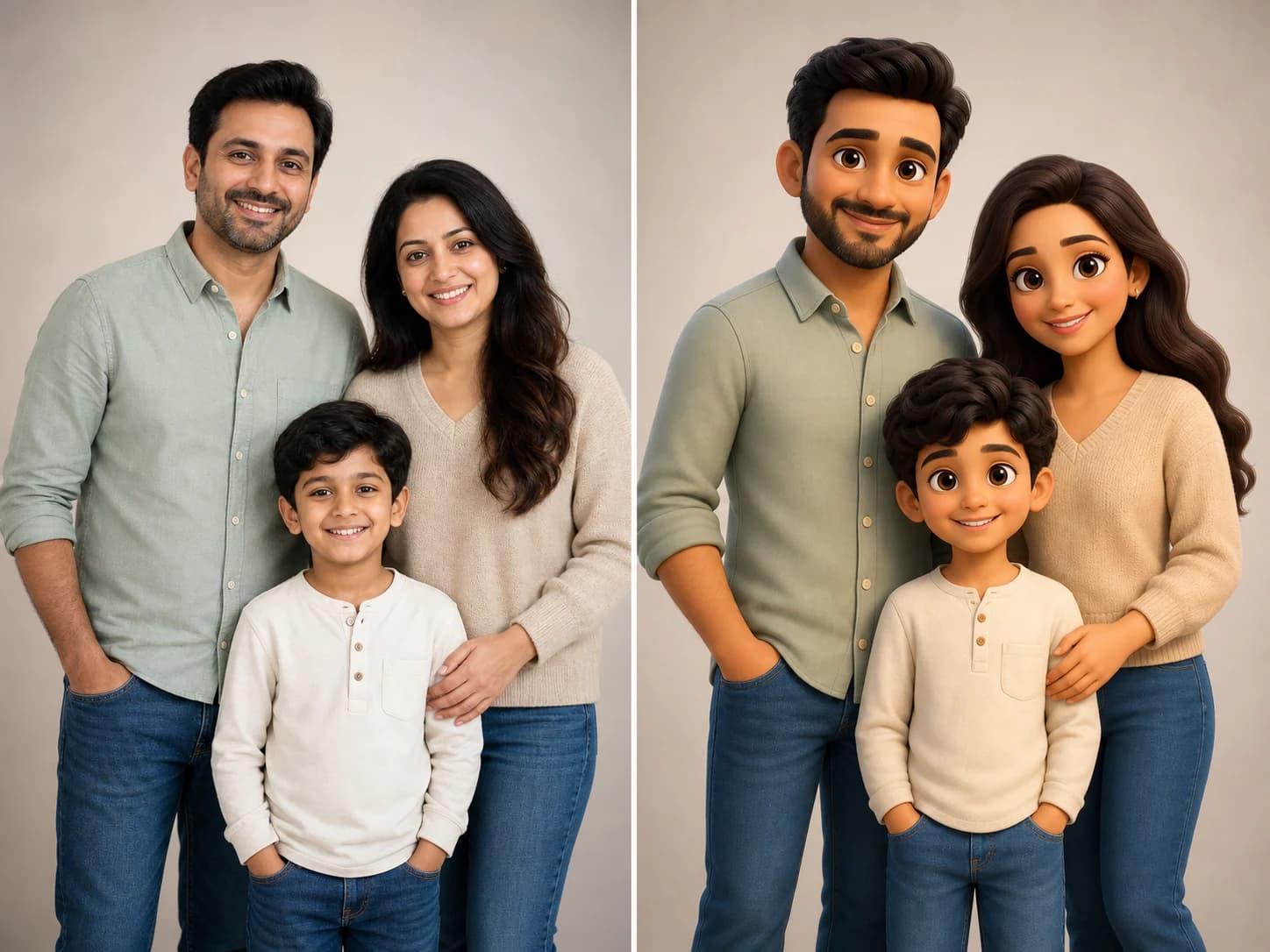
Family Photo to 3D Cartoon Portrait
All three people remain distinct and fully visible, with their hairstyles, clothing colors, family arrangement, and relaxed expressions carried into the cartoon result.
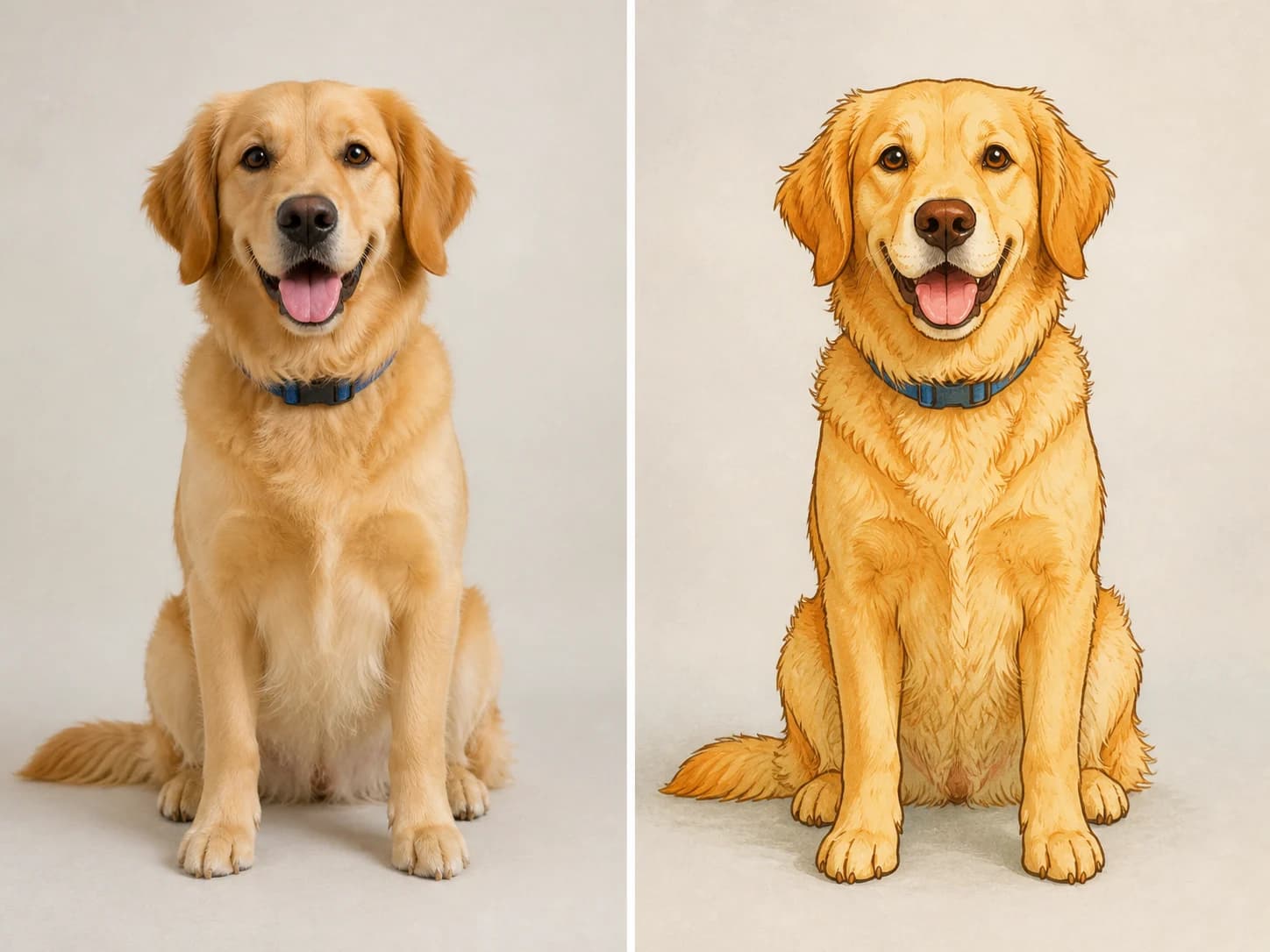
Pet Photo to Hand-Drawn Cartoon
The cartoon keeps the dog's golden coat, floppy ears, blue collar, friendly expression, seated pose, paws, and tail recognizable without cropping the subject.
Explore Photo-to-Cartoon Styles
Choose the visual treatment that best matches your photo and the final result you want.
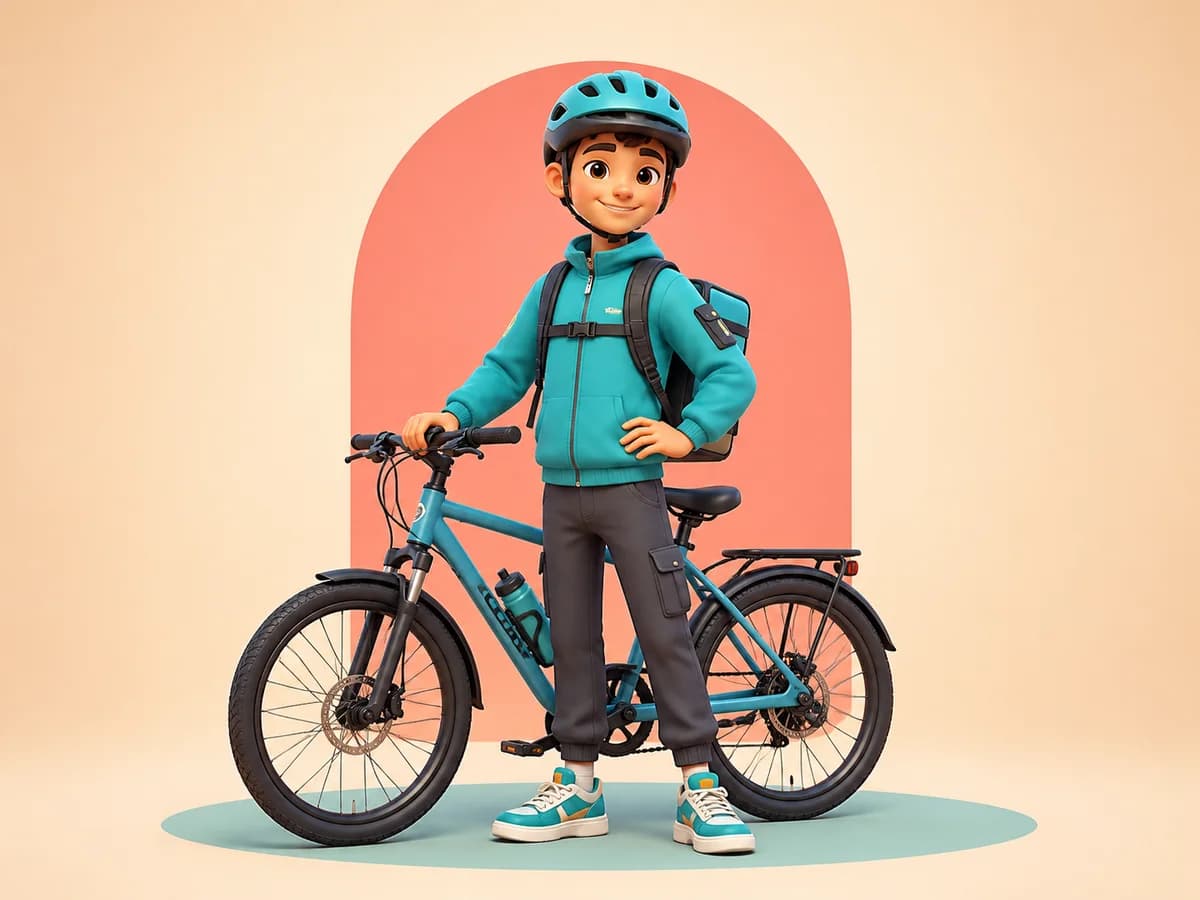
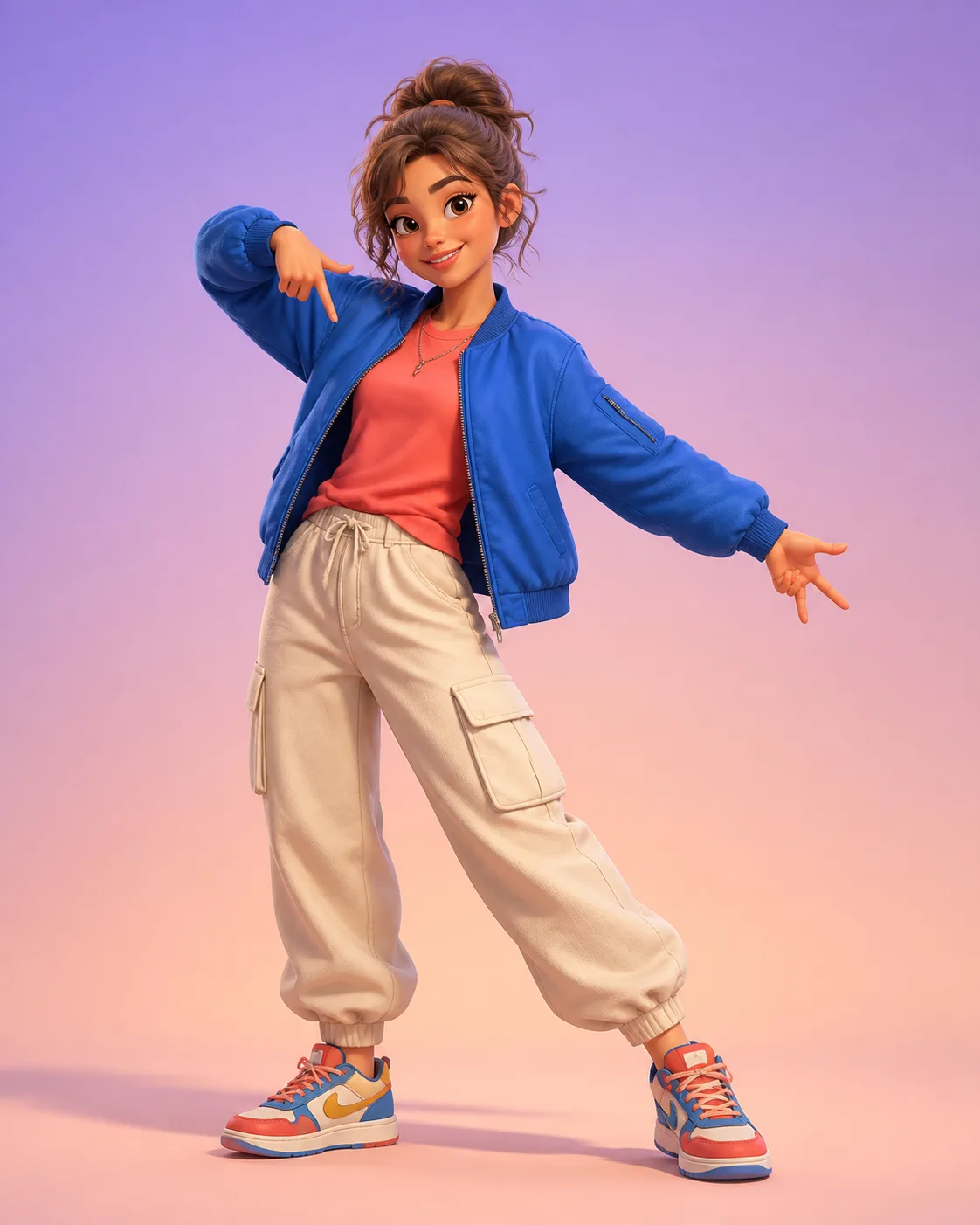
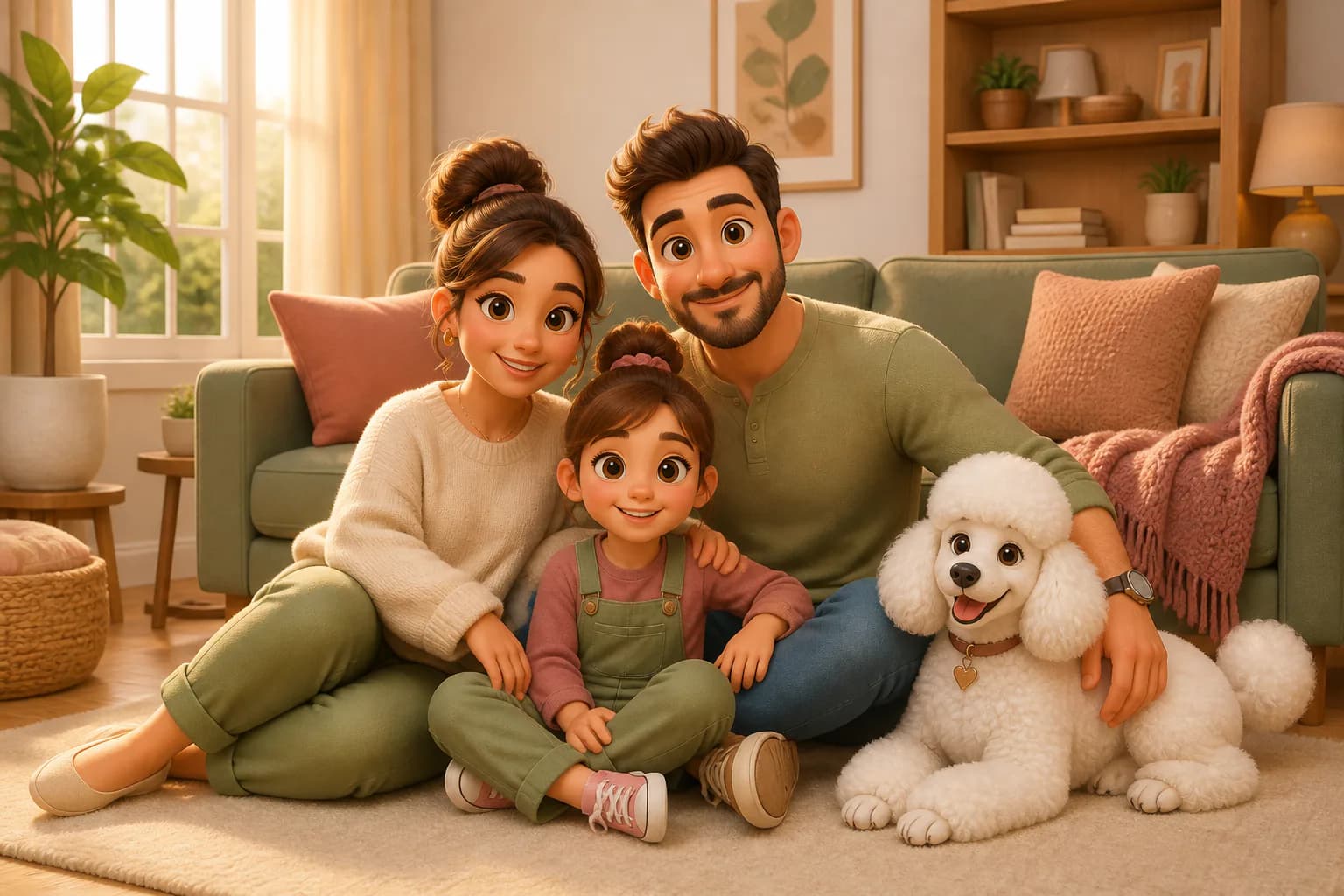
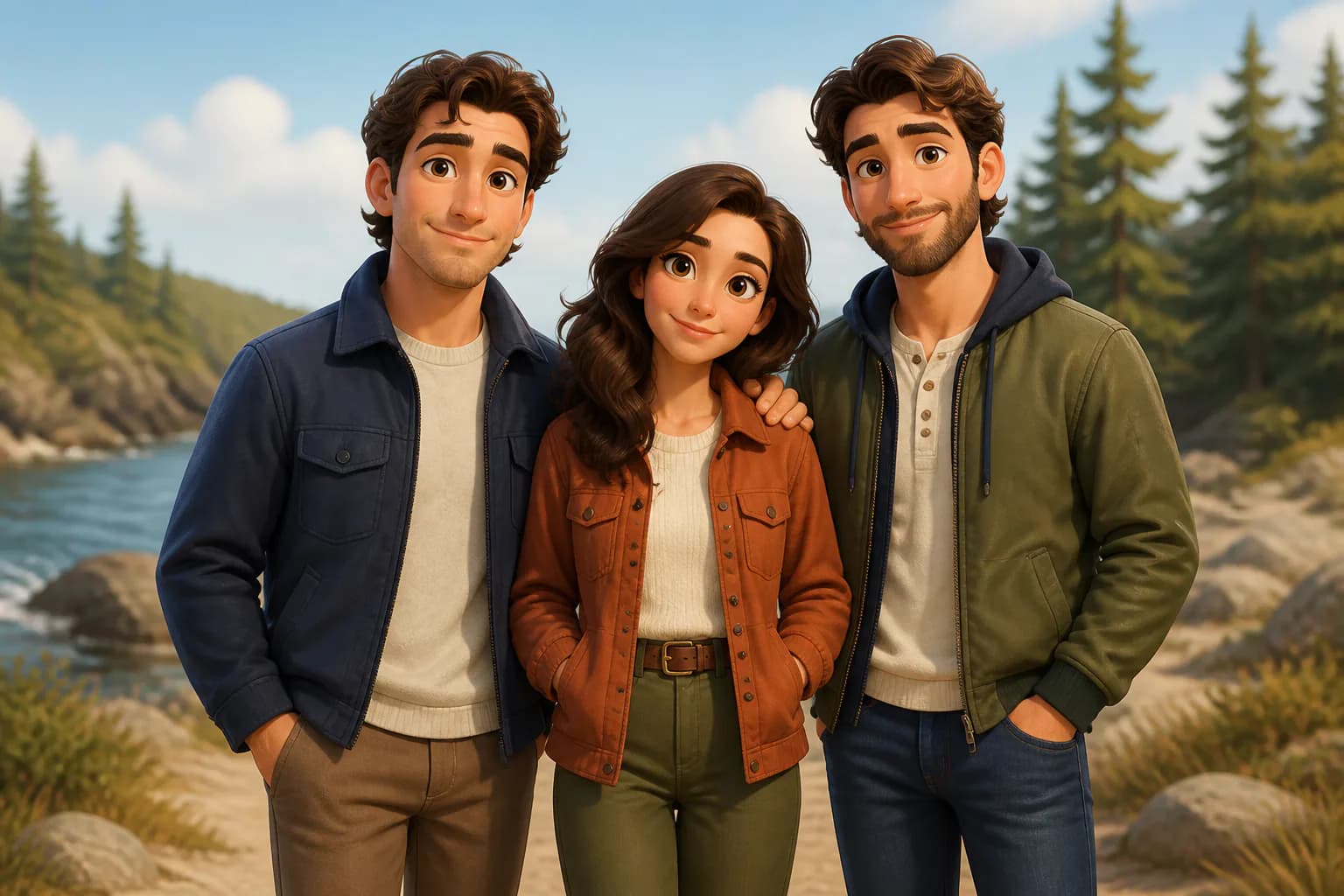
Rounded characters, polished materials, soft lighting, and expressive depth.
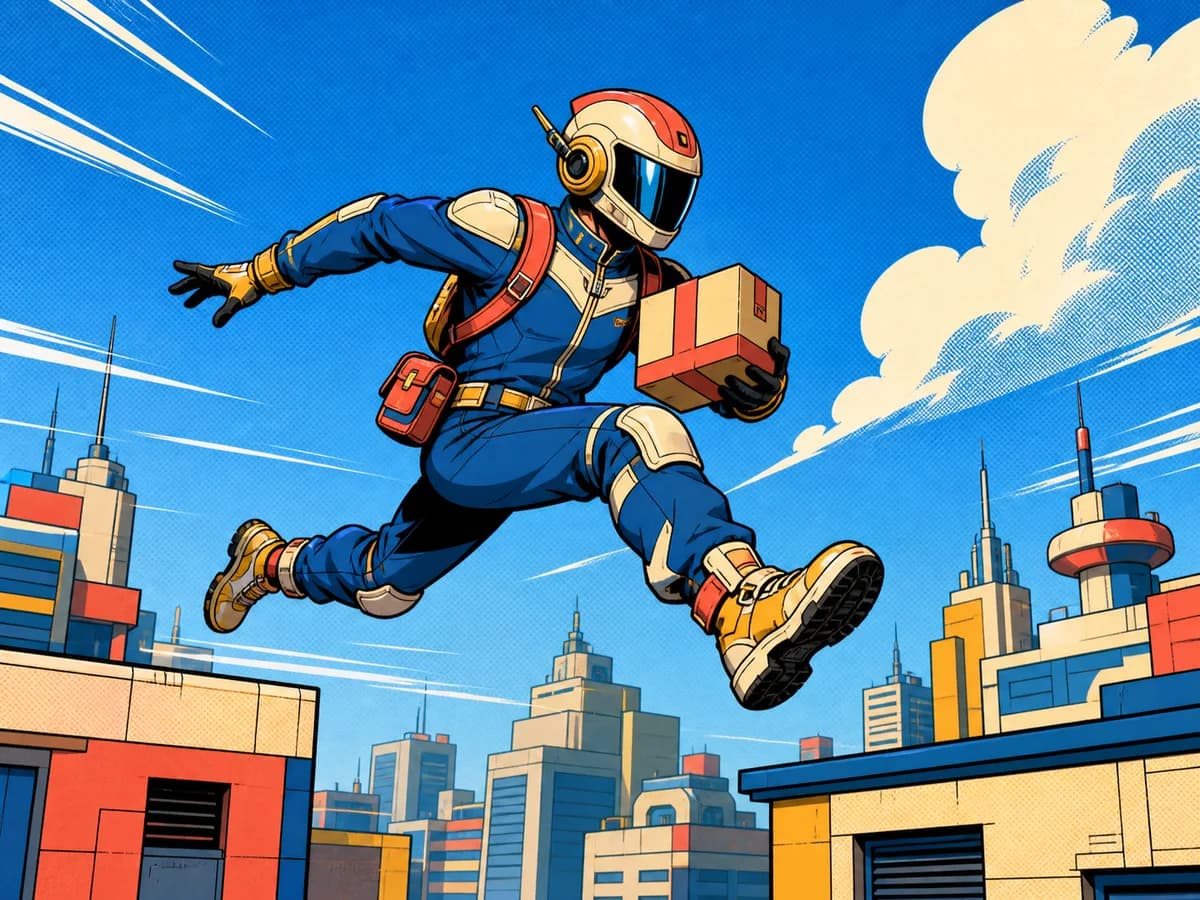
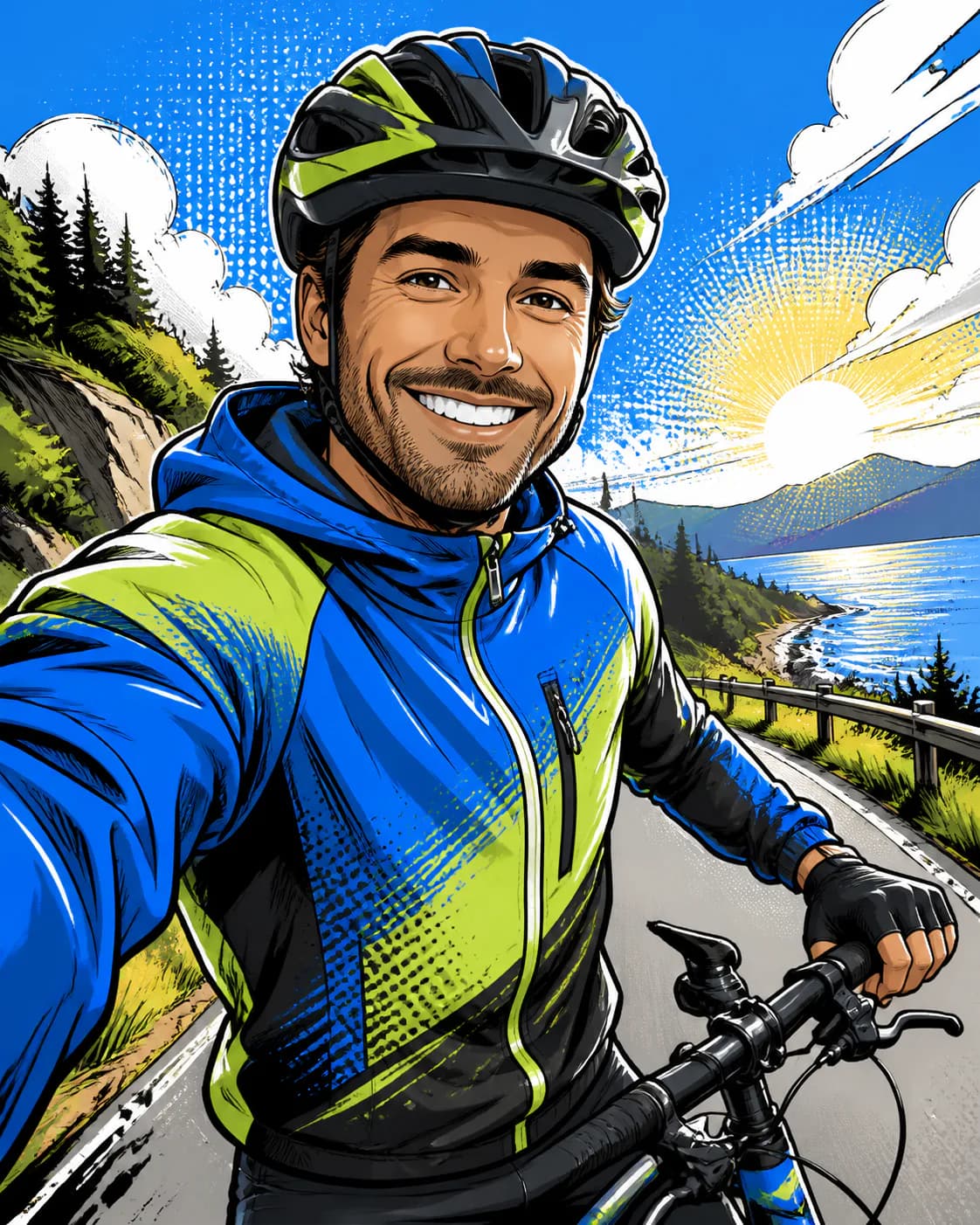
Bold ink lines, dynamic contrast, colorful halftones, and graphic energy.
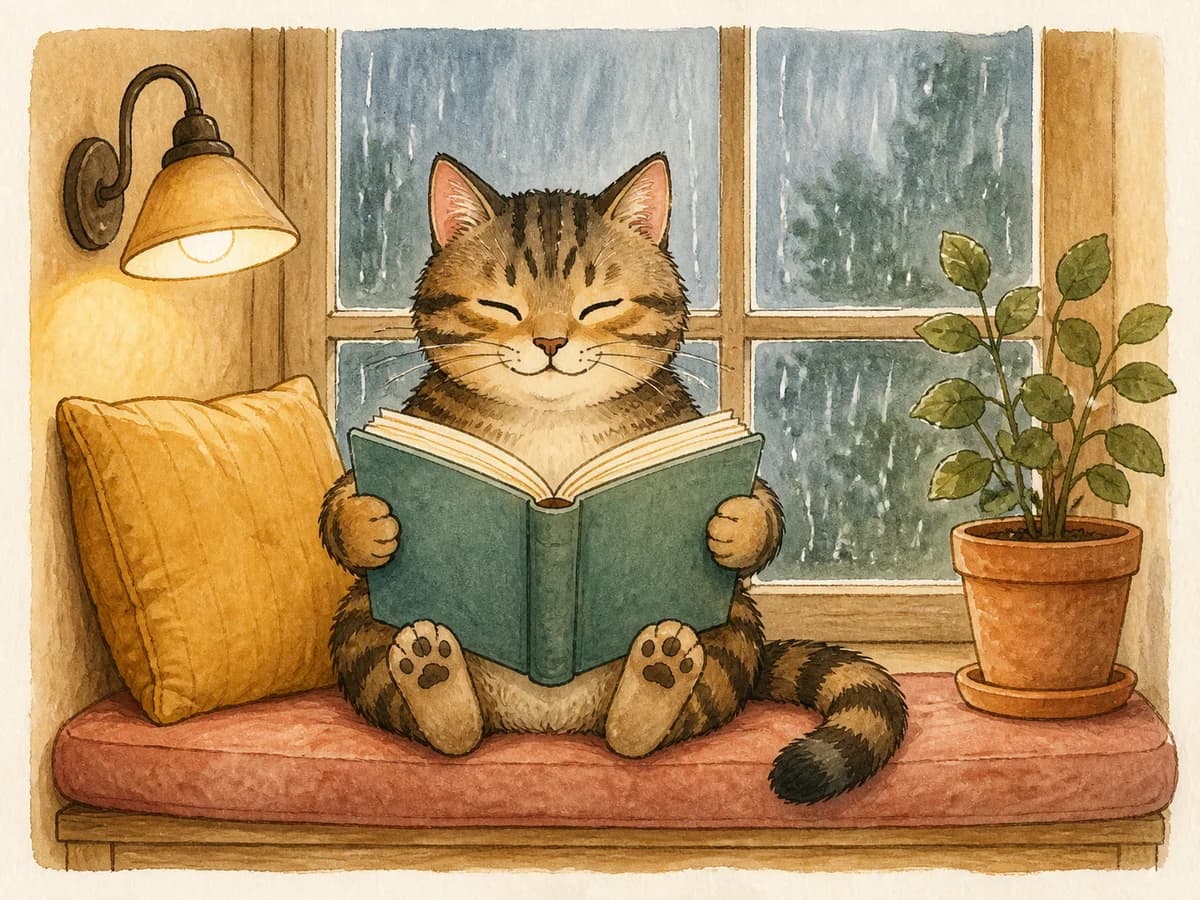
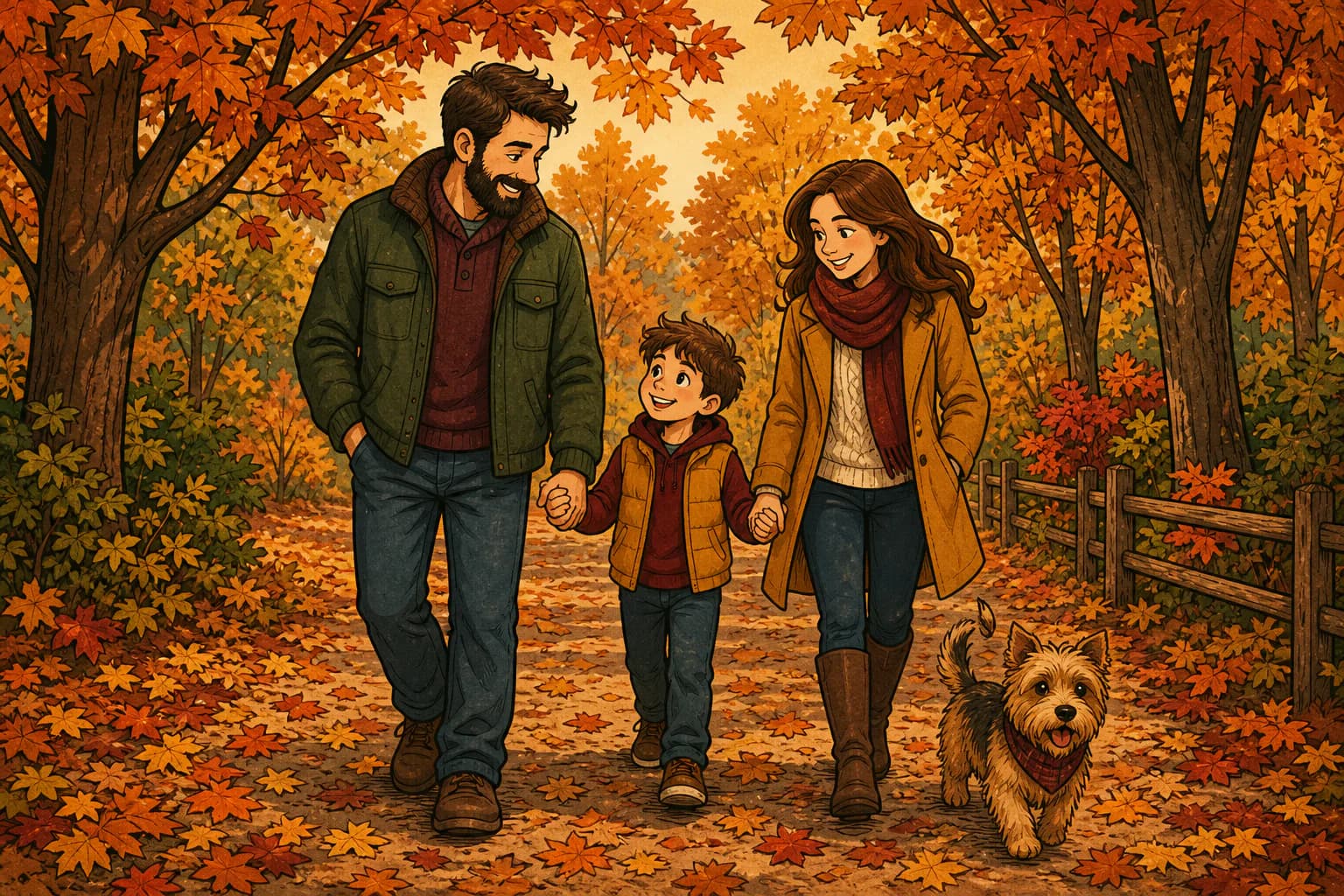
Organic outlines, subtle texture, and a warm illustrated finish.
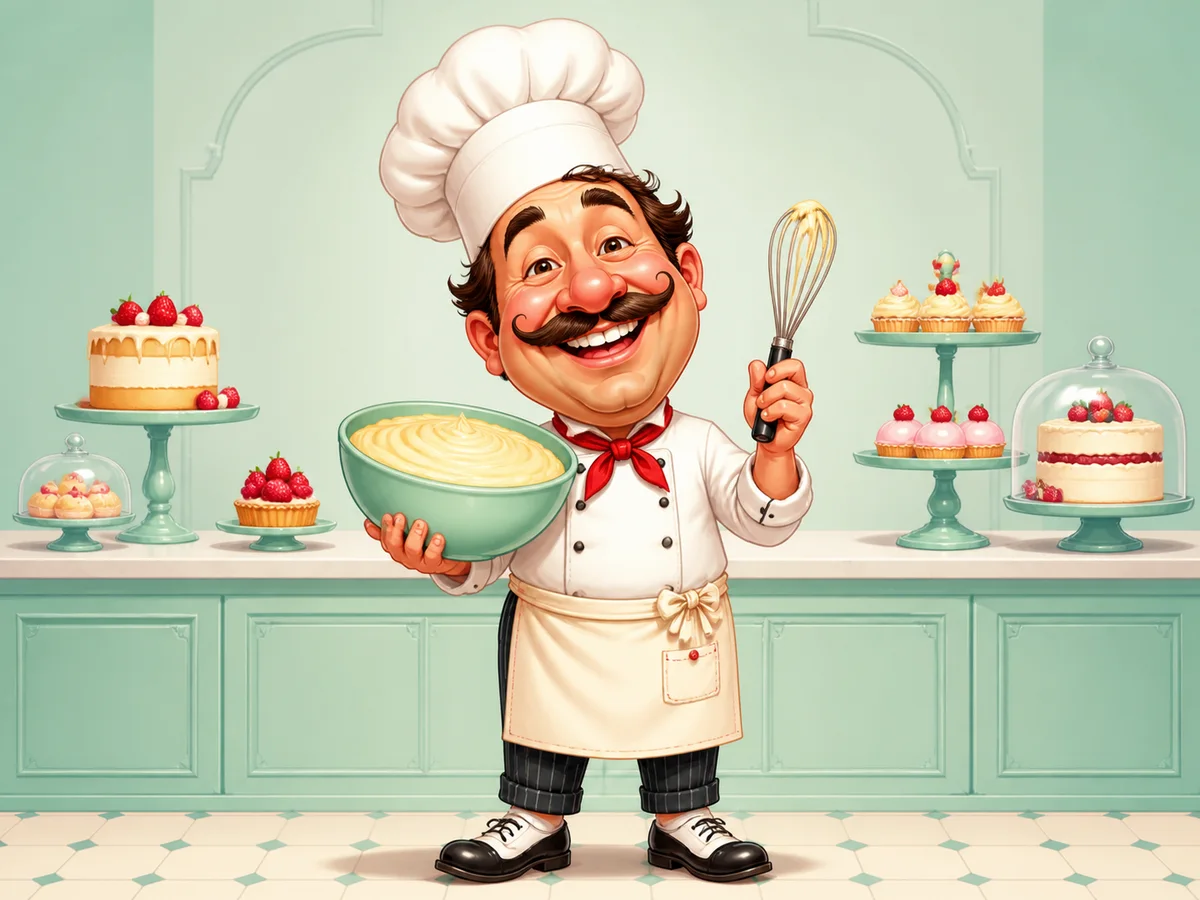
Playful exaggerated features while keeping the subject recognizable.
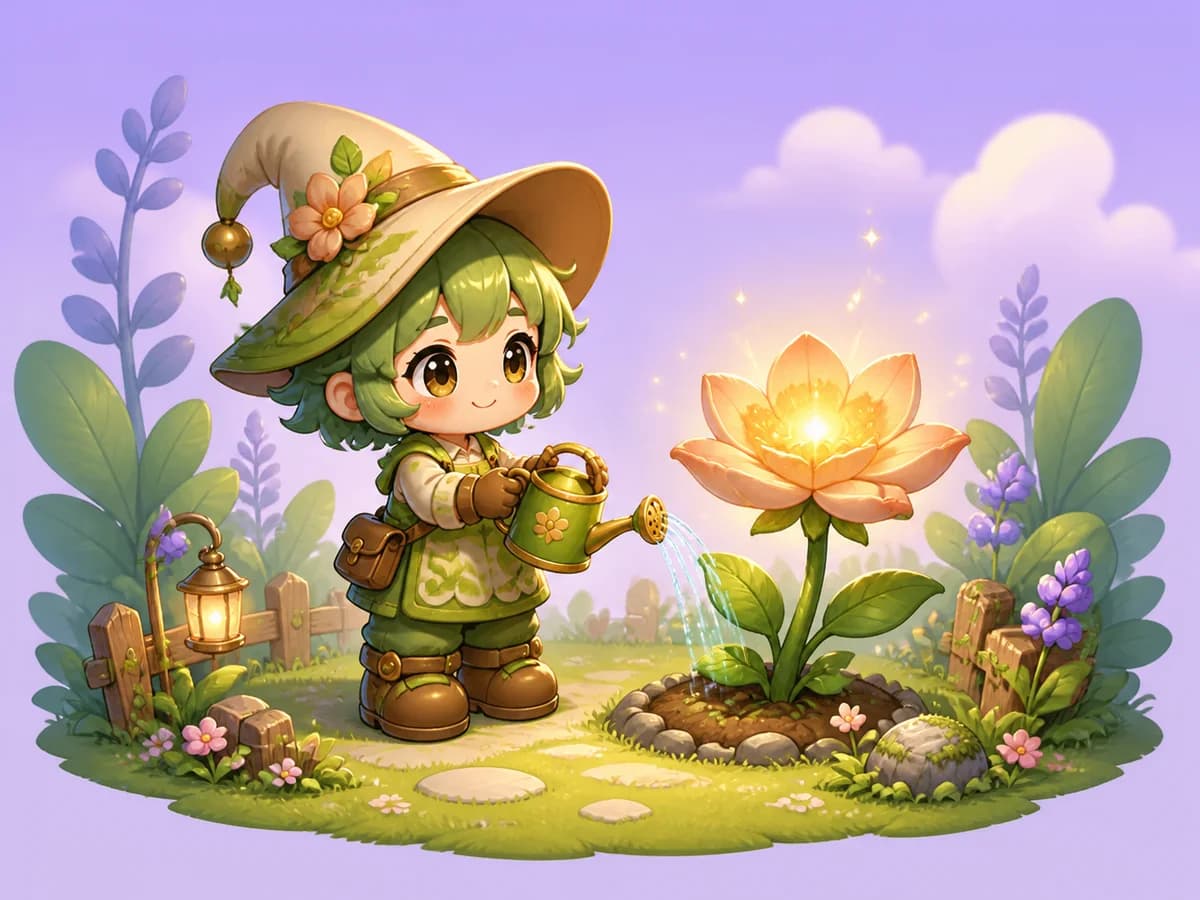
Cute proportions, simplified shapes, expressive eyes, and bright details.
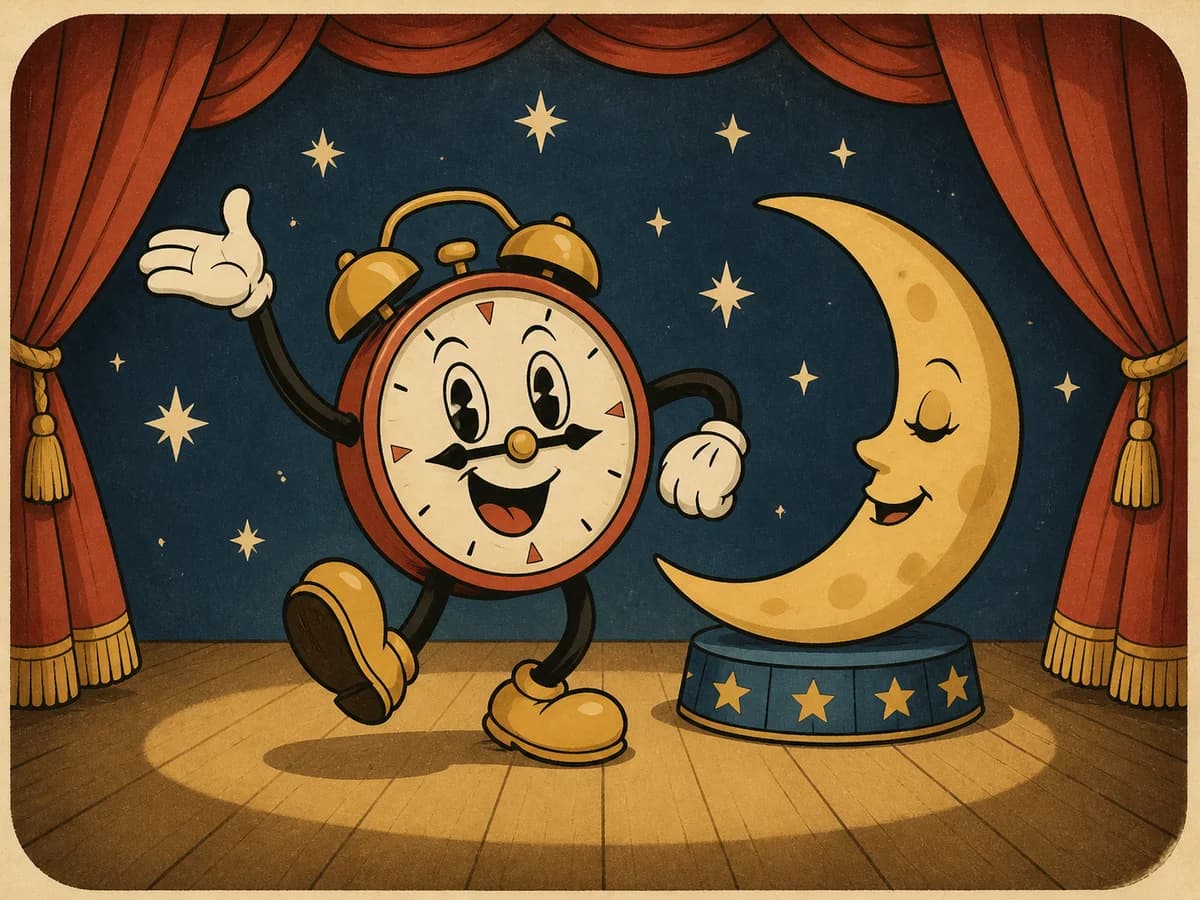
Vintage linework, limited colors, and classic print-inspired texture.
Photo-to-Cartoon Prompt Ideas
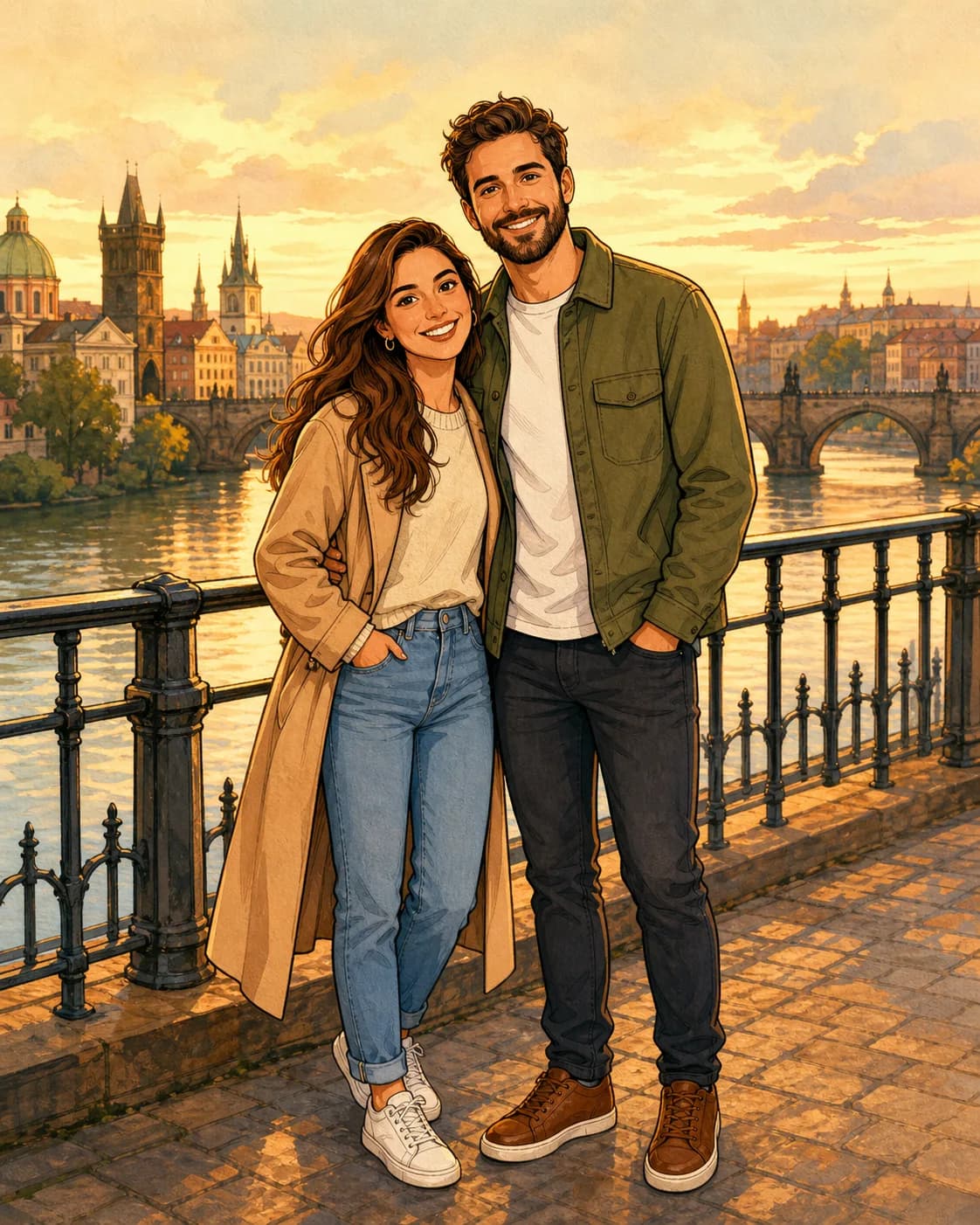
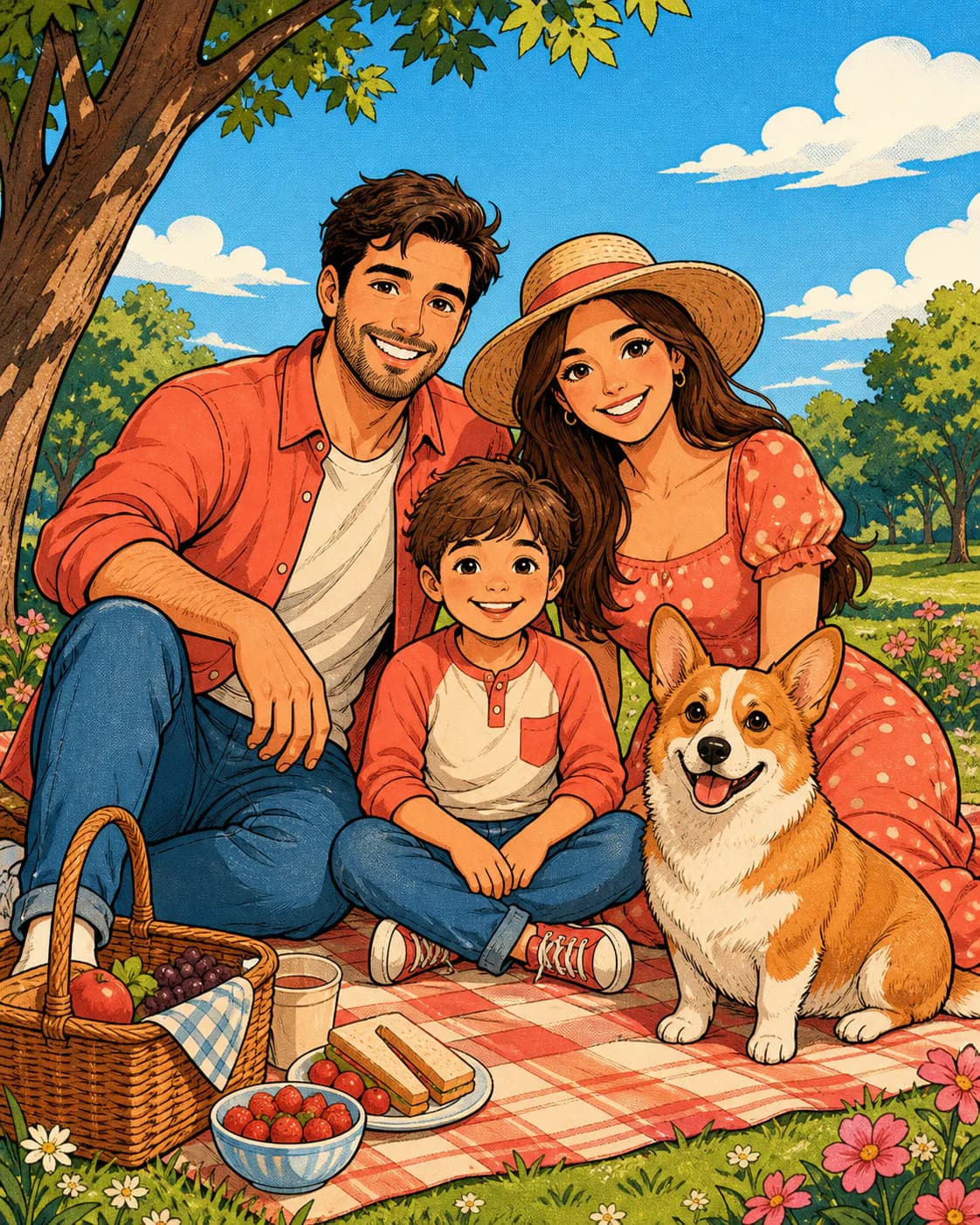
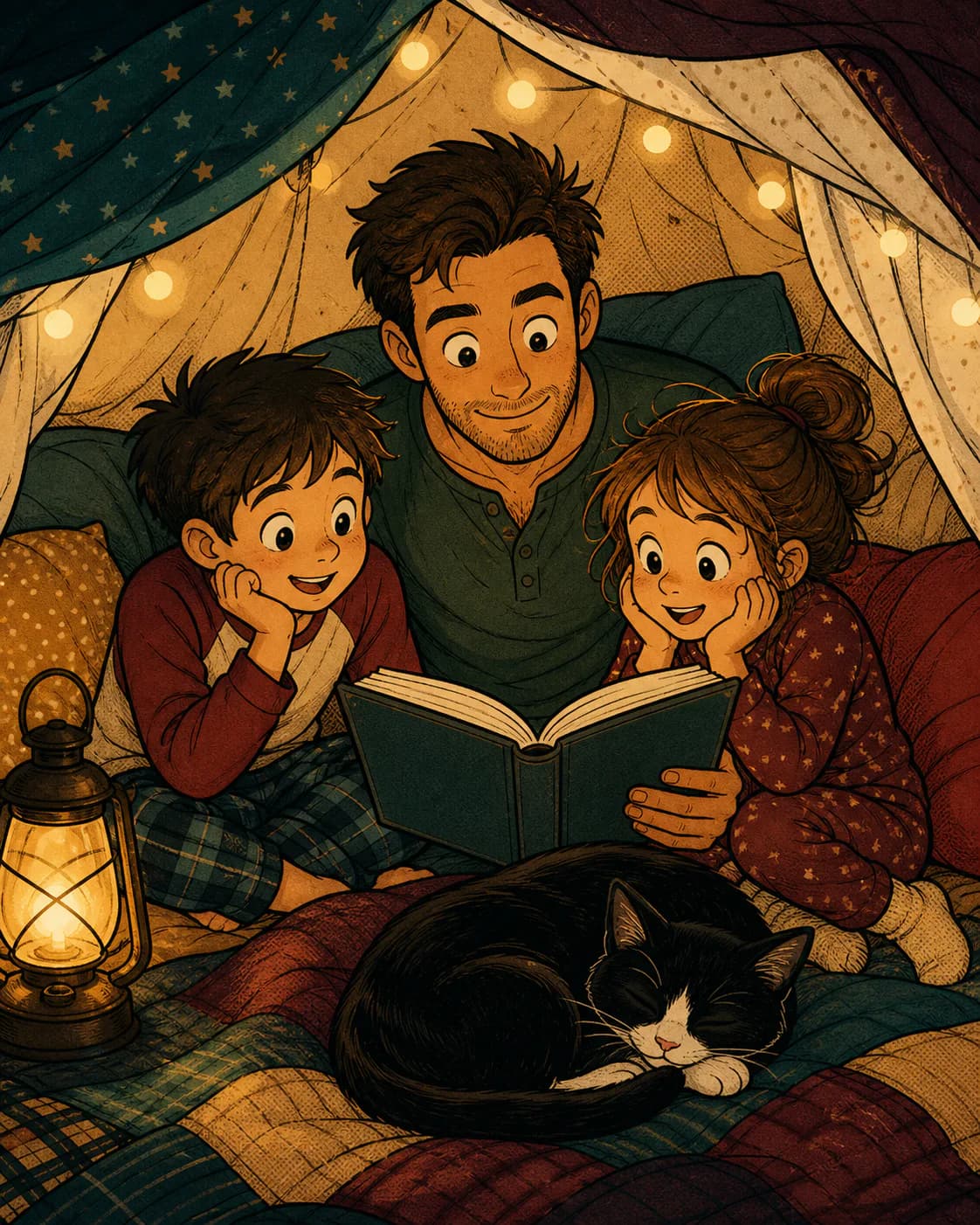
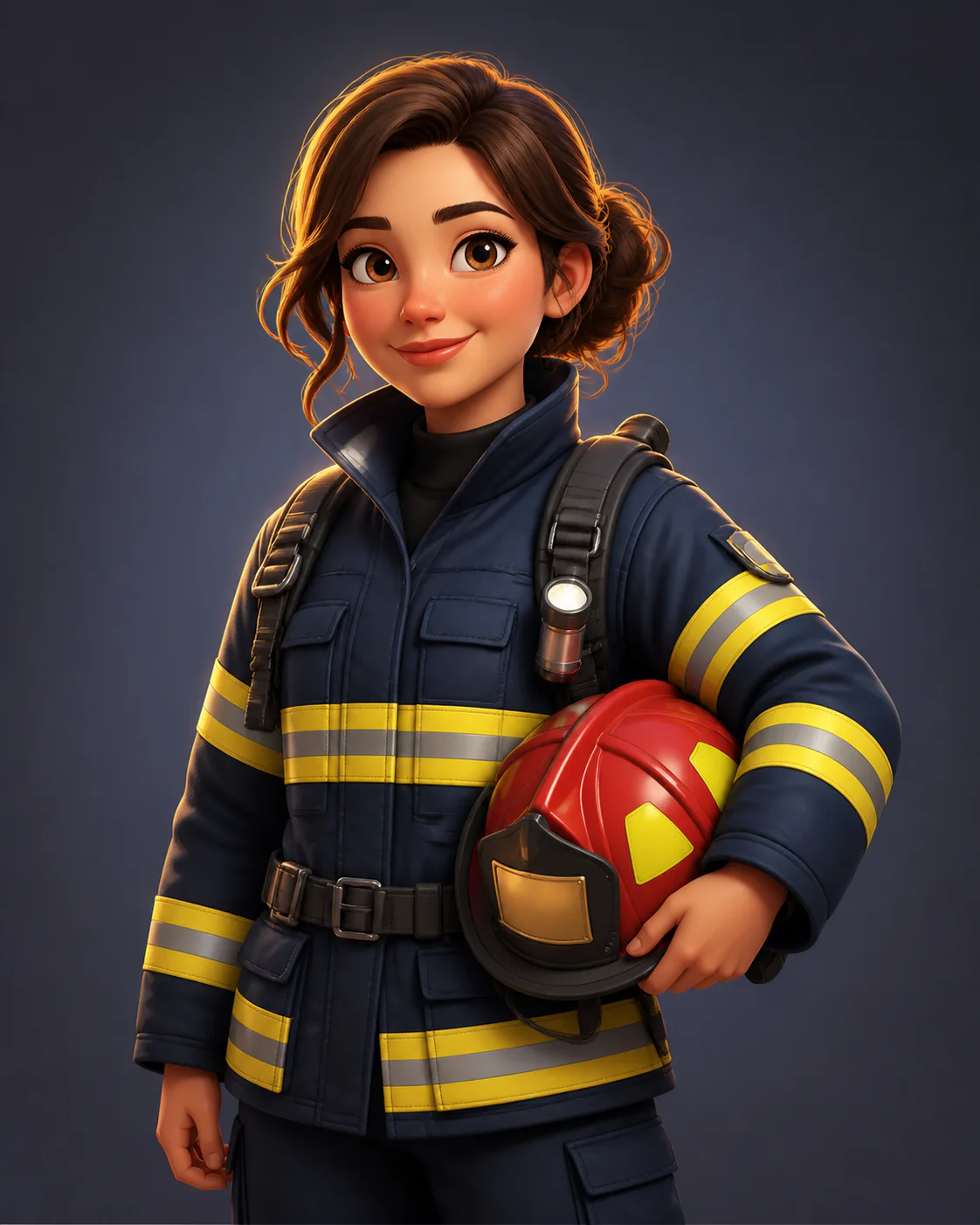
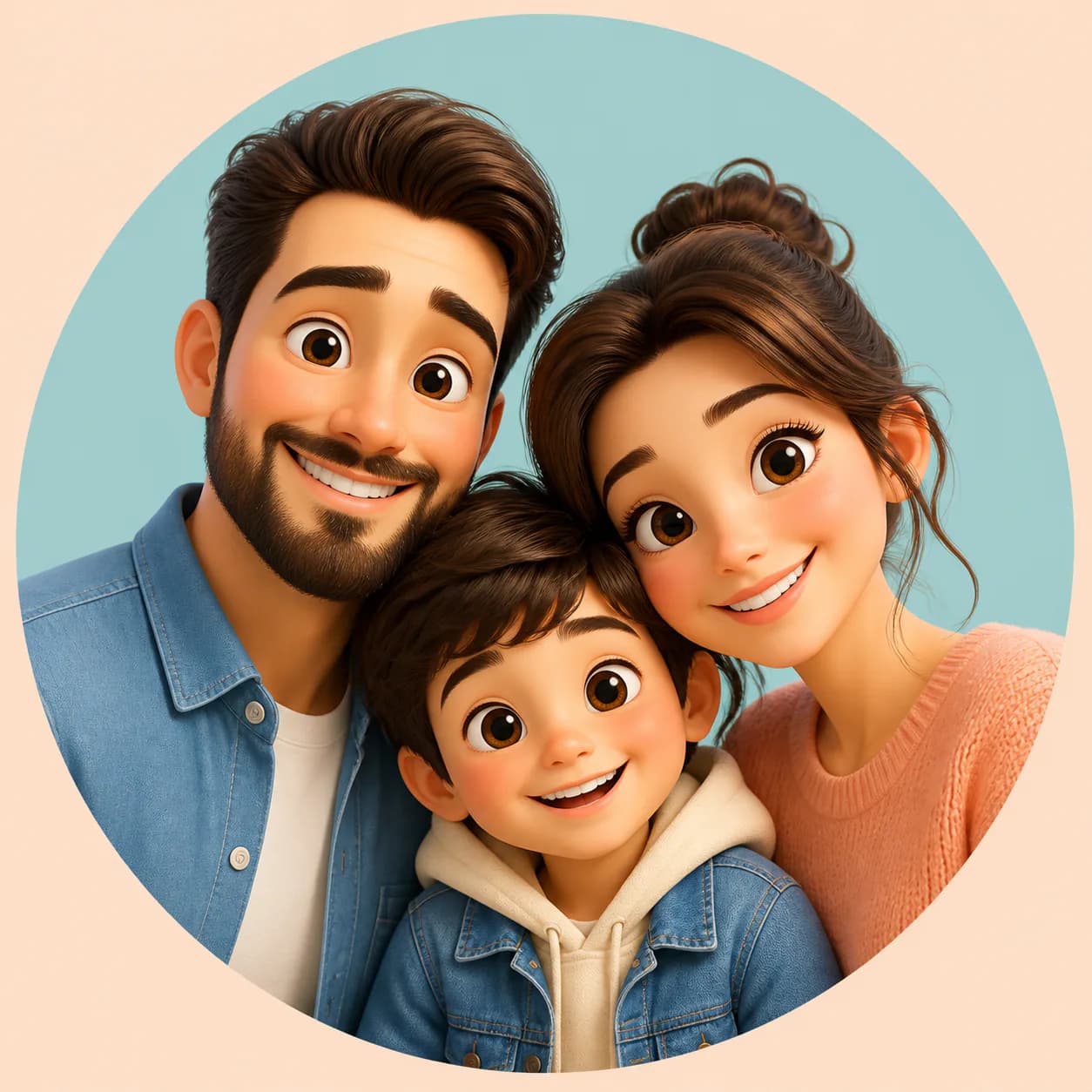
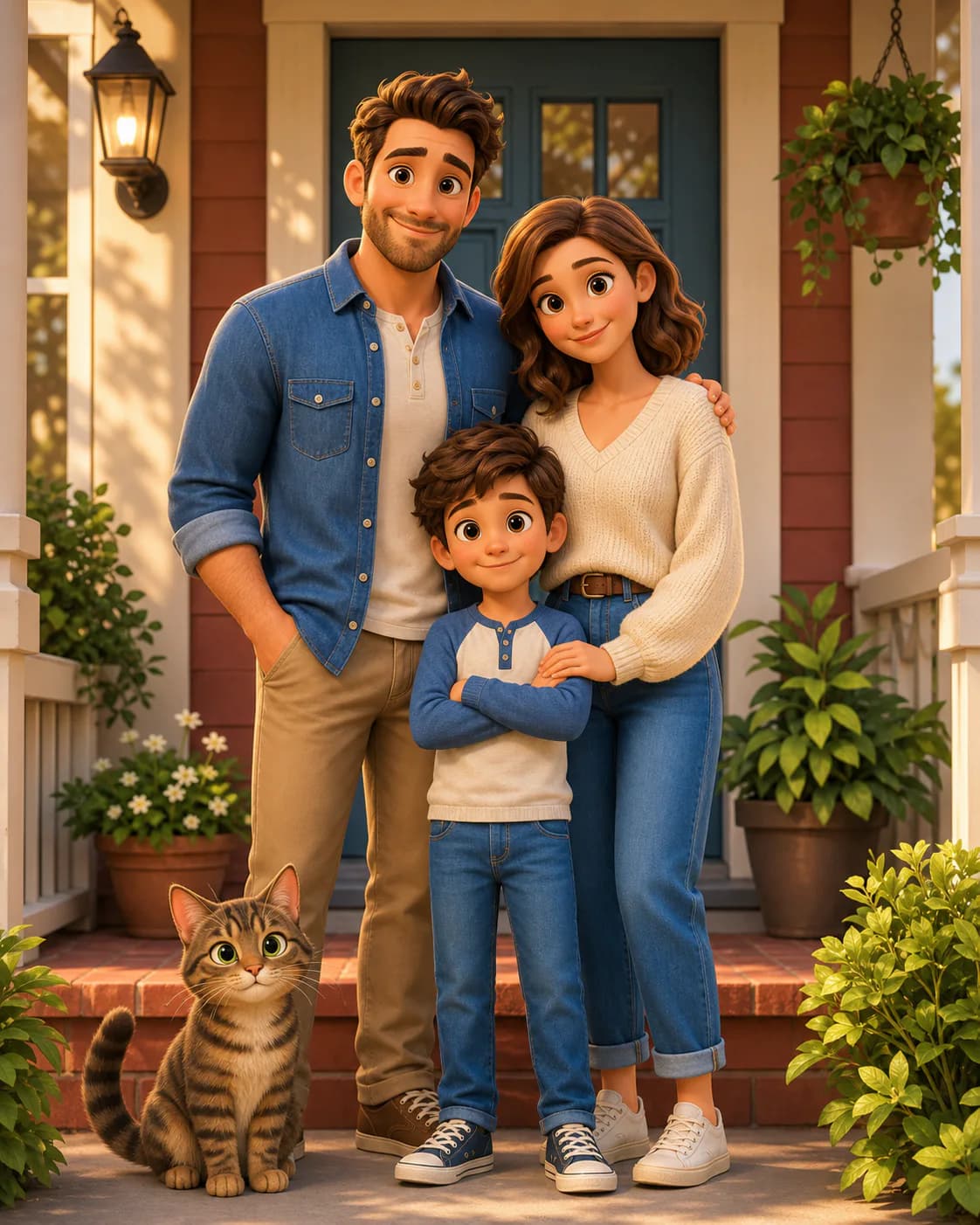
Browse real results made from reference-image prompts, open any example to view the complete recipe, and remix it with your own photo.
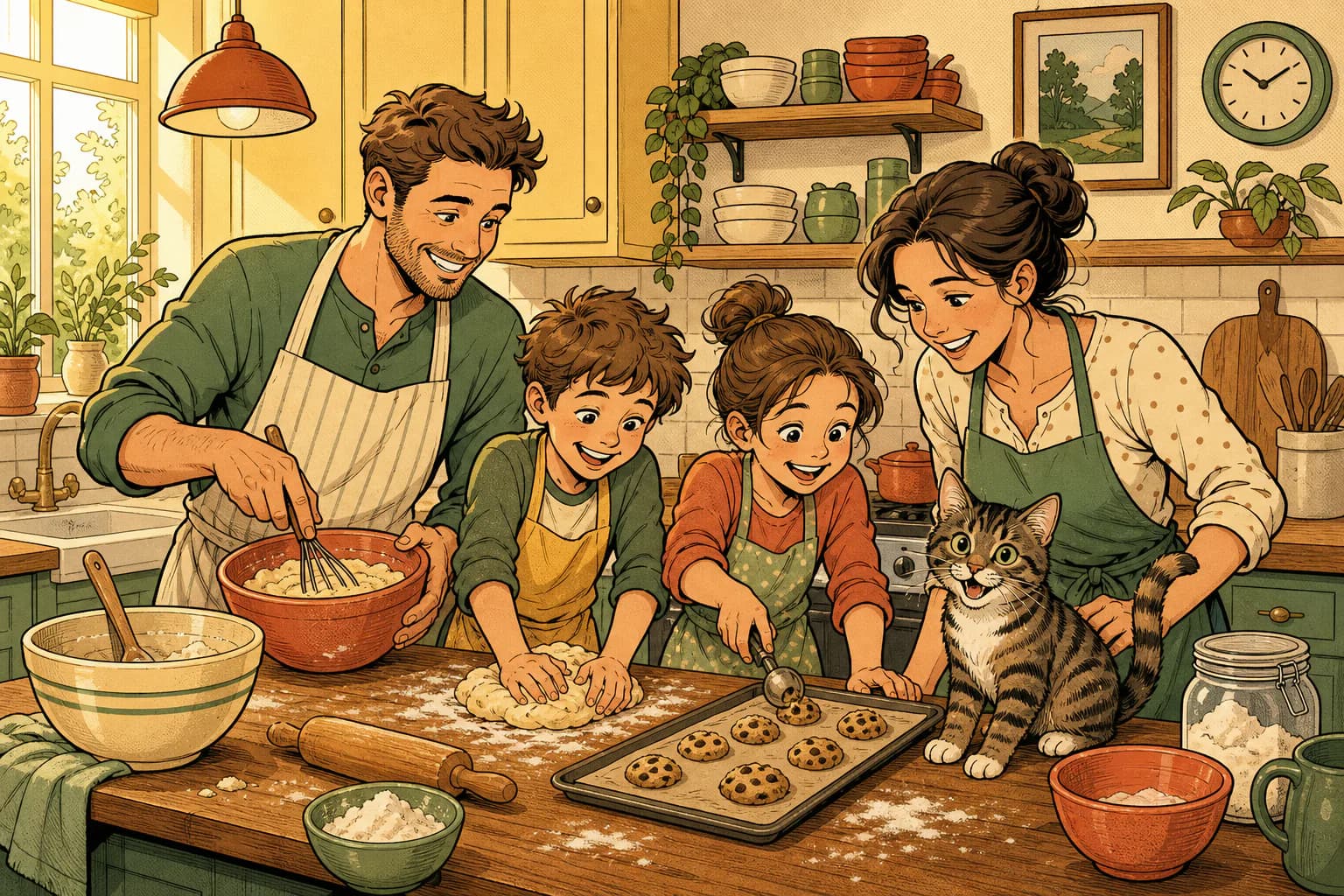
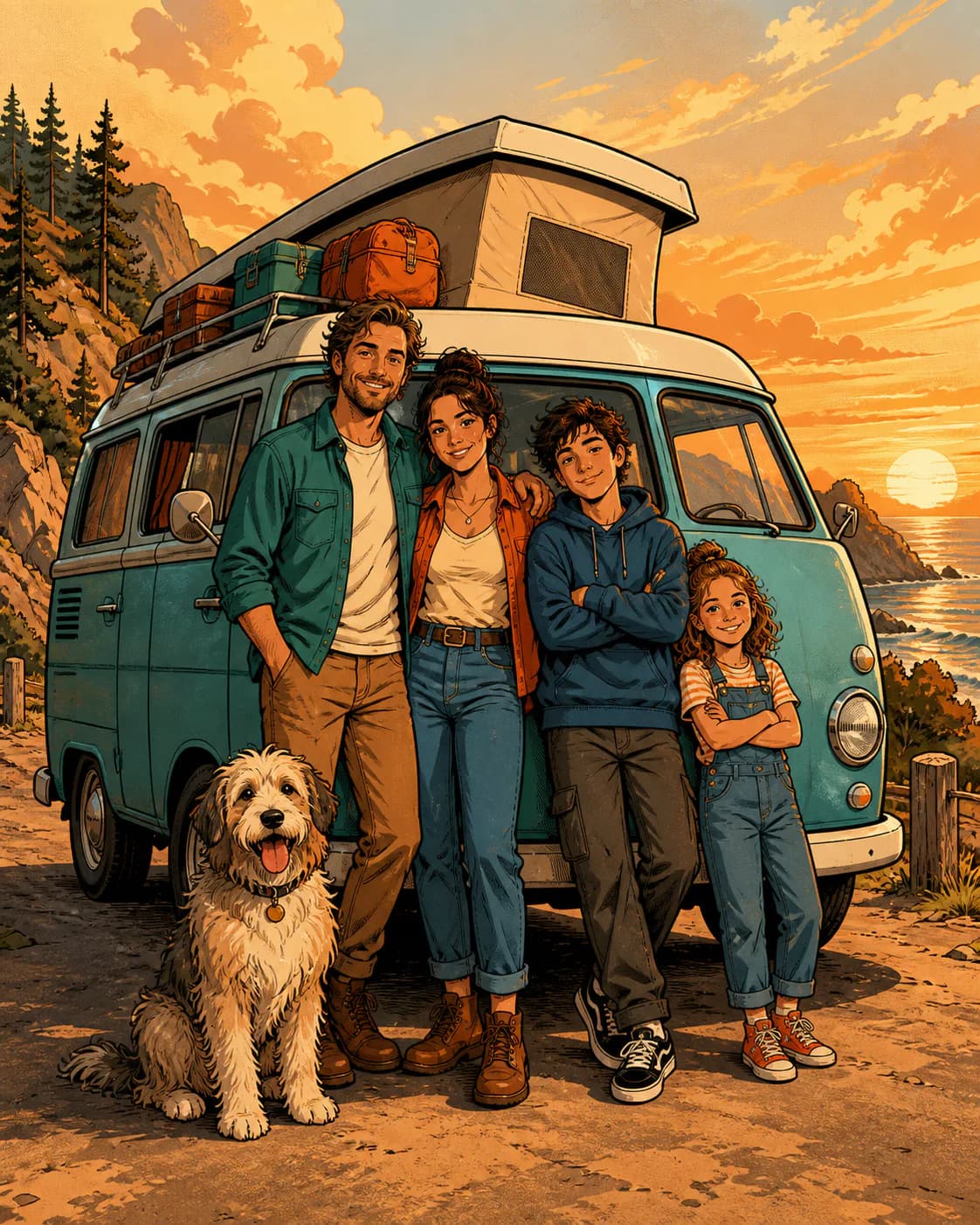
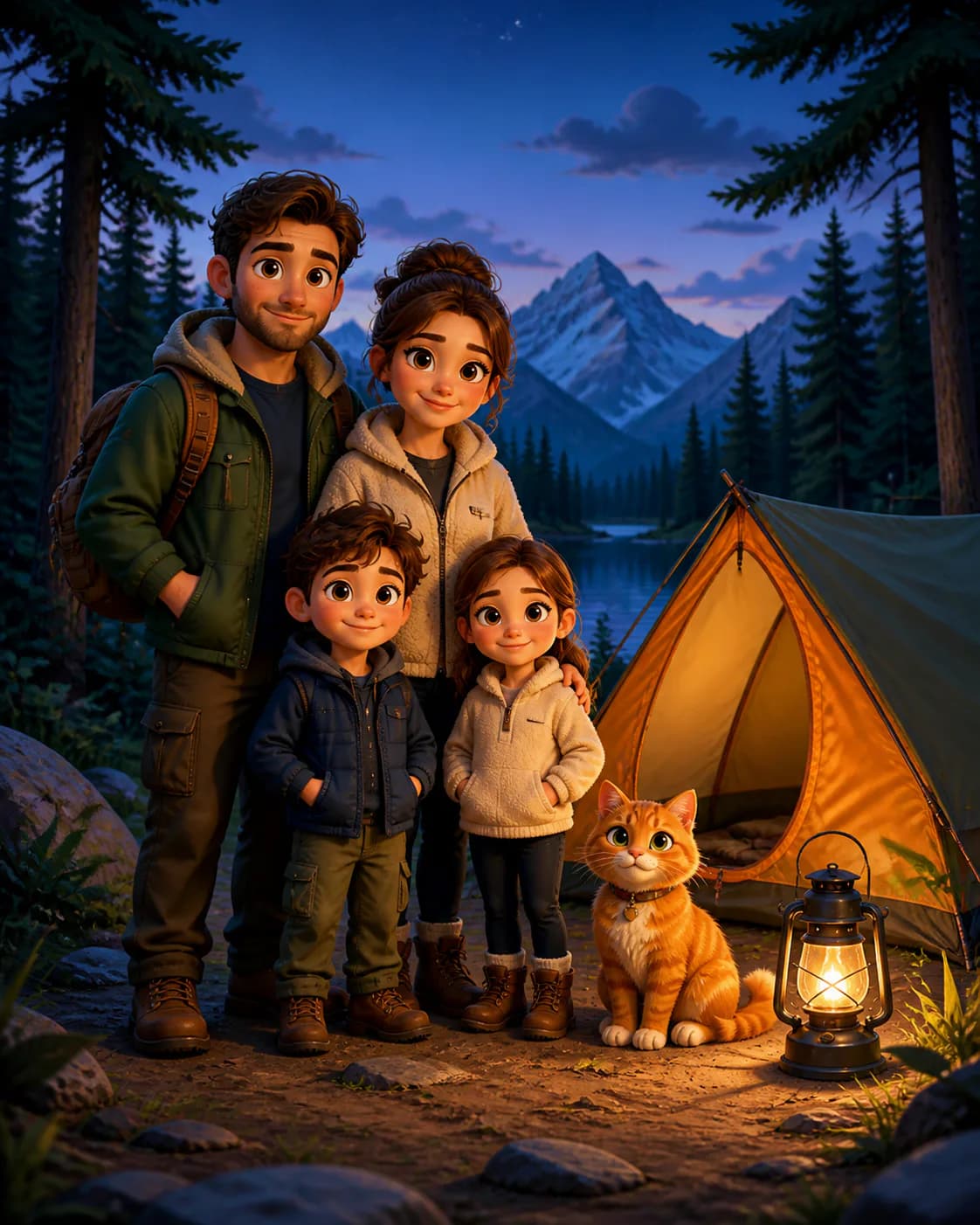
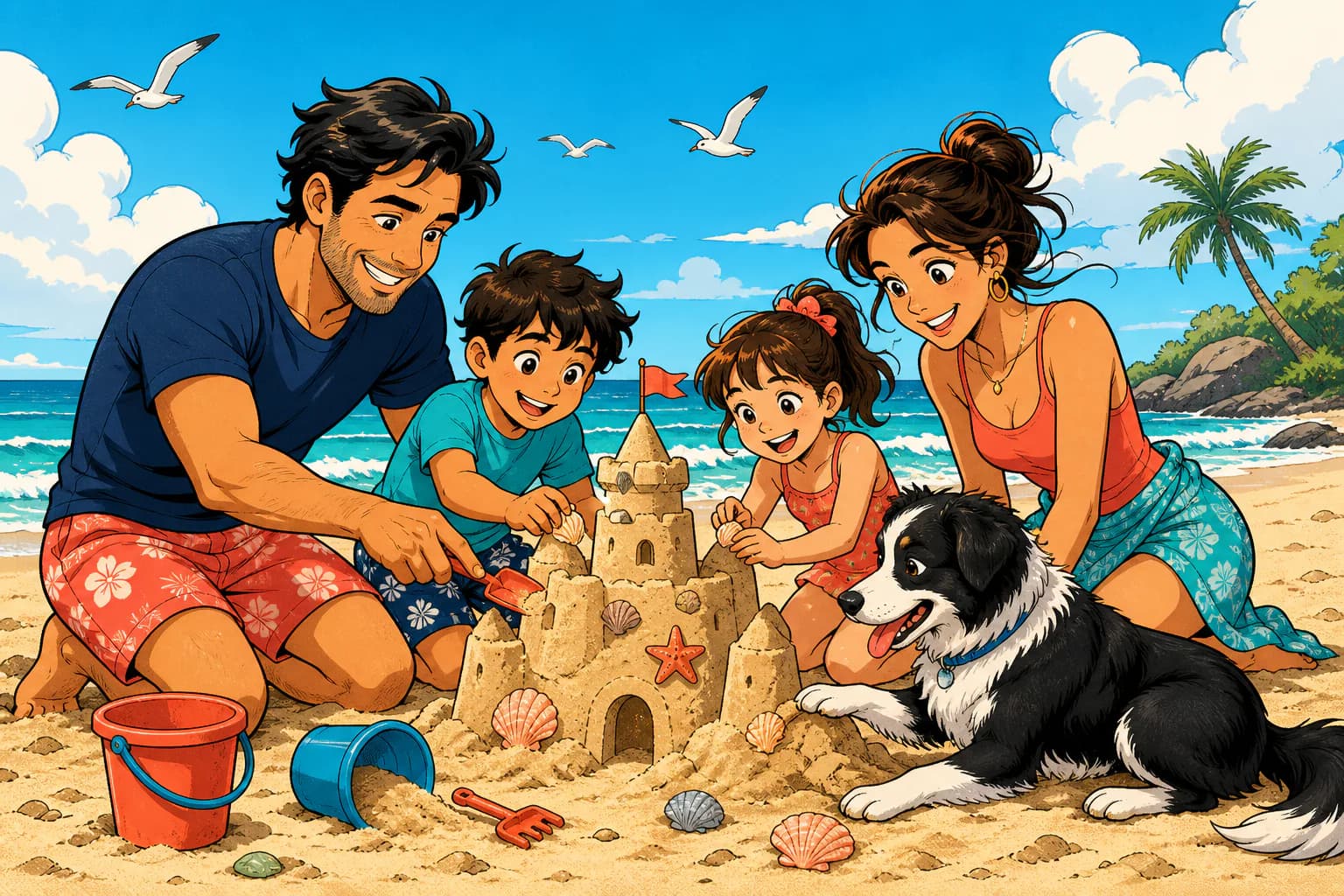
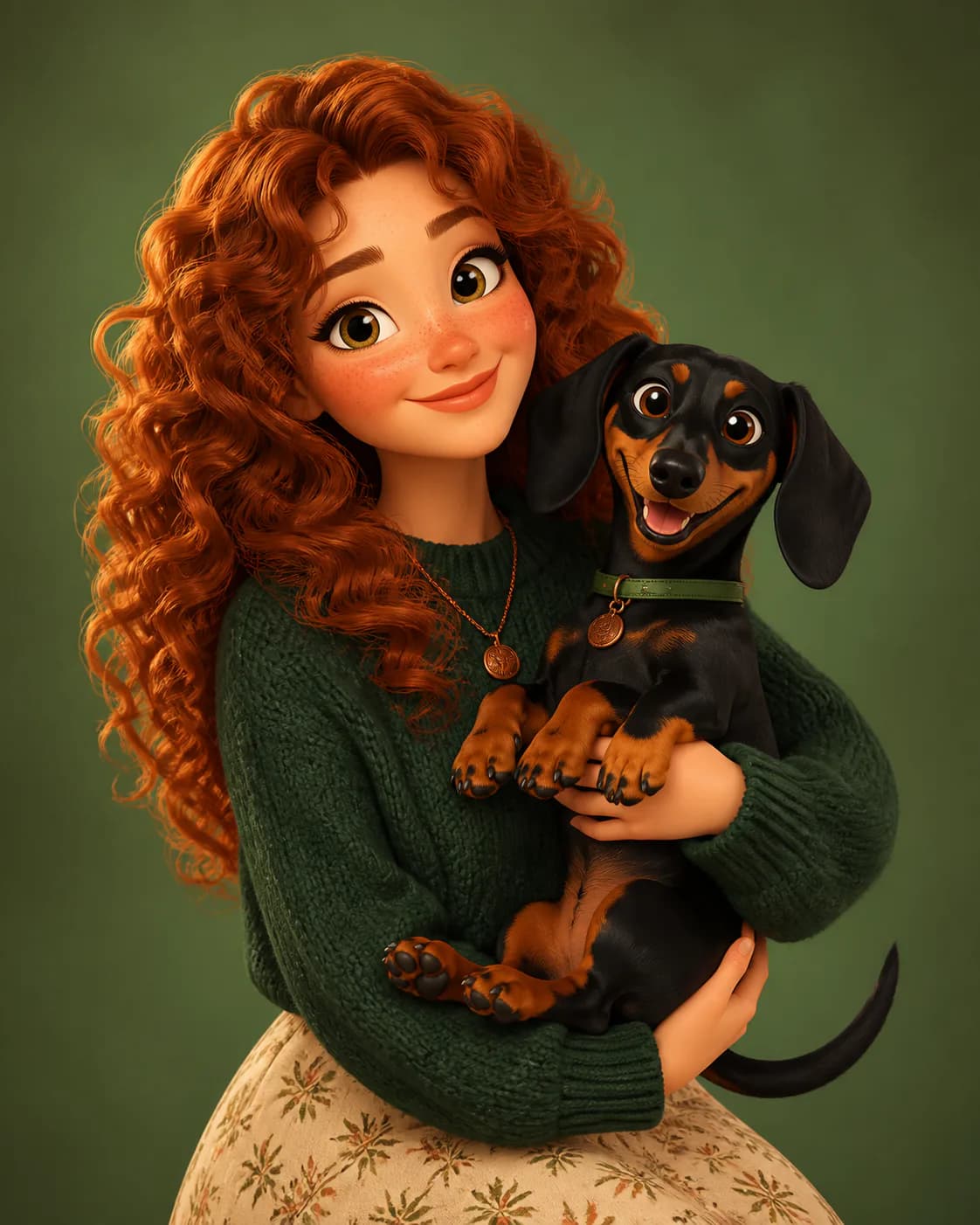
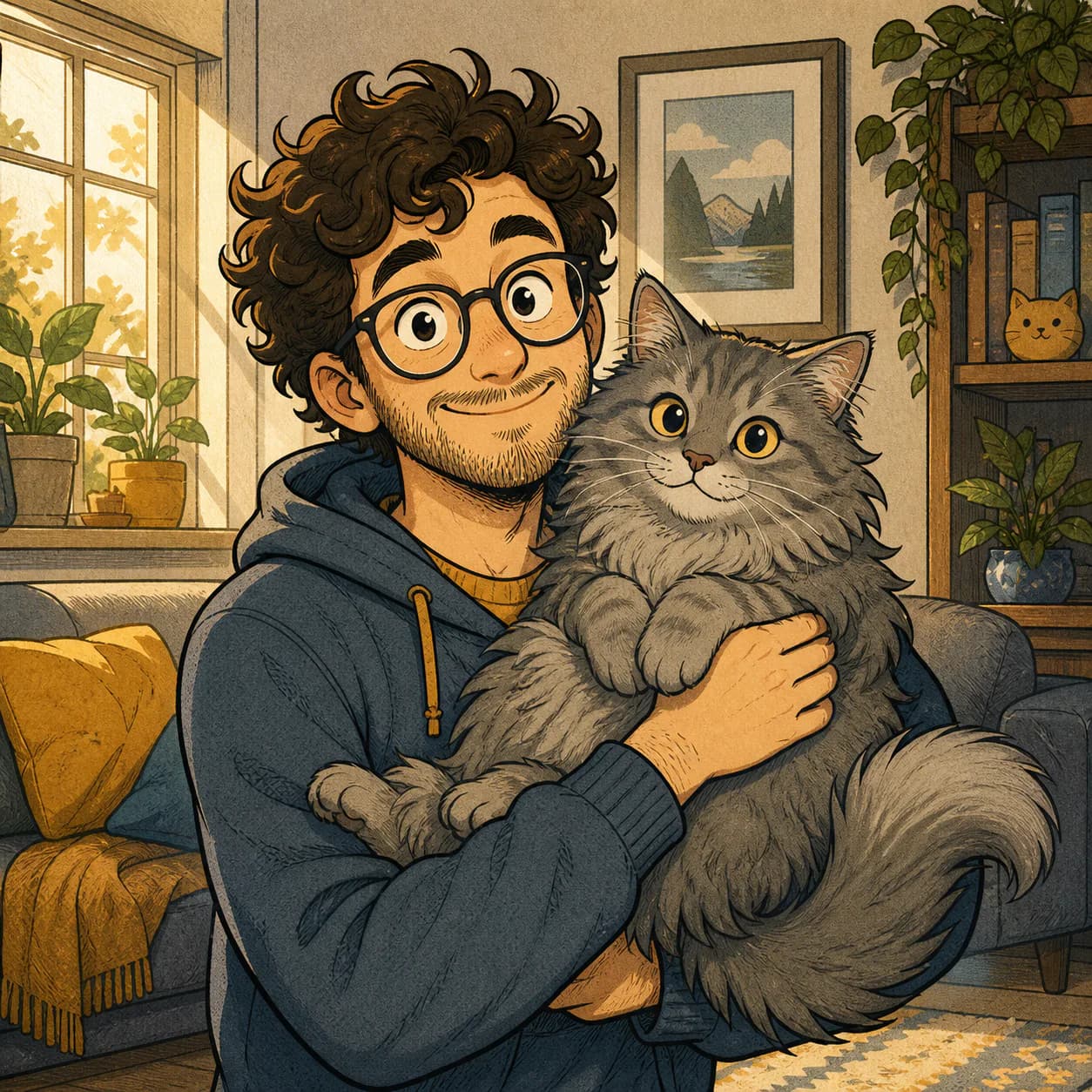
Use Photo-to-Cartoon Prompts for Different Subjects
Adjust the prompt to match the number of people, important details, and final composition in the source photo.
Portraits and Selfies
Create a recognizable cartoon portrait for profiles, gifts, or personal projects.
Family Photos
Keep each family member visible while transforming the full group into one cohesive illustration.
Pet Photos
Preserve breed, fur color, markings, expression, and other details that make your pet recognizable.
Couple Photos
Turn engagement, wedding, travel, or everyday couple photos into illustrated keepsakes.
Travel and Memory Photos
Transform favorite moments into colorful cartoon scenes while keeping the location and composition recognizable.
Turn a Photo into a Cartoon in Three Steps
- 01
Upload Your Photo
Choose a clear portrait, family picture, pet photo, or another reference image.
- 02
Choose a Cartoon Style
Select 3D, comic book, hand-drawn, caricature, chibi, or retro cartoon styling.
- 03
Generate and Remix
Create your result, review the prompt and settings, then refine the style or details when needed.
Start from a Real Result, Not a Blank Prompt
Magggic combines photo upload, tested prompt recipes, real generated examples, and remix tools in one workflow.
Real Examples Before You Generate
See actual cartoon results and compare styles before using your own photo.
Tested Prompts Included
Start with a complete transformation prompt instead of guessing which details to write.
Easy to Refine
Change the style, background, expression, clothing, colors, or composition and generate another version.
How to Get a Better Cartoon Result
Use a Clear Photo
Choose an image with good lighting, visible facial details, and minimal motion blur.
Keep Every Subject Visible
For family or group photos, make sure faces, bodies, and important accessories are not cropped out.
Say What Must Stay Recognizable
Mention facial features, hairstyle, clothing colors, pet markings, or the number of people that should remain consistent.
Choose One Main Style
Use one clear cartoon direction instead of combining several unrelated visual styles.
Match the Final Format
Use square framing for profile pictures, wider compositions for families, and enough outer space for prints or gifts.
A Simple Photo-to-Cartoon Prompt Formula
- 1Transformation request
- 2Details to preserve
- 3Cartoon style
- 4Linework and color
- 5Background
- 6Final composition
Transform the uploaded family photo into a warm hand-drawn cartoon portrait. Preserve all four family members, their facial features, hairstyles, clothing colors, and the dog's markings. Use clean ink outlines, soft illustrated shading, and a simple garden background. Keep every person and the complete dog visible in a balanced 3:2 composition.
Photo to Cartoon FAQ
How do I turn a photo into a cartoon with AI?
Upload a clear reference photo, choose a cartoon style, review the transformation prompt, and generate a new image. You can then refine the prompt to change the background, expression, colors, clothing, or composition.
What type of photo works best?
Clear photos with good lighting, visible facial features, and a simple composition usually provide a stronger reference. For groups, make sure every person or pet is visible and not heavily cropped.
Can I turn a family photo into a cartoon?
Yes. Describe how many people and pets appear in the photo, identify any details that must stay recognizable, and use a wider composition so every subject remains visible.
Can I turn a pet photo into a cartoon?
Yes. Mention the breed, fur color, markings, eye color, expression, and any accessories that make the pet recognizable.
Will the cartoon look exactly like the original photo?
AI-generated results can vary. A clear reference image and a specific prompt can help preserve recognizable details, but you may need to refine the prompt or generate another version.
Which cartoon style should I choose?
Use 3D cartoon for polished depth, comic book for bold graphic energy, hand-drawn for a softer illustrated finish, caricature for playful exaggeration, chibi for cute proportions, or retro cartoon for vintage character.
Do I need to write the prompt from scratch?
No. Magggic provides a tested starting prompt based on the selected style. You can add only the changes that matter to your photo.
Can I use the generated cartoon commercially?
Commercial usage depends on the selected model, your Magggic plan, the source photo, and any rights connected to the people, brands, or copyrighted material in the image. Review the applicable terms before publishing or selling the result.
Ready to Cartoonize Your Photo?
Upload a photo, choose a style, and start from a prompt designed for reference-image transformations.