
Create a Cartoon Profile Picture from Your Photo
Upload a selfie or portrait, choose an avatar style, and generate a square cartoon profile picture for social media, gaming, communities, or personal branding.
- Square avatar composition
- Tested cartoon prompts
- Real generated examples
Upload a Selfie or Portrait
Use a clear photo with one main person, visible facial details, and enough space around the head and shoulders.
Choose a selfie, headshot, or portrait with one clearly visible person.
See a Portrait Become a Cartoon Profile Picture
Compare a reference portrait with a generated avatar before choosing the style for your own photo.
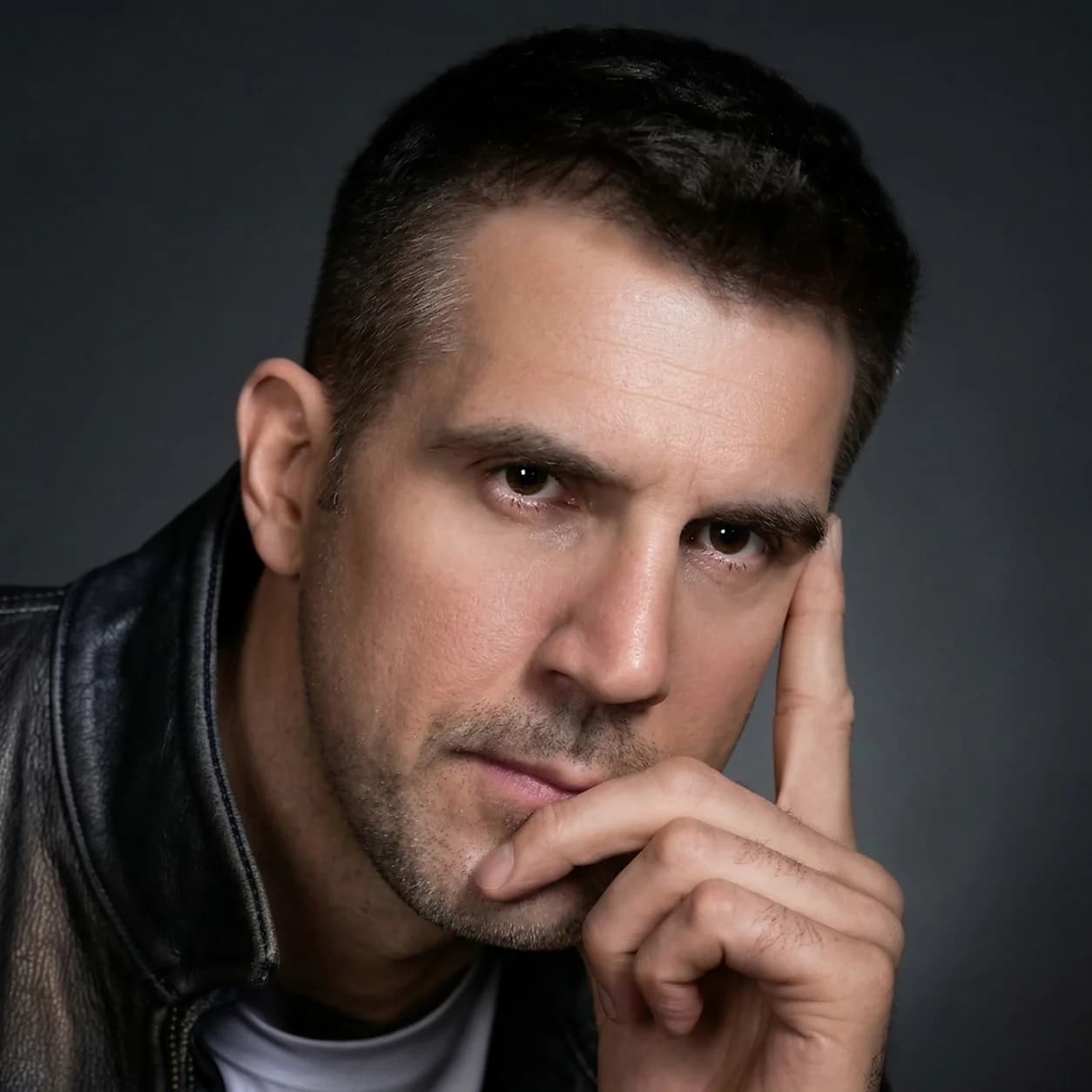
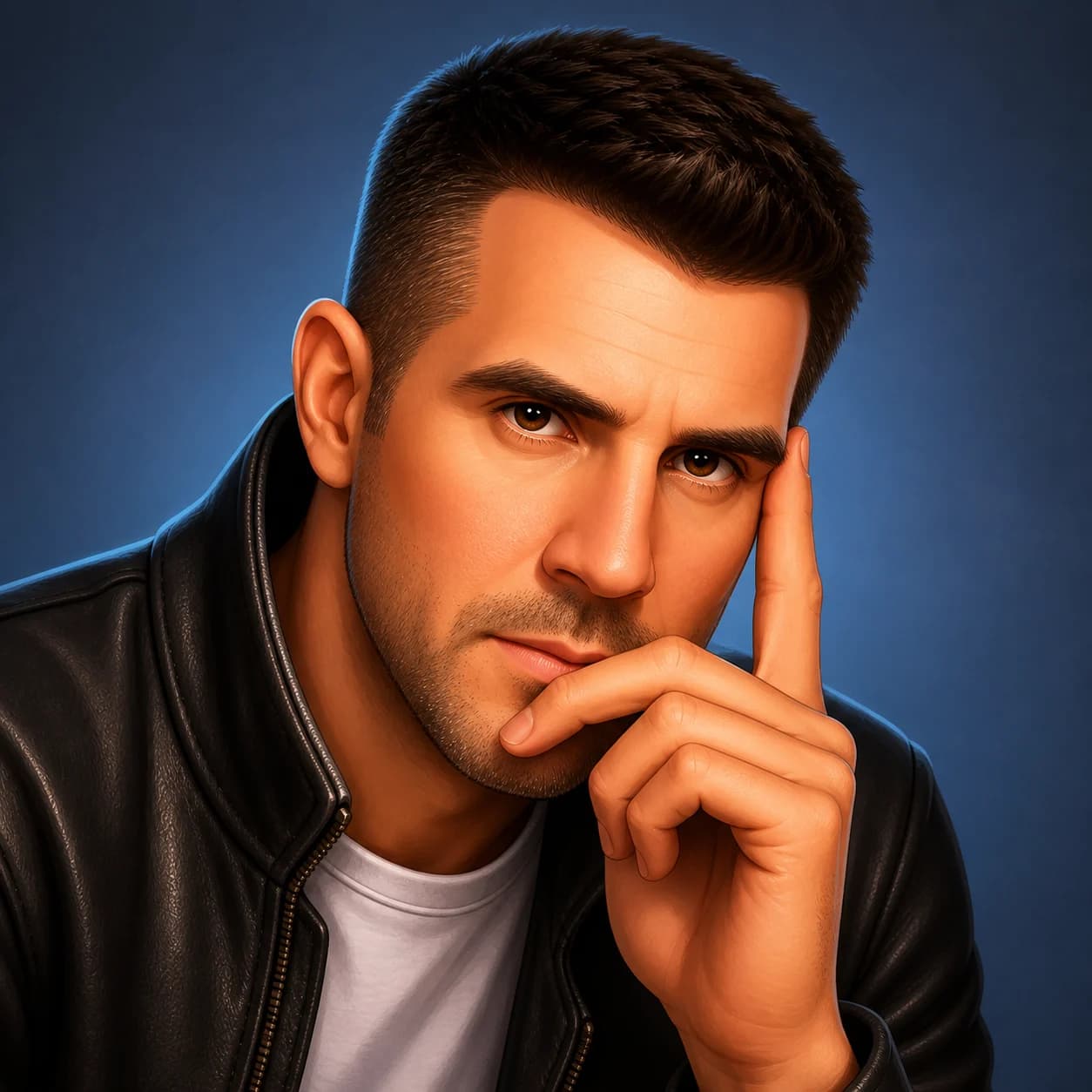
Professional Portrait to 3D Cartoon Avatar
The generated avatar keeps the same face shape, hairstyle, leather jacket, calm expression, and hand pose while adding a clean square background.
Original CC0 portrait by SarahHashtagWatermelom on Wikimedia CommonsExplore Cartoon Profile Picture Styles
Choose a style that keeps the face recognizable while changing the visual personality of the avatar.
Rounded facial features, polished materials, soft depth, and expressive lighting.
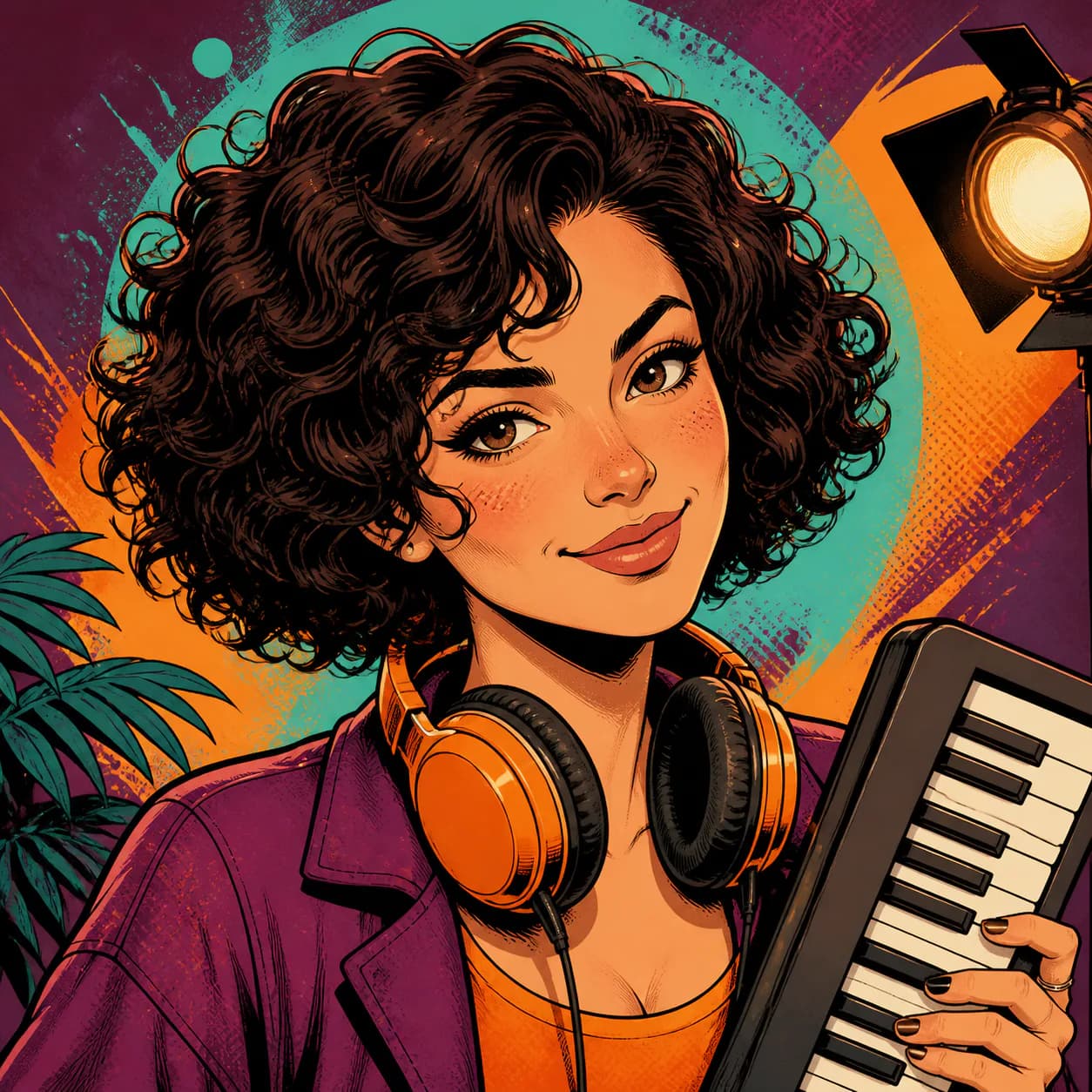
Bold ink outlines, energetic contrast, and graphic halftone detail.
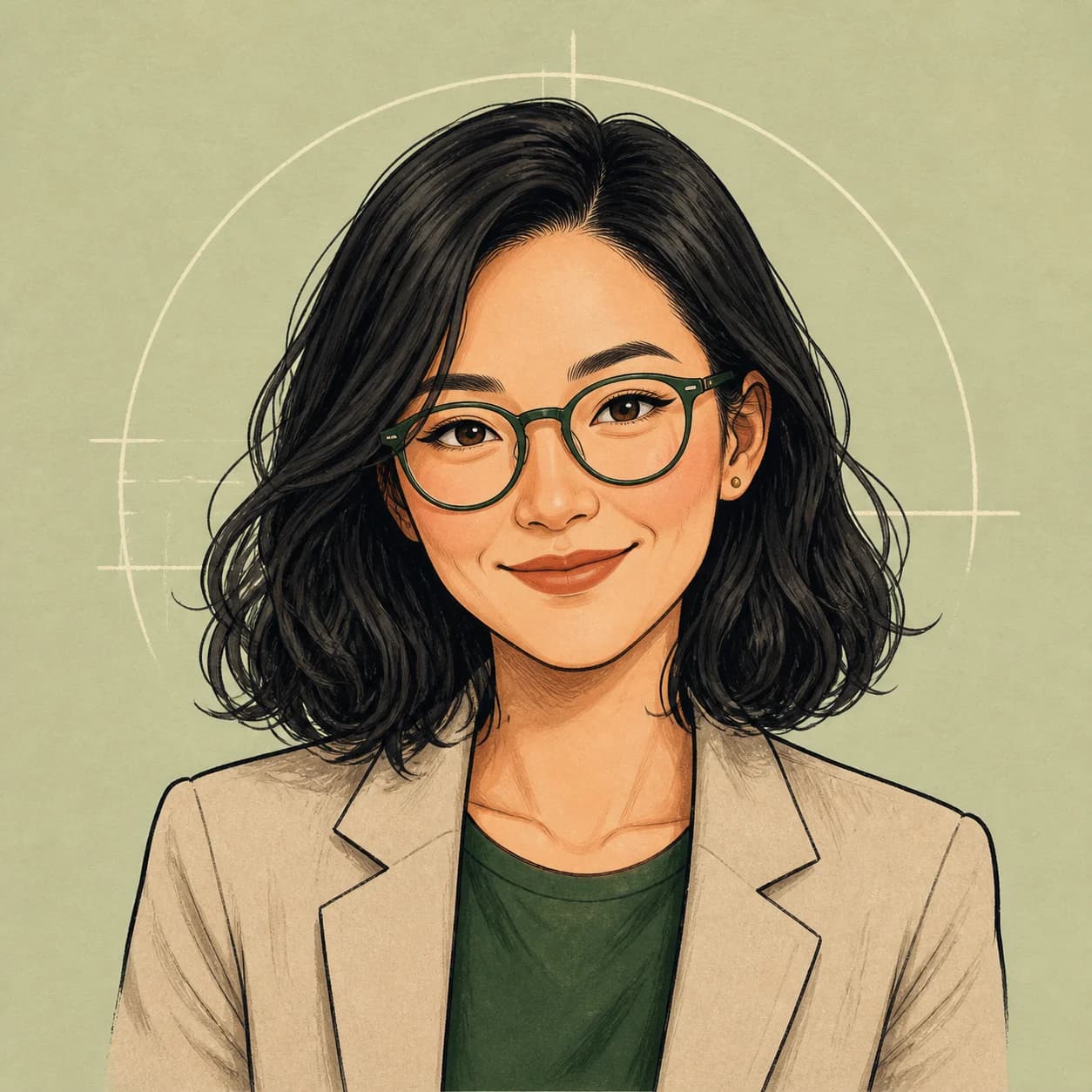
Organic lines, illustrated texture, and a softer personal finish.
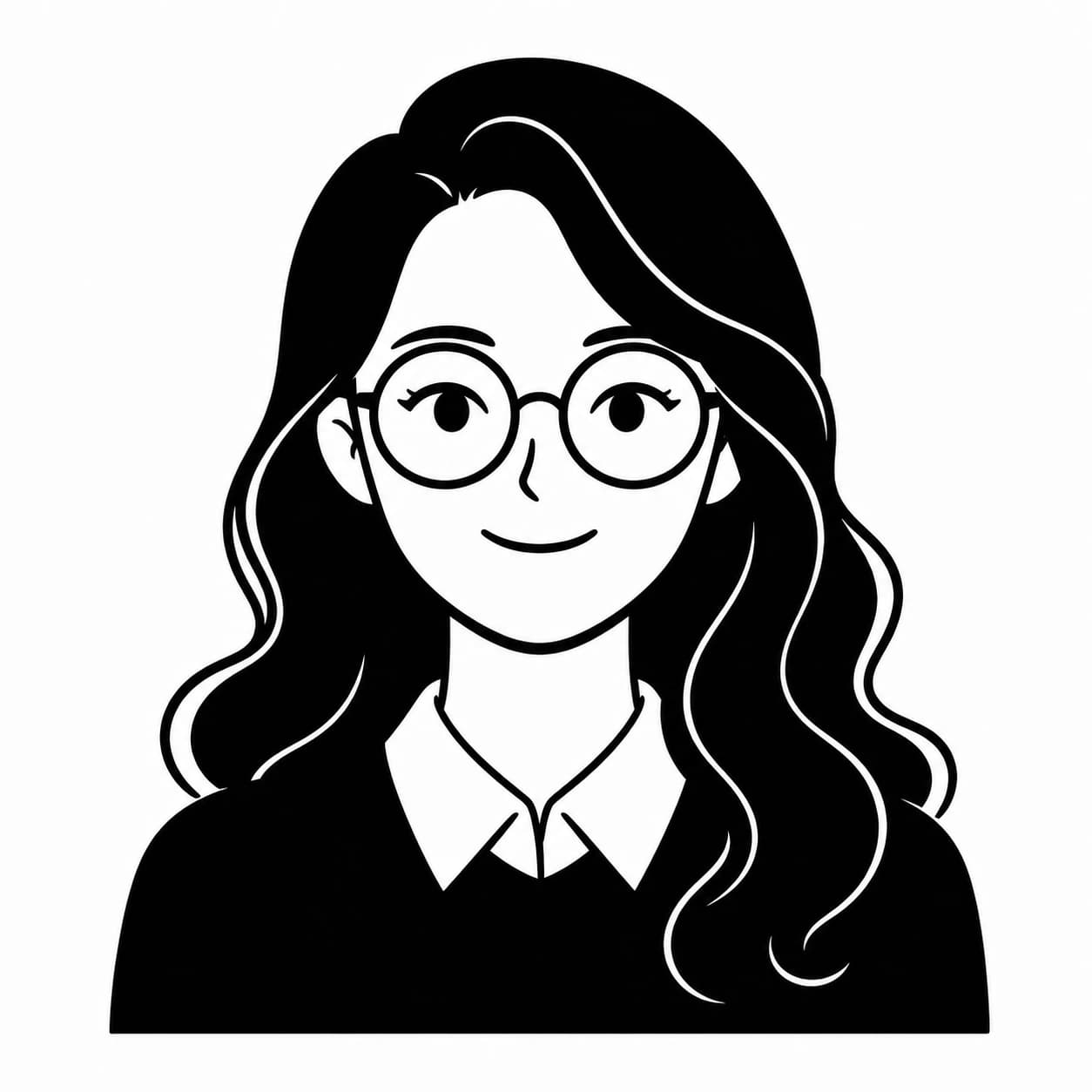
Recognizable identity cues redrawn with clean lines and bold black-and-white shapes.

Cute proportions, expressive eyes, and simplified colorful details.
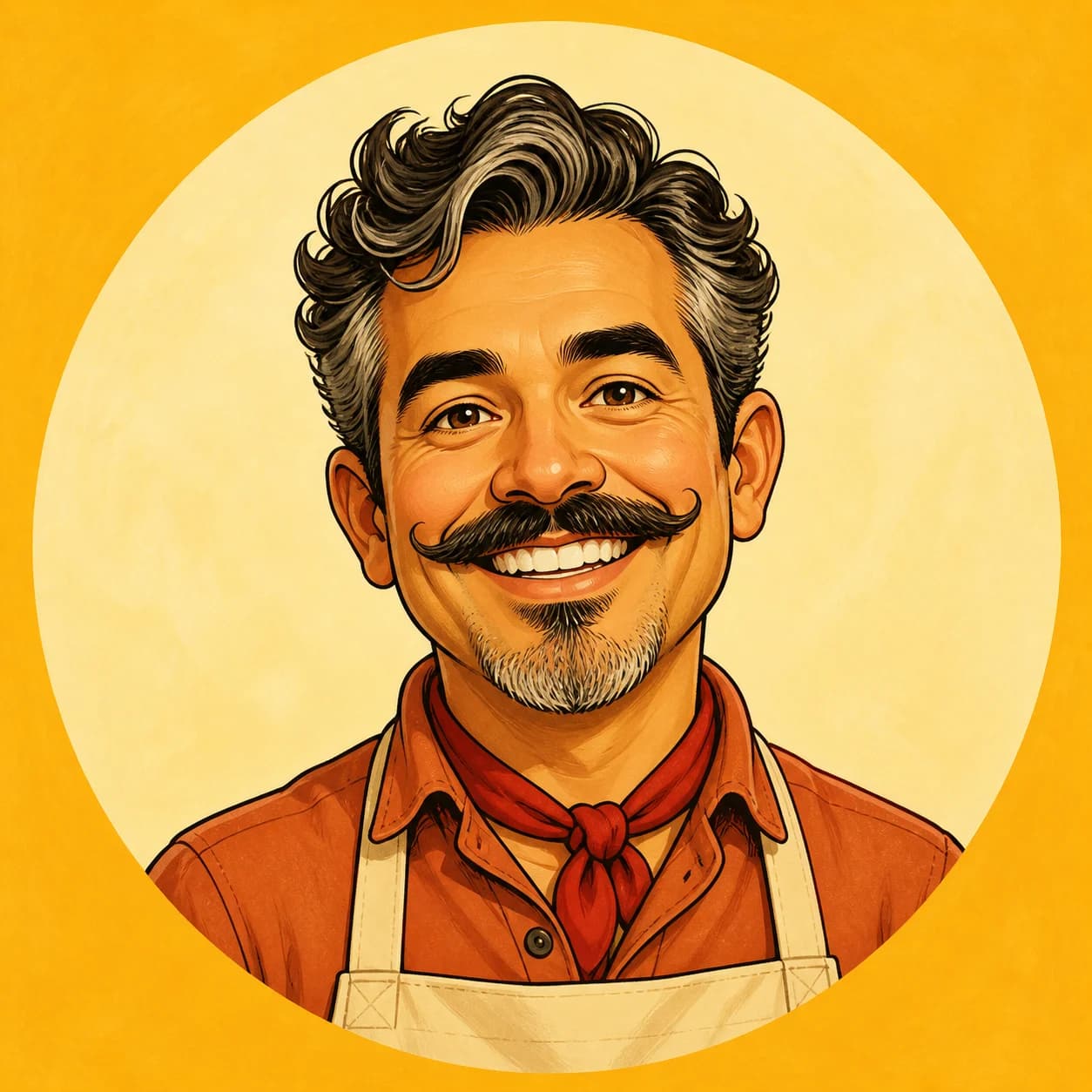
Playful exaggeration while keeping the person recognizable.
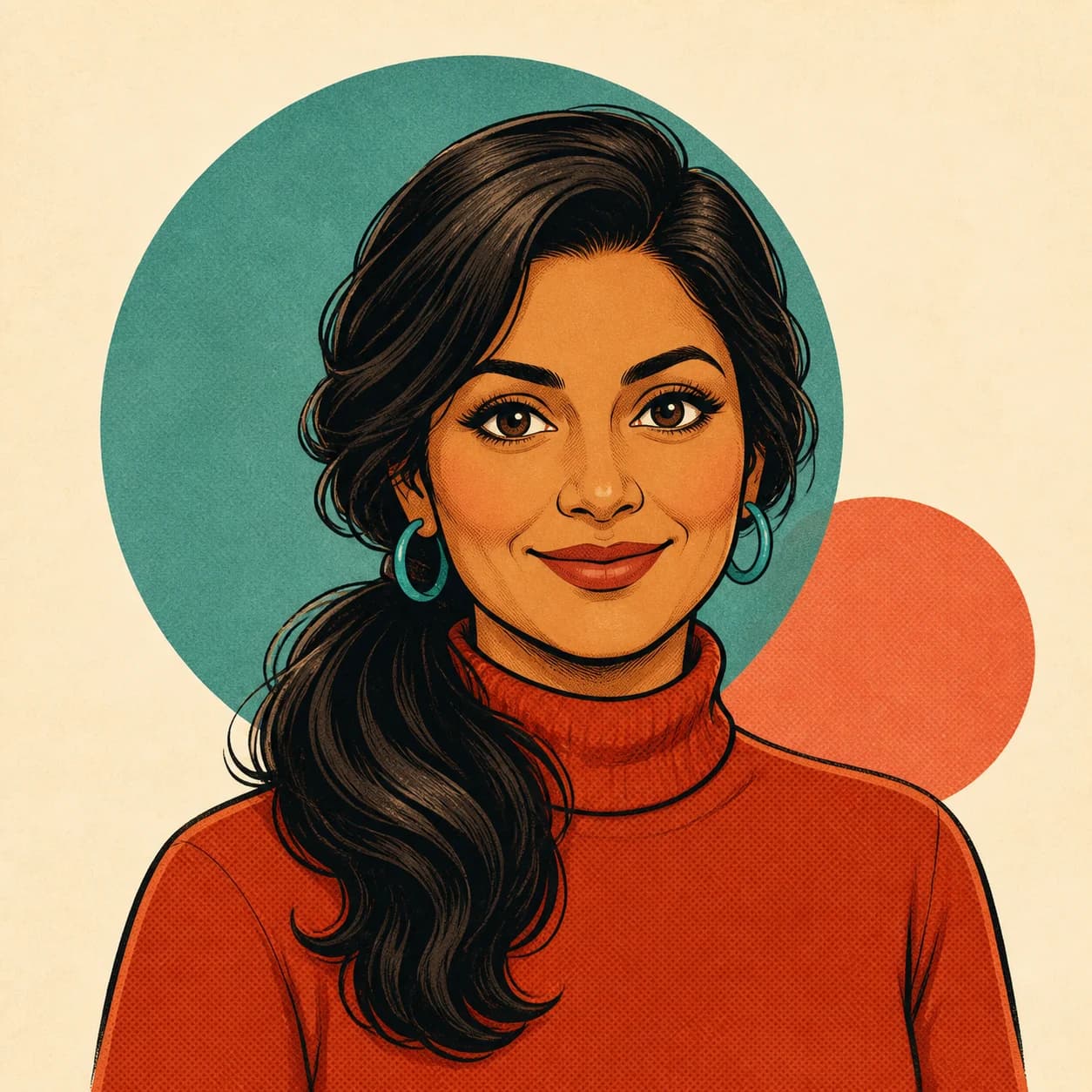
Vintage linework, limited colors, and classic print-inspired texture.
Cartoon Profile Picture Prompt Ideas
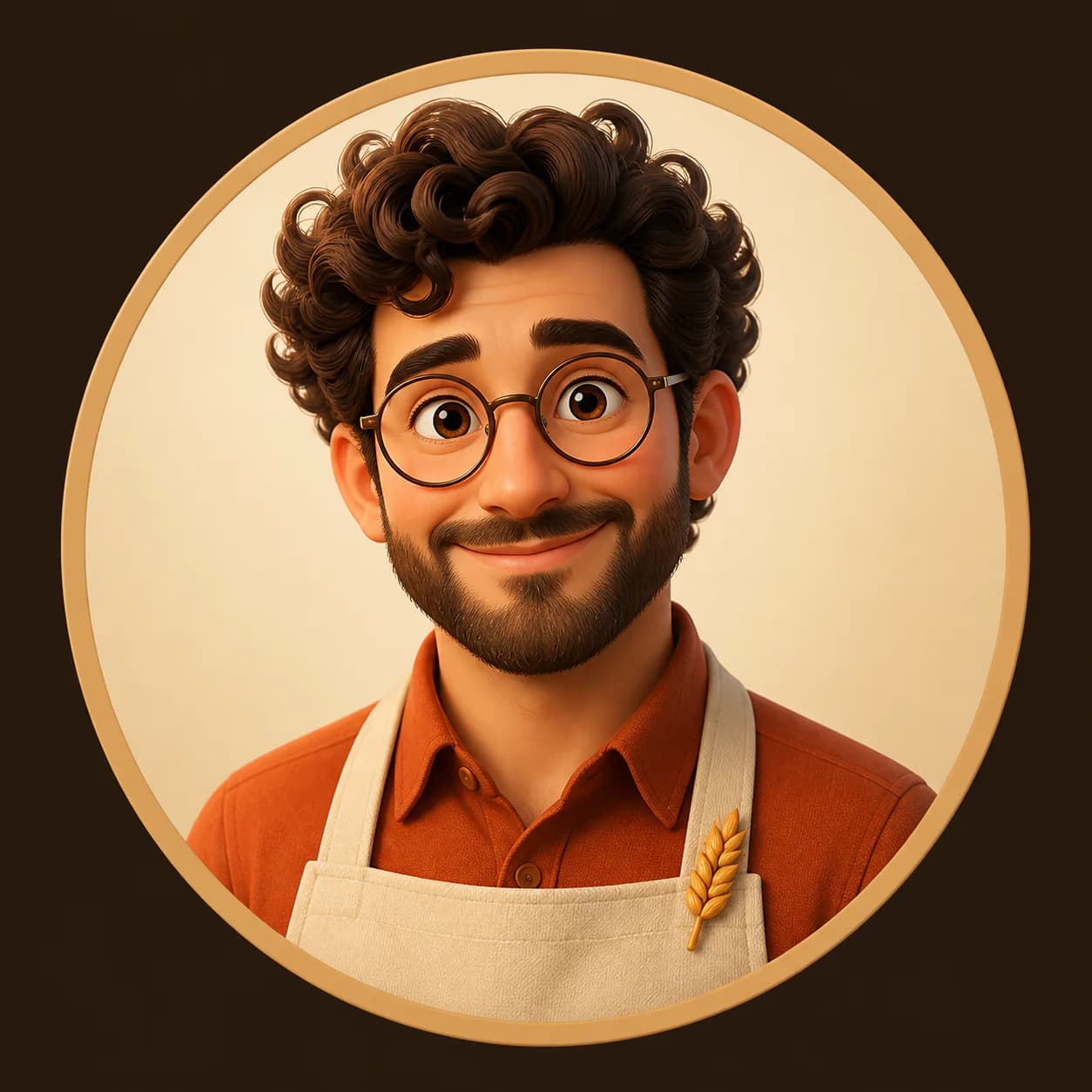
Browse real cartoon avatars, open any result to view the complete prompt, and remix it with your own photo.
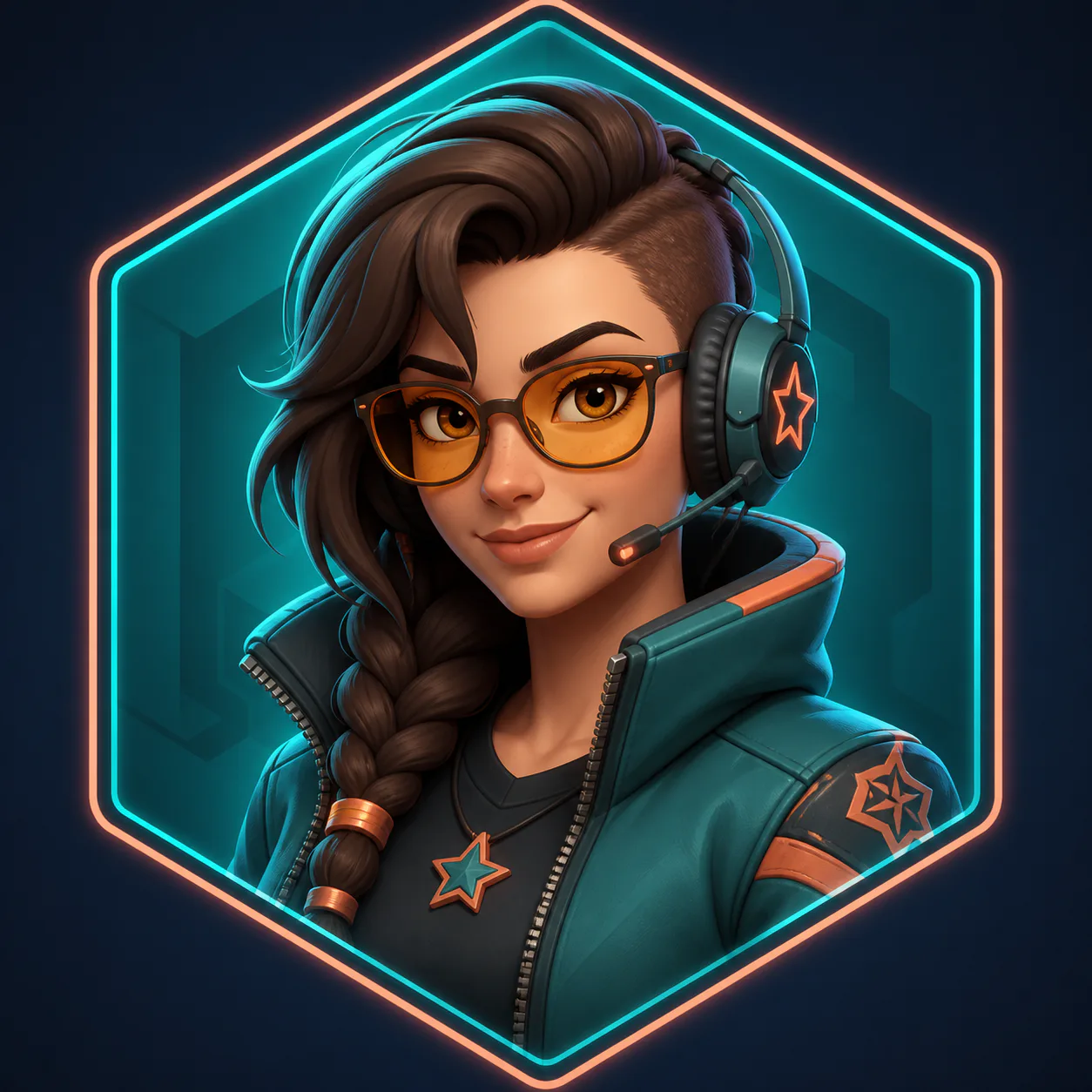

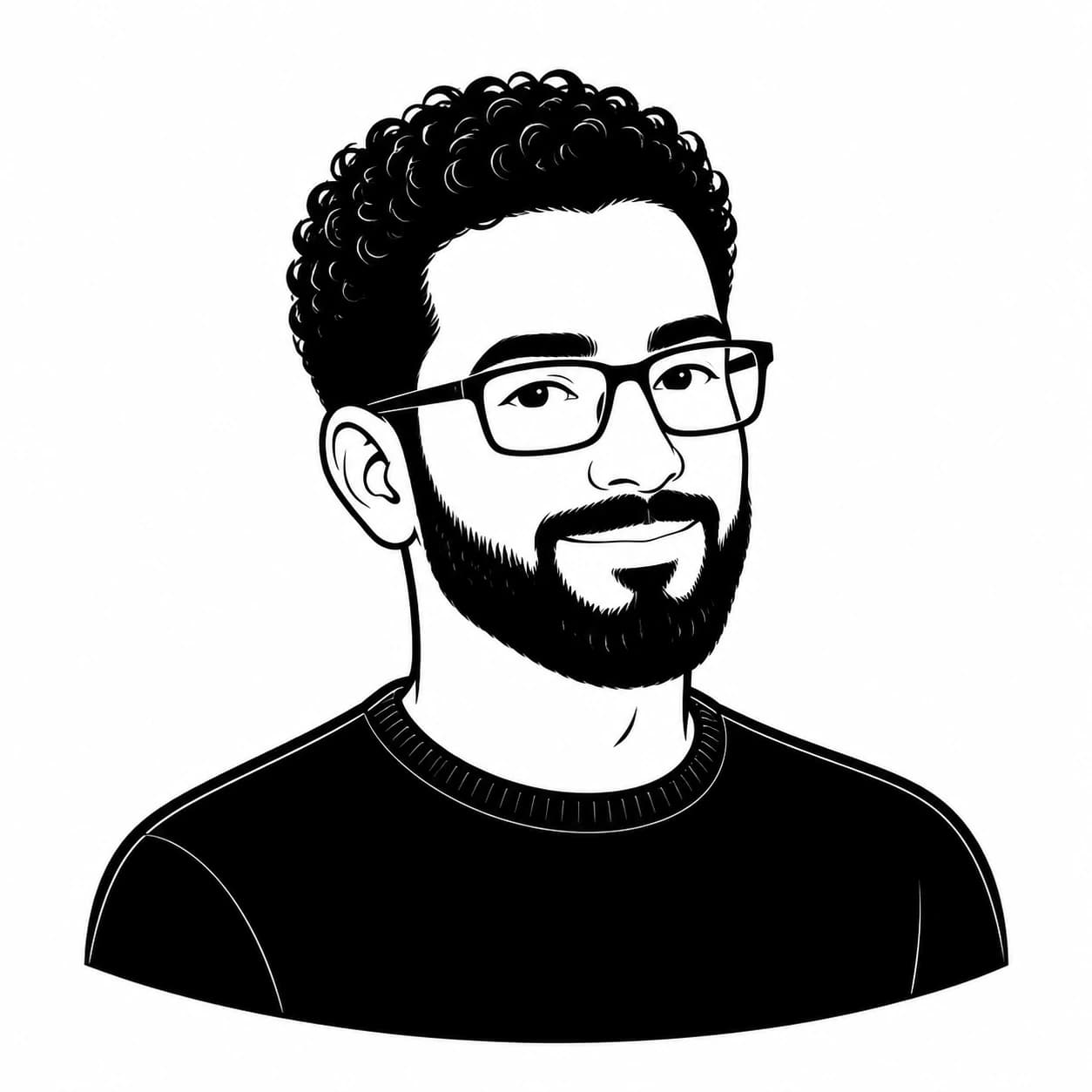
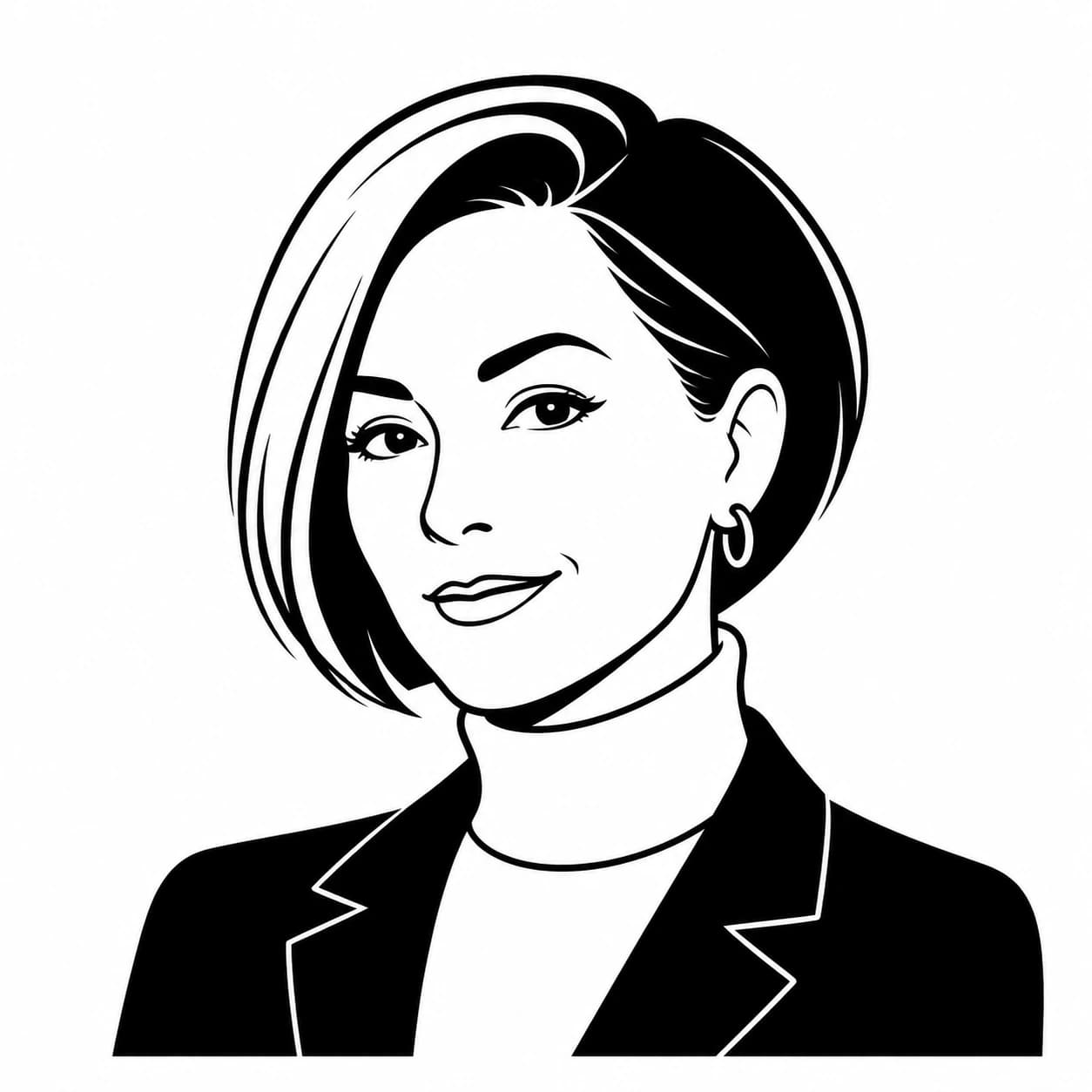
Choose the Right Profile Picture Composition
A profile picture needs to remain clear when displayed as a small square or circular avatar.
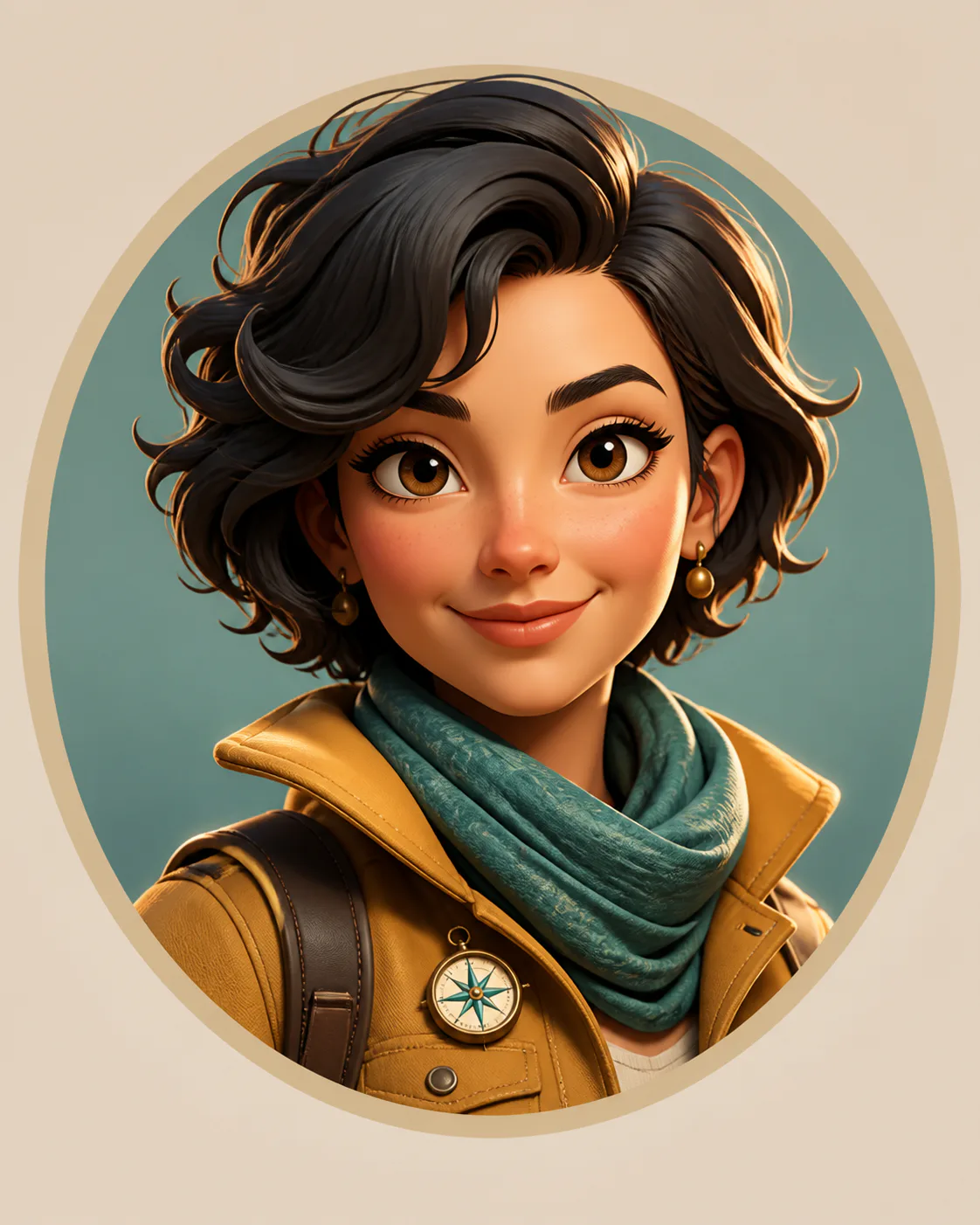
Face Close-Up
Best when facial expression is the main focus. Keep the full hairstyle and chin visible and avoid an overly tight crop.
Recommended for- Messaging
- Community Profiles
- Small Avatars
Head and Shoulders
The most versatile profile-picture crop, balancing recognizable facial detail with clothing and personality.
Recommended for- Social Media
- Professional Profiles
- Personal Websites
Upper Body
Useful when clothing, posture, accessories, or personal style are important parts of the avatar.
Recommended for- Creator Brands
- Gaming Profiles
- Portfolio Avatars
Create a Cartoon Profile Picture in Three Steps
- 01
Upload a Portrait
Choose a selfie or headshot with one clearly visible person and enough space around the face.
- 02
Choose the Avatar Look
Select the use case, cartoon style, framing, and background that match your profile.
- 03
Generate and Refine
Create your avatar, review the result, and adjust the expression, colors, clothing, or background when needed.
Start with an Avatar Prompt That Already Works
Magggic combines portrait upload, avatar-specific presets, tested prompts, and real generated examples in one workflow.
Designed for Profile Pictures
Start with square framing, a clear facial focus, simple backgrounds, and layouts that remain readable at small sizes.
Tested Prompts Included
Use a complete avatar prompt generated from your selected style and settings instead of starting from a blank box.
Easy to Customize
Change the expression, outfit, background, color palette, framing, or visual style and generate another version.
How to Get a Better Cartoon Profile Picture
Use One Clear Person
Choose a photo with one main person. Group photos make it harder to create a focused profile picture.
Keep the Face Visible
Avoid sunglasses covering the eyes, heavy shadows, extreme side angles, or objects blocking important facial details.
Leave Space Around the Head
Use a photo that includes the full hairstyle and some space around the shoulders so the final avatar is not accidentally cropped.
Use a Simple Background
A plain or uncluttered source photo helps the model focus on the face, hairstyle, clothing, and expression.
Choose One Main Style
Use one strong cartoon direction instead of combining several unrelated styles in the same prompt.
Check the Avatar at a Small Size
The face and silhouette should remain recognizable when the image is displayed as a small square or circle.
A Simple Cartoon Profile Picture Prompt Formula
- 1Portrait transformation
- 2Details to preserve
- 3Avatar use case
- 4Cartoon style
- 5Framing
- 6Background
- 7Final square composition
Transform the uploaded portrait into a polished 3D cartoon profile picture. Preserve the person's recognizable facial features, curly hairstyle, round glasses, warm expression, and green jacket. Use a centered head-and-shoulders composition, soft 3D materials, clean cinematic lighting, and a simple warm gradient background. Keep the complete hairstyle and shoulders visible in a balanced square image that remains clear at a small profile-picture size.
Portrait Transformation
State clearly that the uploaded portrait should become a new cartoon profile picture.
Details to Preserve
Mention facial features, hairstyle, clothing, accessories, expression, and other recognizable details.
Avatar Use Case
Describe whether the image is for social media, gaming, a professional profile, or a creator brand.
Framing and Background
Choose a face, head-and-shoulders, or upper-body crop and keep the background simple enough for a small avatar.
Final Composition
Ask for a centered square image with the face large enough to remain recognizable at small sizes.
Cartoon Profile Picture FAQ
How do I make a cartoon profile picture from a photo?
Upload a clear selfie or portrait, choose the avatar use case, cartoon style, framing, and background, then generate a new square profile picture. You can refine the prompt and create another version when needed.
What photo works best for a cartoon profile picture?
Use a clear image with one main person, visible facial features, good lighting, and enough space around the head and shoulders. Avoid heavy blur, extreme angles, and objects covering the face.
Can I turn a selfie into a cartoon avatar?
Yes. A selfie can work well when the face is in focus, the lighting is even, and the full hairstyle is visible. A simple background also helps keep attention on the subject.
What size should a cartoon profile picture be?
A square 1:1 image is the most flexible format for profile pictures. Keep the face centered and large enough to remain clear when the platform displays the image as a small square or circle.
Which cartoon style is best for a profile picture?
Use 3D cartoon for polished depth, comic book for bold graphic energy, hand-drawn for a softer illustrated look, minimalist black and white for clean identity-focused linework, chibi for cute proportions, caricature for playful exaggeration, or retro cartoon for a vintage finish.
Will the avatar look exactly like my photo?
AI-generated results can vary. A clear portrait and a specific prompt can help preserve recognizable features, but you may need to refine the instructions or generate another version.
Can I change the background or outfit?
Yes. Add the changes to the prompt before generating, such as a different background color, clothing style, accessory, expression, or visual mood.
Do I need to write the avatar prompt myself?
No. Magggic builds a starting prompt from the selected use case, cartoon style, framing, and background. You only need to describe the changes that matter to you.
Can I use my cartoon profile picture commercially?
Commercial usage depends on the selected image model, your Magggic plan, the source photo, and any rights connected to brands, clothing, artwork, or other protected material in the image. Review the applicable terms before using the result commercially.
Ready to Create Your Cartoon Profile Picture?
Upload a portrait, choose an avatar style, and start from a prompt designed for square profile pictures.