
Realistic AI Image Prompts
Browse realistic prompts proven by real outputs, then remix a natural portrait, product photo, or everyday scene in one click.


Popular Realistic AI Prompts
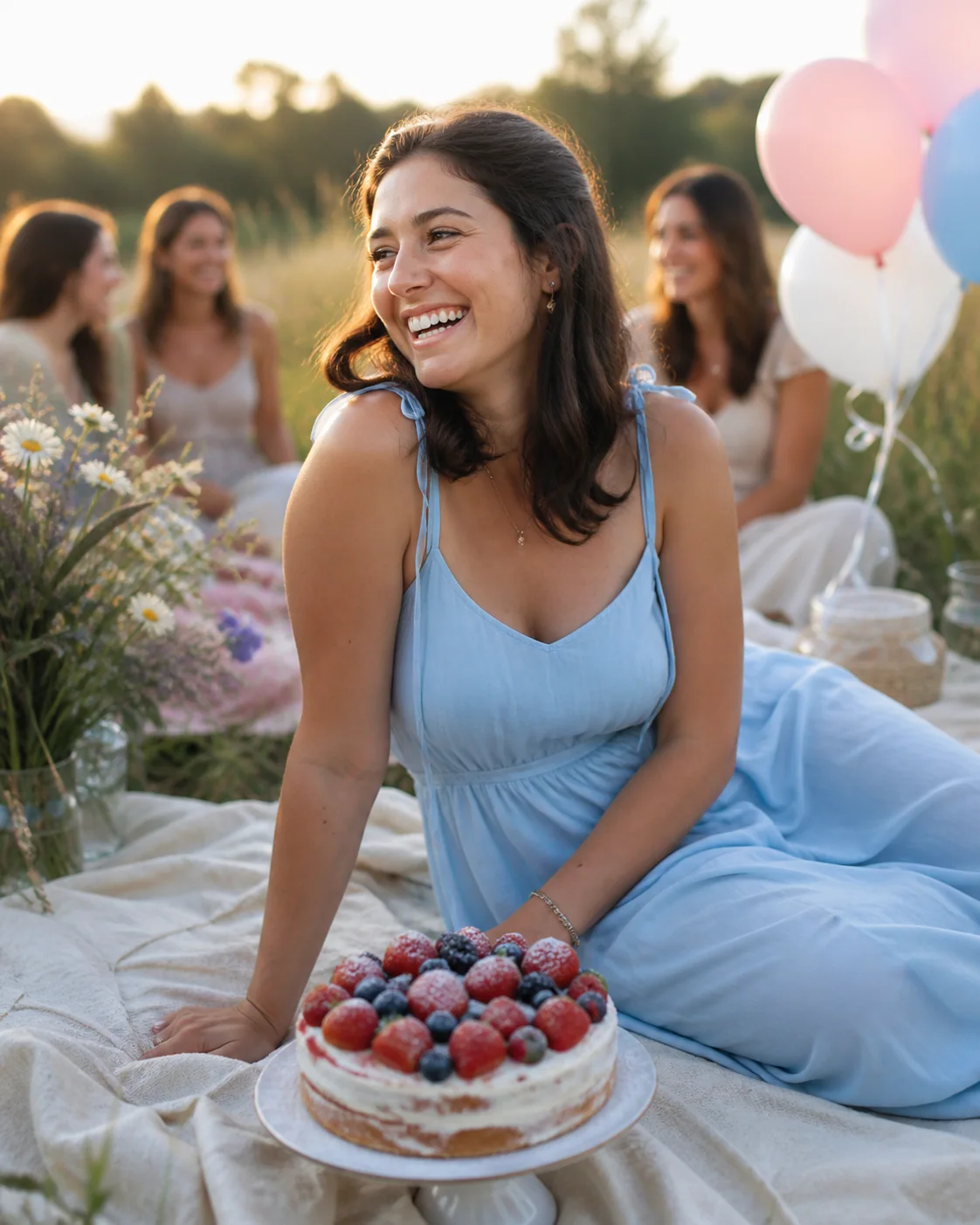
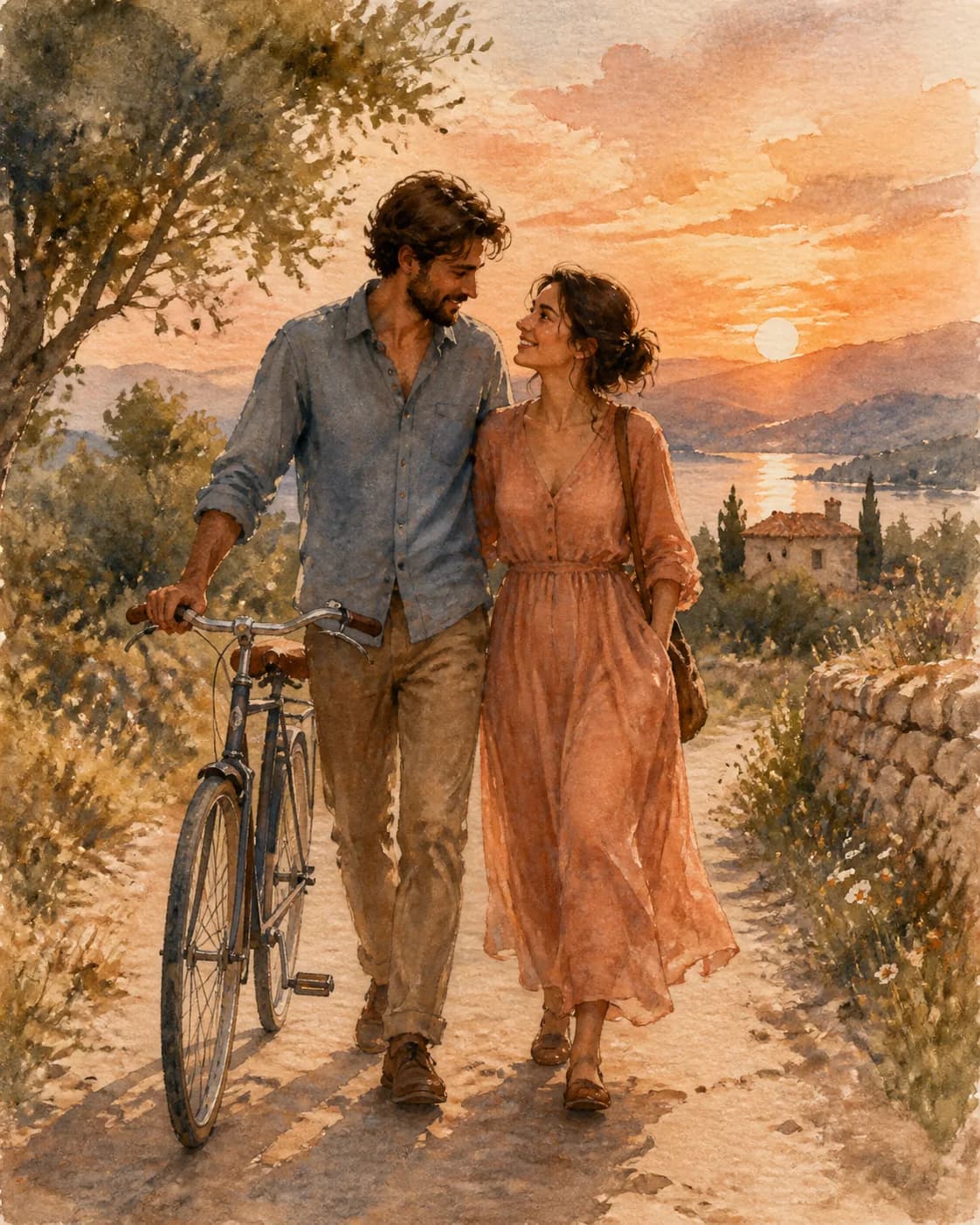
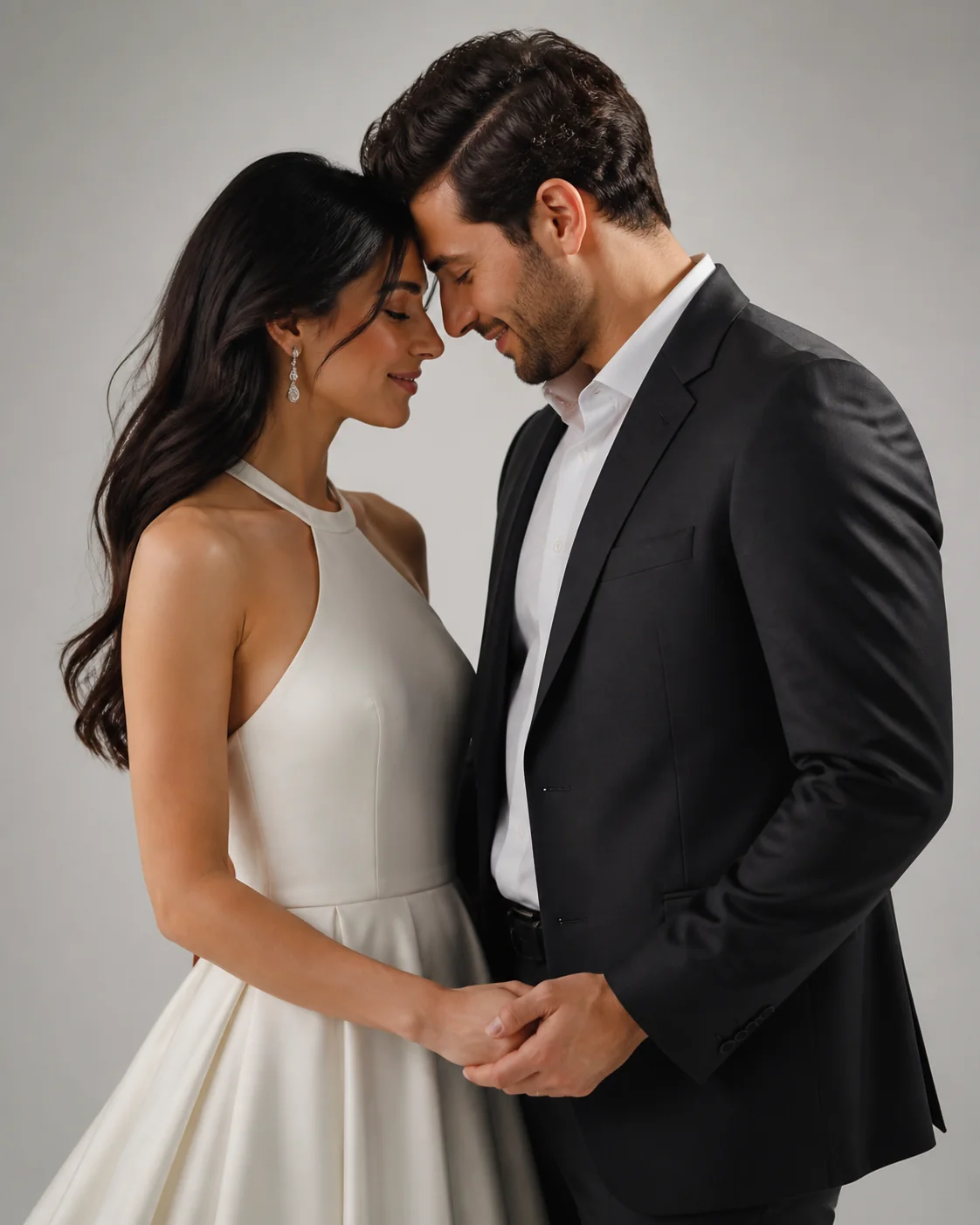
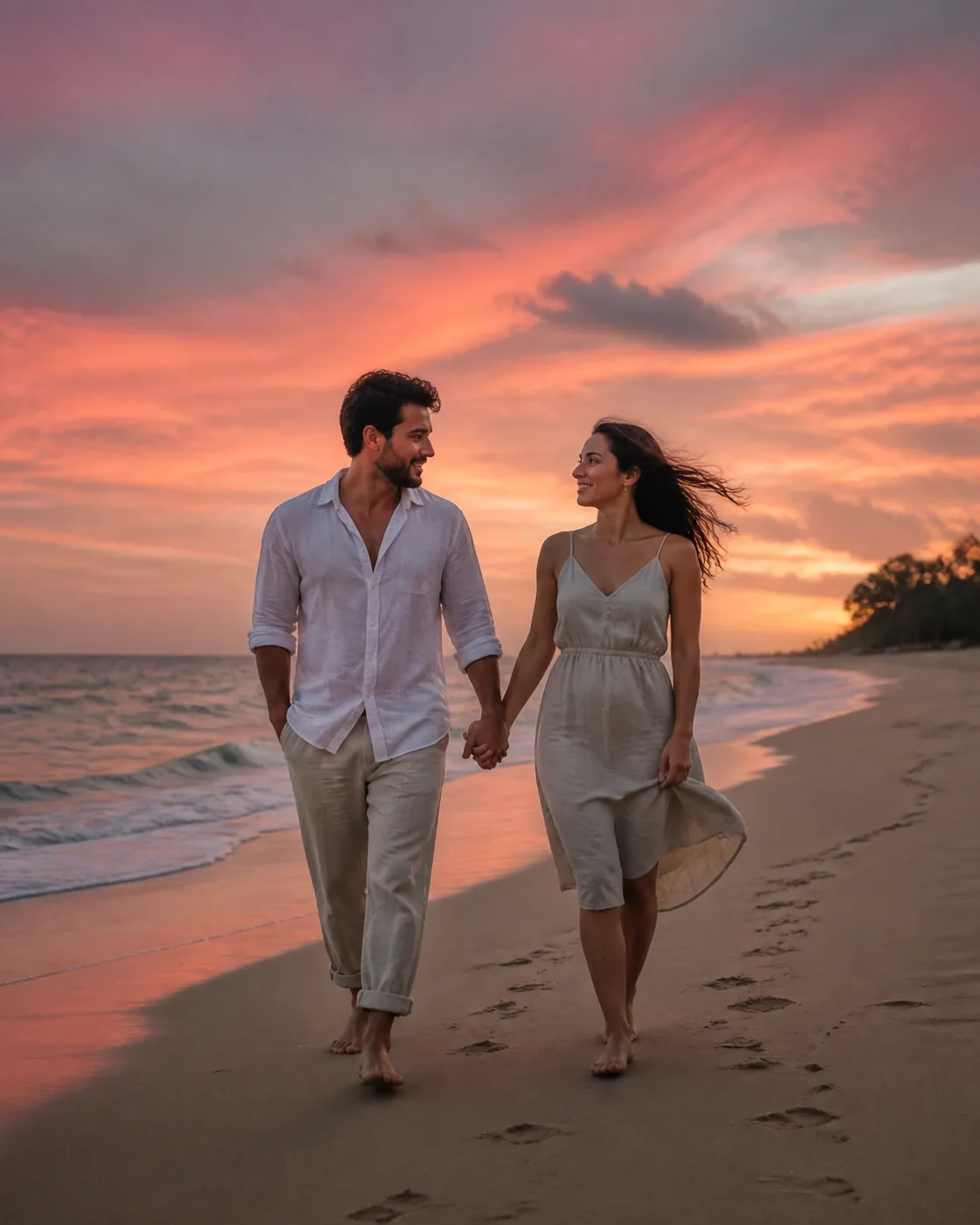
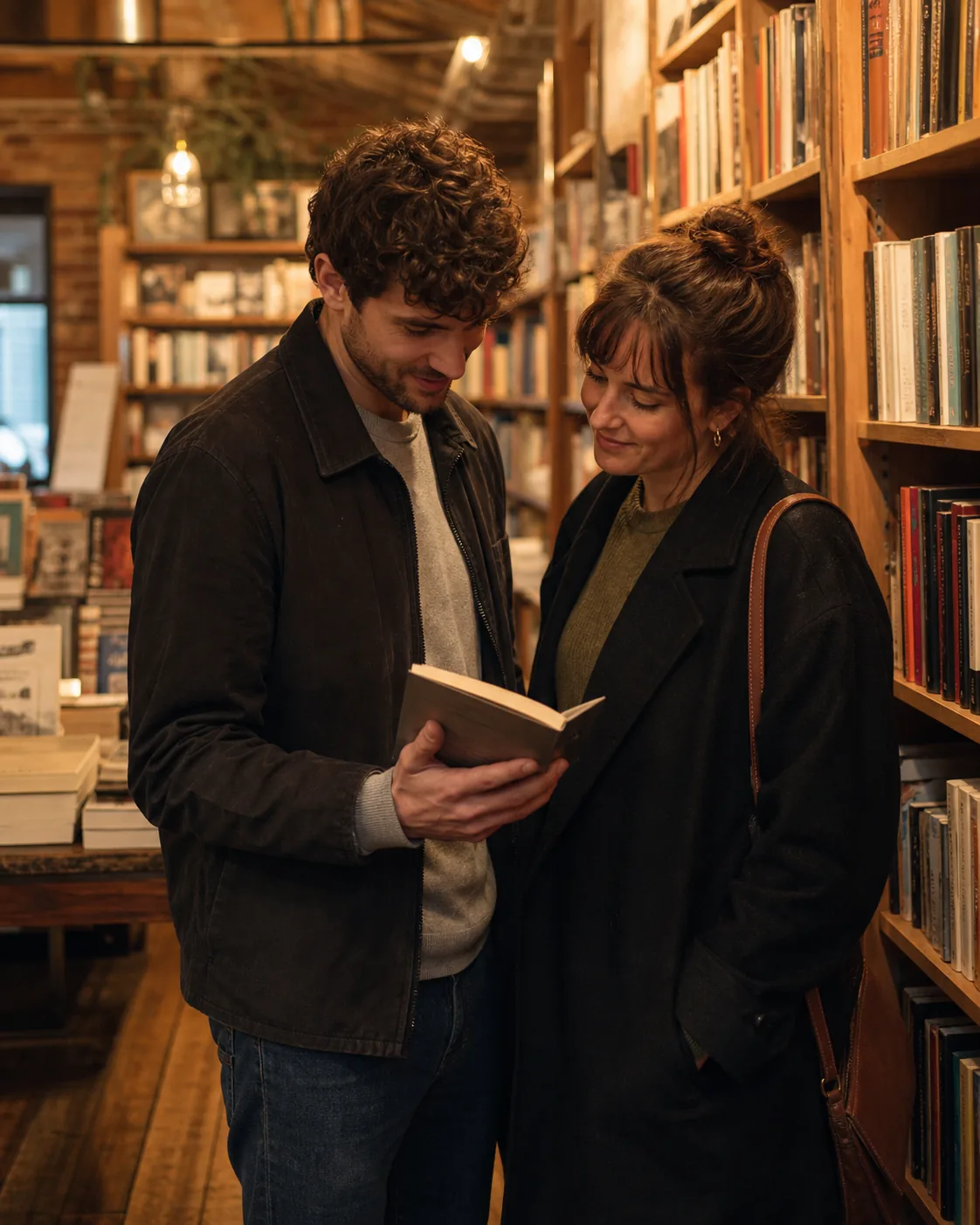
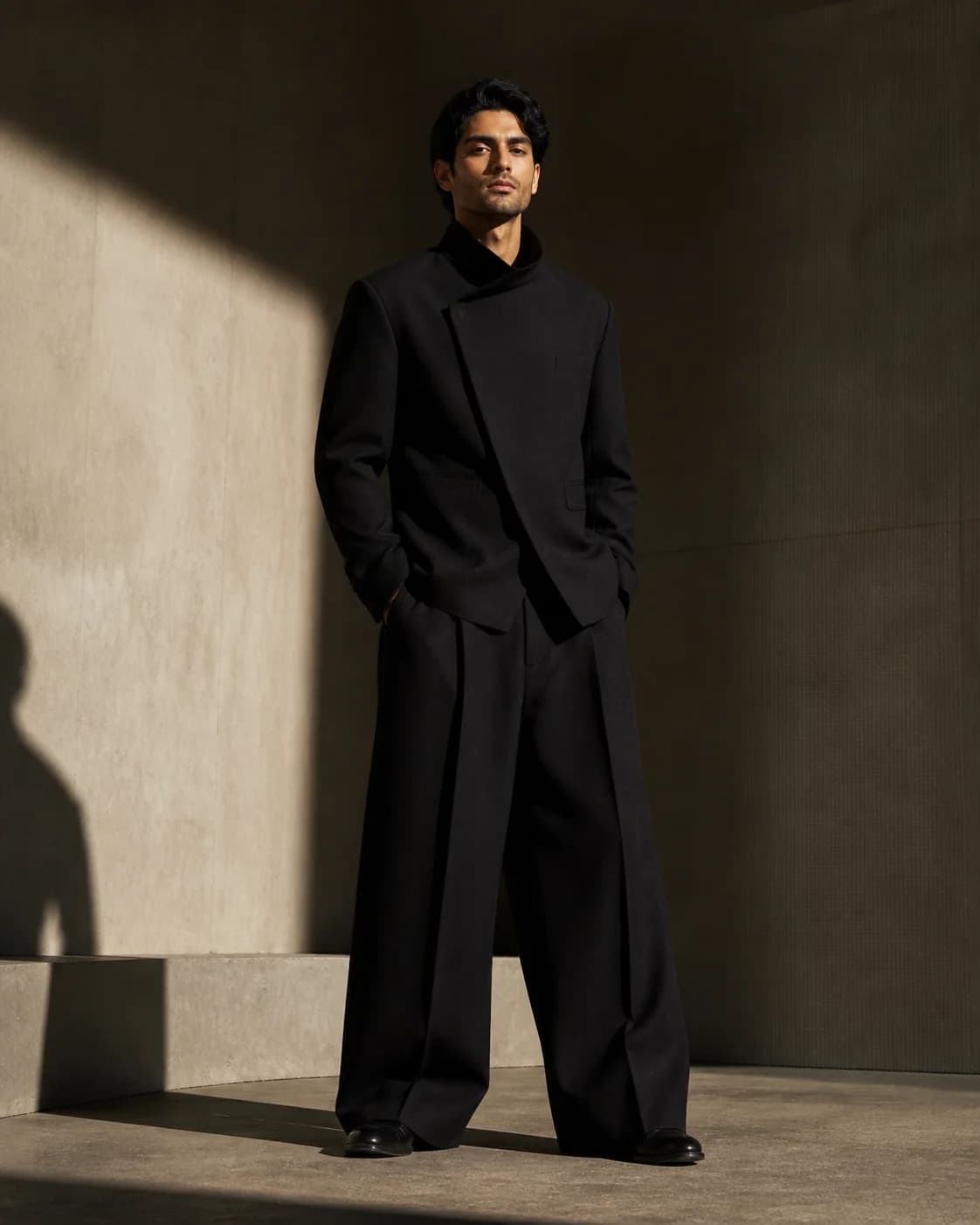
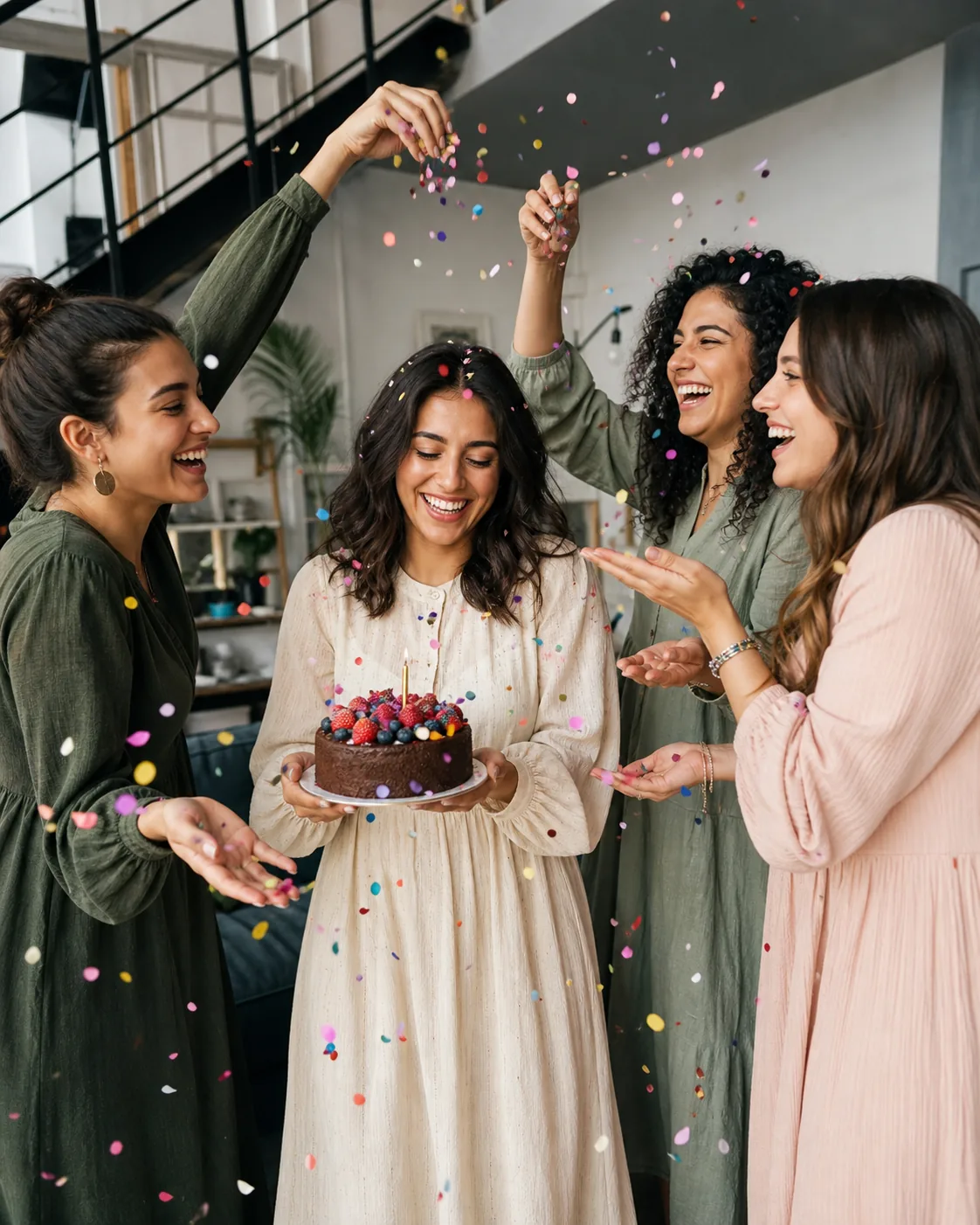
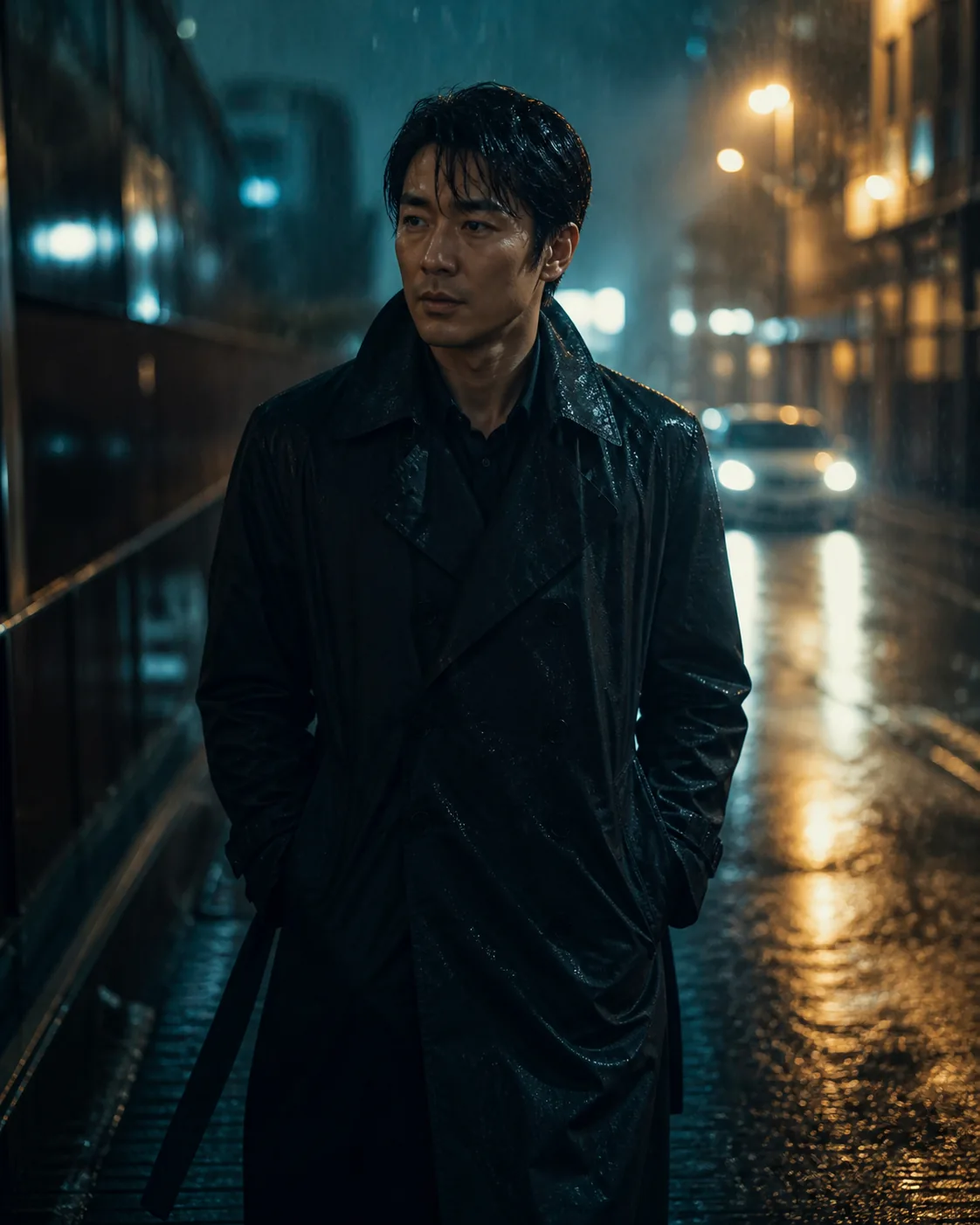
Real creations ordered by favorites and grouped by portraits, products, and scenes — open any image to read the full prompt or remix it.

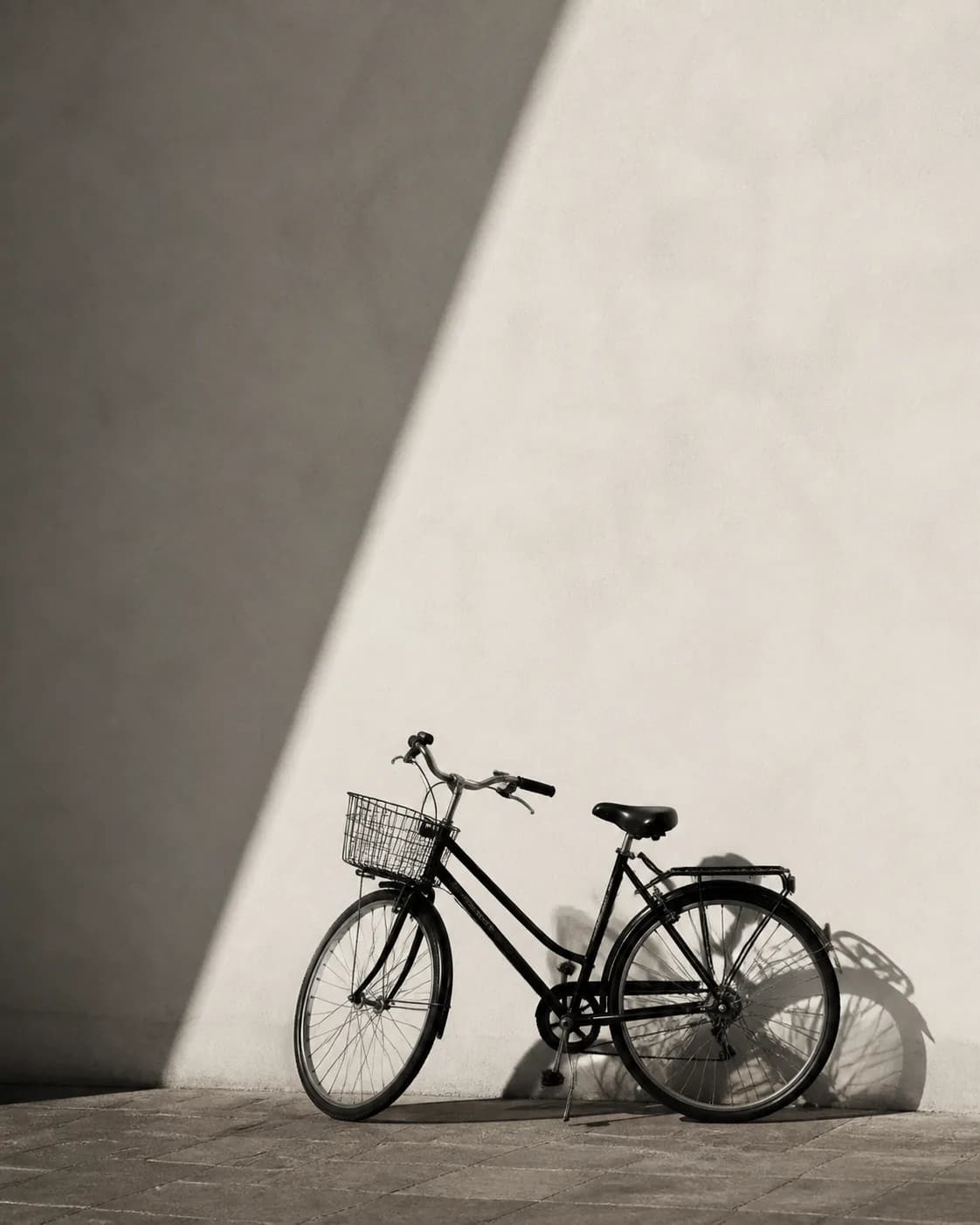
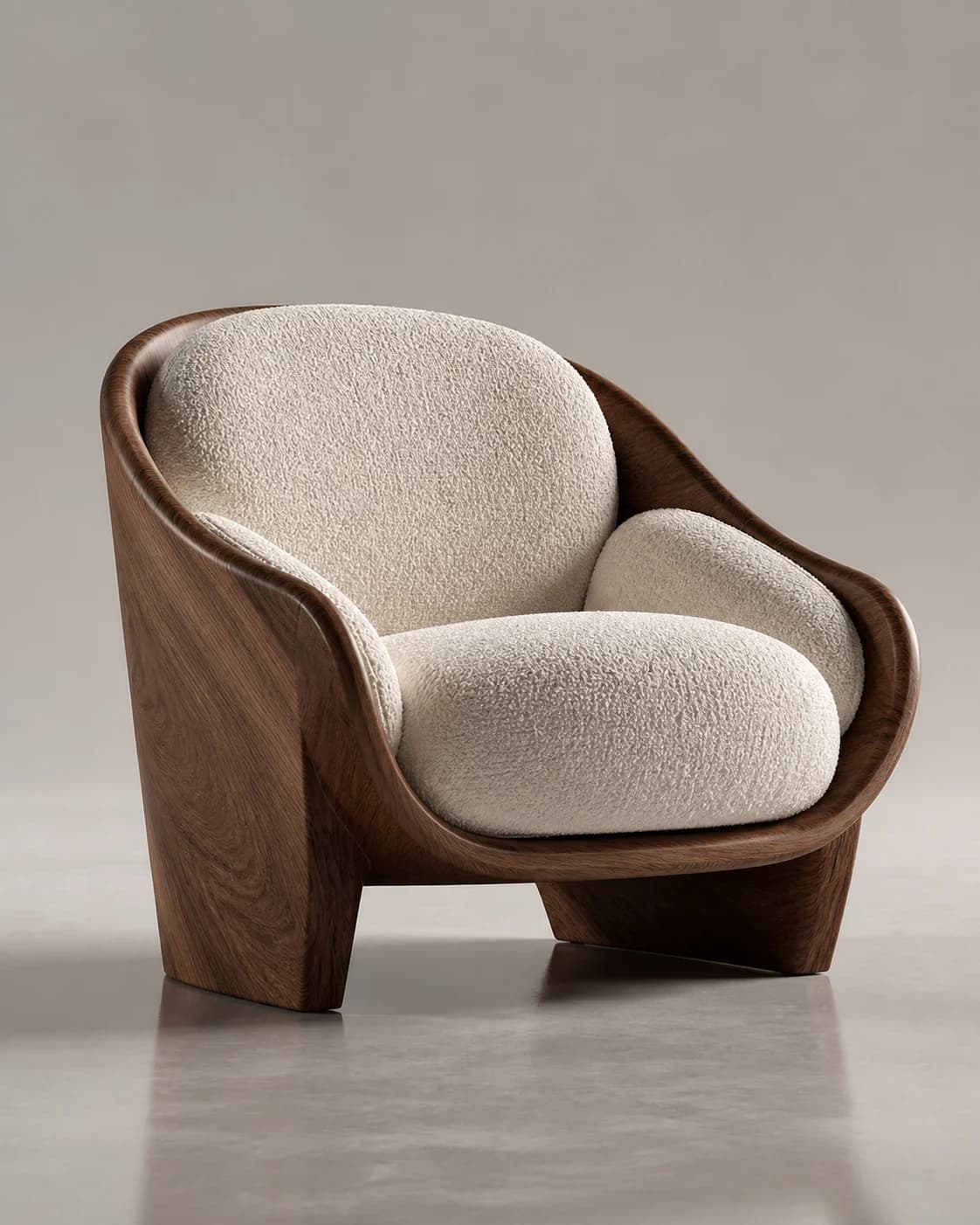
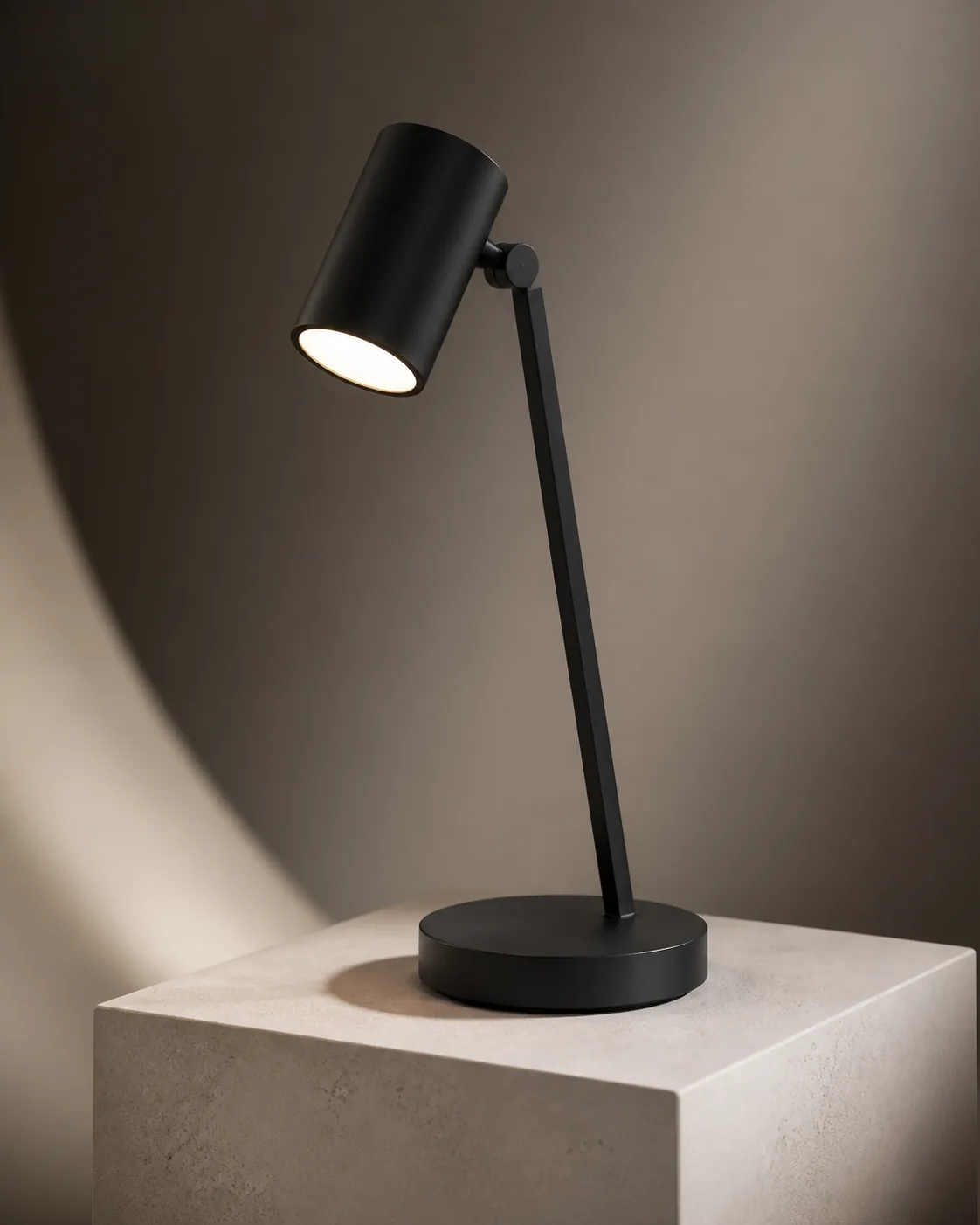
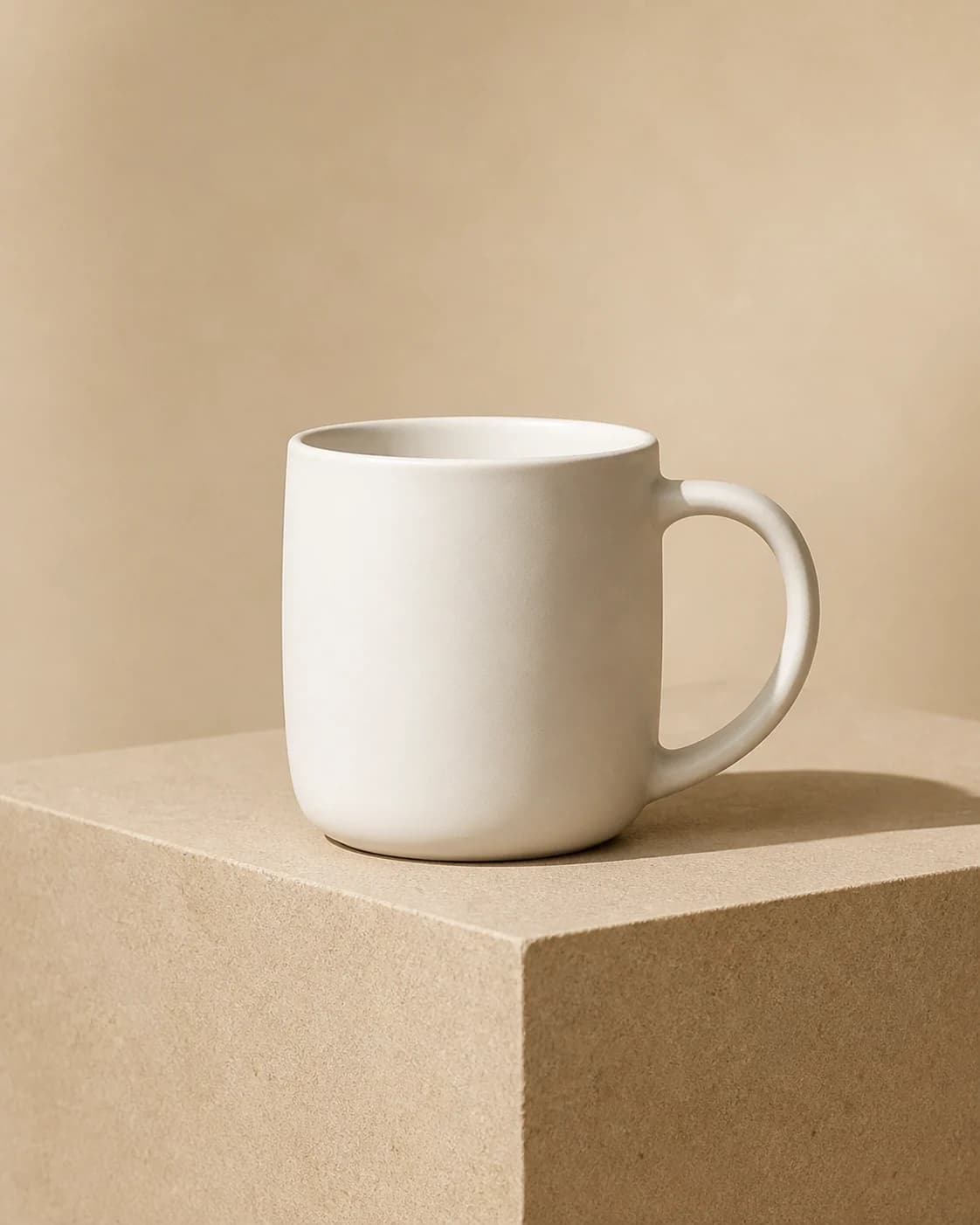
What Are Realistic AI Prompts?
Realistic AI prompts are text instructions that guide image models toward natural, lifelike results that could pass as photographs. Unlike stylized cartoon, anime, or mosaic prompts, photo-realistic prompts behave more like a photography brief by defining the subject, lens, lighting, composition, and real-world materials.
Our gallery keeps each full prompt beside its real generated result, so you can confirm the direction before creating. Specific cues such as natural window light, an 85mm prime lens, shallow depth of field, realistic skin texture, and environmental reflections are more useful than repeatedly stacking vague quality words.

Types of Realistic AI Images You Can Create
Realistic Portraits
Lifelike faces with natural skin texture, catchlights, and believable portrait lighting.
Product Photography
Controlled product shots with clear material texture, reflections, and commercial lighting.
Lifestyle & Street Photography
Candid-looking scenes with natural action, environmental light, and camera-like framing.
Nature & Landscape
Photo-realistic scenery with atmospheric light, weather, and convincing depth.
Food Photography
Realistic food imagery shaped by ingredient texture, steam, highlights, and natural plating.
Browse All Realistic AI Prompts
Explore public realistic creations by subtype, recency, popularity, or model.


Frequently Asked Questions
Answers about realistic prompts, camera details, reference images, model choice, and photo-realistic results.
How do I make AI prompts more realistic?
Write the prompt like a specific photography brief: define the subject, setting, focal length, light direction, and observable material details. Phrases such as natural window light, an 85mm lens, shallow depth of field, realistic skin texture, and fabric folds give the model more useful direction than generic words such as high quality or realistic.
What are the best AI prompts for realistic photos?
Strong prompts for realistic photos usually combine a clear subject, camera viewpoint, lighting conditions, and key textures without contradicting one another. Start from a prompt whose real output matches the portrait, product, or lifestyle direction you want, then change the subject, environment, and photography details for your version.
How do I create realistic images with AI?
Browse the public gallery, open a result close to your goal, read the full prompt, and click Remix. Edit the description or upload a reference image, then generate your own photo-realistic version with an available model instead of starting from a blank prompt and repeating trial and error.
Which AI model produces the most realistic images?
No single model is always best for every realistic subject; portraits, product materials, reference consistency, and scene composition place different demands on a model. Magggic supports Seedream 5.0 Pro, ChatGPT, and Gemini, so compare the available models with the same prompt and keep the result that best matches your goal.
Can I turn a photo into a hyper-realistic AI version?
Yes. Upload the photo as a reference and describe the subject features that must remain recognizable together with the lighting, lens treatment, and texture detail you want to change. The AI creates a new interpretation from the reference and prompt rather than simply sharpening the original or applying a fixed filter.
What is the difference between realistic and photorealistic AI prompts?
Realistic prompts focus on natural proportions, believable lighting, and real-world materials, while photorealistic prompts go further by describing a lens, depth of field, exposure, and photographic lighting. Hyper-realistic prompts often push micro-texture and dramatic clarity even further, but too much detail can look overprocessed, so choose the level of realism that suits the image.
Ready to Create a Realistic Image?
Describe a real-world scene or upload a reference, then generate your own photo-realistic version.