Romantic Couple Photos From One Picture of You Two
Upload a photo of you and your partner and get professional-looking couple photos — a beach sunset, an engagement shoot, a rooftop night — while both of you still look like yourselves.
- Keeps both faces recognizable
- Engagement, travel and date-night looks
- Great for anniversaries and announcements
Create Your Couple Photos
Upload one photo with both of you, choose a scene, then generate.
Couple scene
Pick where your photo takes place.
Extra changes (optional)
Describe outfits, colors, or details you want. The scene above is applied automatically.
Transform the uploaded photo of the couple into a photorealistic, professionally shot couple portrait. Use the uploaded photo as the identity reference. Keep every person's face, facial features, skin tone, hairstyle, age, and body proportions recognizable and natural. Do not add, remove, or swap people, and do not change anyone's ethnicity or age. Keep both partners together, affectionate but tasteful, with natural interaction, realistic skin texture, and flattering light. Place the couple embracing on a quiet shoreline at sunset with golden backlight, soft waves, a light sea breeze moving their light clothing.
Couple Photo Ideas
Choose a scene, upload a photo of you both, and describe anything you want changed.
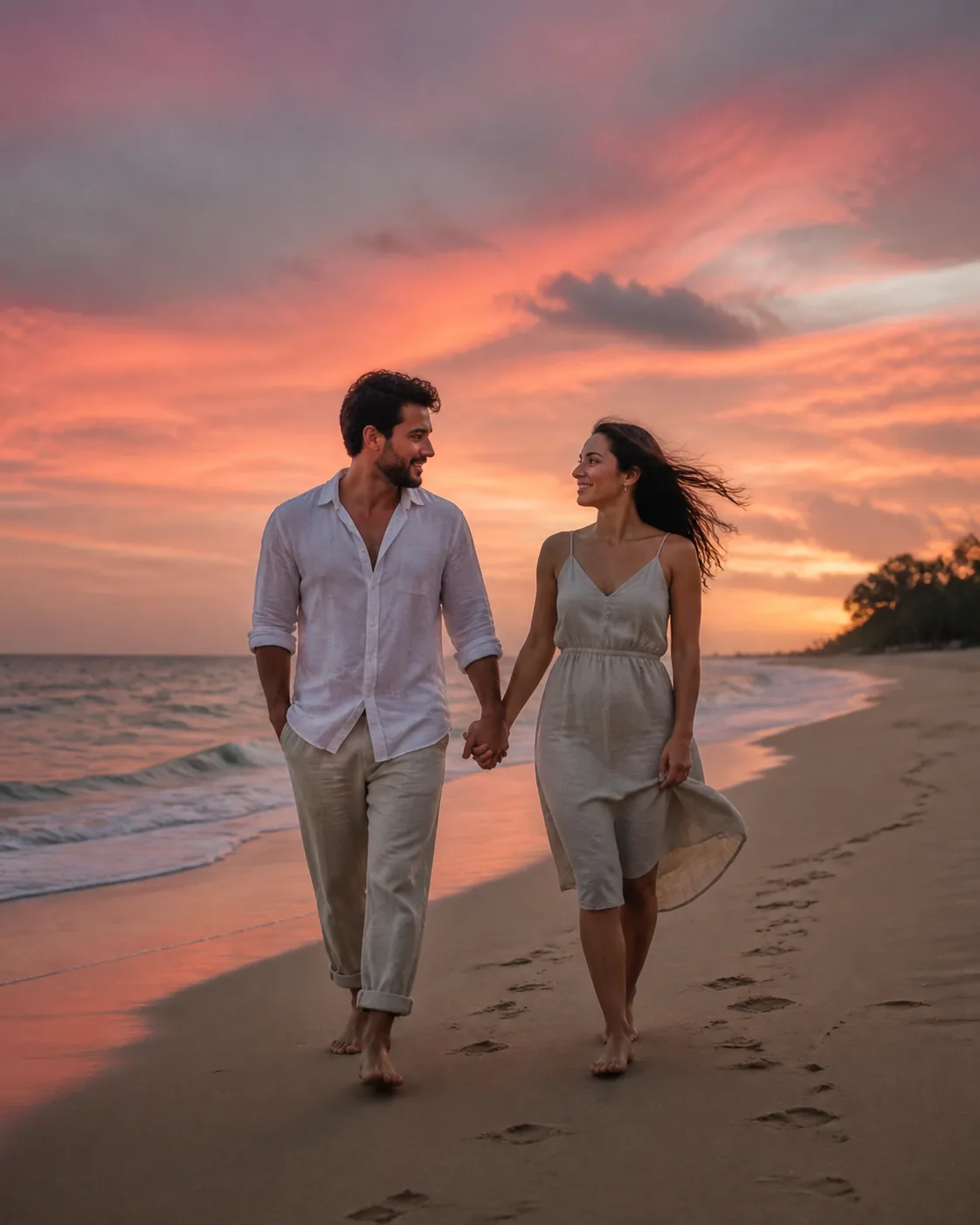
Golden backlight, sea breeze and a quiet shoreline.
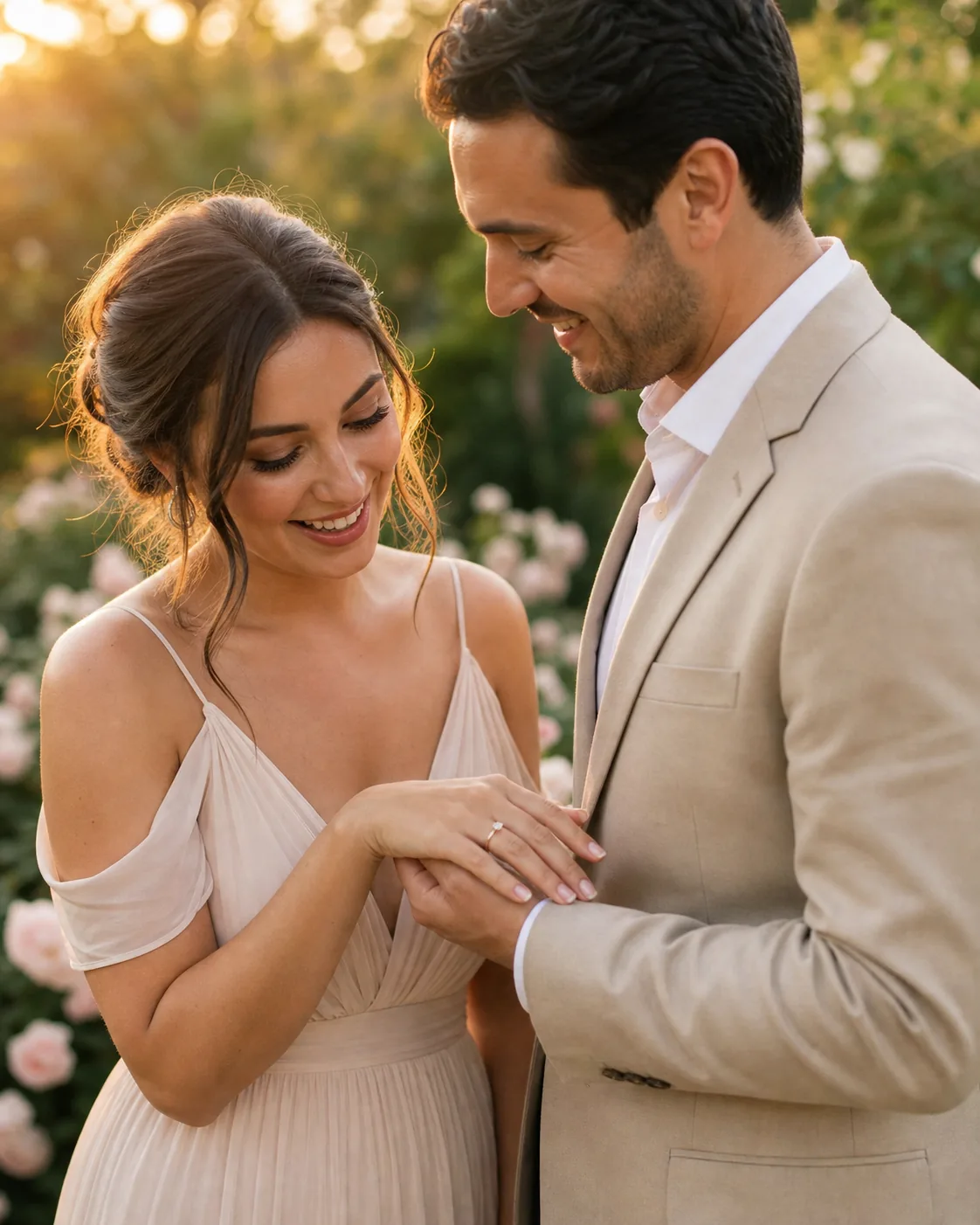
An elegant engagement portrait in a blooming garden.
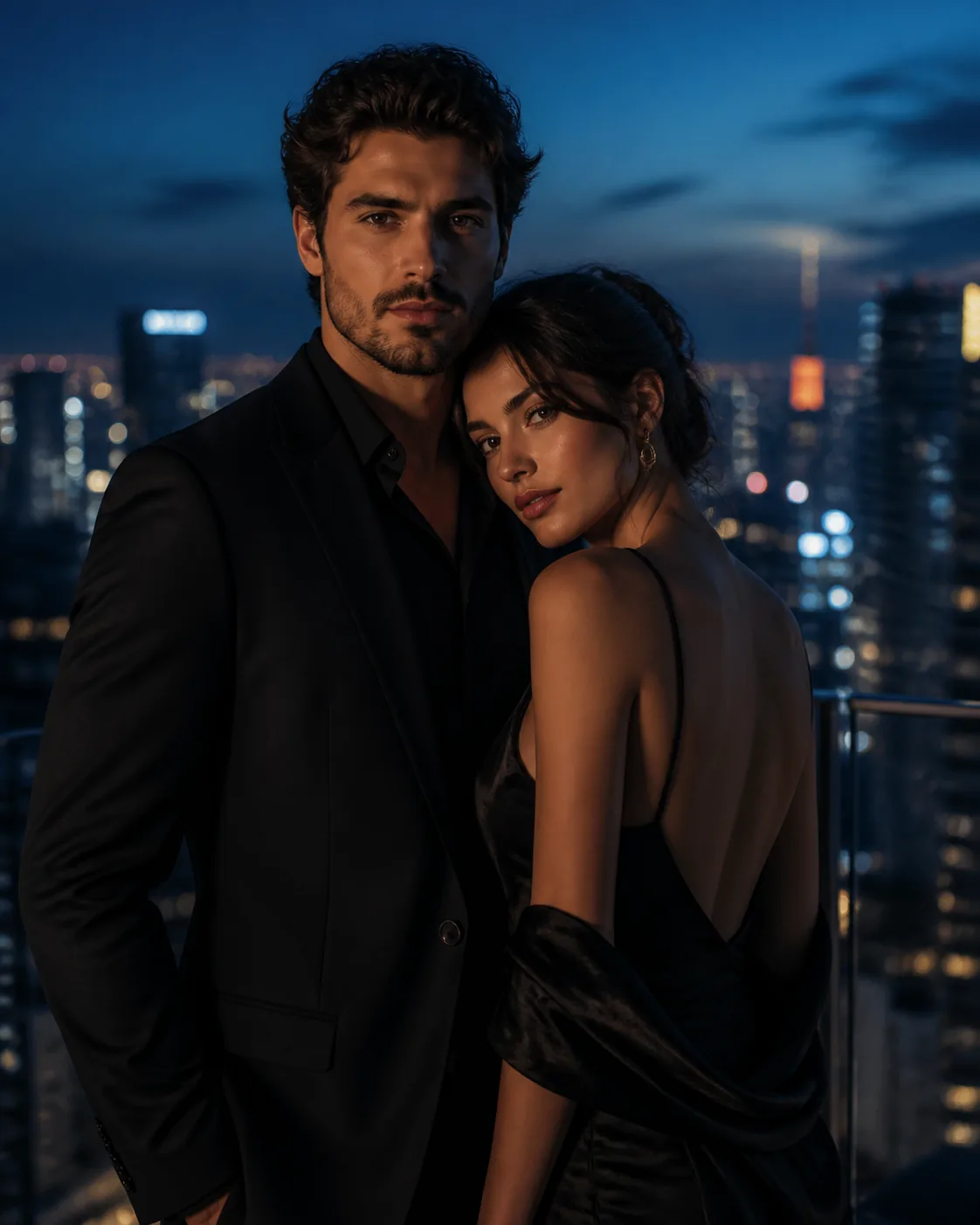
City lights, evening outfits and a cinematic glow.
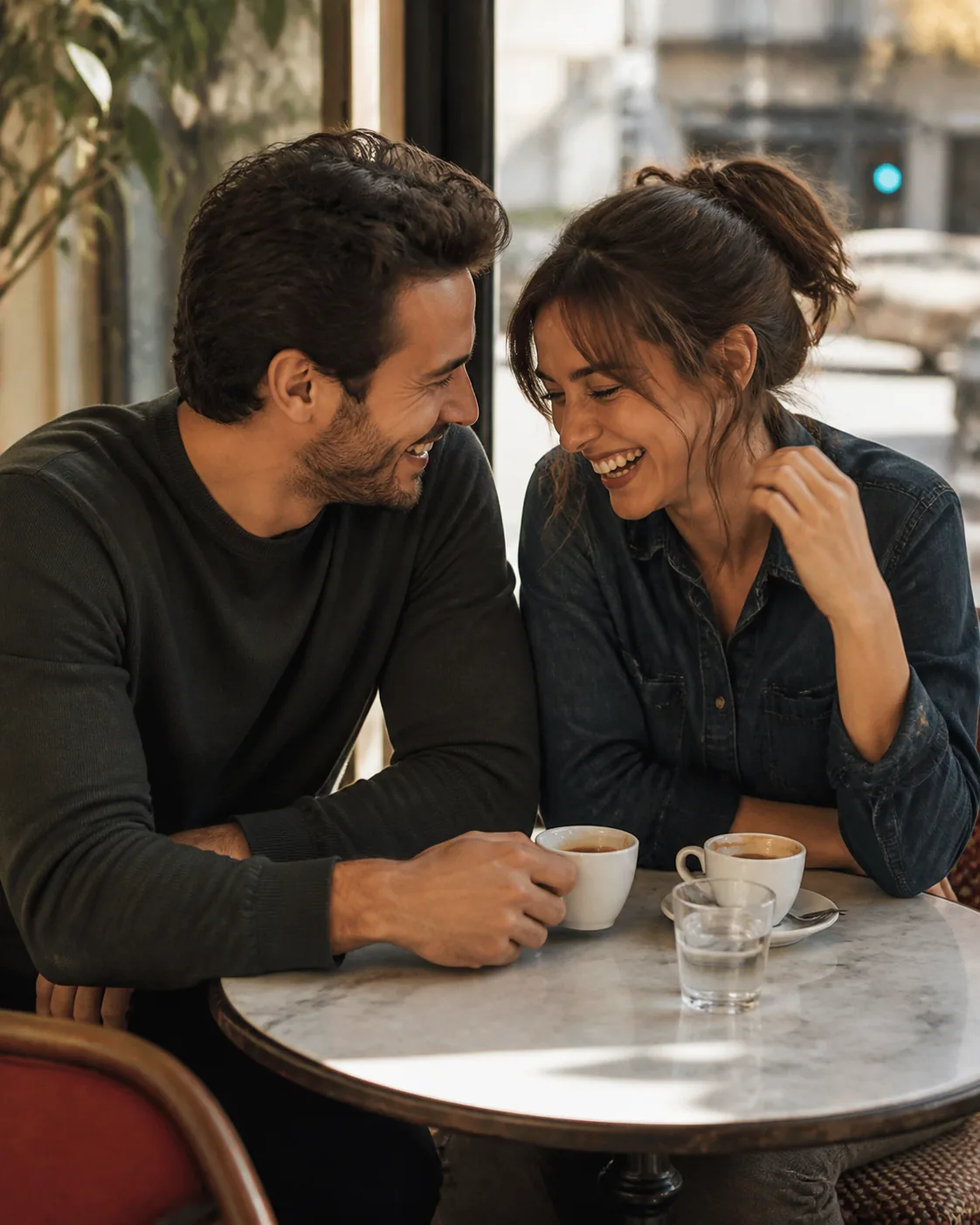
Coffee, laughter and soft window light.
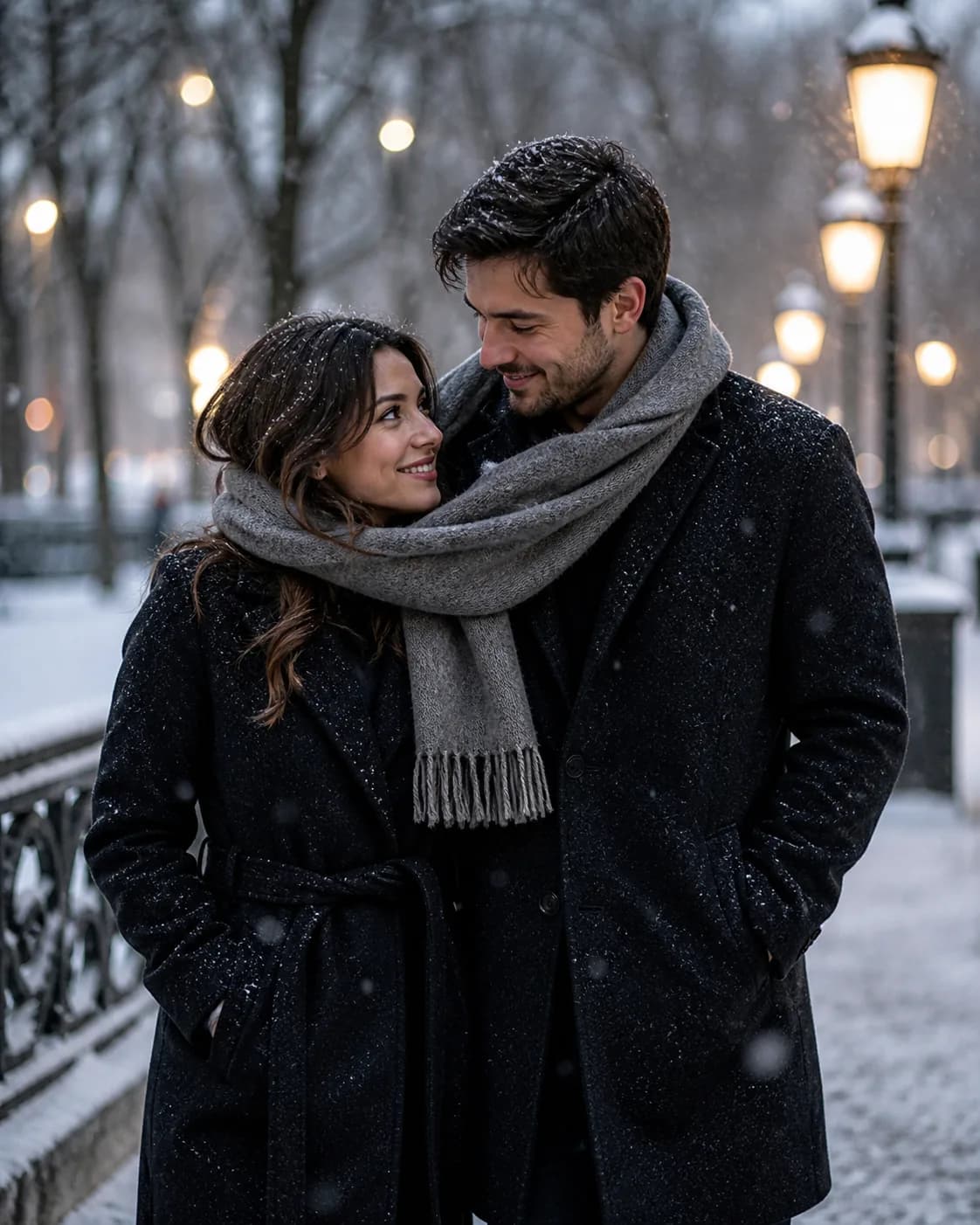
Warm coats and a quiet snow-covered street.
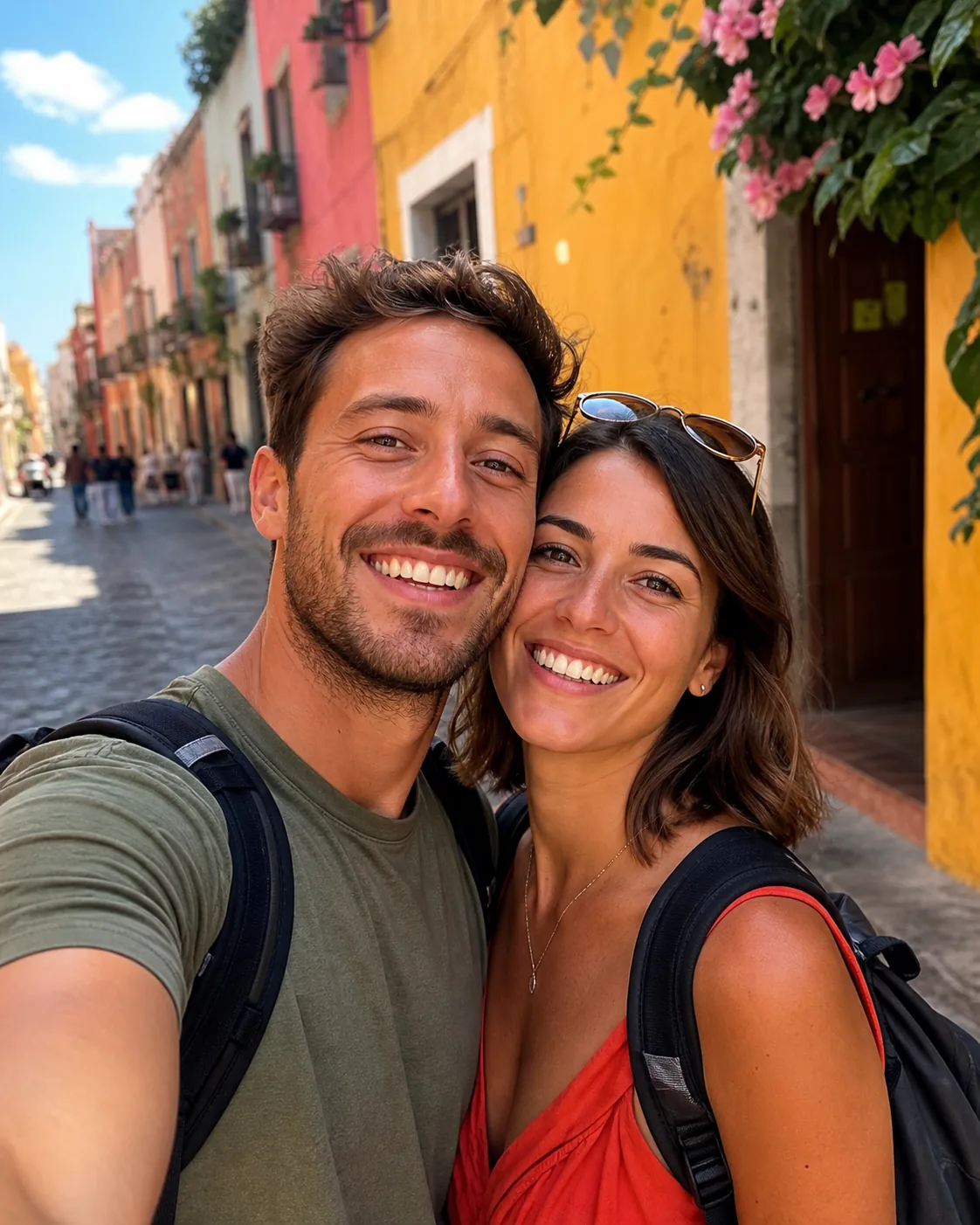
A sunlit old-town lane, like a trip you took together.
Holiday Pack: $9.90 for about 10 images
One-time purchase. No subscription, no auto-renewal. Credits work for every look on Magggic and last 12 months.
40 credits — $9.90
- About 10 standard images, or fewer at 2K/4K
- Failed images are refunded automatically
- Valid for 12 months
What Couples Make With It
Photos for the moments you want to remember.
Anniversaries and Valentine’s Day
A romantic portrait to share or print as a gift.
Engagement announcements
Engagement-style photos before the real shoot — or instead of it.
Save-the-dates
A polished couple photo for save-the-date cards and wedding websites.
Long-distance couples
Start from any photo of you together and place it in a new setting.
Three Steps, About a Minute
- 01
Upload a clear photo
Choose a well-lit photo where both of you faces the camera. Phone photos work well.
- 02
Pick a look
Select a preset scene, or describe extra changes such as outfit colors, background, or mood.
- 03
Generate and download
Your image is ready in about a minute. Download it, generate another version, or try a different look.
Tips for Better Couple Photos
Both faces visible
Use a photo where both of you face the camera and neither face is hidden.
One photo, two people
Upload one photo with both of you in it rather than two separate selfies.
Name your outfits
Add “matching white linen” or “black tie” to steer the styling.
Generate a few versions
Small pose differences matter — try two or three and keep the best.
Frequently Asked Questions
Will both of us still look like ourselves?
The generator uses your photo as the identity reference for both partners and keeps faces, hair and proportions recognizable. Clear photos with both faces visible work best.
Can I use two separate photos?
This page works with one photo that has both of you in it. If you only have separate selfies, try a photo where you’re side by side first for the most natural result.
Can I use these for save-the-dates?
Yes. Download your images and use them for cards, wedding websites, and social posts. Choose 2K or 4K for printing.
Is it free to try?
New accounts receive free starter credits, enough to try a few images at standard resolution. After that, the Holiday Pack is $9.90 for 40 credits (about 10 standard images) — a one-time purchase with no subscription. Failed generations are refunded automatically.
What happens to the photo I upload?
Your photo is only used to create your images. Generated images stay private in your account unless you choose to publish them, and you can delete them at any time.
Make Romantic Couple Photos in a Minute
Upload a photo of you two, choose a scene, and download photos you’ll want to share.