
3D Render AI Prompts
Browse tested 3D render AI prompts — cartoon-style 3D portraits, architectural renders, interior visualizations, and product shots. See real outputs, copy any prompt, or remix it in one click with your own photo.
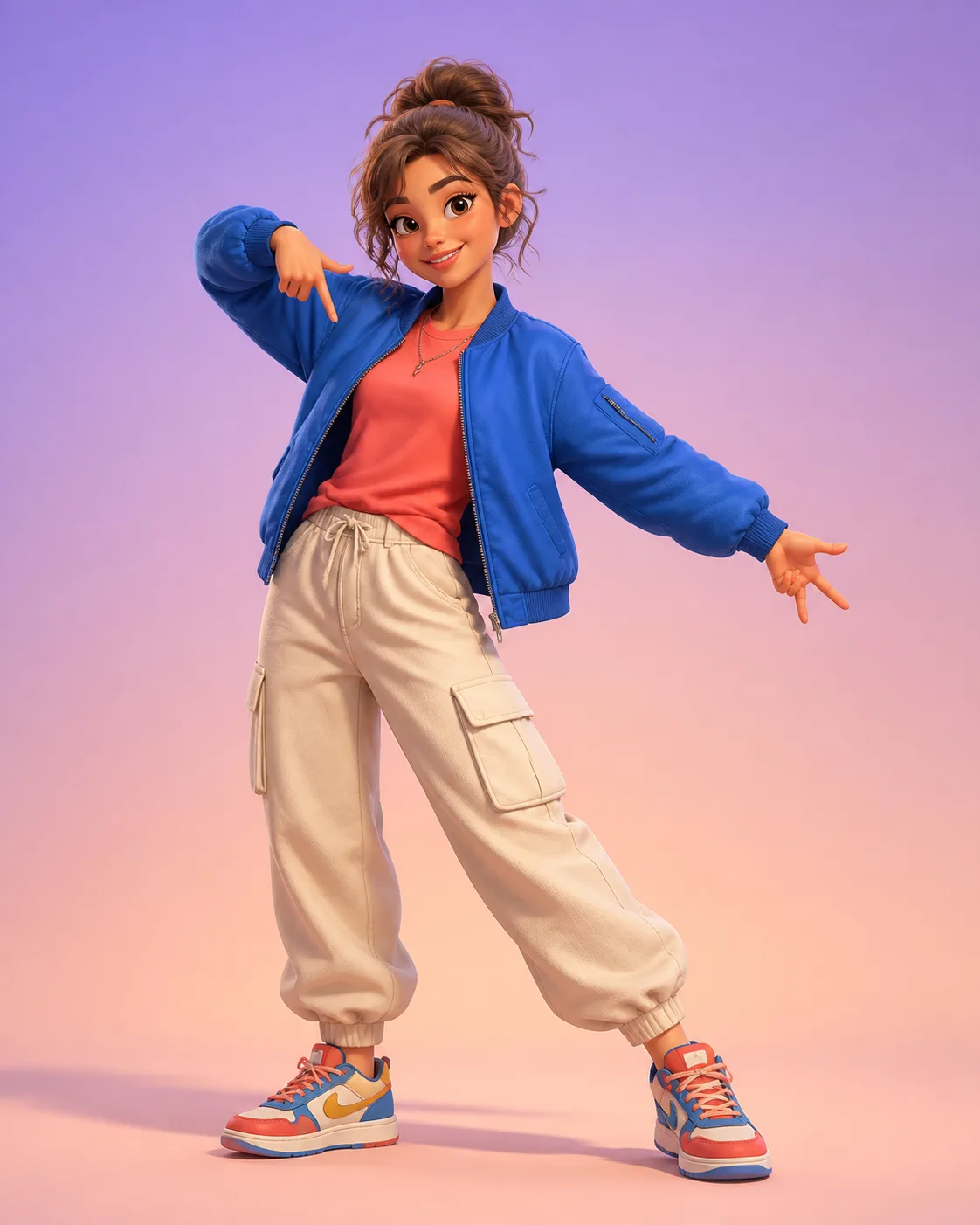
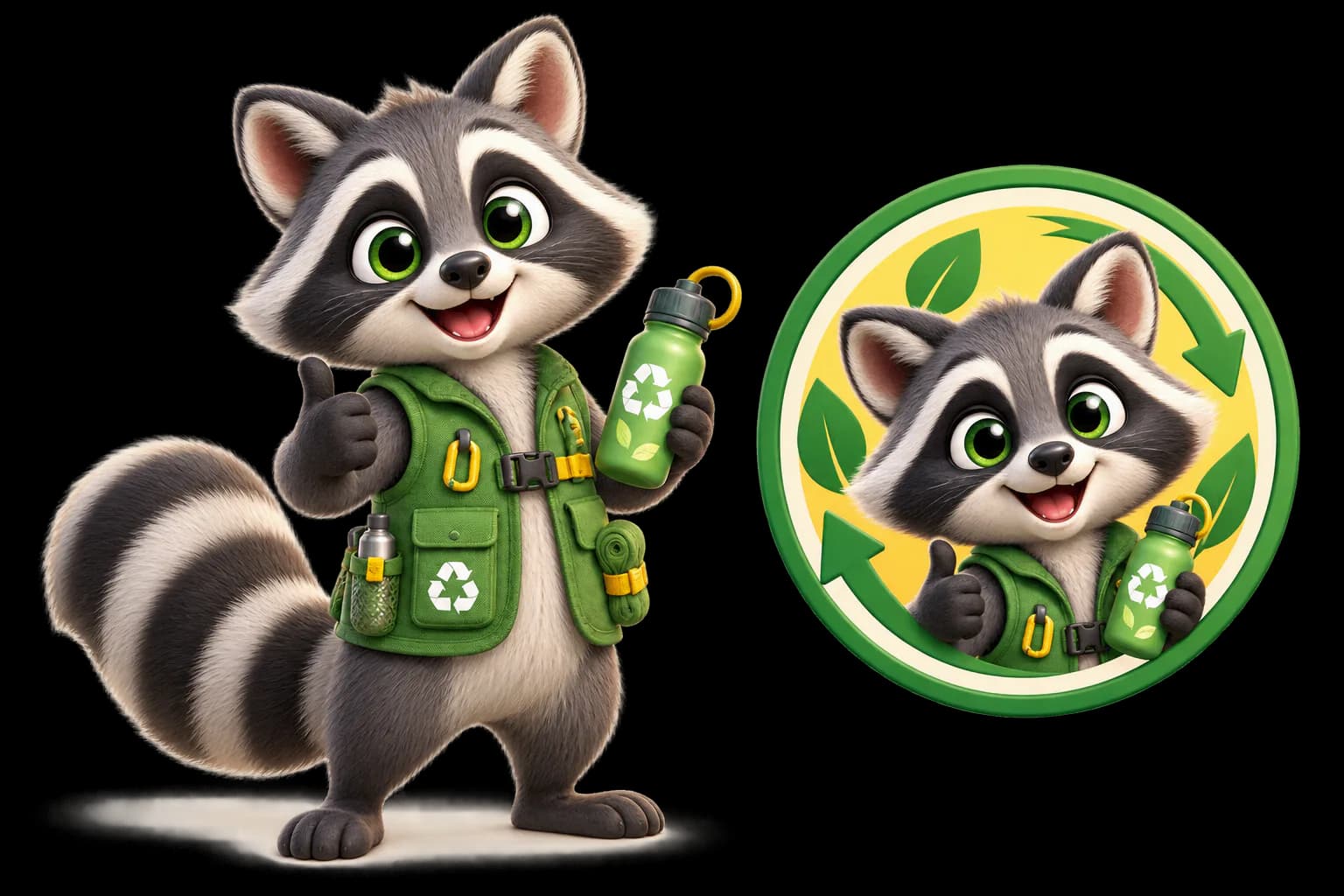
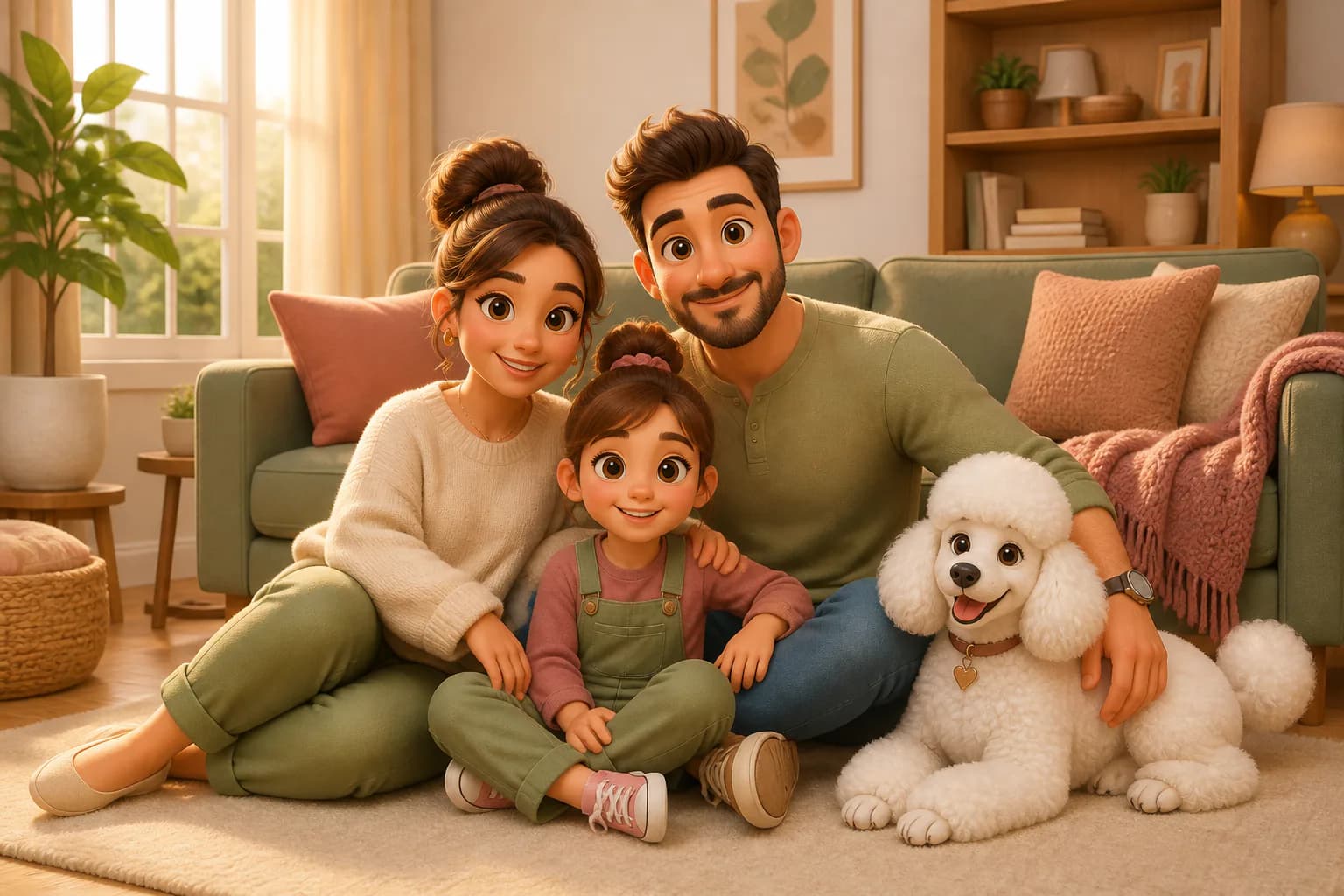
What Are 3D Render AI Prompts?
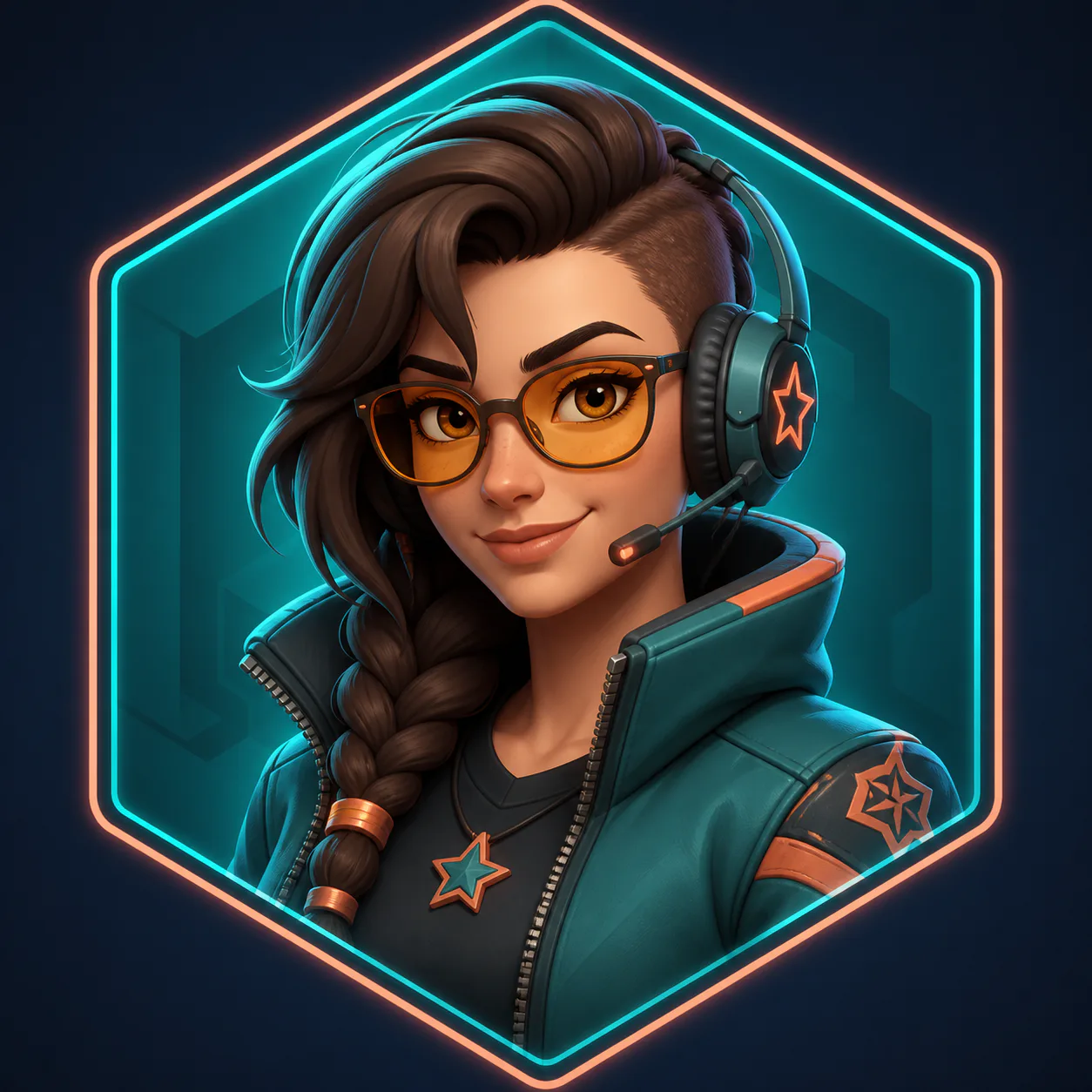
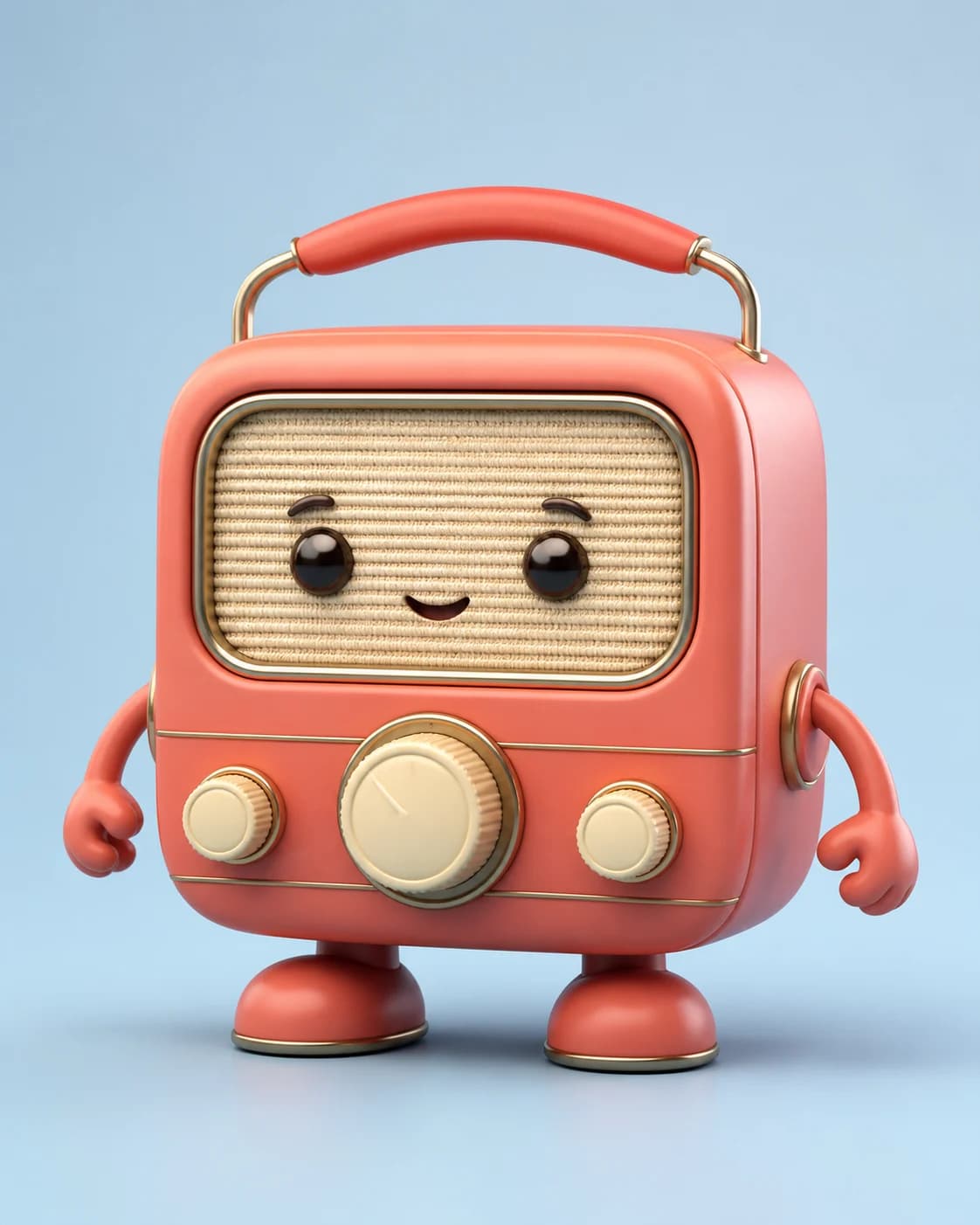
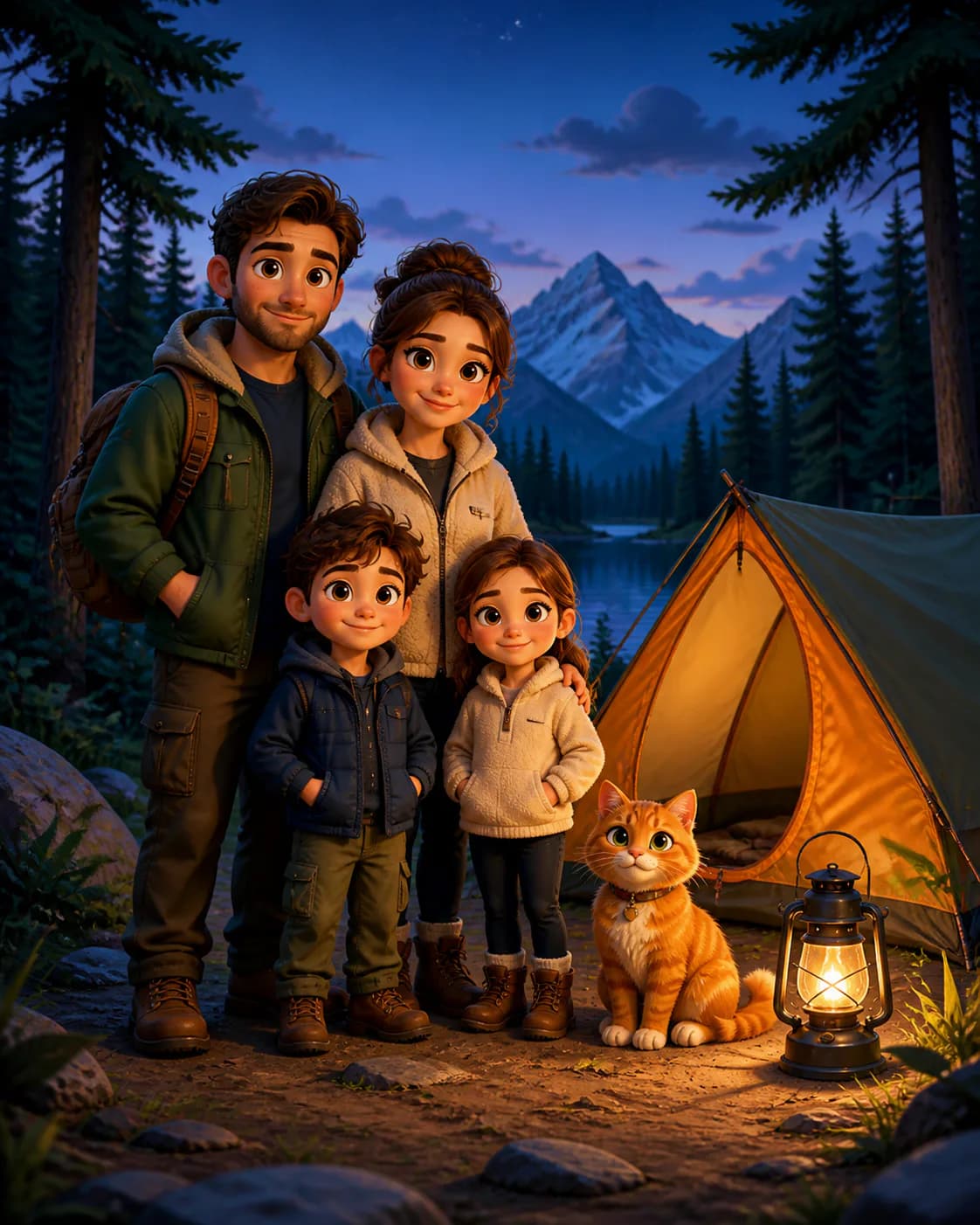
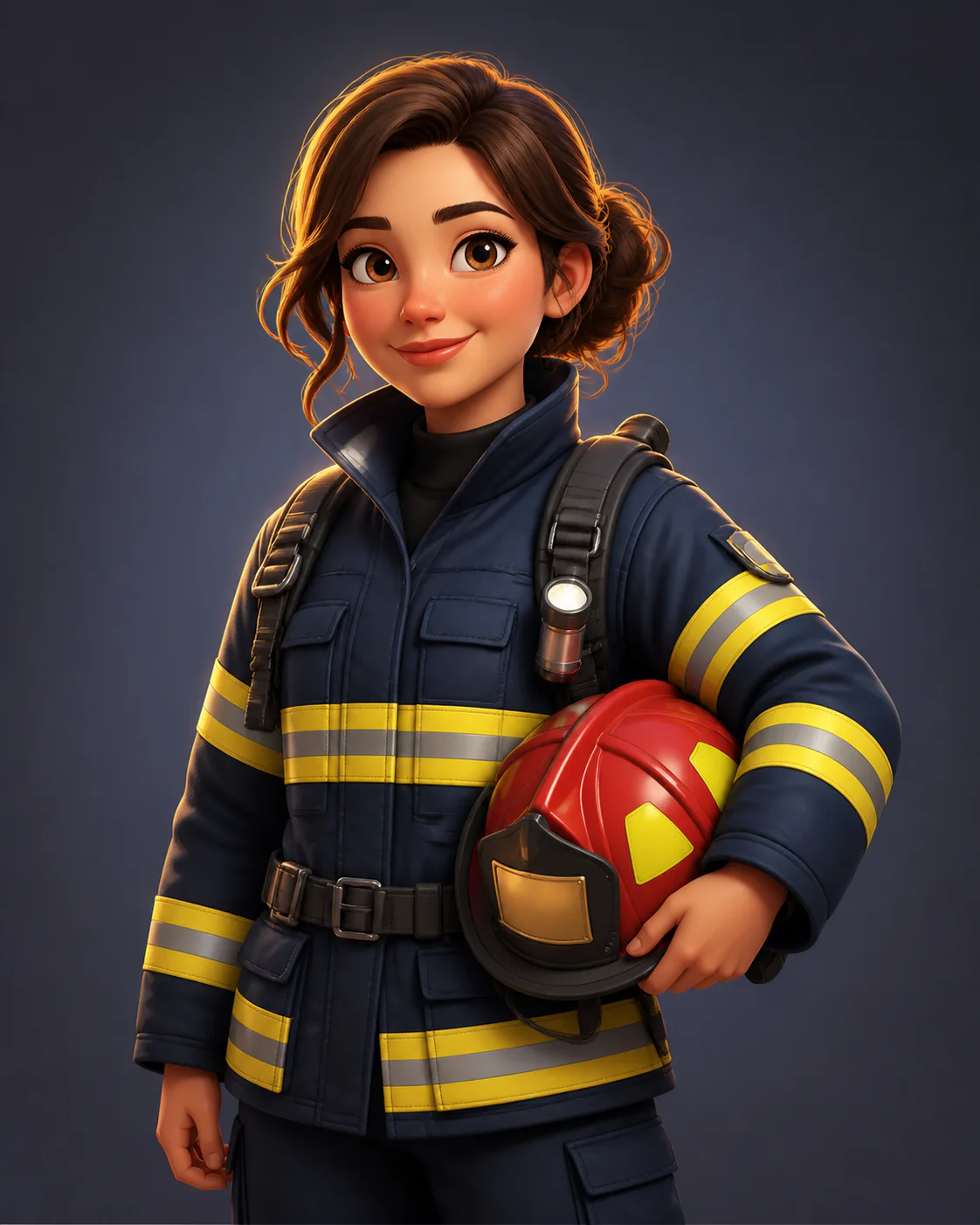
3D render AI prompts are text instructions that tell an AI image model (ChatGPT's GPT Image 2, Gemini, or Doubao) to create images with a three-dimensional, rendered look. Two audiences use them: creators turning photos into 3D cartoon characters (Pixar style, glossy figurines, soft studio lighting), and professionals generating architectural renders, interior visualizations, and product shots with realistic materials and lighting. Instead of guessing the phrasing, browse our gallery of tested 3D render prompts, each paired with a real output. See a style you like? Click Remix to use that 3D render AI prompt as your starting point, then adjust the subject, materials, and lighting before generating.
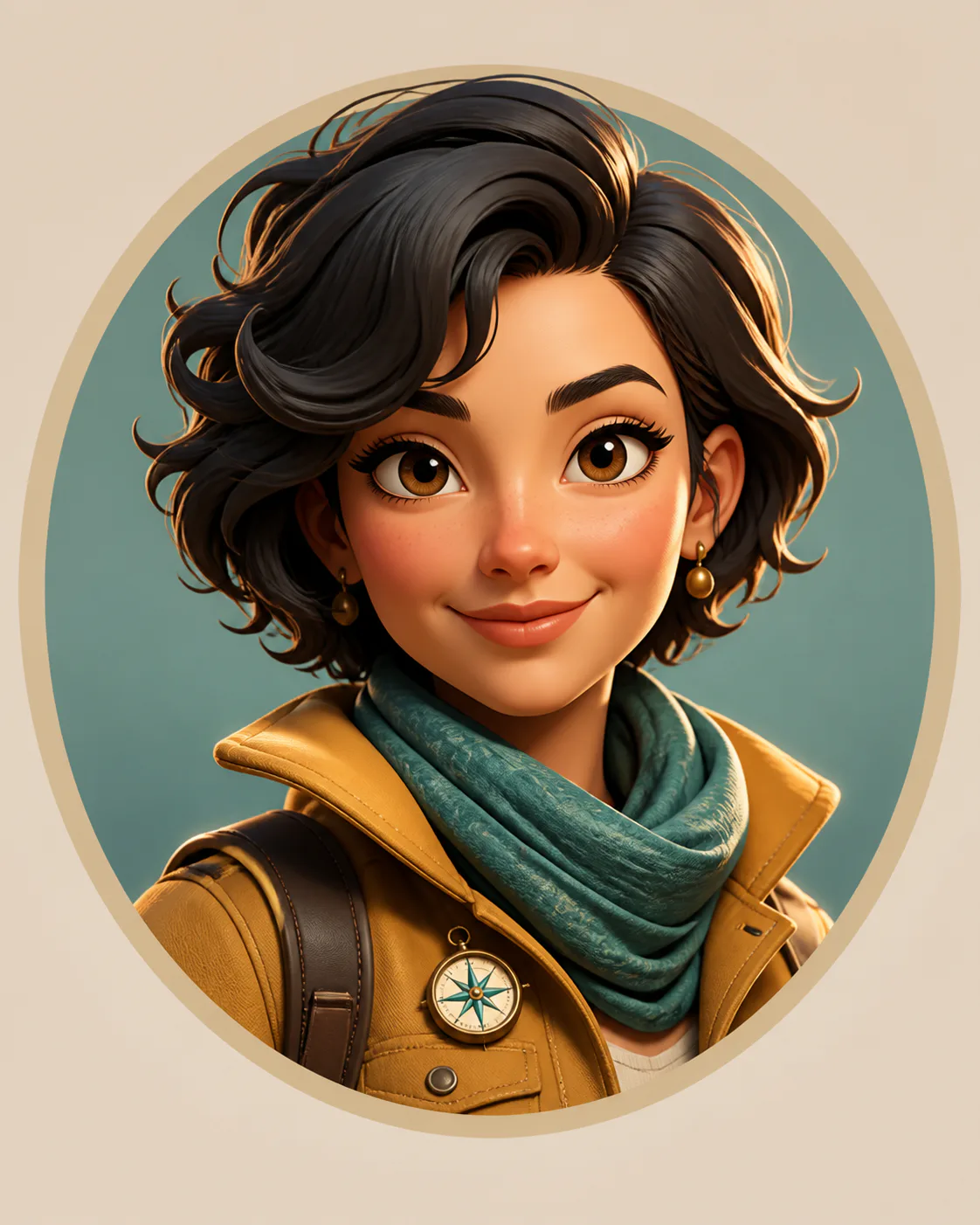
How to Create Stunning 3D Renders with AI Prompts
Start by browsing the 3D render AI prompts gallery to find a look you love — a 3D cartoon portrait of a person, a photorealistic architectural exterior, a cozy interior visualization, or a clean product render. Open the result to read its full prompt, click Remix, and the composer loads that prompt ready for your tweaks. Upload a reference photo or sketch if you want the AI to follow your subject, then adjust the render style, material finishes, camera angle, and lighting. The AI generates a new 3D render AI image based on your edits — no prompt engineering experience needed. Every prompt in the gallery is tested with real outputs so you know what to expect before you generate.
Popular 3D Render AI Prompts
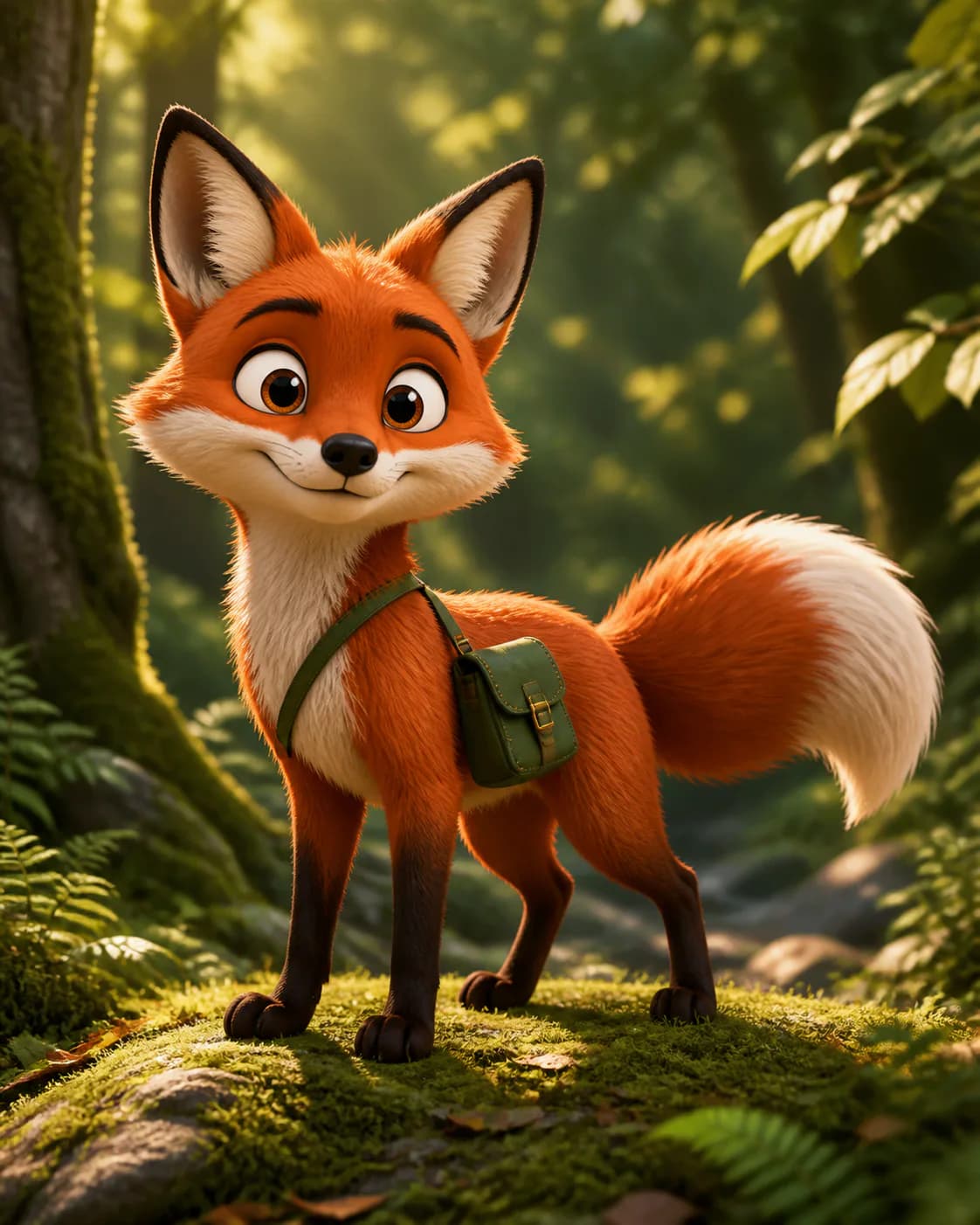
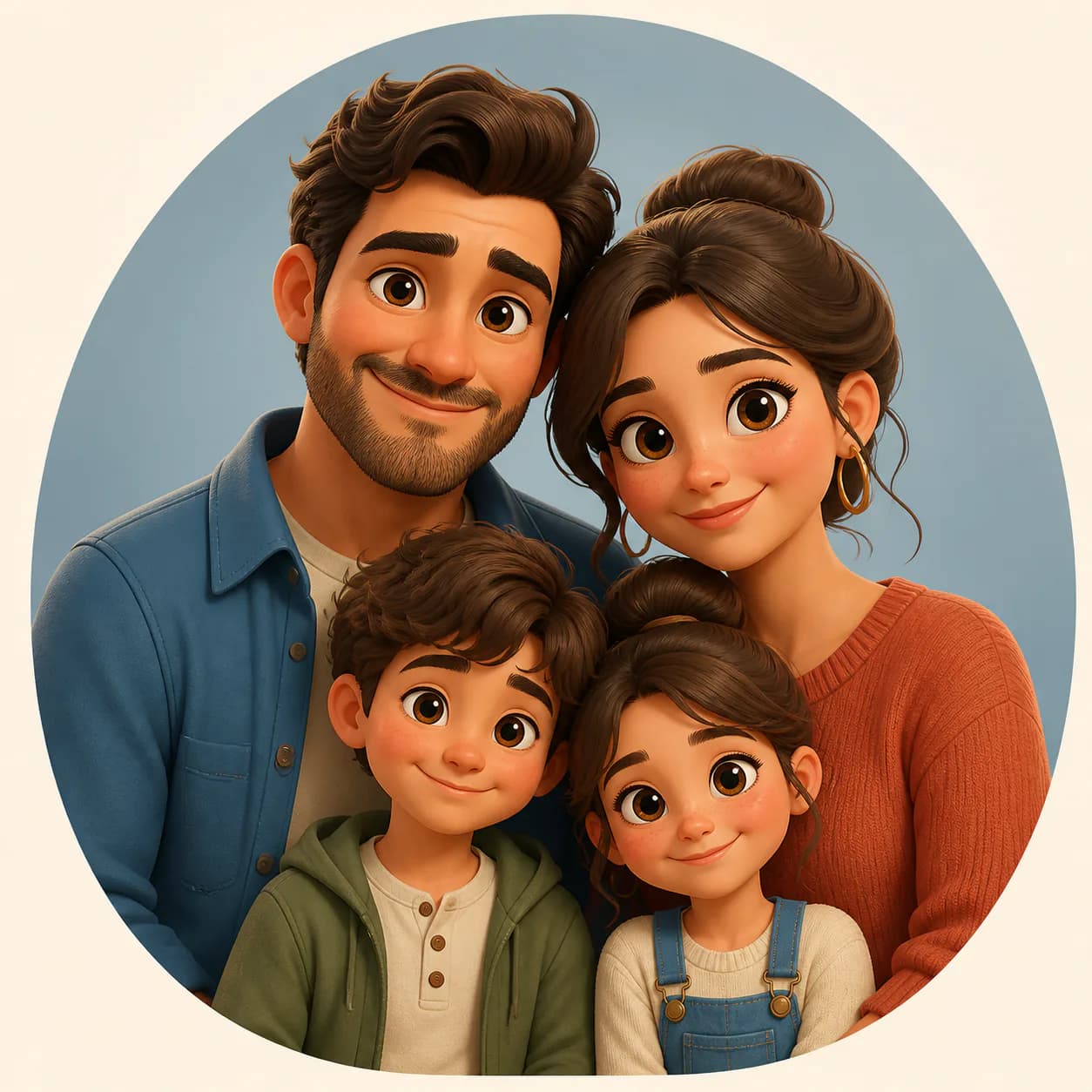
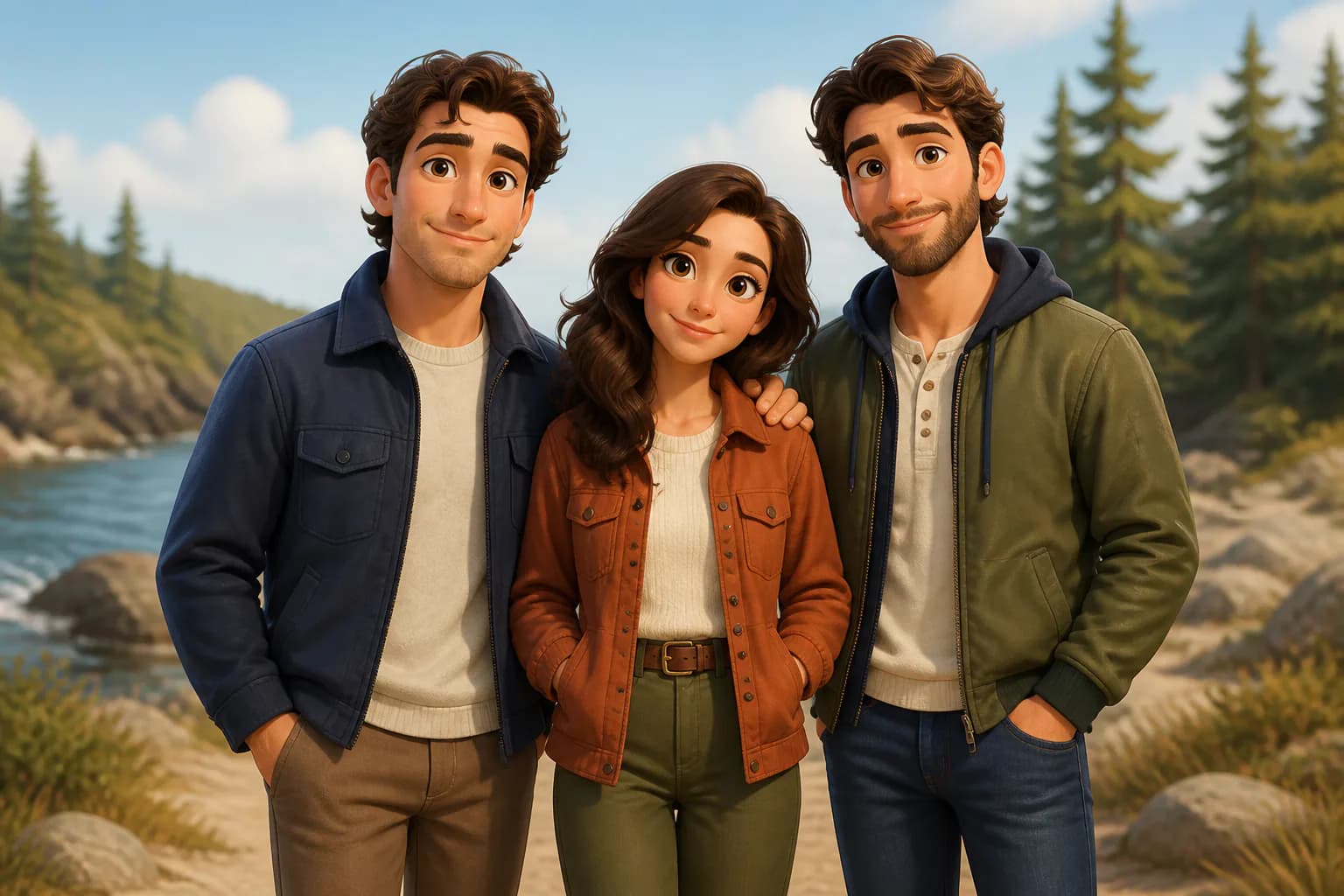
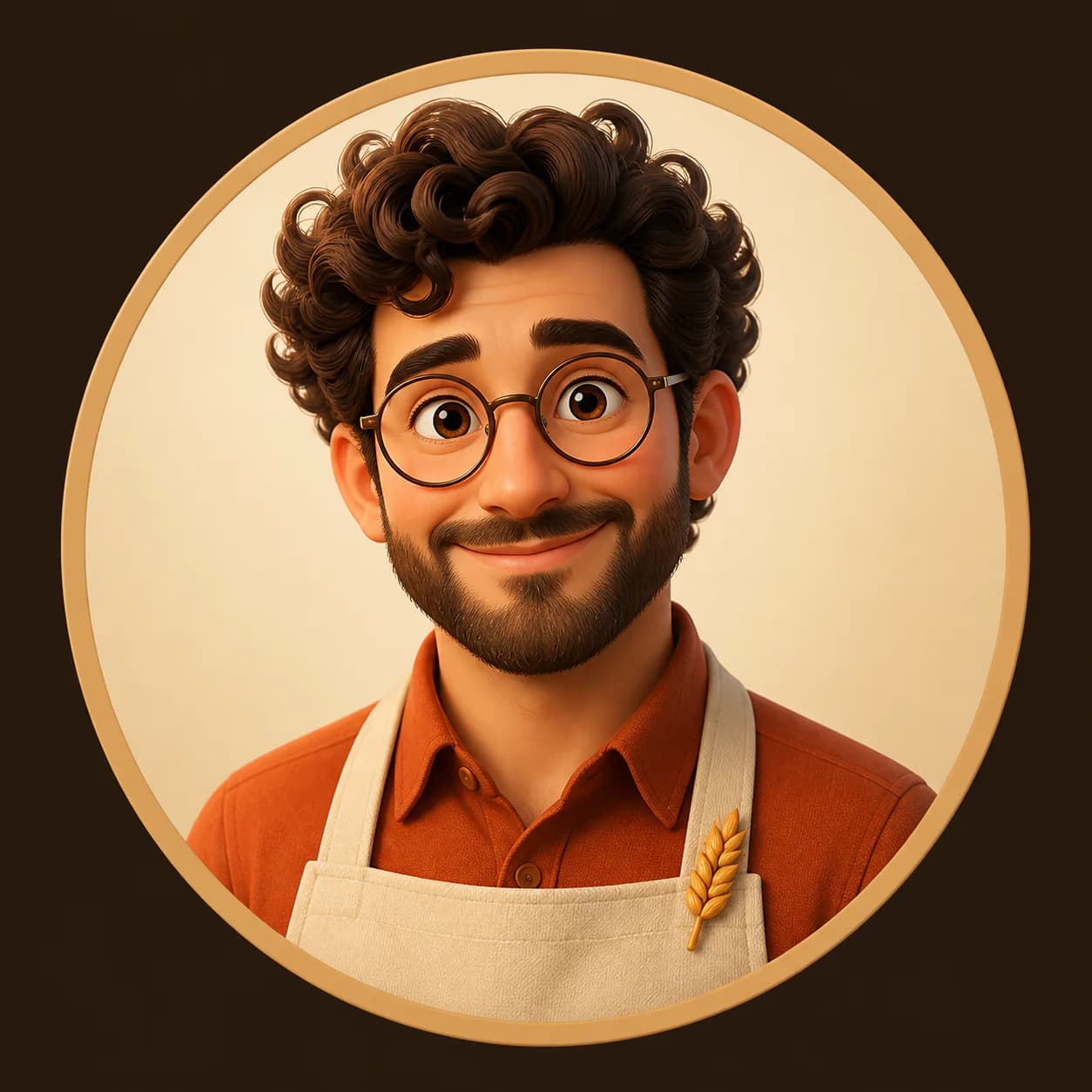
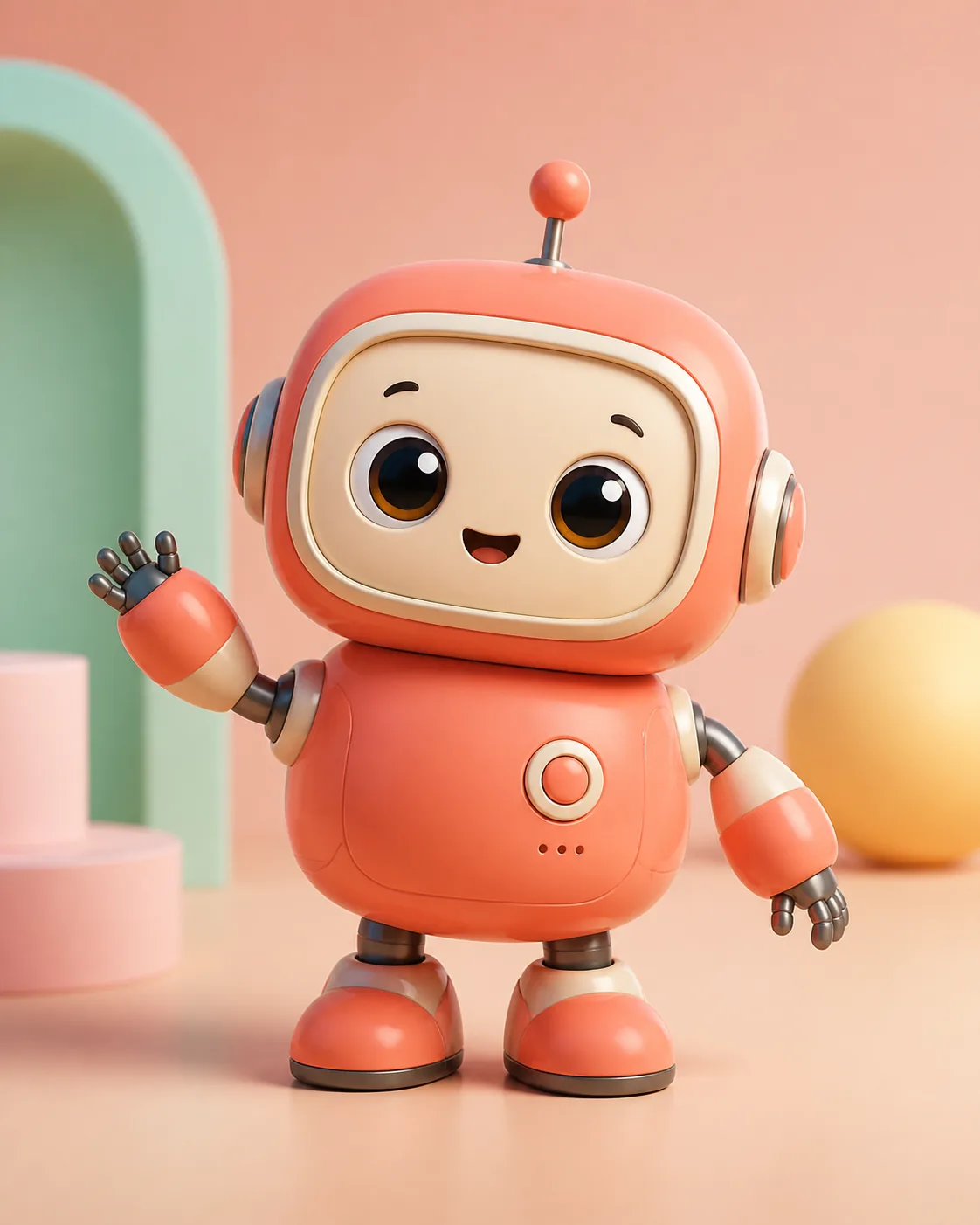
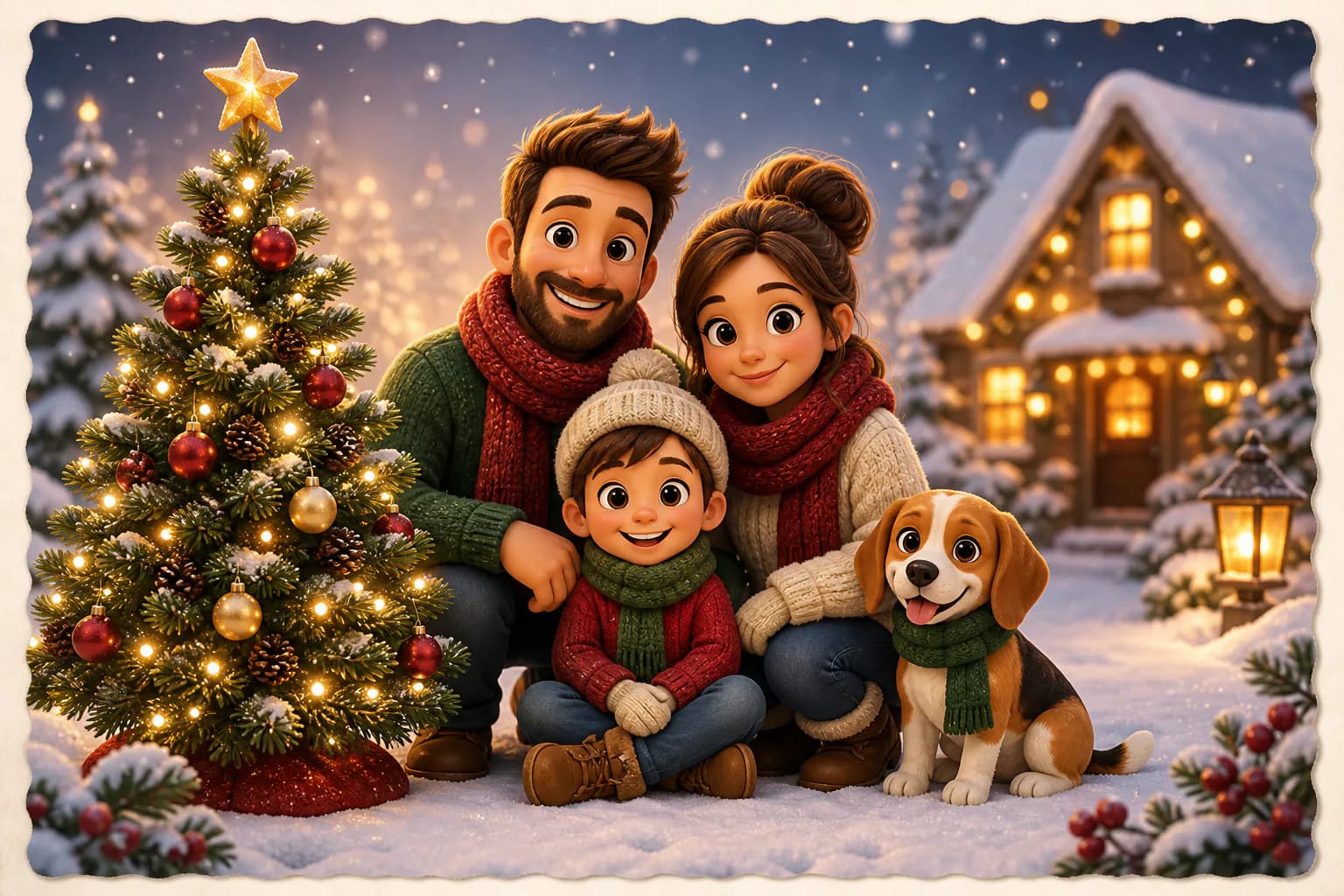
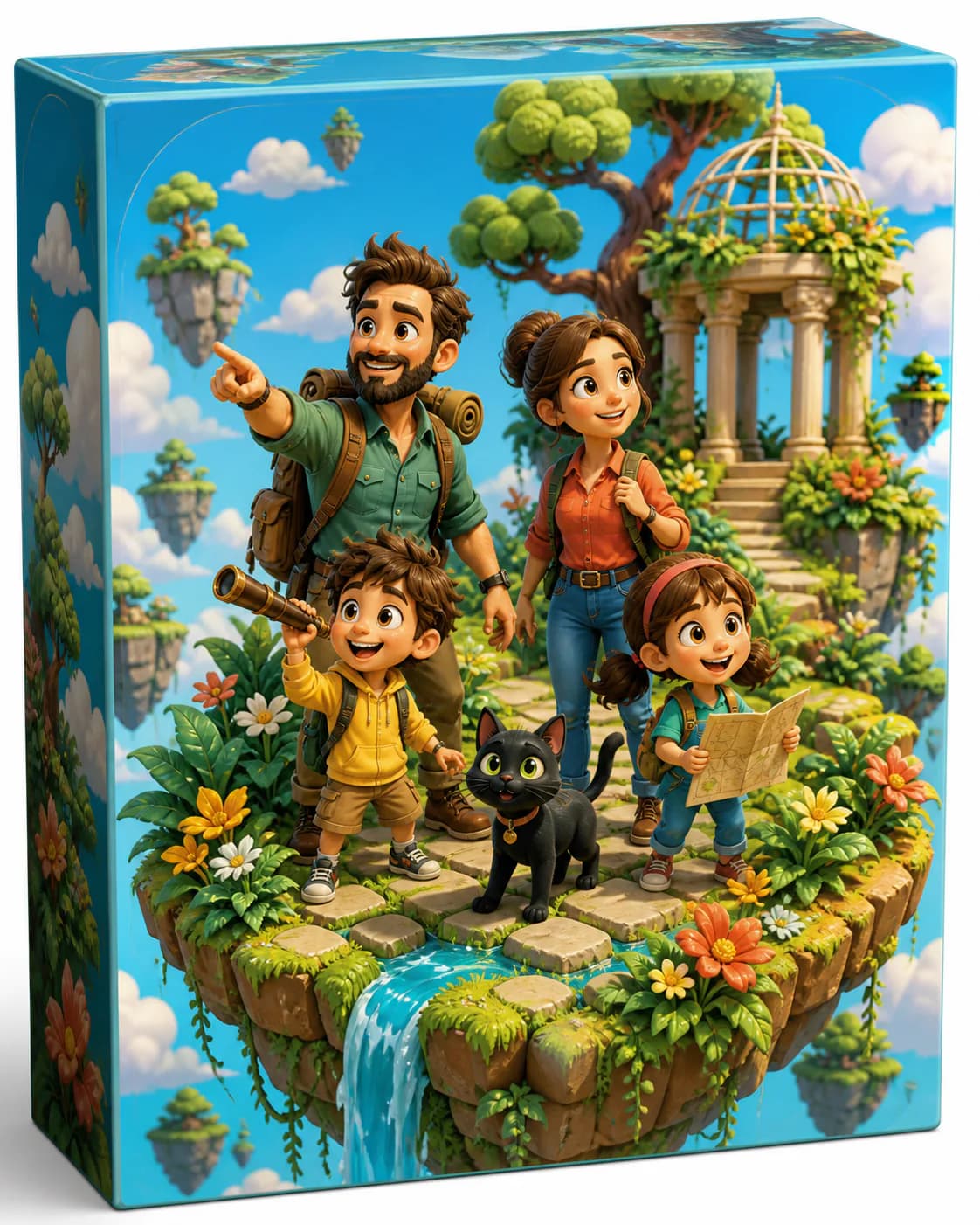
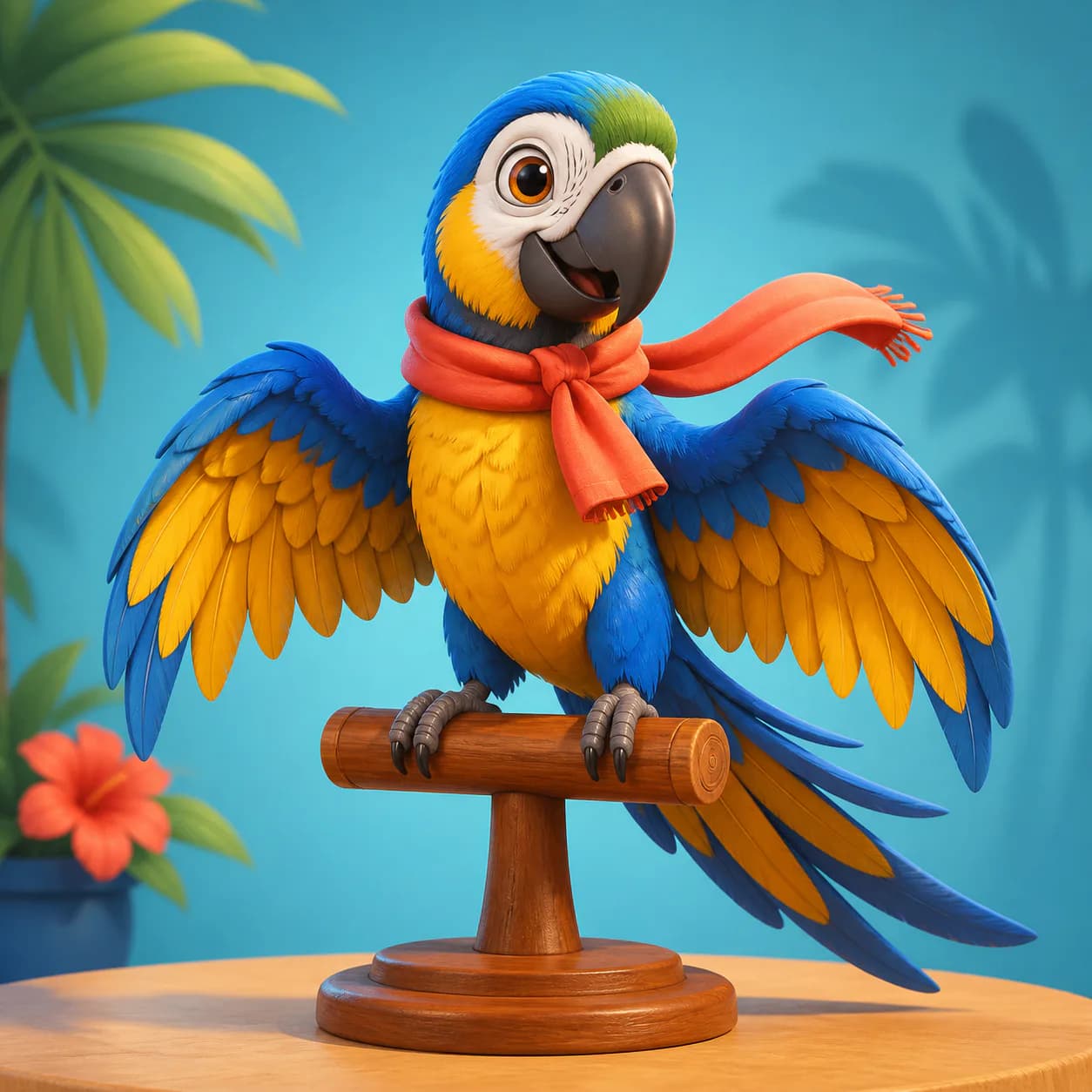
Explore real outputs across 3D cartoon characters and professional architecture, interior, and product renders — open any image to read or remix its full prompt.
3D Cartoon
Love the cartoon look? Also try Cartoon AI Prompts.
Architecture & Interior
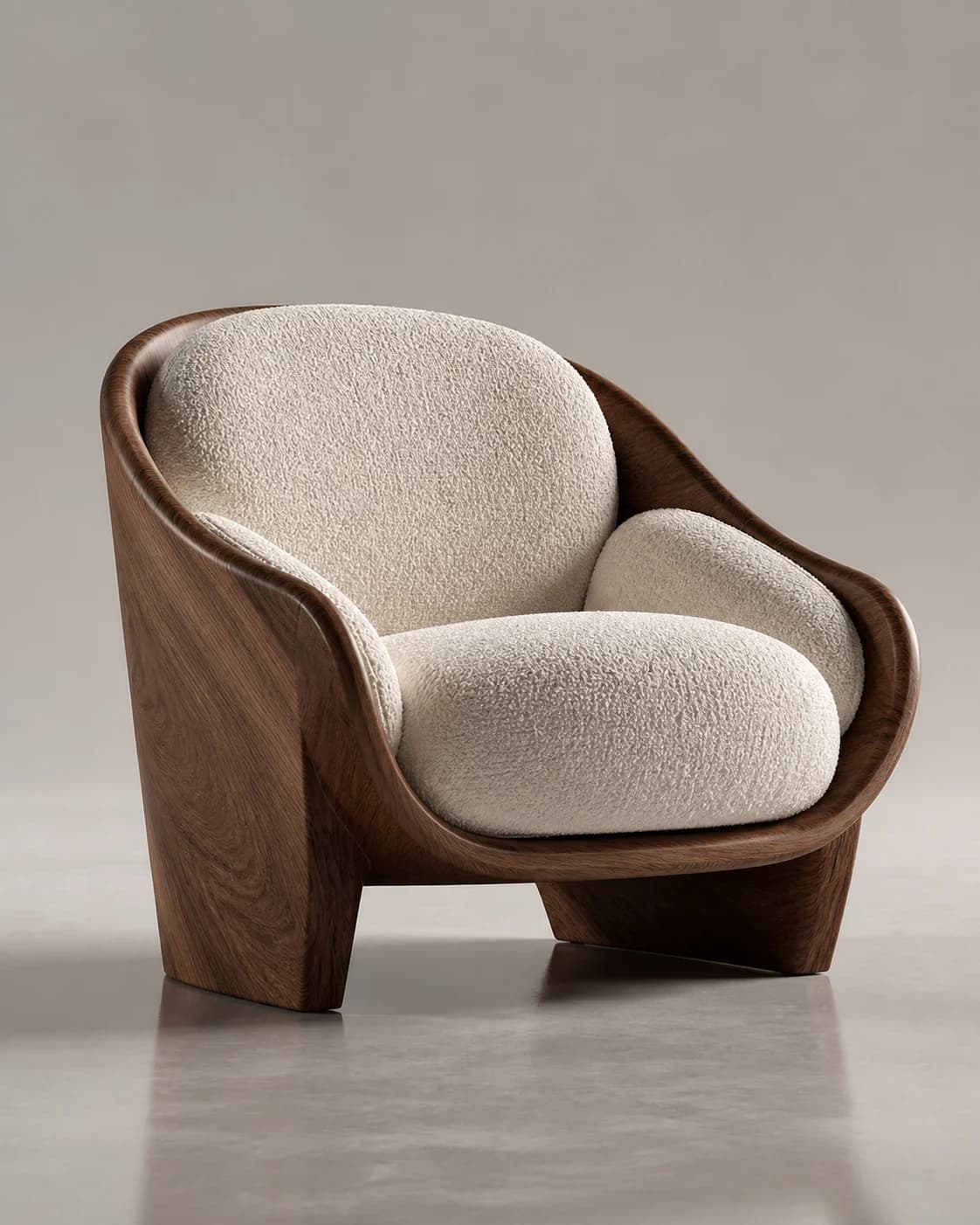
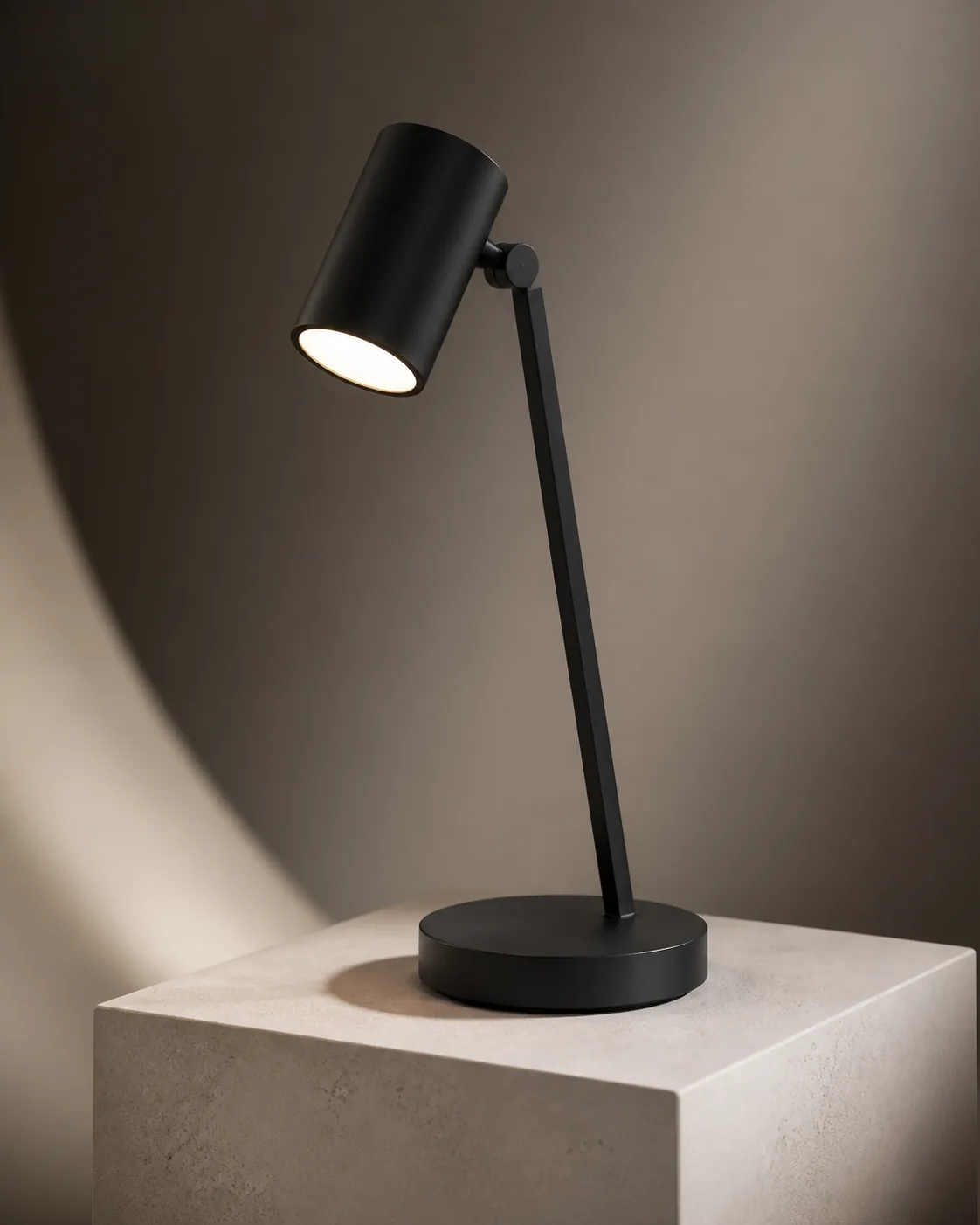
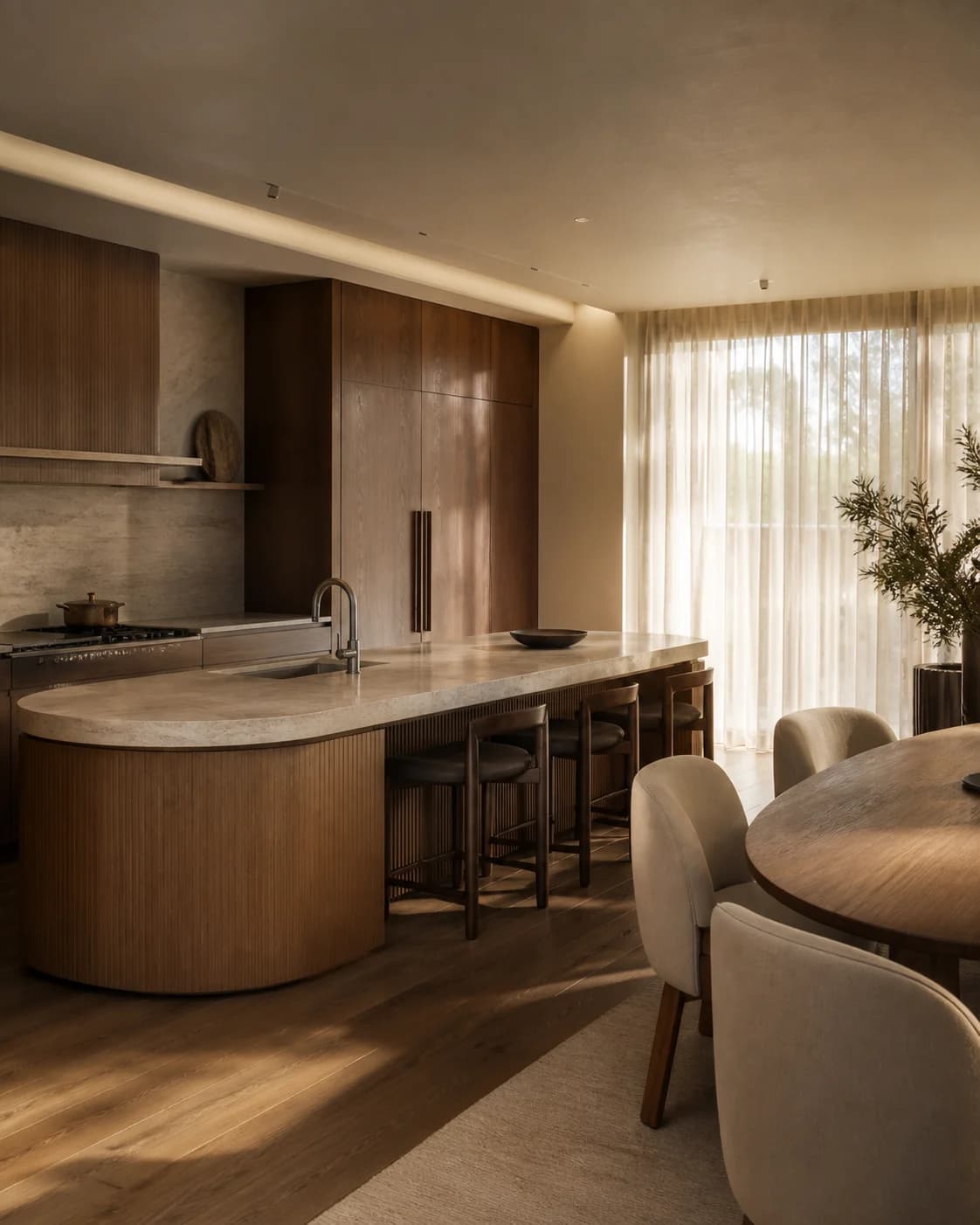
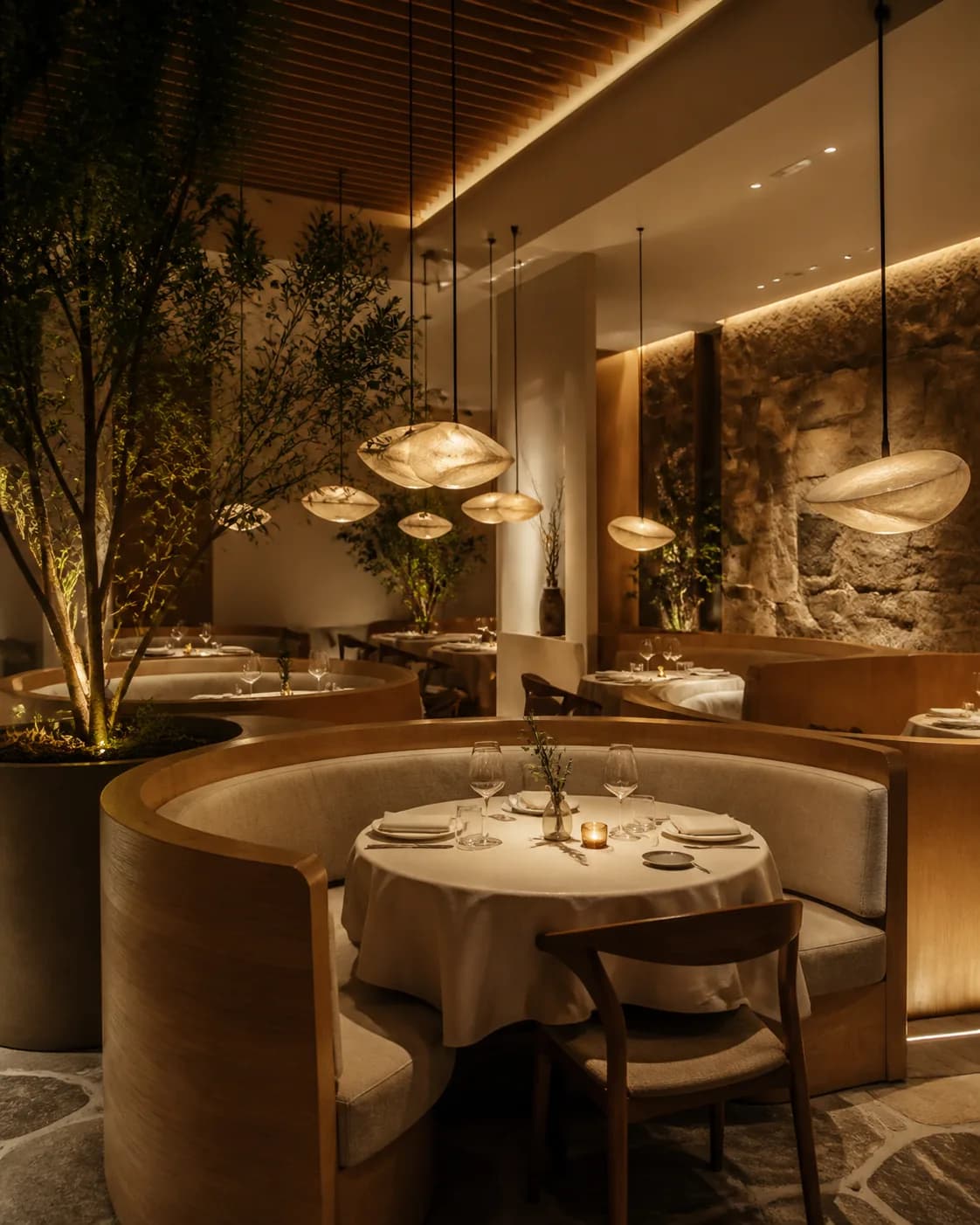
Want realistic product shots? Also try Realistic AI Prompts.
Browse All 3D Render AI Prompts
Explore 3D cartoon, architecture, interior, and product renders by recency, popularity, or model.

Frequently Asked Questions
Answers about 3D render prompts, 3D cartoon characters, architecture and interior visualization, and free use.
What are 3D render AI prompts?
3D render AI prompts are text instructions that tell an AI image model (ChatGPT's GPT Image 2, Gemini, or Doubao) to create a 3D-style image. They fall into two main types: turning photos into 3D cartoon style (Pixar-like characters, glossy figurines, soft studio lighting) and generating professional renders (architectural visualizations, interior scenes, product shots with realistic materials and lighting). Browse the 3D render AI prompts gallery on Magggic to see real outputs paired with their exact prompts, then click Remix to create your own.
How to create 3D renders with AI?
Open any AI image generator and describe the 3D look you want. For a character: "3D cartoon render of a man, Pixar style, glossy skin, soft studio lighting, playful expression." For an interior: "Photorealistic 3D render of a modern living room, warm evening light, wooden floors, cozy furniture, architectural visualization style." For the best results, start with a proven 3D render prompt from the gallery, upload a reference photo or sketch, click Remix, and adjust the style and lighting before generating.
What is the best AI prompt for 3D rendering?
The best 3D render AI prompts combine a clear subject with render-specific quality keywords. Top categories include character renders (Pixar style, 3D cartoon, glossy materials), architectural renders (photorealistic, golden hour, wide angle), interior visualizations (cozy, natural light, realistic textures), and product renders (studio lighting, clean background, reflective surfaces). Each prompt in the gallery shows its exact output so you can judge the style before generating.
Can I use 3D render AI prompts for free?
Browsing the 3D render AI prompts gallery and reading full prompts is free on Magggic, and new accounts receive starter credits to begin generating. Credits are consumed based on the selected model, resolution, and image count, with current plan allowances shown in the pricing section.
How to write an AI prompt for architecture rendering?
A strong architecture render prompt specifies the building type, the view, the lighting, and the render style. For example: "Photorealistic architectural render of a modern villa at dusk, warm interior lights glowing, glass facade reflections, landscaped garden, wide-angle exterior view, golden hour sky." For interiors: "Realistic interior render of a minimalist apartment, floor-to-ceiling windows, morning sunlight, oak furniture, V-Ray style." Copy any architecture render prompt from the gallery, upload your sketch or photo, click Remix, and adjust before generating.
How to turn a photo into a 3D render with AI?
Upload your photo to the AI image generator, then describe the 3D transformation you want. For a 3D cartoon portrait: "Turn this photo into a 3D cartoon character, Pixar style, soft studio lighting, cute proportions, glossy finish." For a product: "Turn this product photo into a 3D render, studio lighting, clean white background, reflective floor." Browse the 3D render prompts gallery to find a style close to your goal, upload your reference, click Remix, and generate your 3D version.
Ready to Create Your 3D Render?
Describe a 3D scene or upload a reference photo or sketch, then generate your own version from a prompt proven by a real output.