
ChatGPT AI Image Prompts
Explore ChatGPT photo prompts tested with real outputs, then remix any portrait, product, or scene in one click.


Popular ChatGPT Photo Prompts
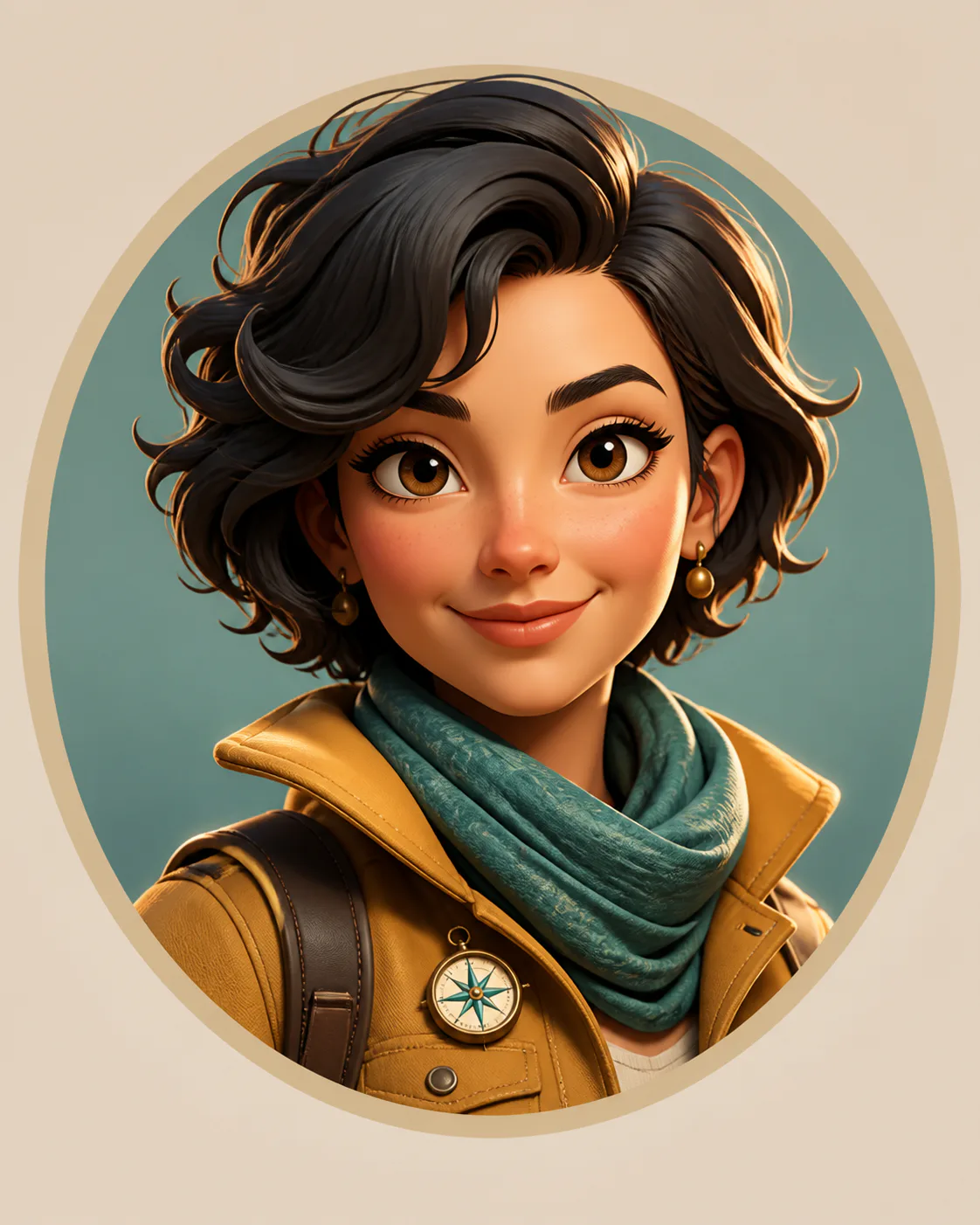
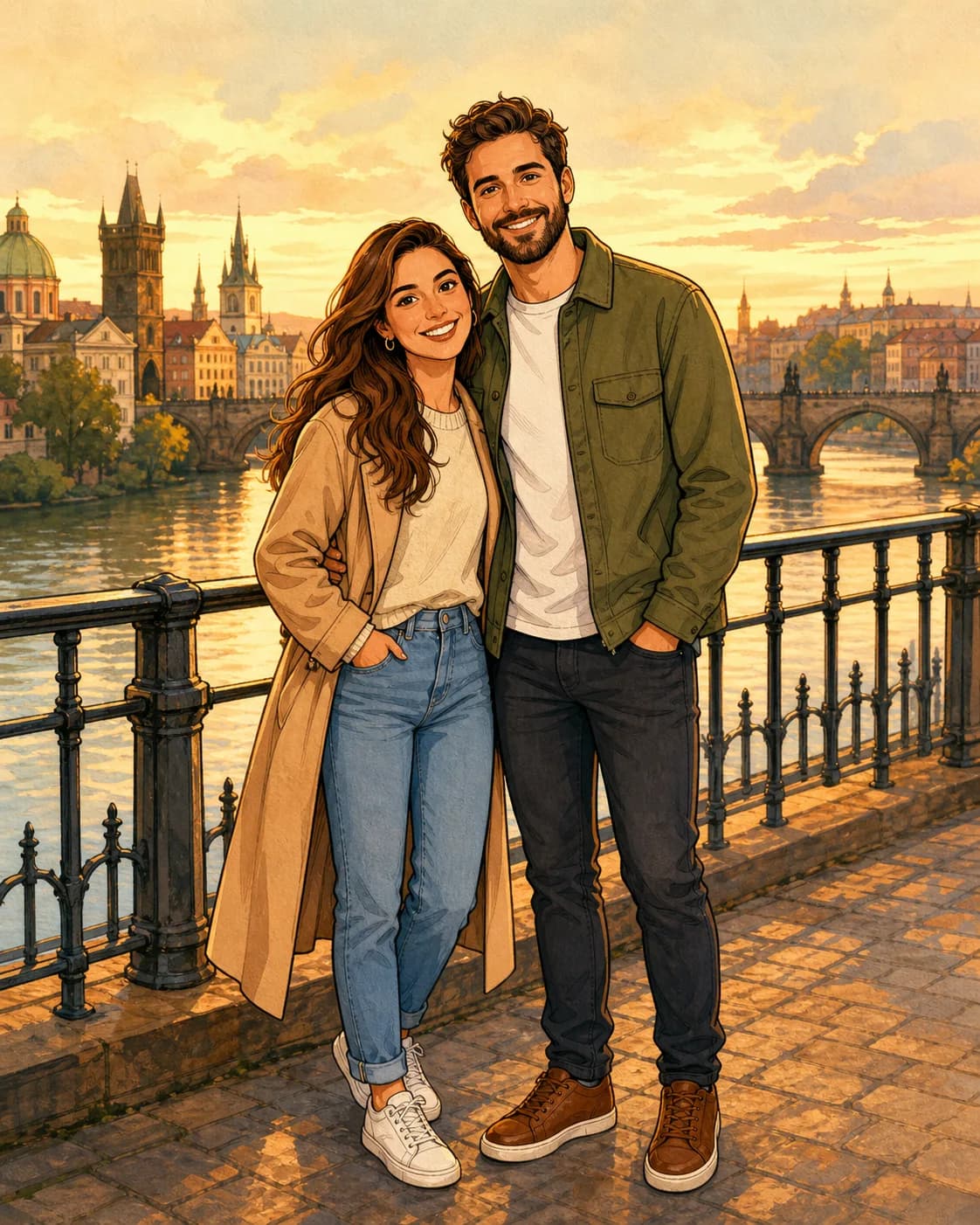
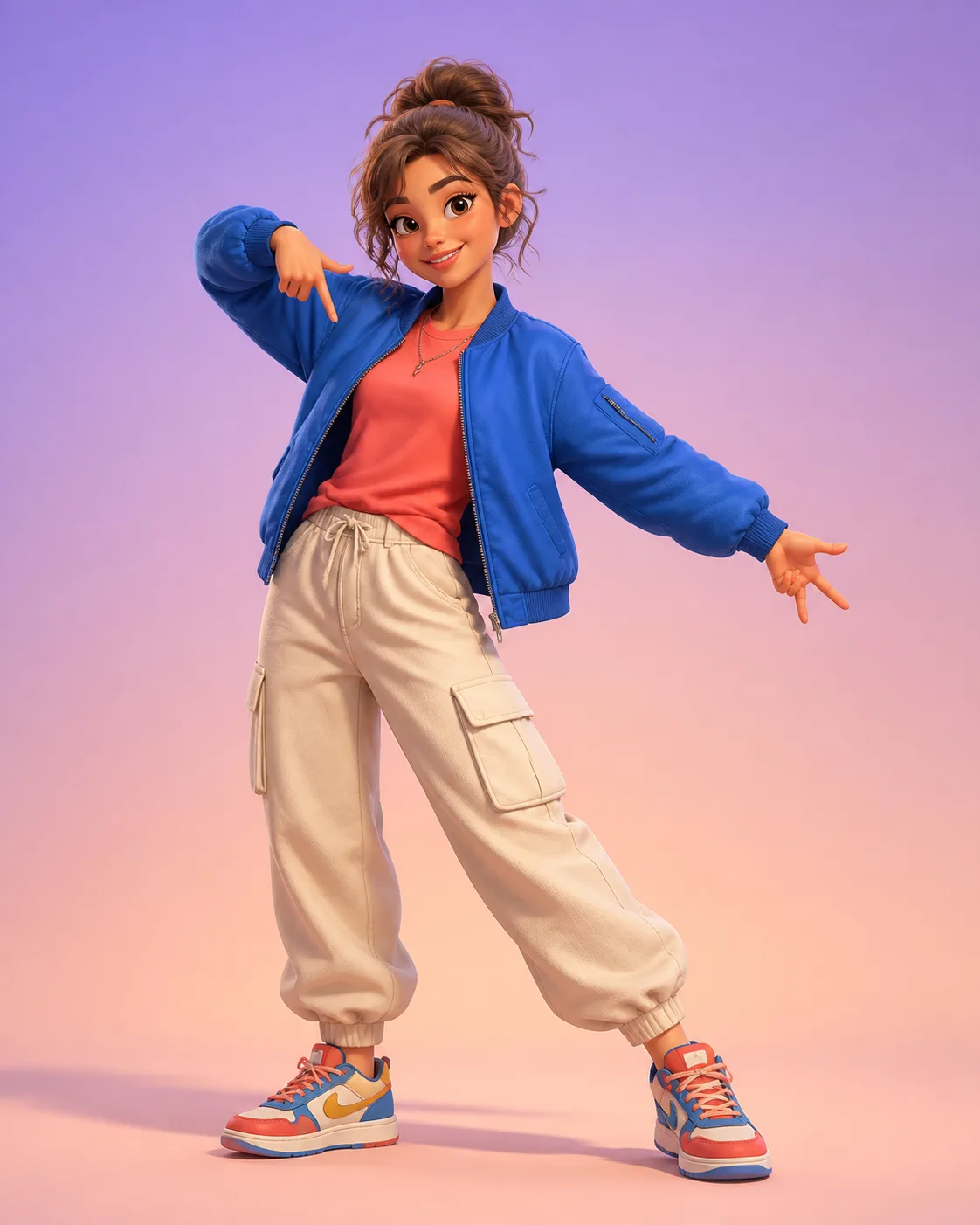
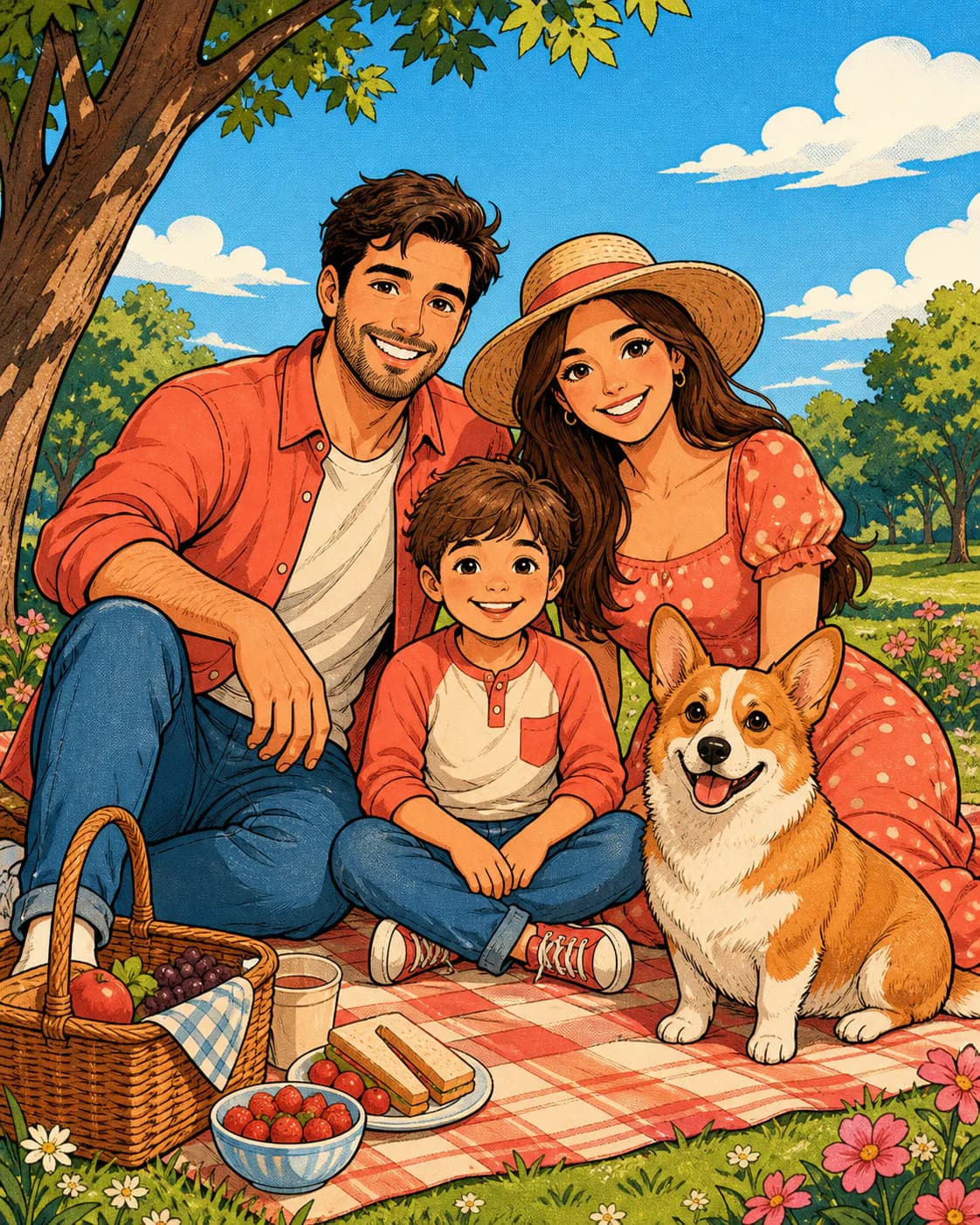
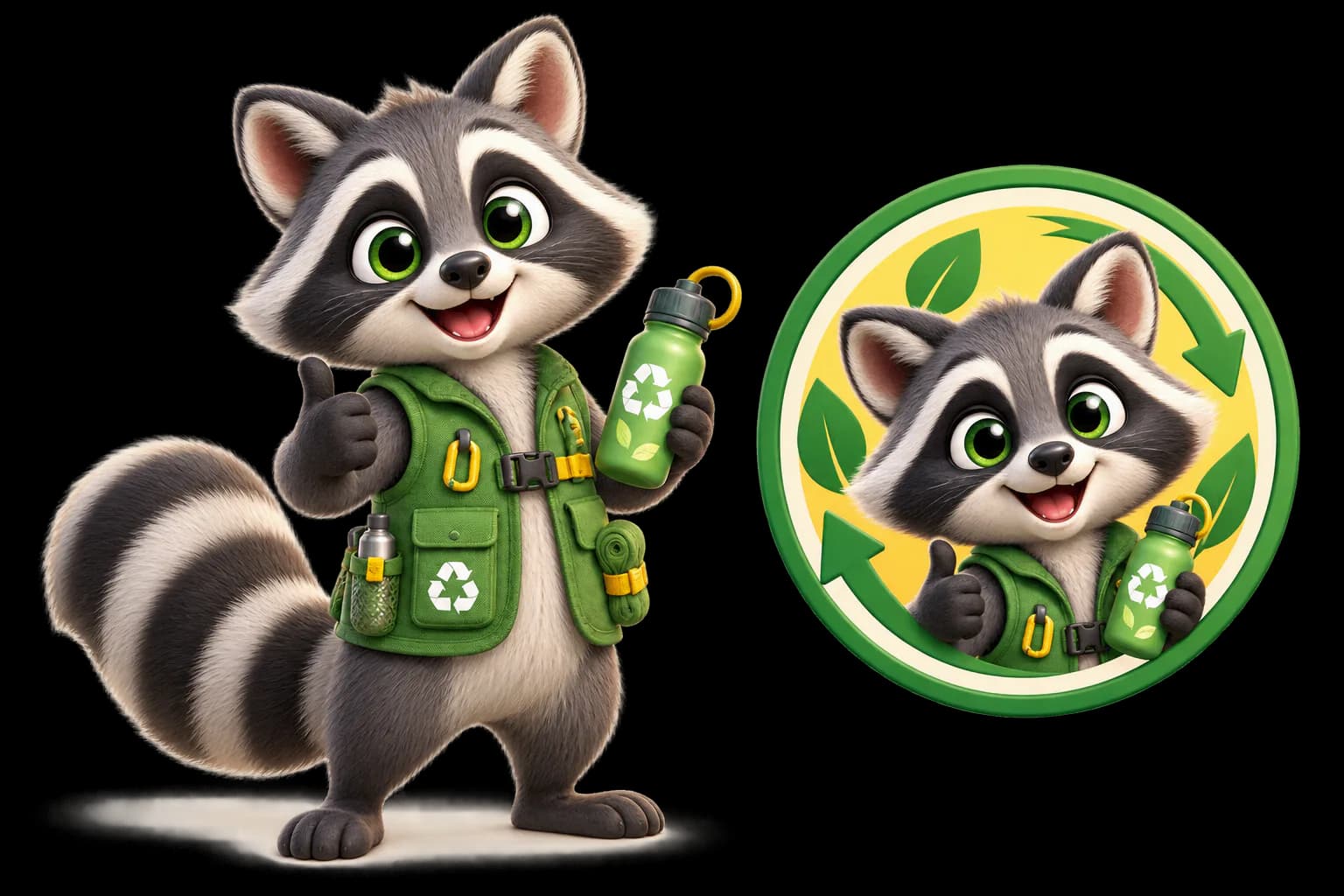
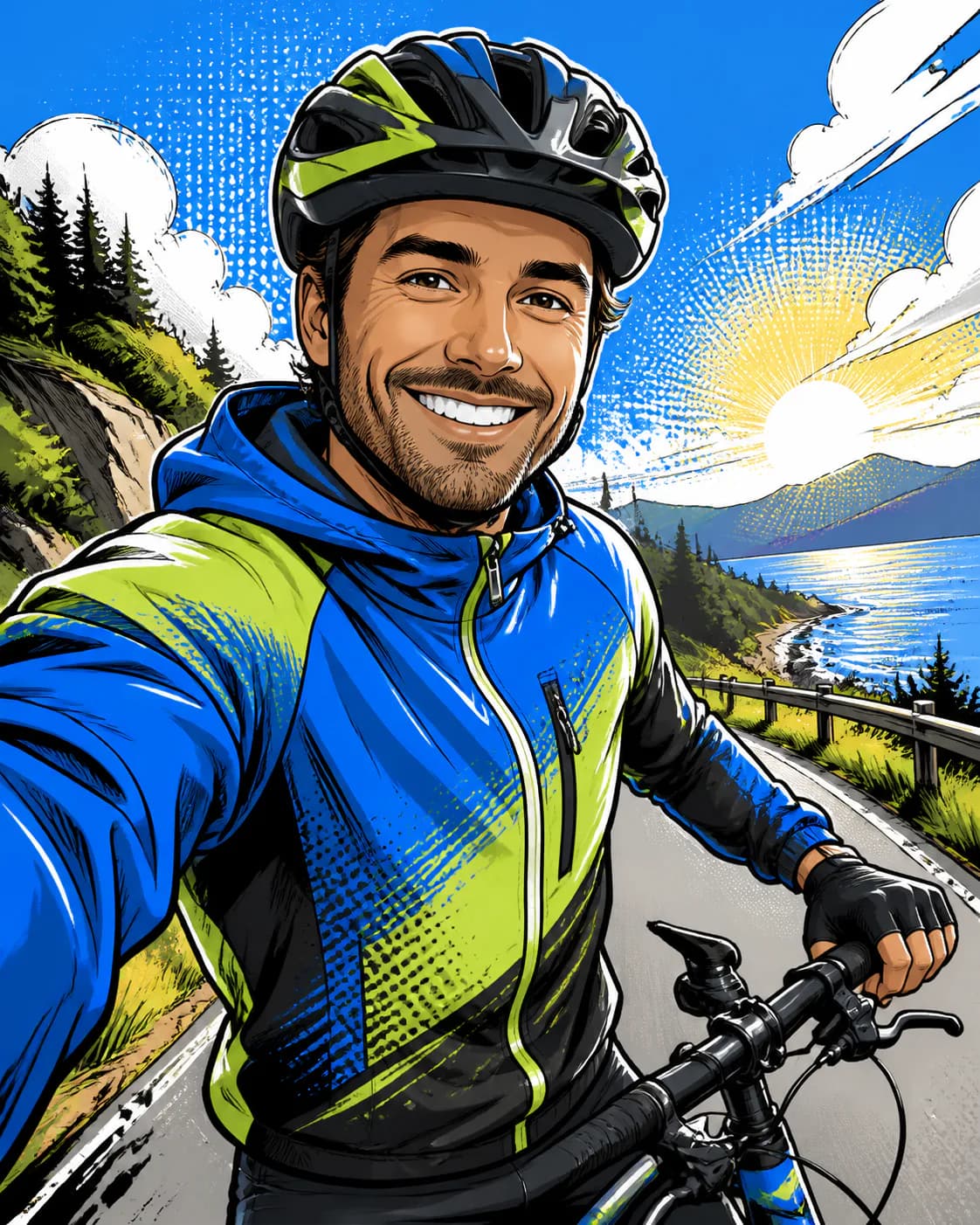
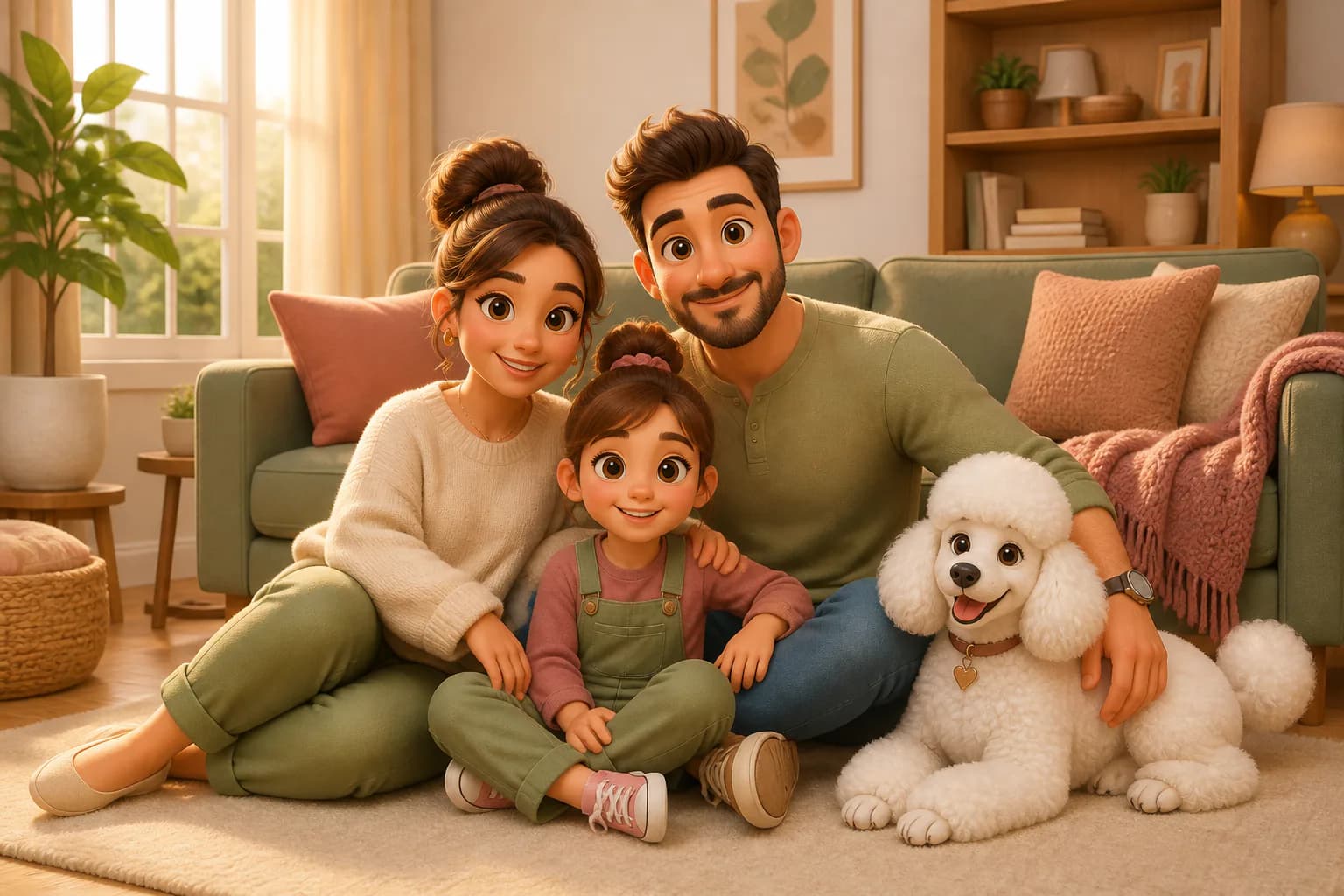
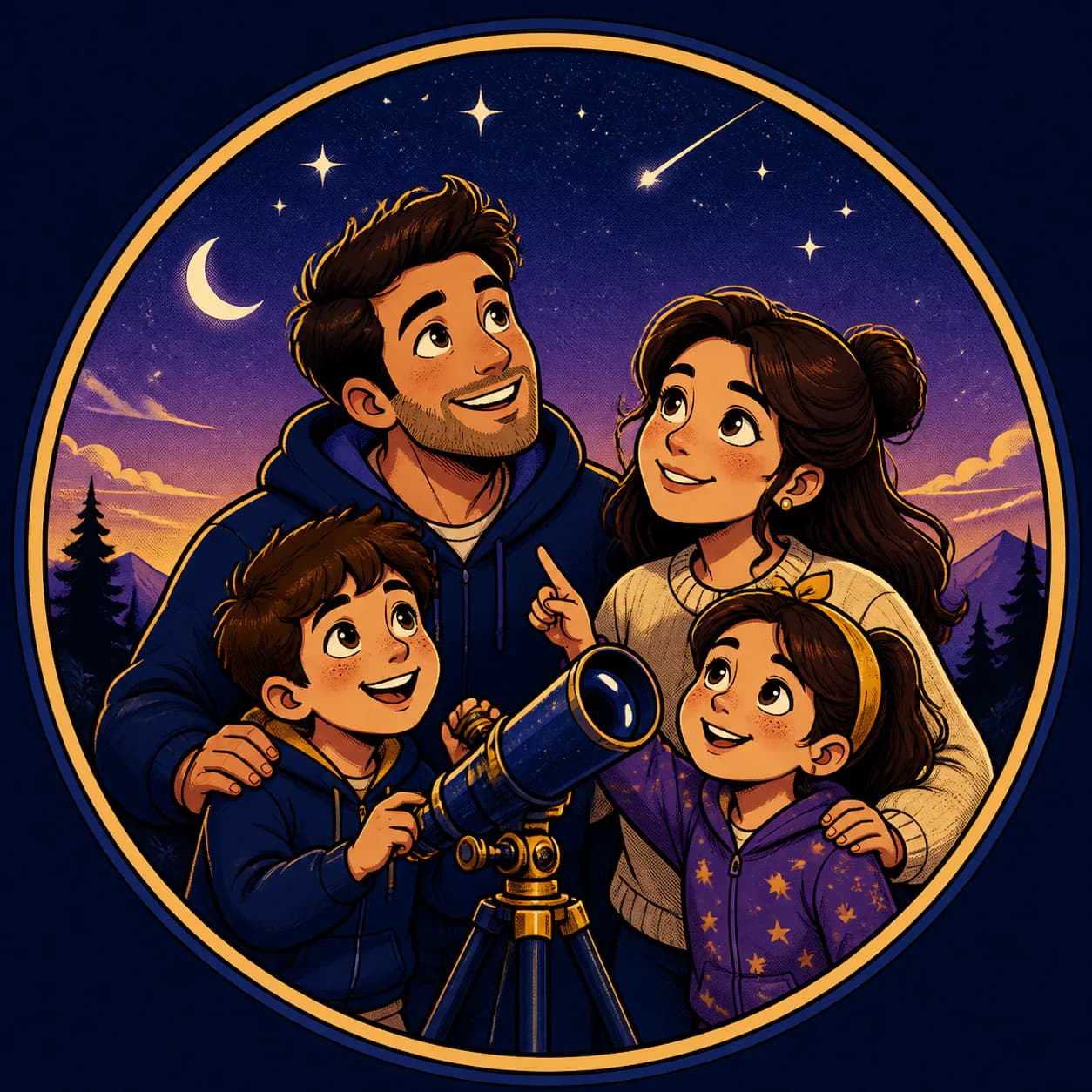
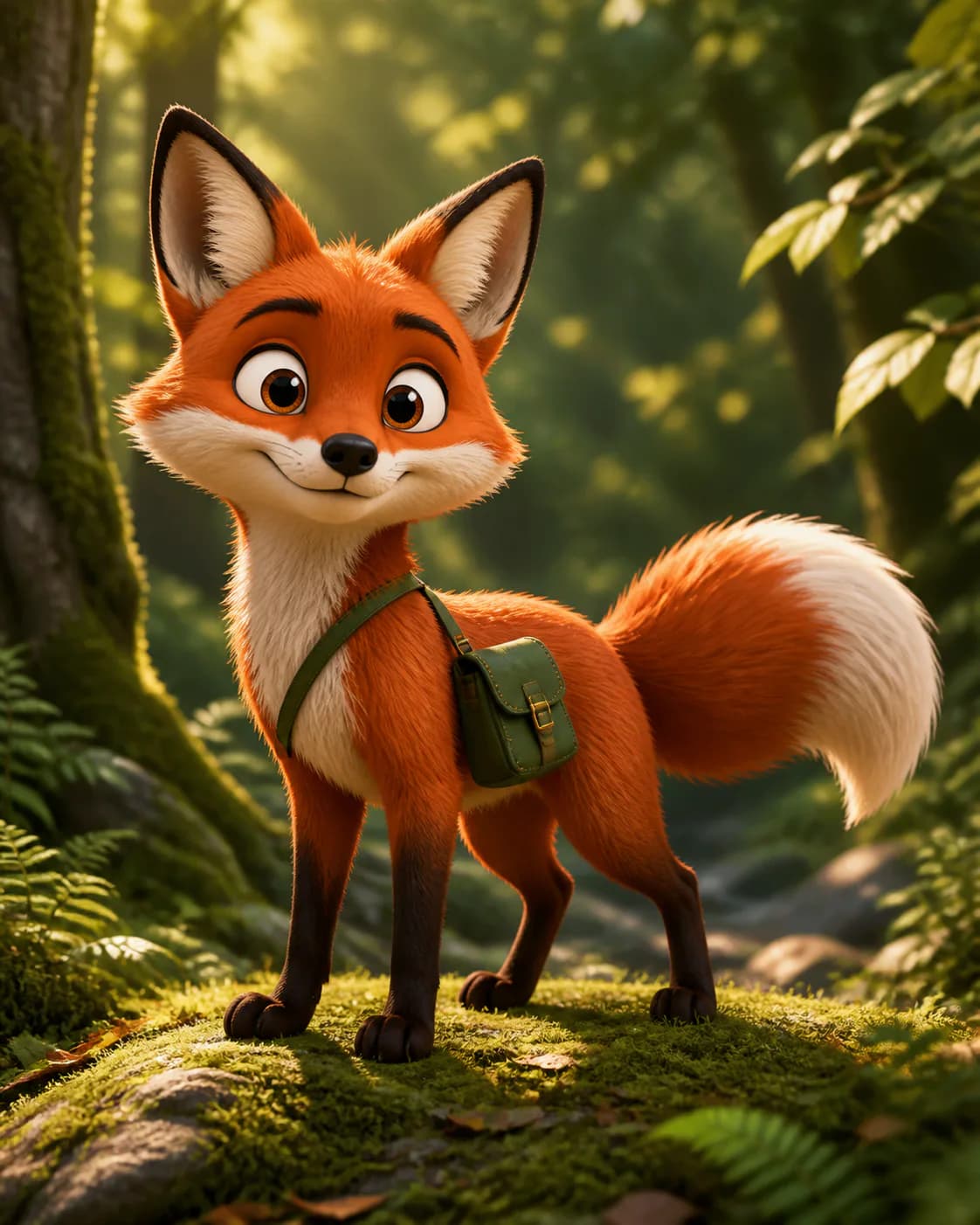
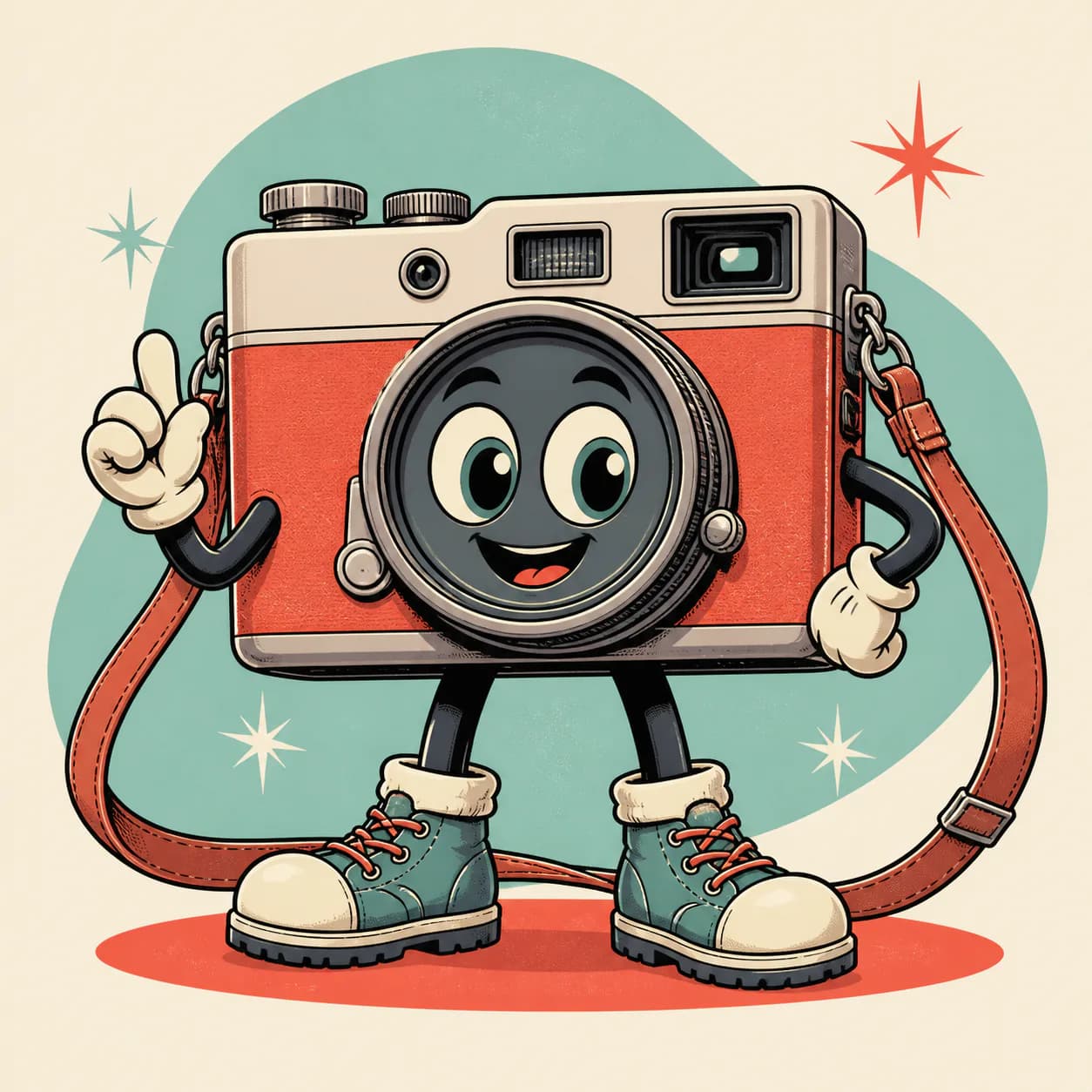
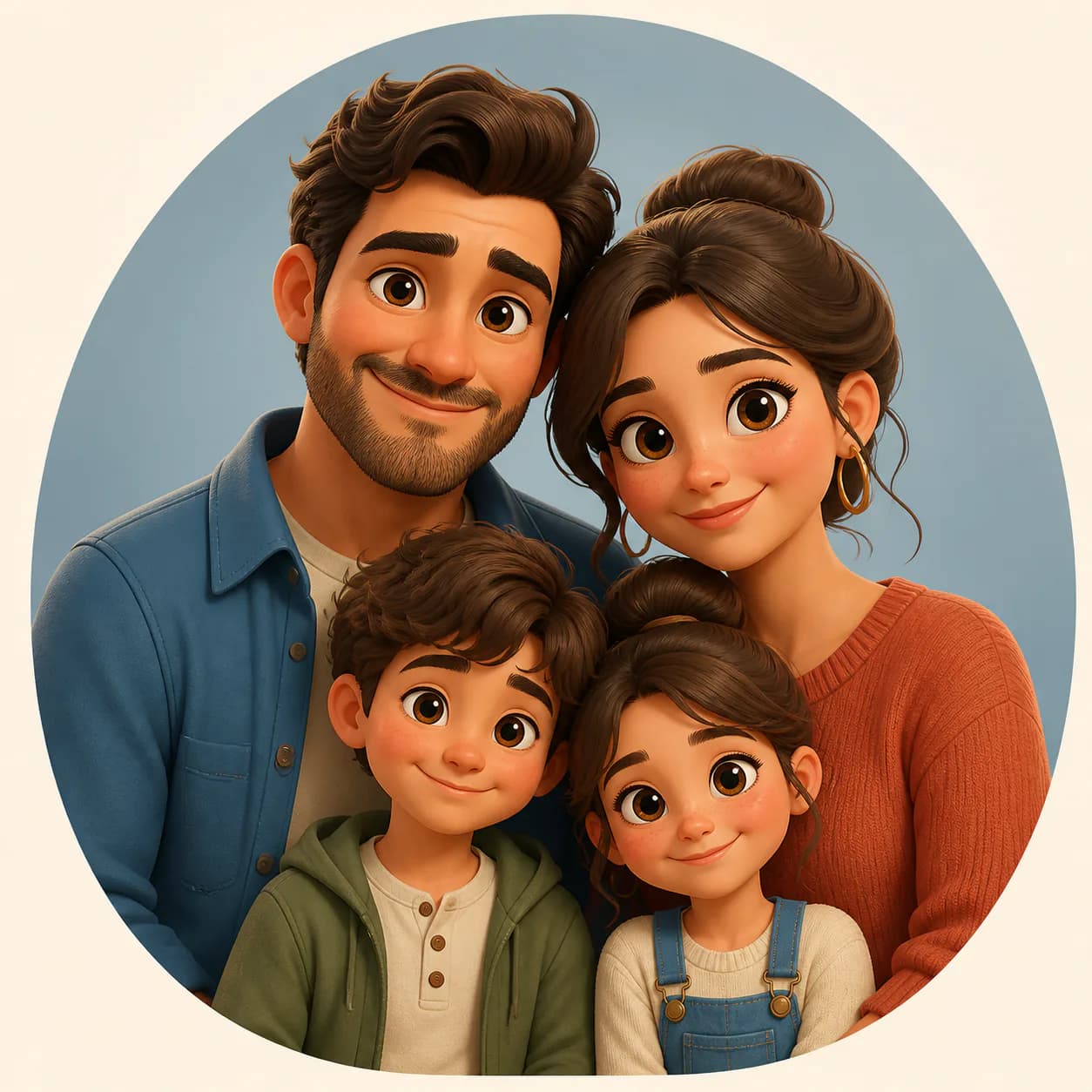
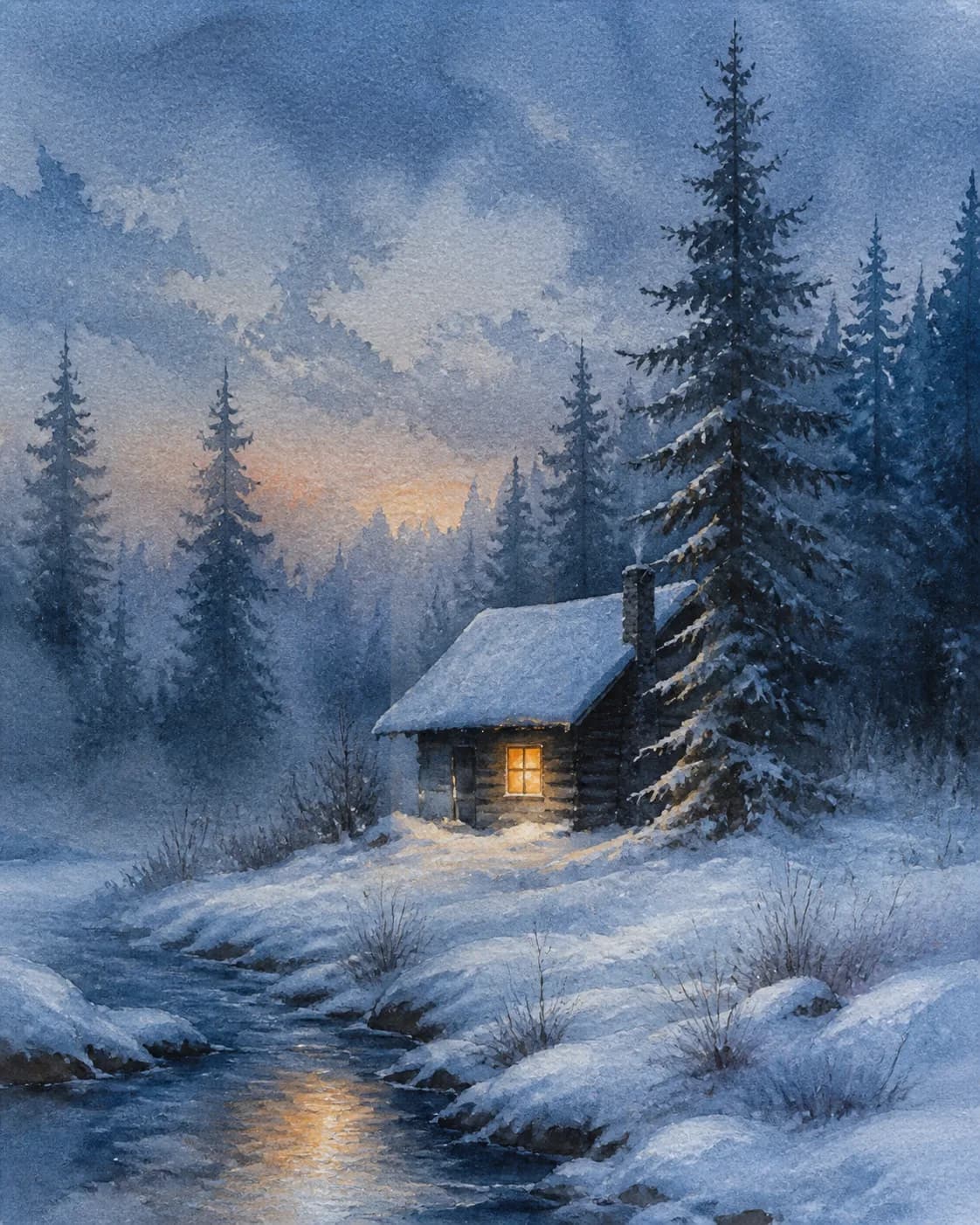
Popular GPT Image creations ordered by favorites — open any image to read the full prompt or remix it.


What Are ChatGPT Photo Prompts?
ChatGPT photo prompts are text instructions that tell ChatGPT's image model (GPT Image 2) what to generate — a portrait, product photo, food scene, or editorial shot. Instead of guessing how to phrase your idea, browse our gallery of tested ChatGPT AI image prompts, each paired with its real output.
See a result you like? Click Remix to use that ChatGPT photo prompt as your starting point, then adjust the subject, lighting, palette, and composition before generating your version. The gallery also includes ChatGPT prompts for photo editing, from portrait retouching and background replacement to style transfer and black-and-white editorial treatments.

How to Create Stunning Images with ChatGPT Prompts
Start by browsing the ChatGPT image prompts gallery to find a look you love — a cinematic portrait, a minimalist product shot, a warm food scene, or a moody editorial image. Open the result to read its full prompt, click Remix, and the composer loads that prompt ready for your tweaks.
Change the subject description, adjust the lighting, try a different color palette, or add camera specs like 85mm, f/1.8, natural window light. GPT Image generates a new image based on your edits — no prompt engineering experience needed. The same workflow works for ChatGPT photo editing prompts and trending ChatGPT image prompts.
Browse All ChatGPT Photo Prompts
Explore public GPT Image creations by recency, popularity, or model.


Frequently Asked Questions
Answers about ChatGPT image prompts, photo editing, aesthetic direction, and credits.
What are good ChatGPT prompts for photos?
Good ChatGPT photo prompts describe the subject, scene, lighting, camera style, and mood in natural language. For example: "A woman in a coffee shop, natural window light, 85mm portrait, candid expression, warm tones." Browse the ChatGPT photo prompts gallery to see real outputs paired with their full prompts, choose a result you like, and click Remix to make it your own.
How to prompt ChatGPT for images?
Open the ChatGPT image generator and describe what you want to see — subject, setting, lighting, composition, and style. For better results, start with a proven template: browse the ChatGPT AI image prompts gallery on Magggic, pick an output close to your goal, read its full prompt, then click Remix to adjust the details before generating.
What prompt should I give to ChatGPT to edit my photo?
Upload your photo as a reference, then describe the edit you want — change the background, adjust lighting, alter the outfit, or transform the style. For example: "Keep my facial features and pose, replace the background with a Tokyo street at night, neon lighting, cinematic look." ChatGPT will create a new version based on your reference and instructions.
How to make an aesthetic photo in ChatGPT prompt?
Aesthetic ChatGPT photo prompts combine a scene concept with a specific visual mood. Specify the color palette (pastel, monochrome, warm golden hour), lighting (soft window light, direct flash, golden backlight), and composition style (minimalist, cinematic, editorial). Browse trending ChatGPT image prompts in the gallery to see which aesthetic styles get the best results, then remix one that matches your vision.
What are the best ChatGPT prompts for image editing?
The best ChatGPT prompts for image editing specify both the subject and the desired transformation. Common categories include portrait retouching (keep identity, adjust lighting), background replacement (change scene while preserving the subject), style transfer (turn a photo into a cinematic still or editorial shot), and color grading (warm, cool, monochrome, vintage). Each prompt in the gallery includes its exact output so you can judge the result before generating.
Can I use ChatGPT photo prompts for free?
Browsing the ChatGPT photo prompts gallery and reading full prompts is free on Magggic, and new accounts receive starter credits. Choose a result you like and click Remix to begin generating; credits are consumed based on the selected model, resolution, and image count, with current plan allowances shown in the pricing section.
Ready to Create with a ChatGPT Photo Prompt?
Describe your image or upload a reference, then create your own version with GPT Image.