
Watercolor AI Prompts
Browse tested watercolor AI prompts — soft portraits, dreamy landscapes, botanical sketches, and romantic couple paintings. See real outputs, copy any prompt, or remix it in one click with your own photo.
What Are Watercolor AI Prompts?
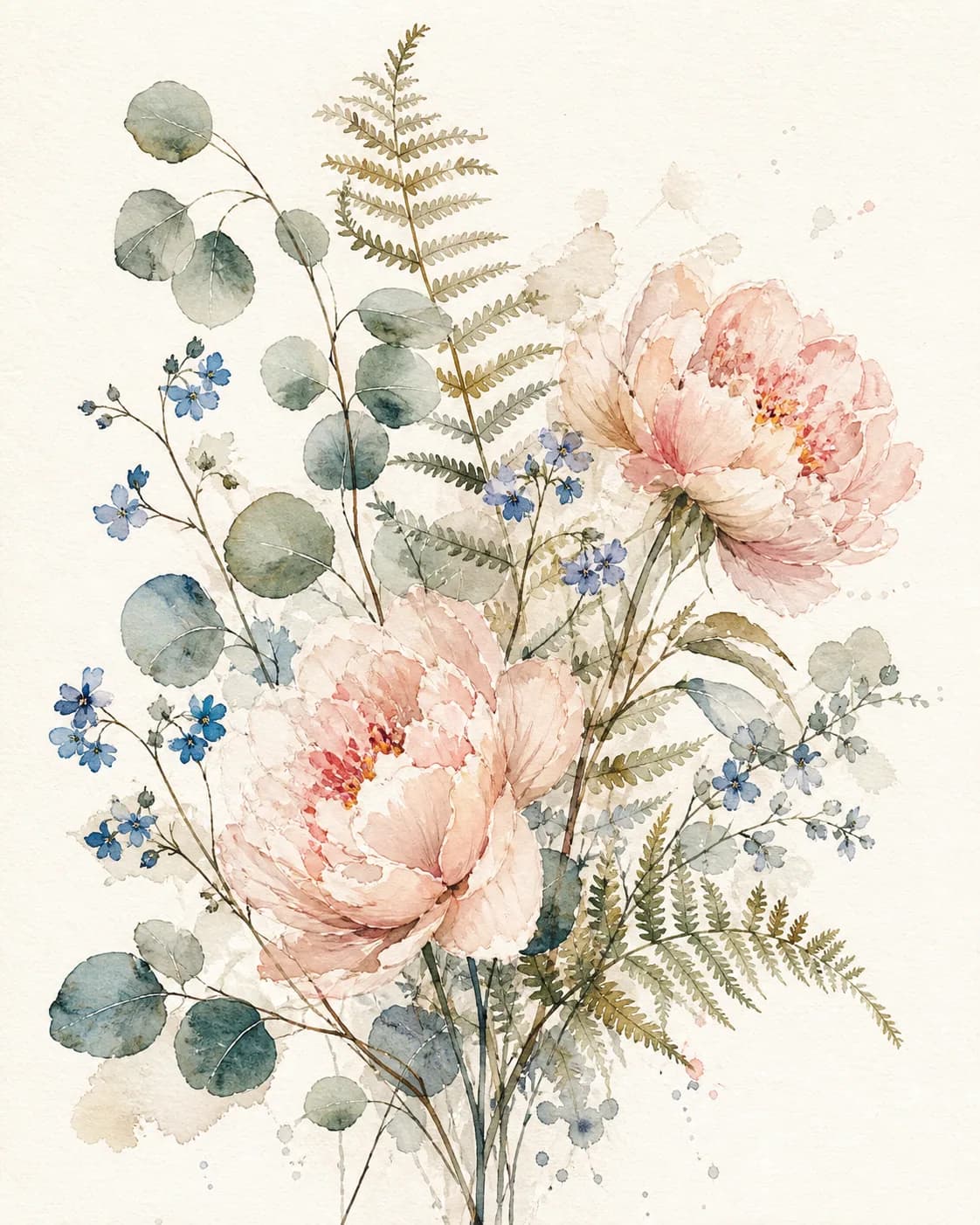
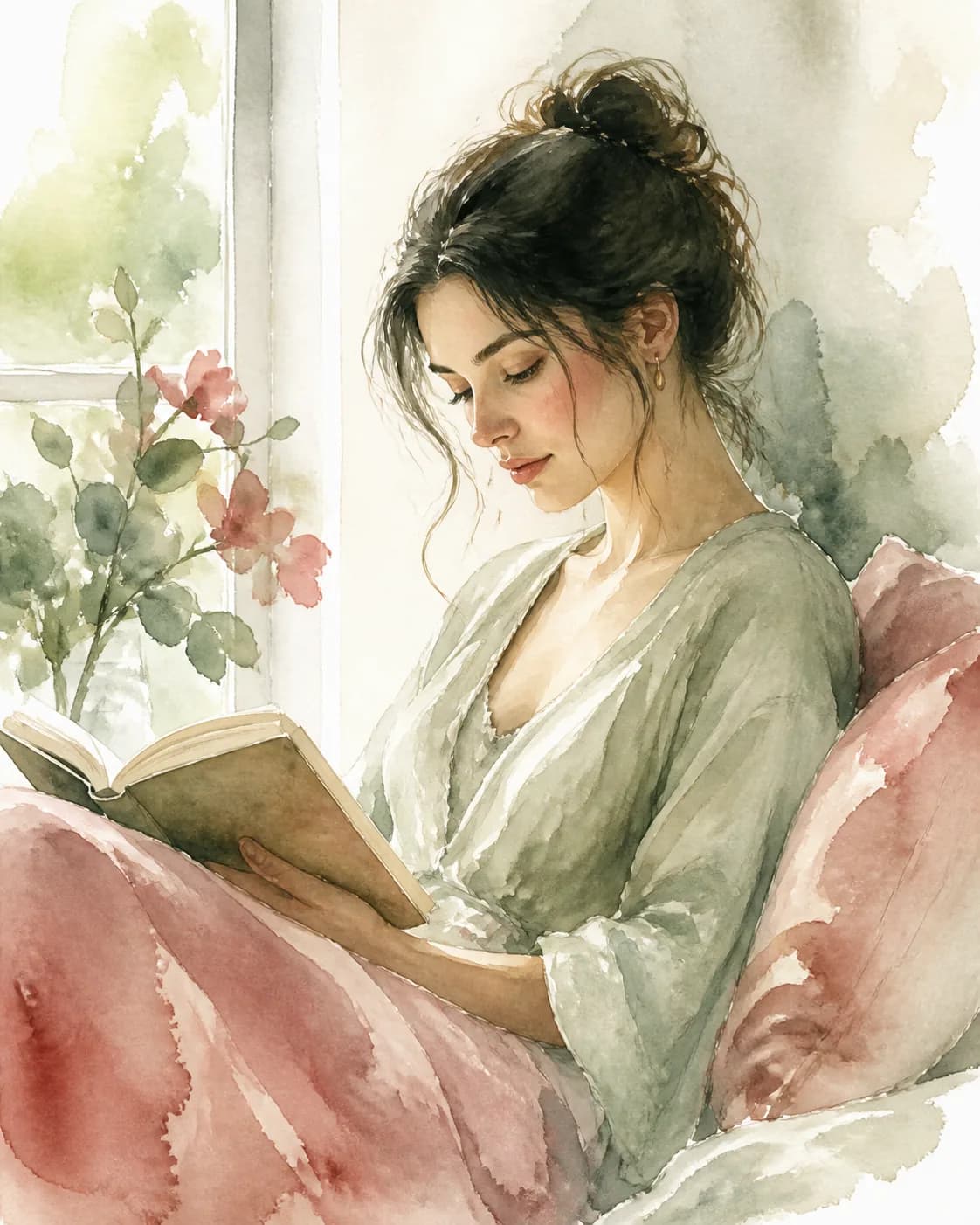
Watercolor AI prompts are text instructions that tell an AI image model (ChatGPT's GPT Image 2, Gemini, or Doubao) to paint your subject with a soft, hand-painted watercolor look. A great watercolor prompt describes the subject — a portrait, a dreamy landscape, a botanical sketch, or a romantic couple — plus watercolor technique keywords like soft washes, transparent colors, wet-on-wet blending, granulation, and paper texture. Instead of guessing the phrasing, browse our gallery of tested watercolor prompt examples, each paired with a real output. See a style you like? Click Remix to use that watercolor AI prompt as your starting point, then adjust the palette, brush style, and subject before generating.
How to Create Stunning Watercolor Images with AI Prompts
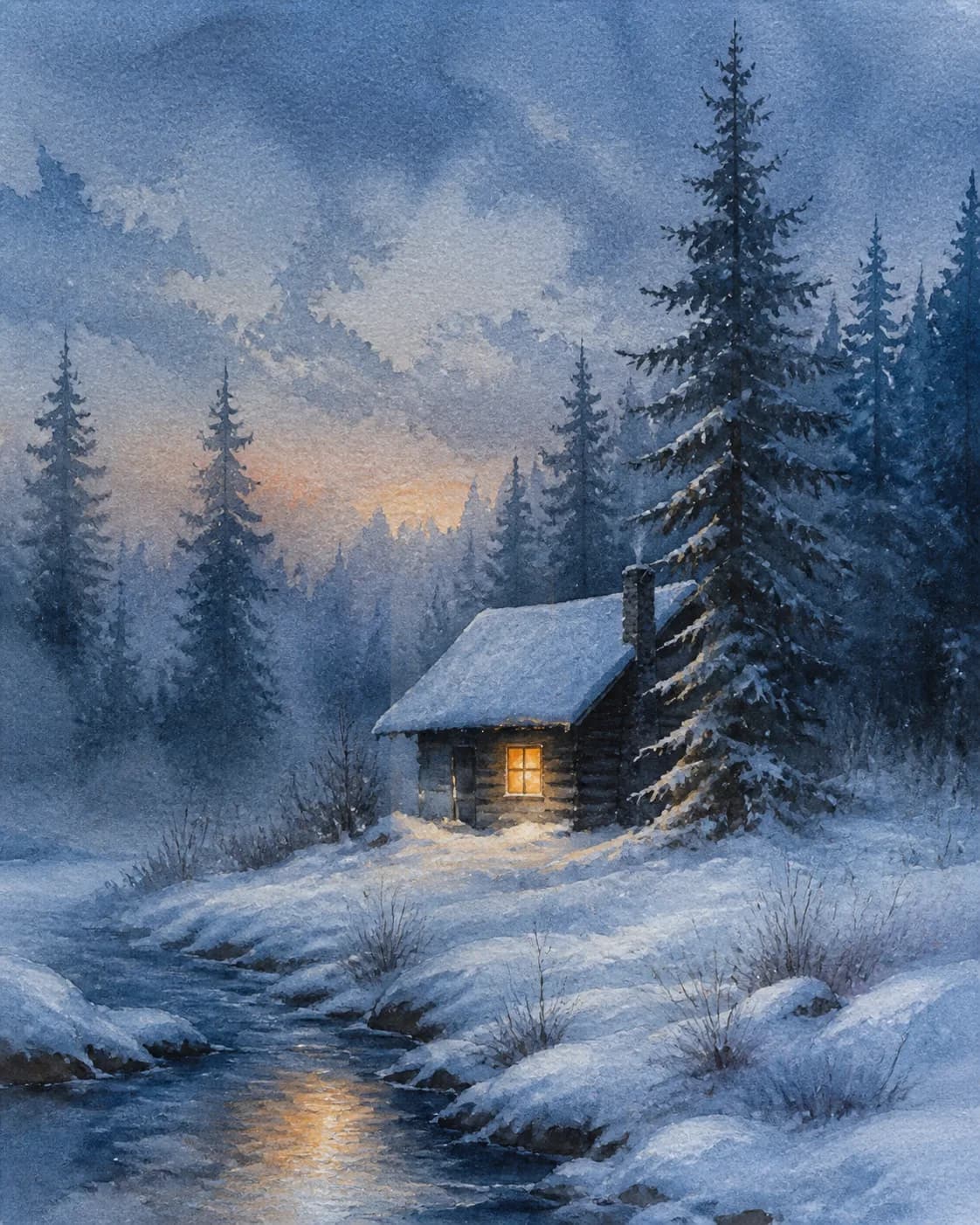
Start by browsing the watercolor AI prompts gallery to find a look you love — a soft watercolor portrait, a dreamy pastel landscape, a delicate botanical sketch, or a romantic couple painting. Open the result to read its full prompt, click Remix, and the composer loads that prompt ready for your tweaks. Upload a reference photo if you want the AI to preserve your real features, then adjust the color palette, wash intensity, and paper texture. The AI generates a new watercolor AI image based on your edits — no prompt engineering experience needed. Every prompt in the gallery is tested with real outputs so you know what to expect before you generate.
Popular Watercolor AI Prompts
Explore real watercolor outputs across soft portraits, dreamy landscapes, botanical sketches, and romantic couple paintings — open any image to read or remix its full prompt.
Watercolor Couples
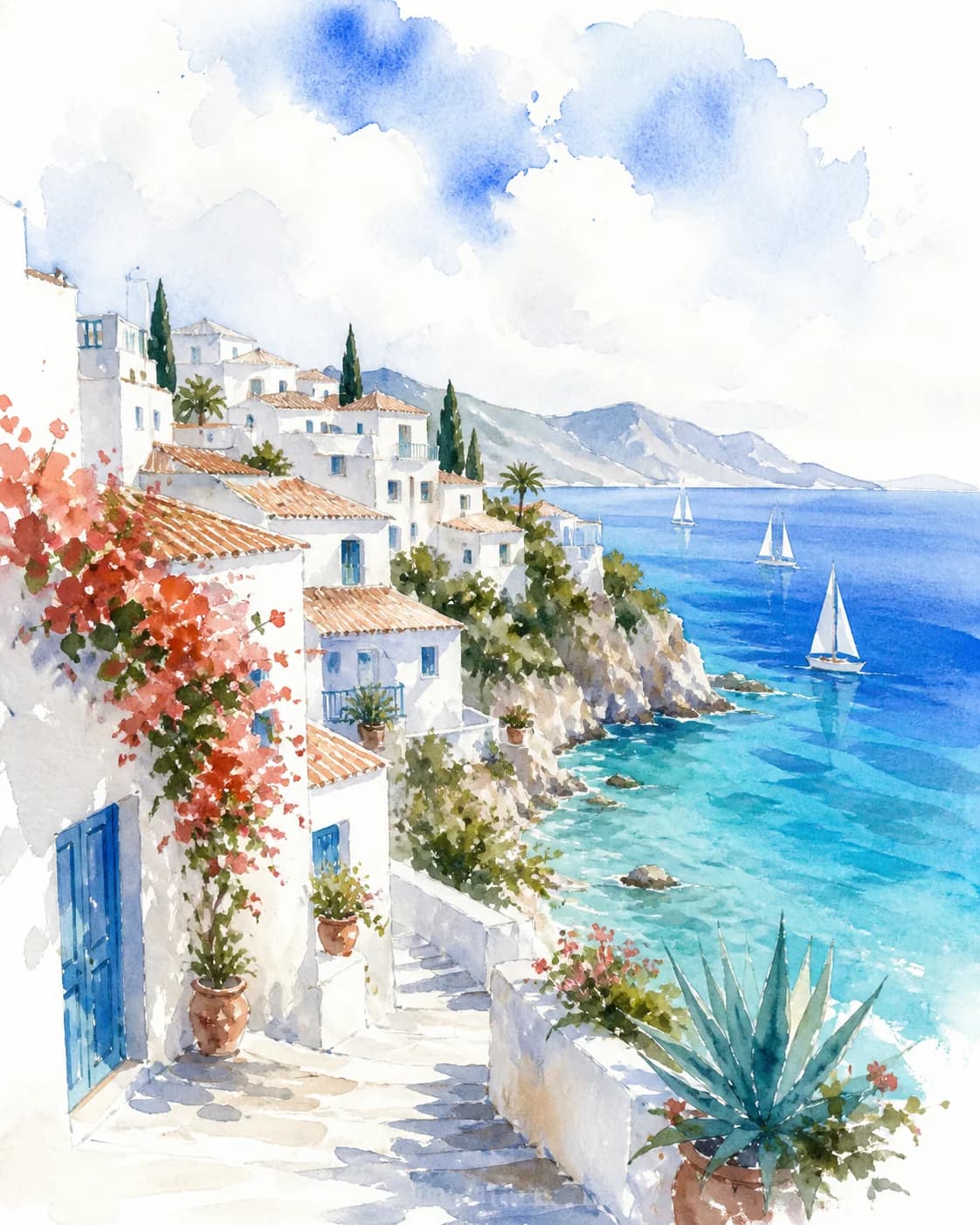
Open any real watercolor couple output, then explore the complete collection of AI prompts for couples.
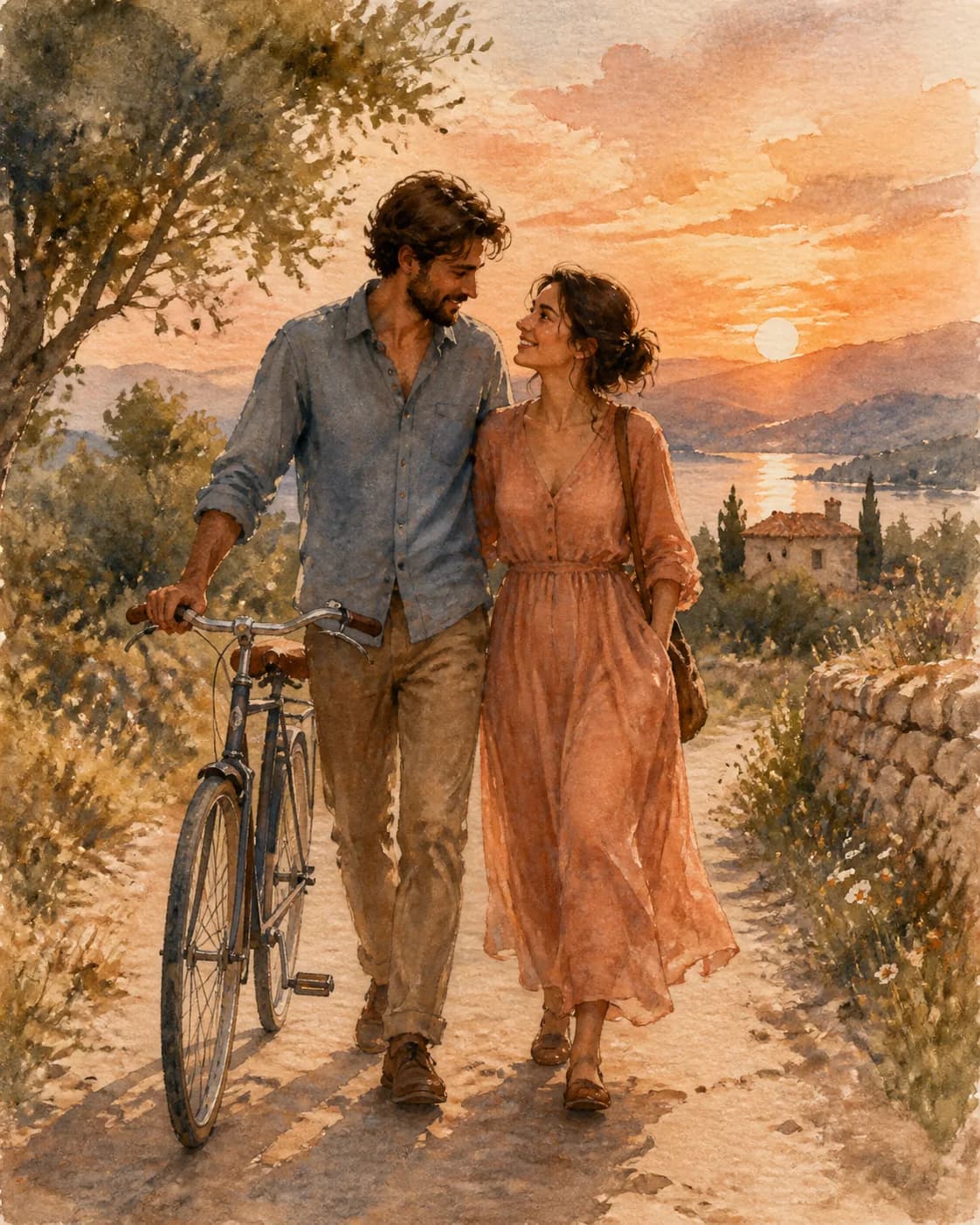 Soft Meadow Couple WatercolorA romantic couple portrait shaped by soft pastels, transparent washes, and natural facial detail.Explore couple prompts
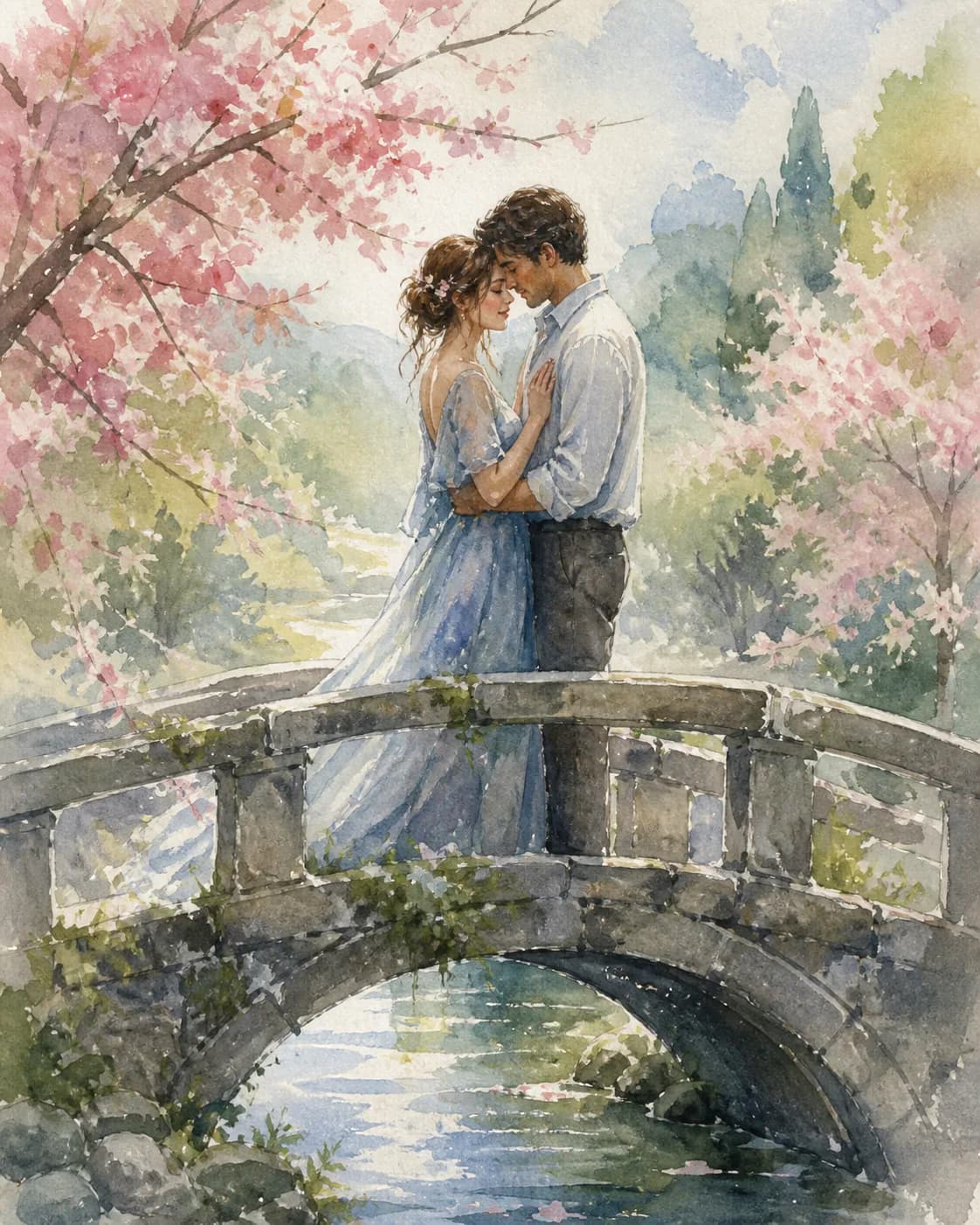 Rose Garden Couple WatercolorAn airy garden moment painted with dusty-rose color, soft greens, and loose botanical strokes.Explore couple prompts
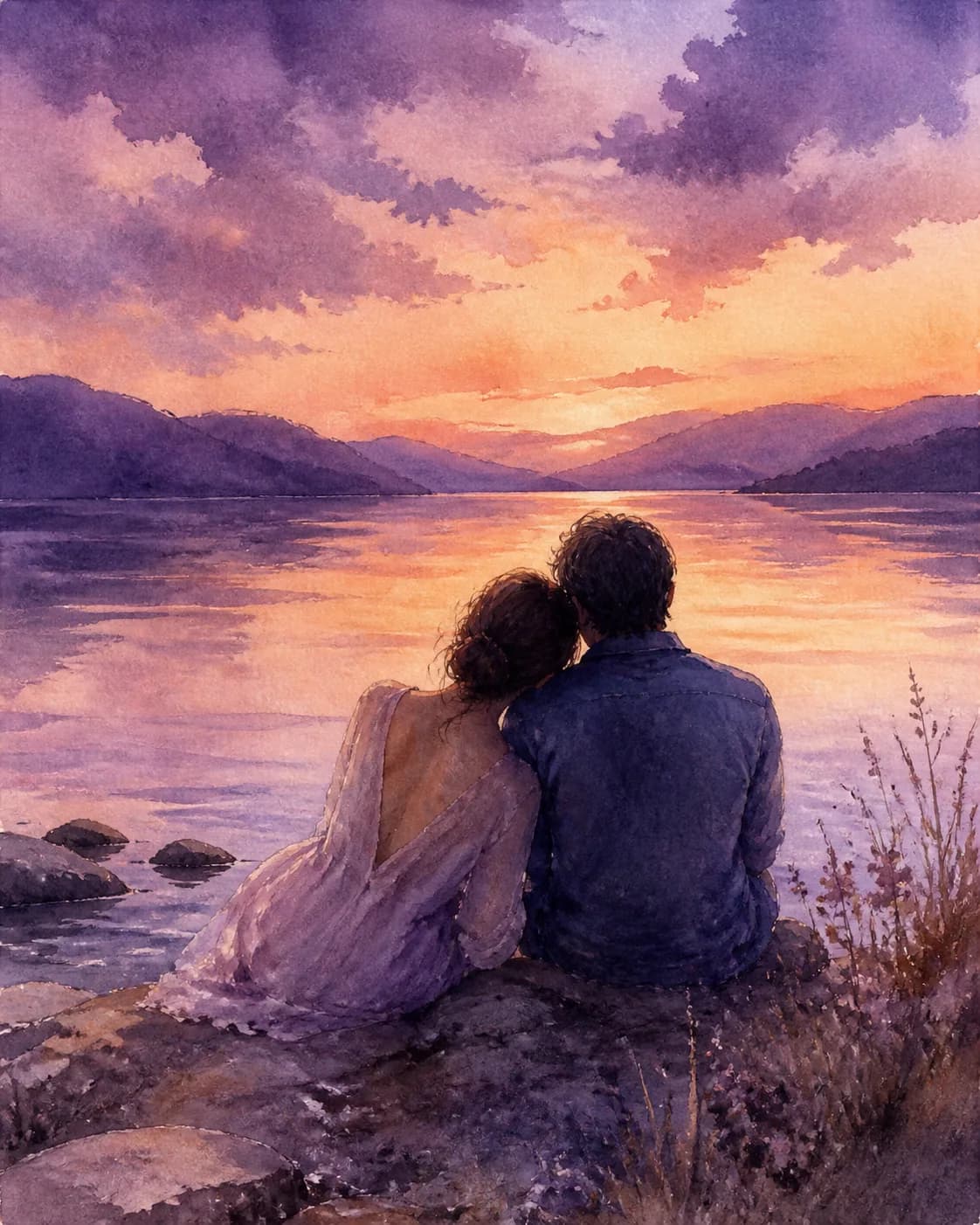 Twilight Lakeside Couple WatercolorLavender, indigo, and warm-apricot wet-on-wet washes create a quiet, intimate lakeside mood.Explore couple prompts
Browse All Watercolor AI Prompts
Explore watercolor portraits, landscapes, botanical sketches, and couple paintings by recency, popularity, or model.
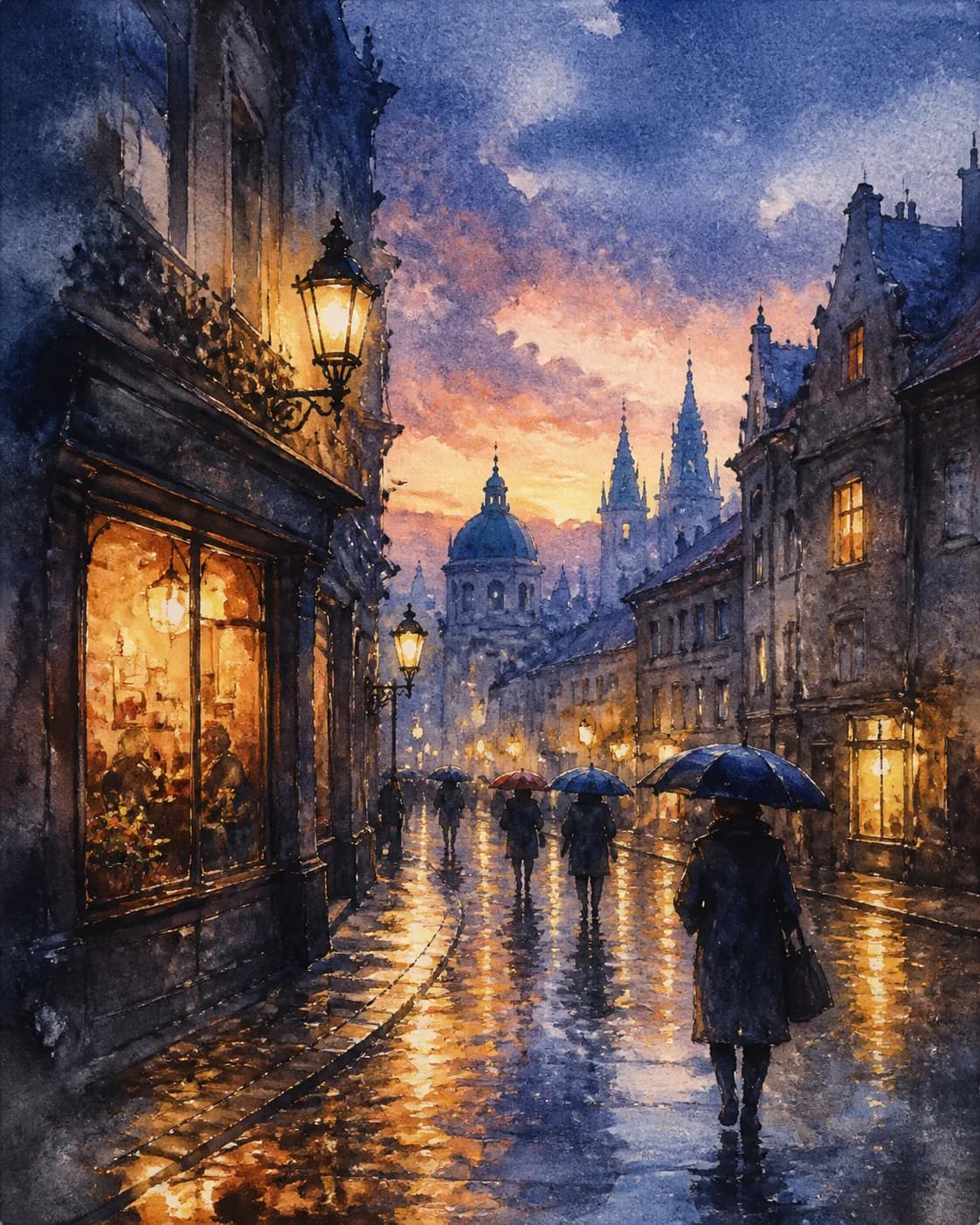
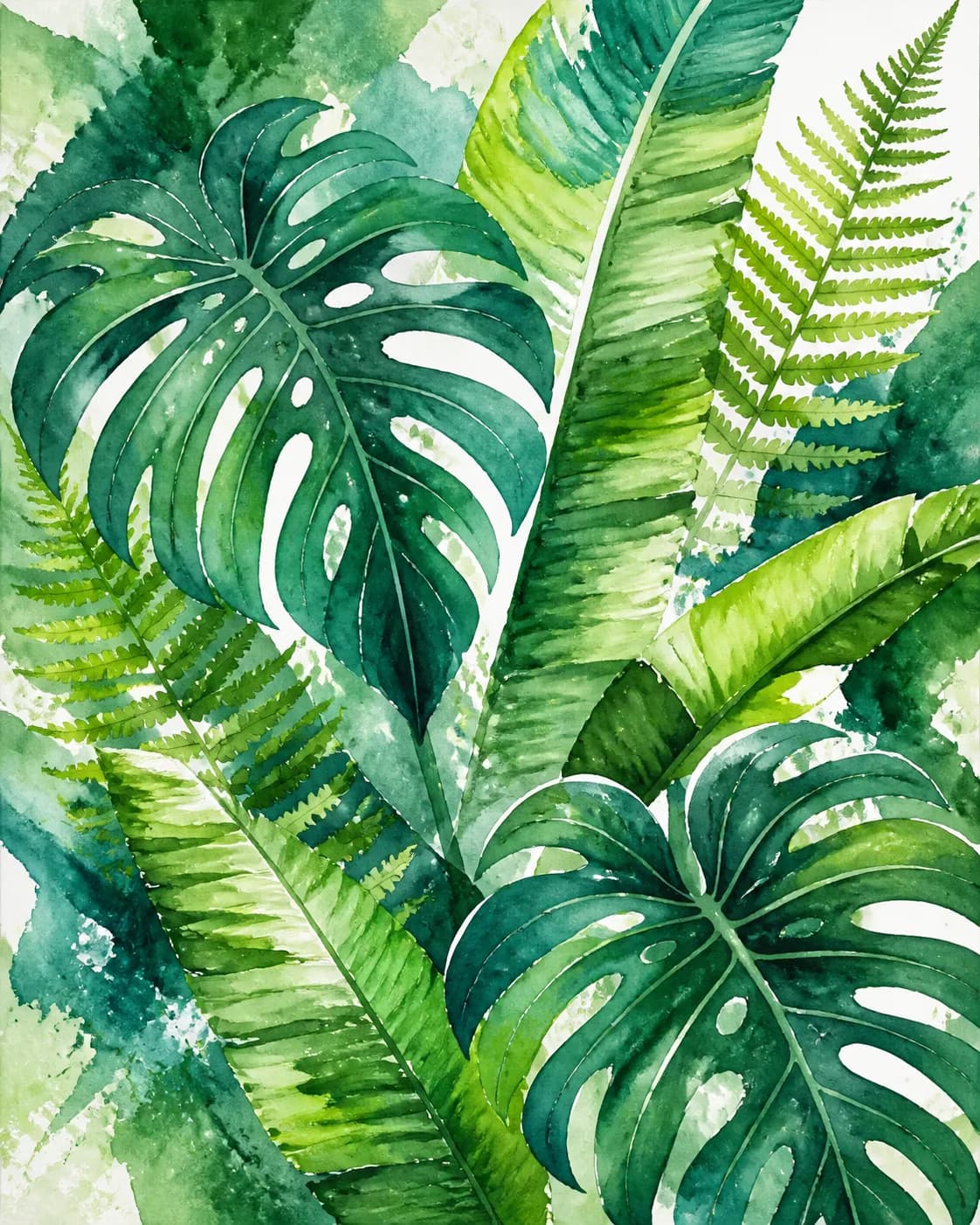
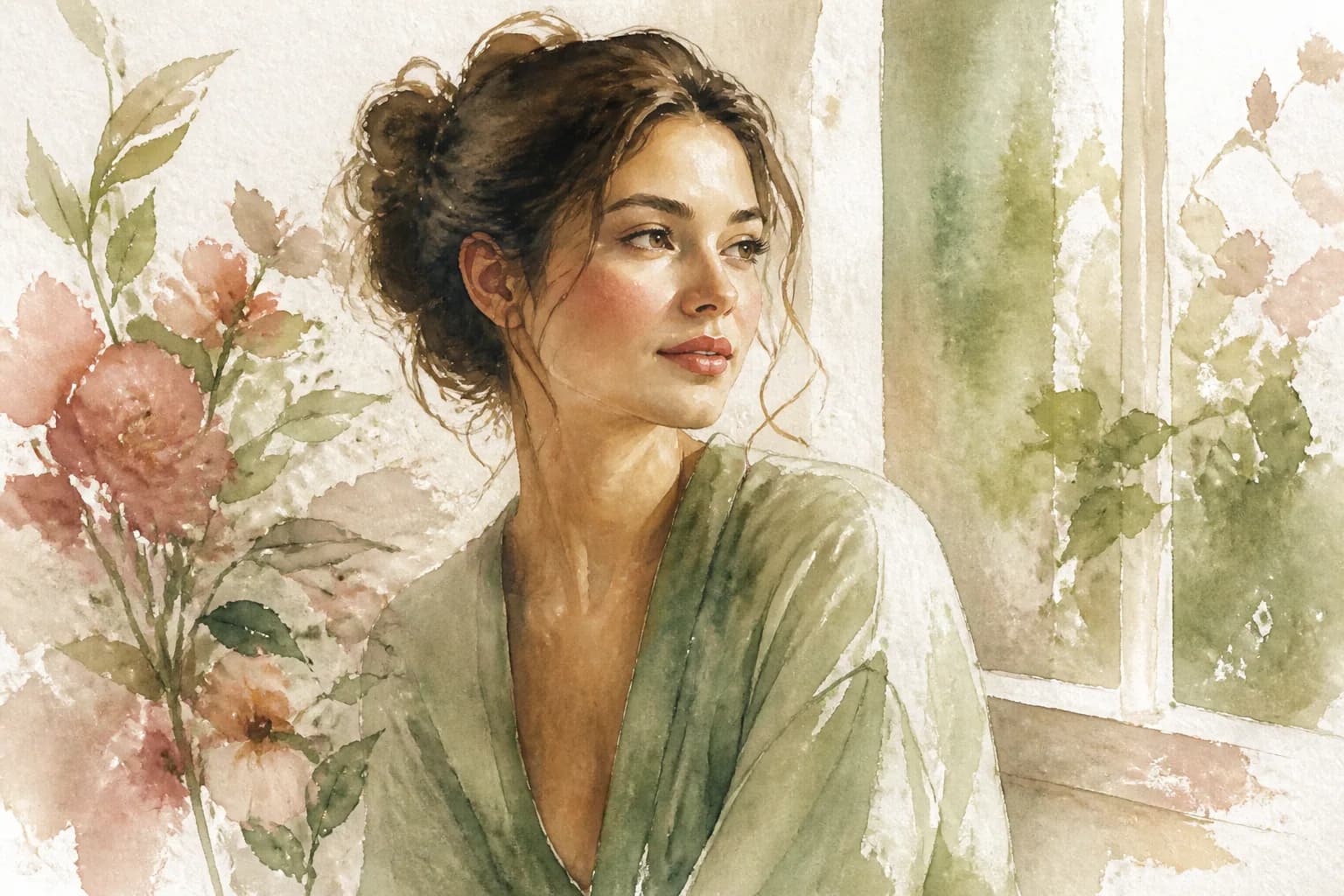
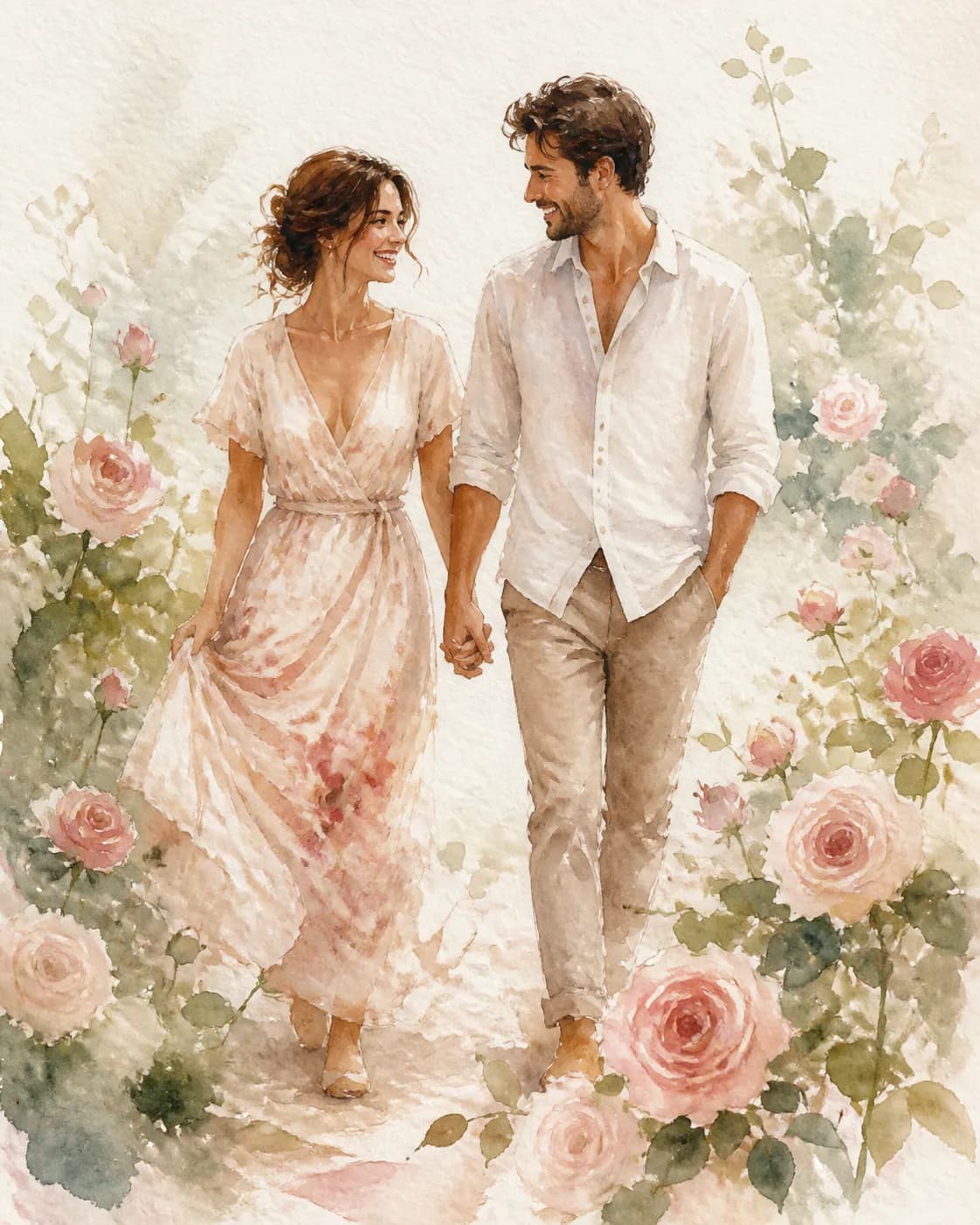
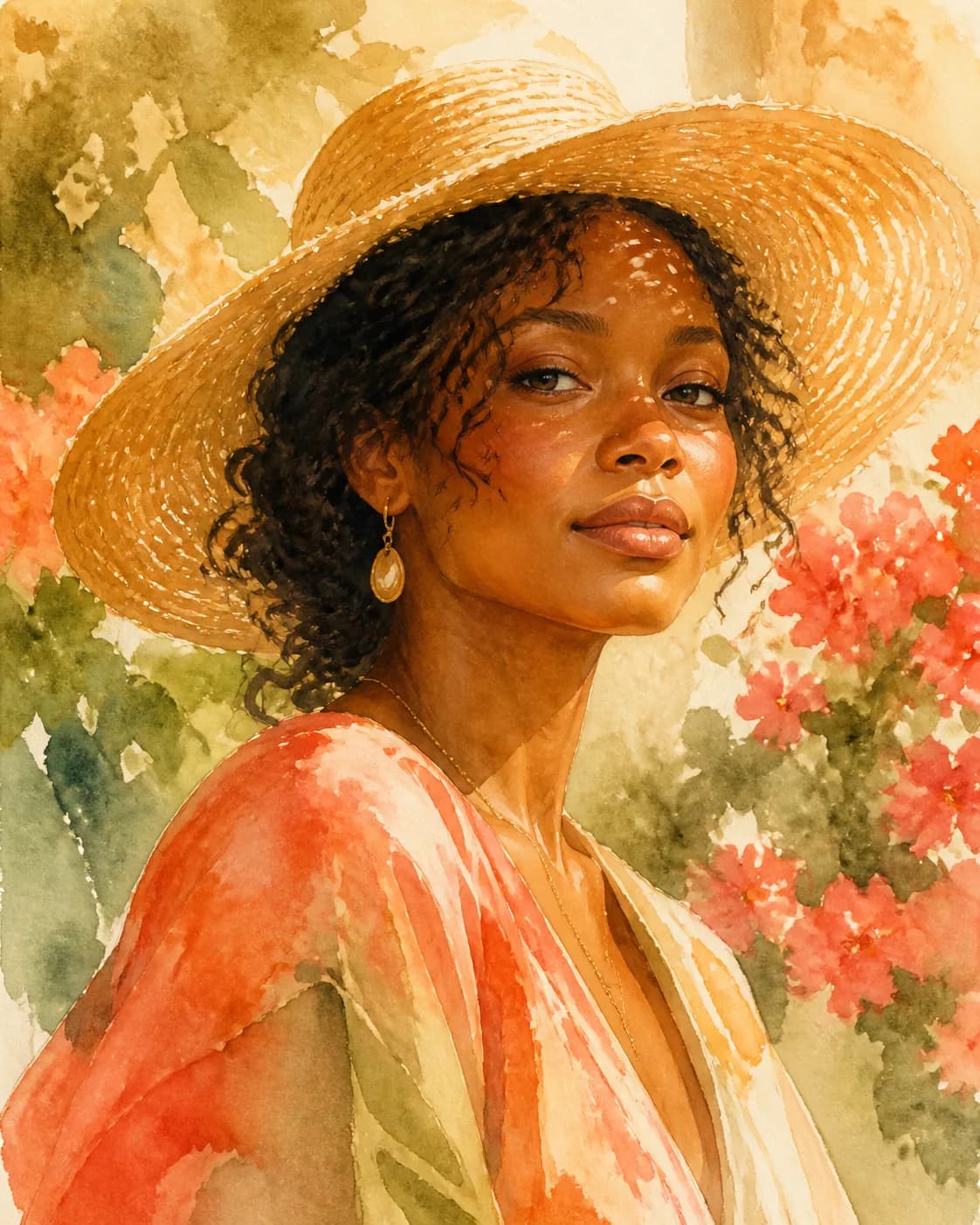
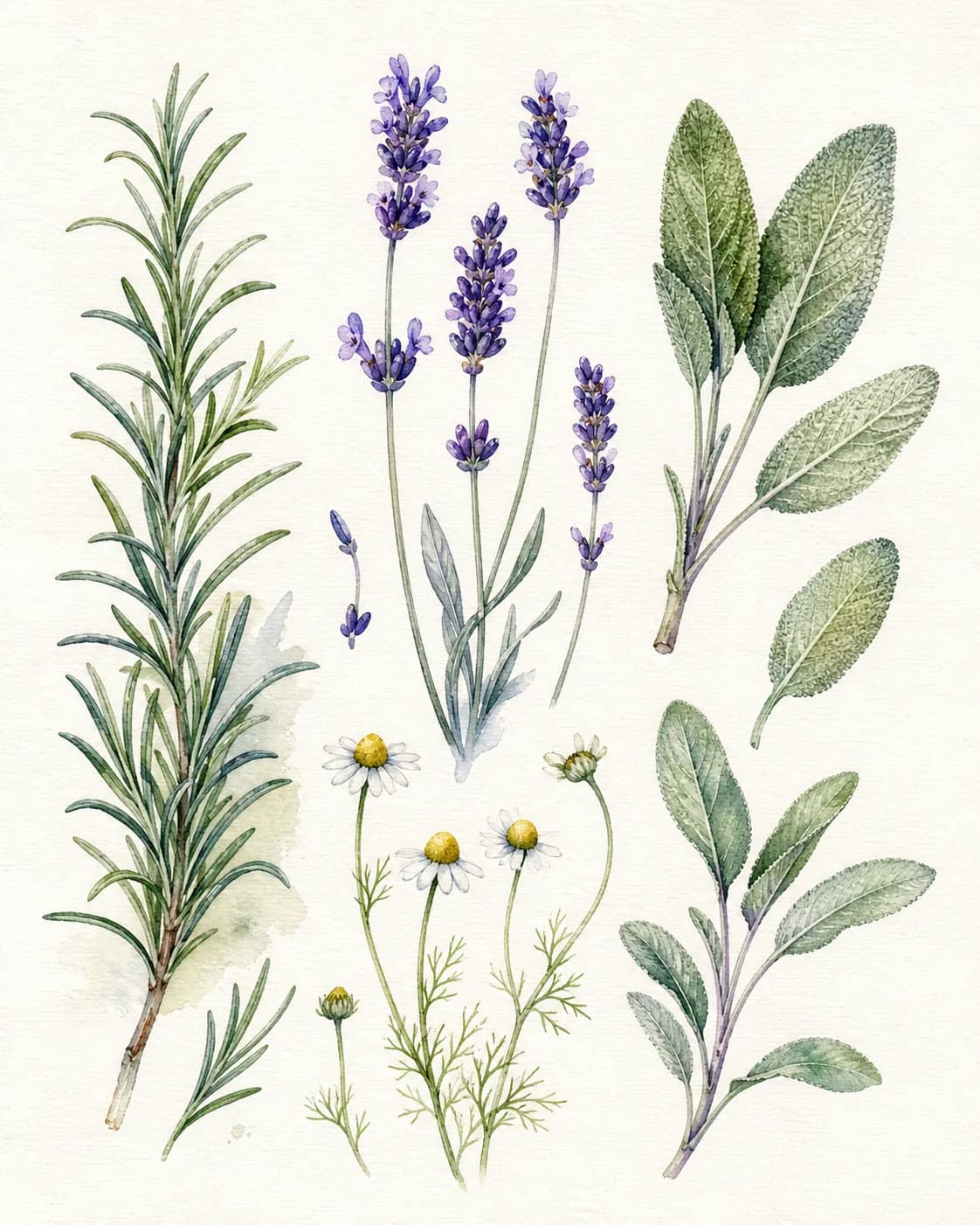
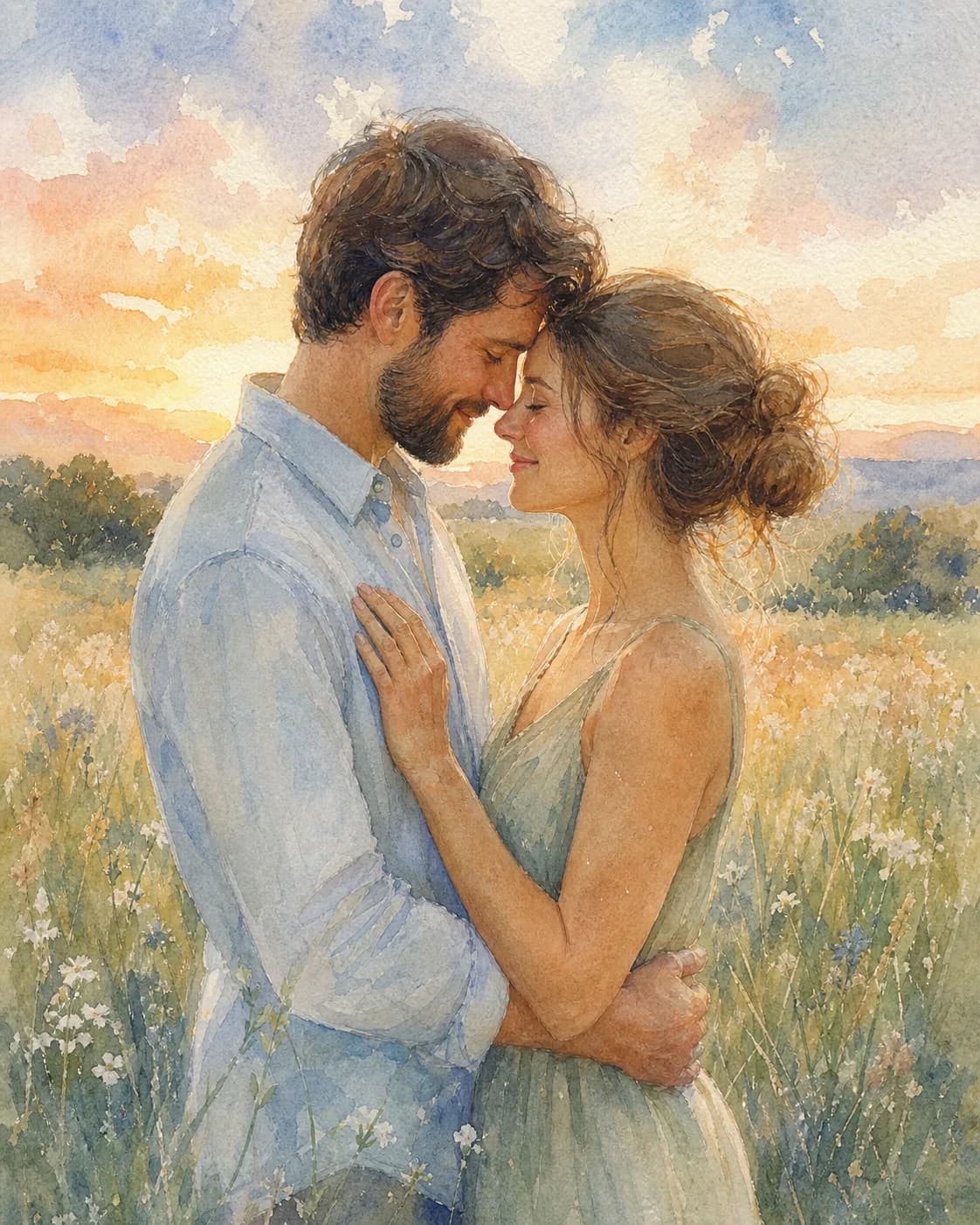
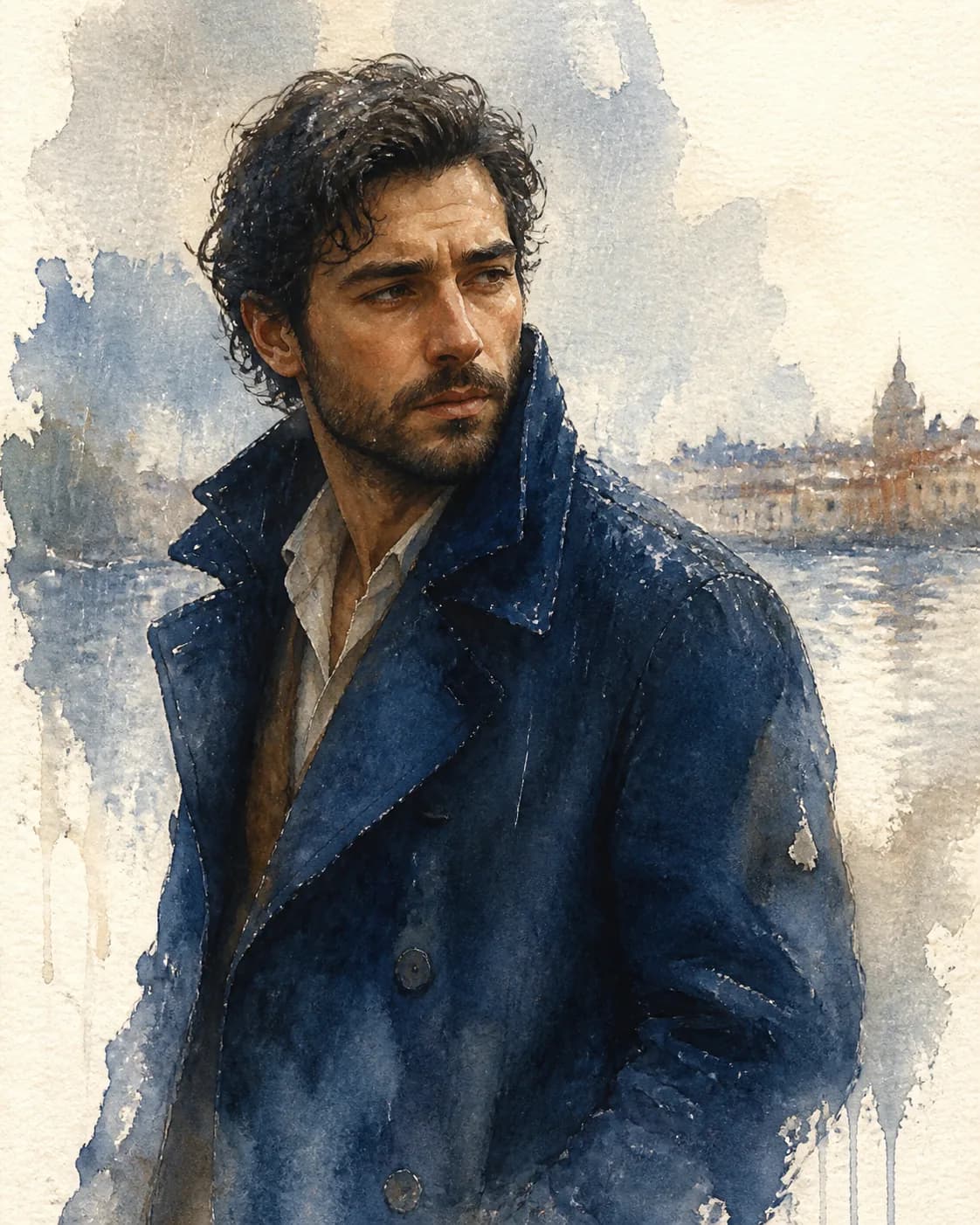
Frequently Asked Questions
Answers about watercolor prompts, ChatGPT and Gemini use, painting techniques, and couple artwork.
What are watercolor AI prompts?
Watercolor AI prompts are text descriptions that tell an AI image model (ChatGPT's GPT Image 2, Gemini, or Doubao) to create an image with a soft, painted watercolor look. The best prompts describe the subject (portrait, landscape, botanical, couple) plus watercolor-specific qualities like soft washes, transparent colors, wet-on-wet blending, granulation, and paper texture. Browse the watercolor AI prompts gallery on Magggic to see real outputs paired with their exact prompts, then click Remix to create your own watercolor image.
How to create watercolor AI images?
Open any AI image generator and describe the scene plus a watercolor style direction. For a portrait: "Watercolor portrait of a woman, soft washes, transparent colors, elegant brush textures, subtle shading, paper texture." For a landscape: "Dreamy watercolor landscape, soft edges, granulation, muted pastel palette, wet-on-wet blending." For the best results, start with a proven watercolor AI prompt from the gallery, upload your reference photo, click Remix, and adjust the palette and brush details before generating.
What is the best watercolor AI prompt?
The best watercolor AI prompts combine a clear subject with authentic watercolor technique keywords. Top-performing styles include watercolor portraits (soft washes, transparent colors, smooth blending), dreamy landscapes (granulation, muted pastels, wet-on-wet), botanical sketches (delicate linework, pigment blooms, paper tooth), and romantic couple paintings (soft focus, warm palette, impressionist feel). Browse the watercolor prompt gallery to see which styles get the best real outputs, then remix one that matches your vision.
Can I use watercolor AI prompts with ChatGPT or Gemini?
Yes. Watercolor AI prompts work with ChatGPT's image model (GPT Image 2), Gemini, and other AI image generators. Copy any watercolor prompt from the gallery, open your preferred tool, paste the prompt, and upload a reference photo if you want to preserve your own face or scene. Click Remix on Magggic to load the prompt into our composer, adjust the watercolor details, and generate directly — no prompt engineering experience needed.
What is a watercolor prompt generator?
A watercolor prompt generator is a tool that creates watercolor-style prompts for AI image models — it takes your idea (portrait, landscape, couple, object) and turns it into a complete prompt with the right watercolor techniques and style keywords. The Magggic watercolor prompts gallery works like a visual generator: browse real watercolor outputs, open any result to read its full prompt, click Remix to use it as your starting point, and tweak the subject, palette, and brush style before generating your own image.
How to make a watercolor AI couple painting?
A watercolor couple prompt transforms a couple's photo into a soft, romantic watercolor painting. Use descriptions like "traditional watercolor painting of a couple, soft pastel colors, gentle brush strokes, romantic impressionist style, preserve their faces" or "watercolor couple portrait, warm tones, delicate washes, paper texture, dreamy atmosphere." Browse the Watercolor Couples section in the gallery — or visit the AI Prompts for Couples page — to see real outputs, then remix one with your own photo.
Ready to Create Your Watercolor Image?
Describe a watercolor scene or upload a reference photo, then generate your own version from a prompt proven by a real output.