

Inspiration
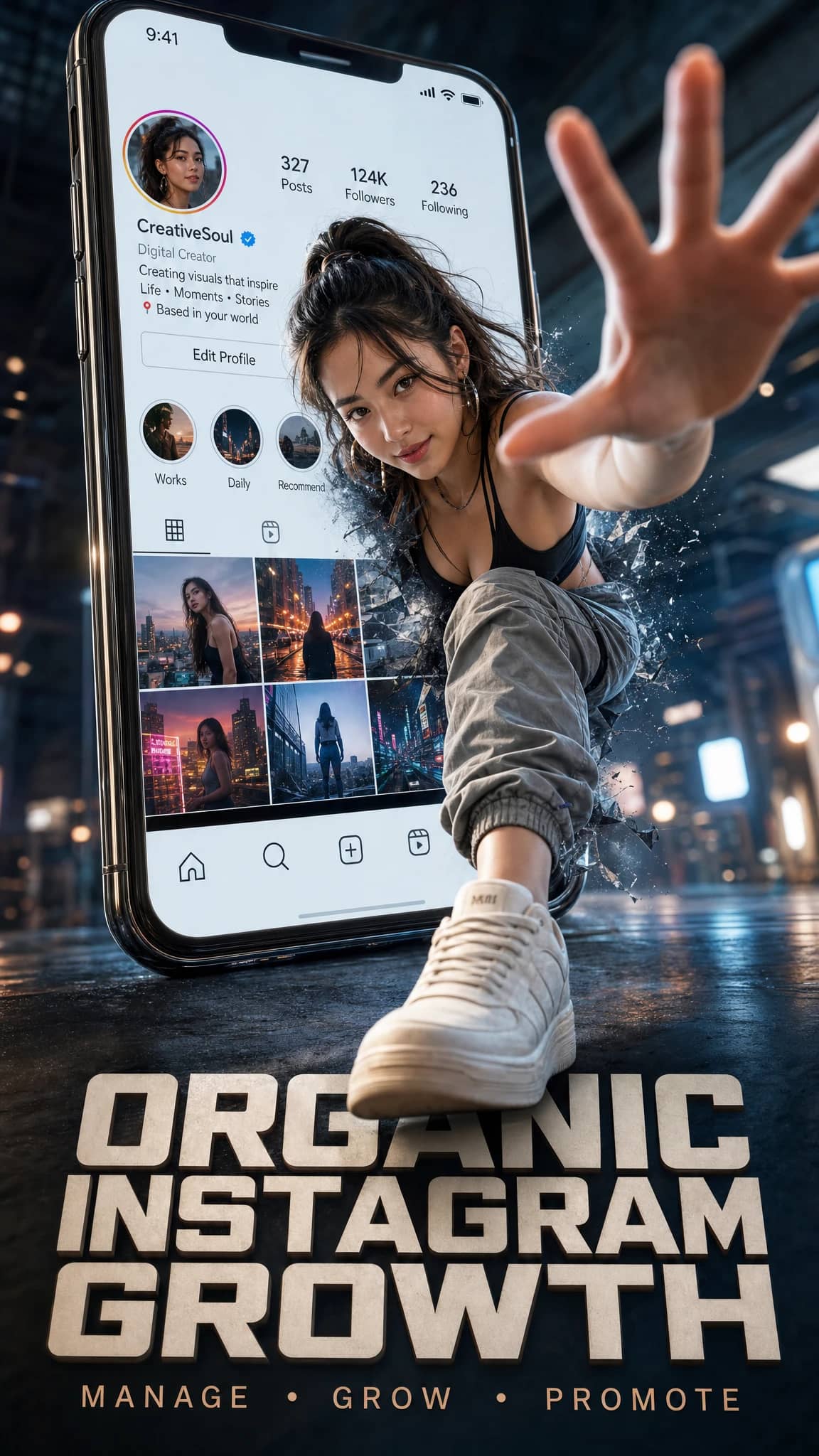
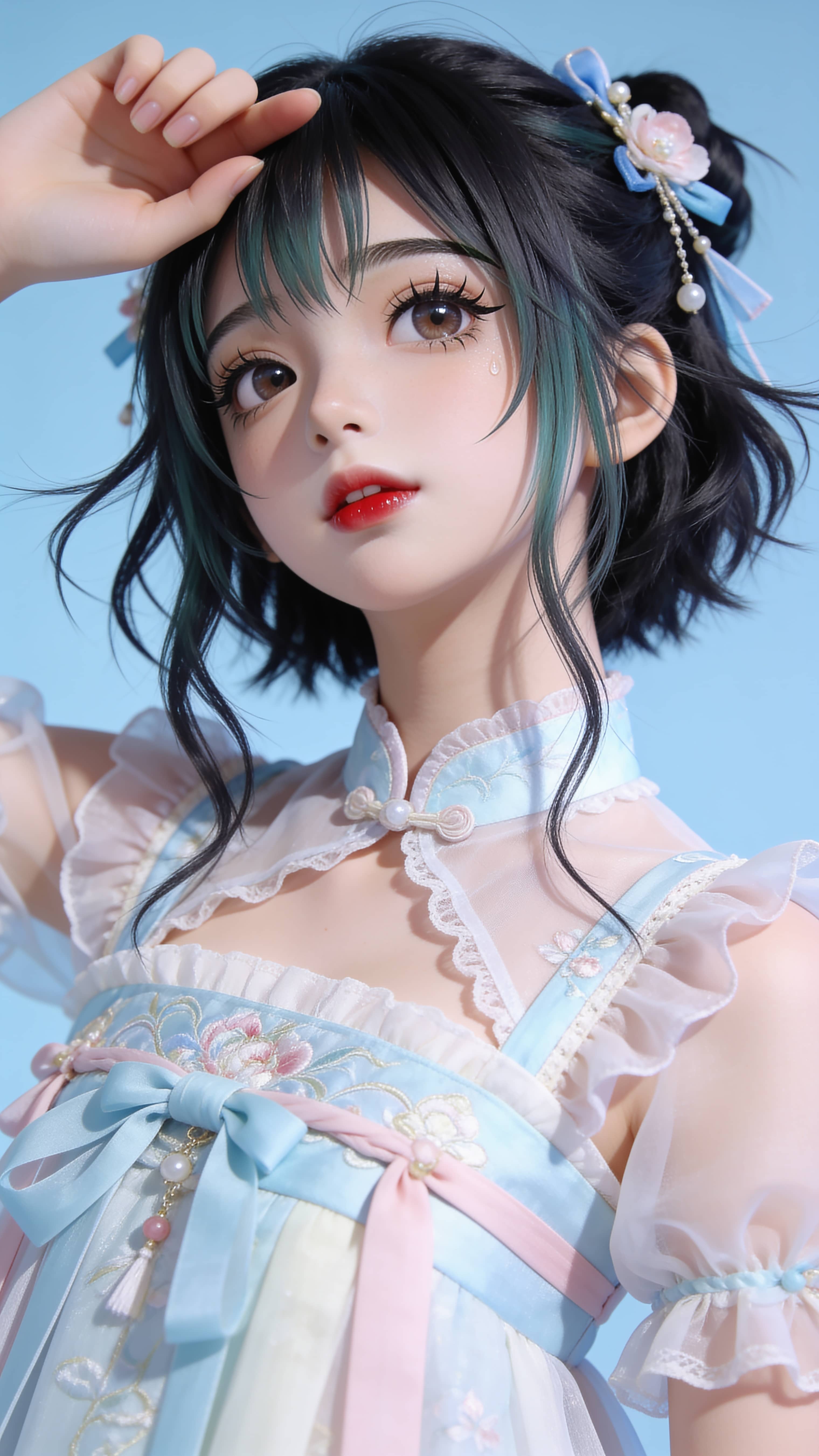
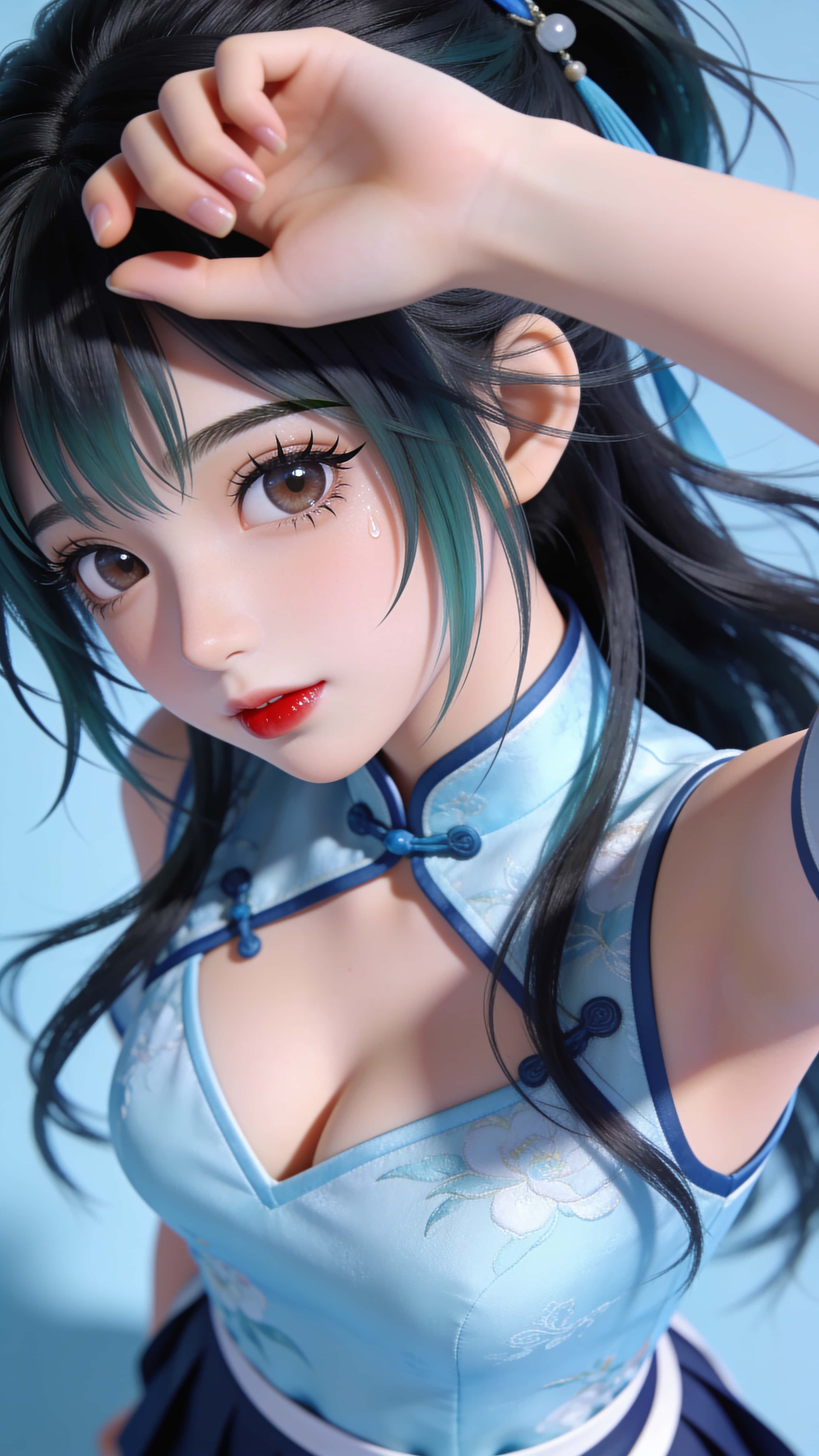
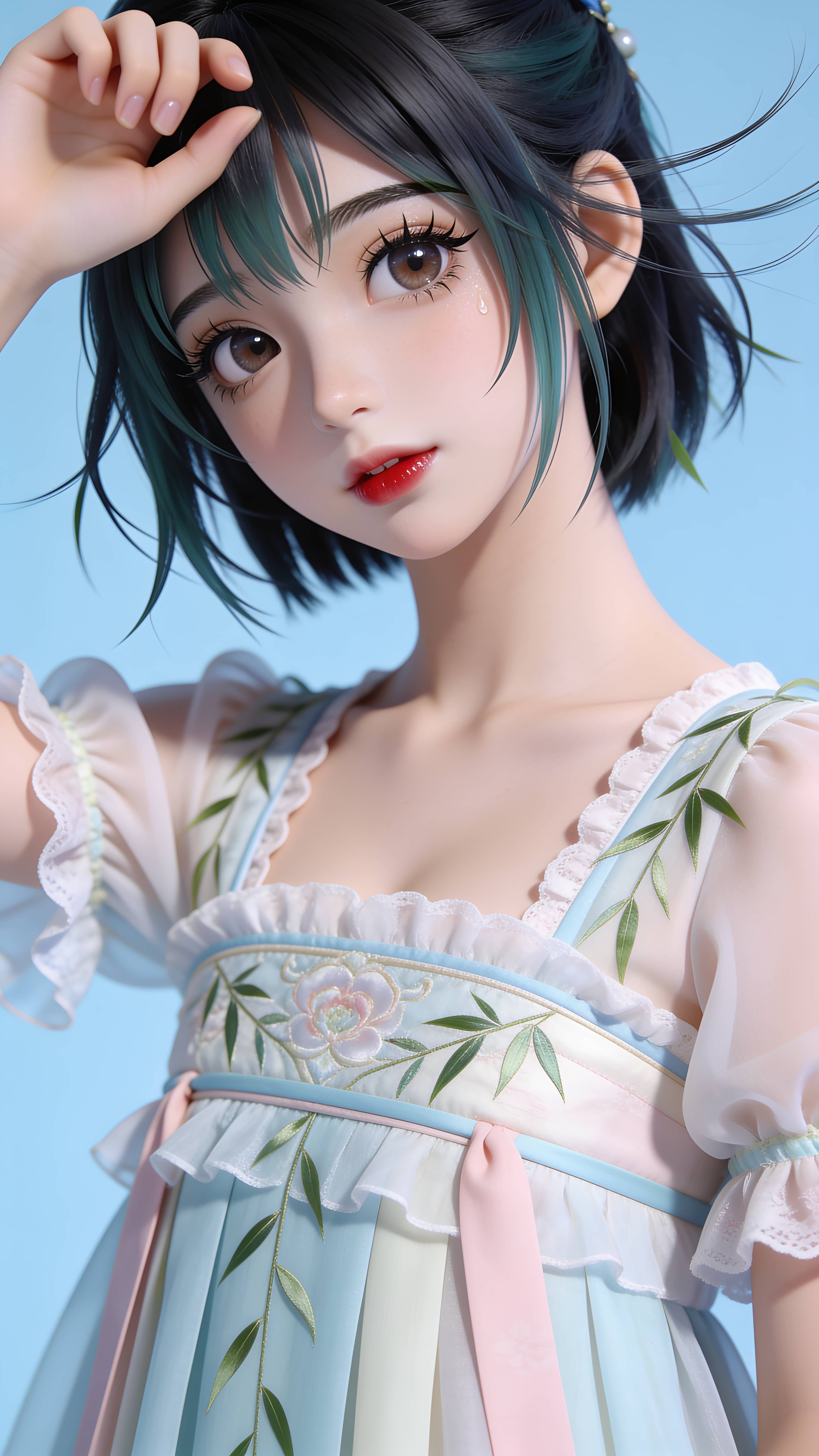
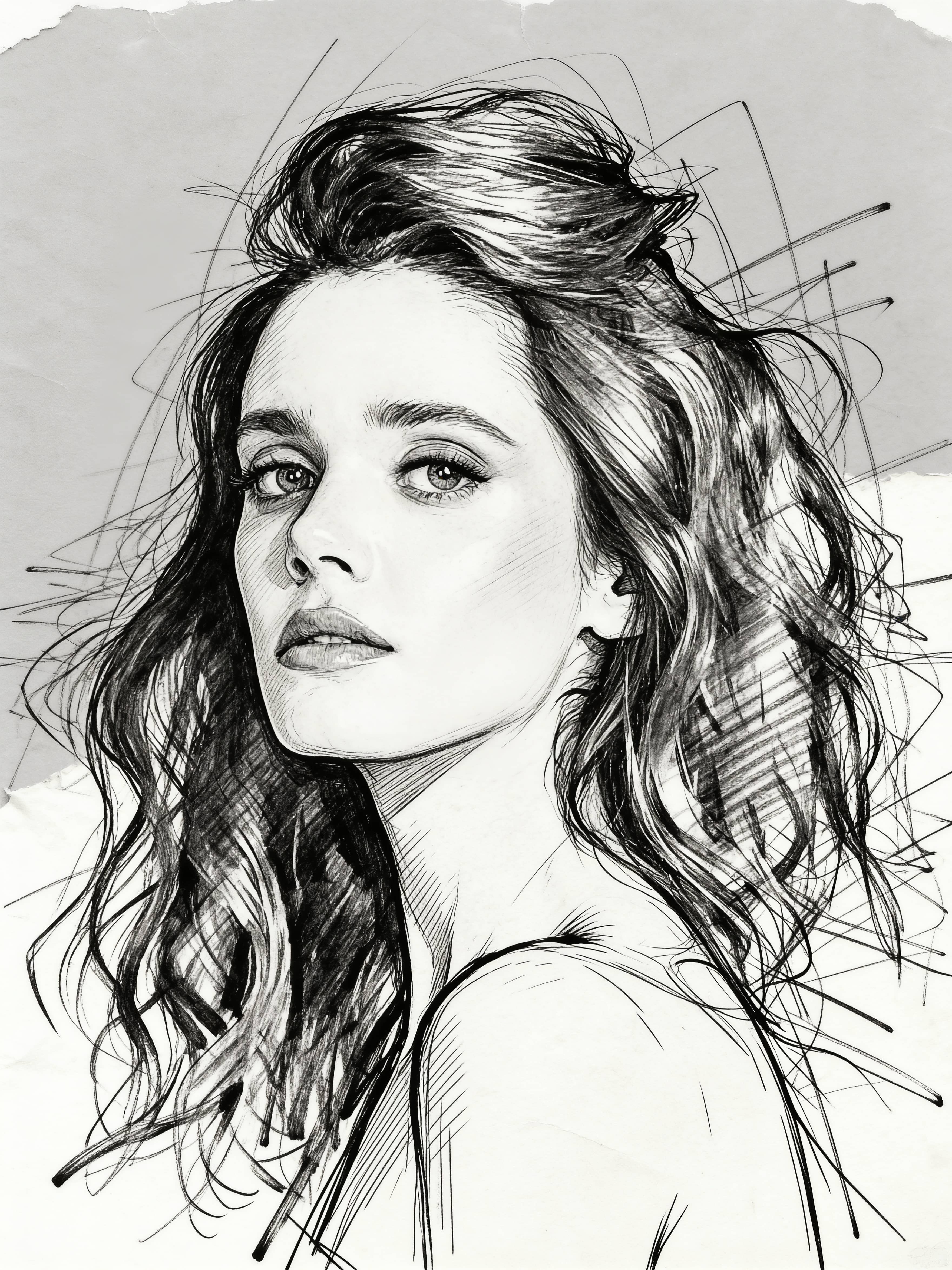
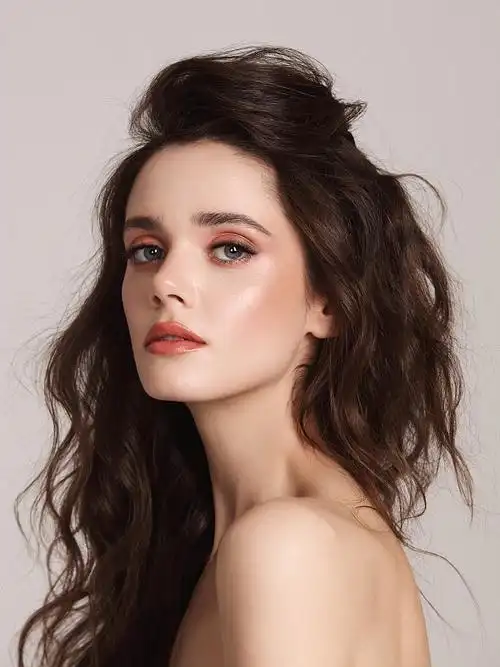

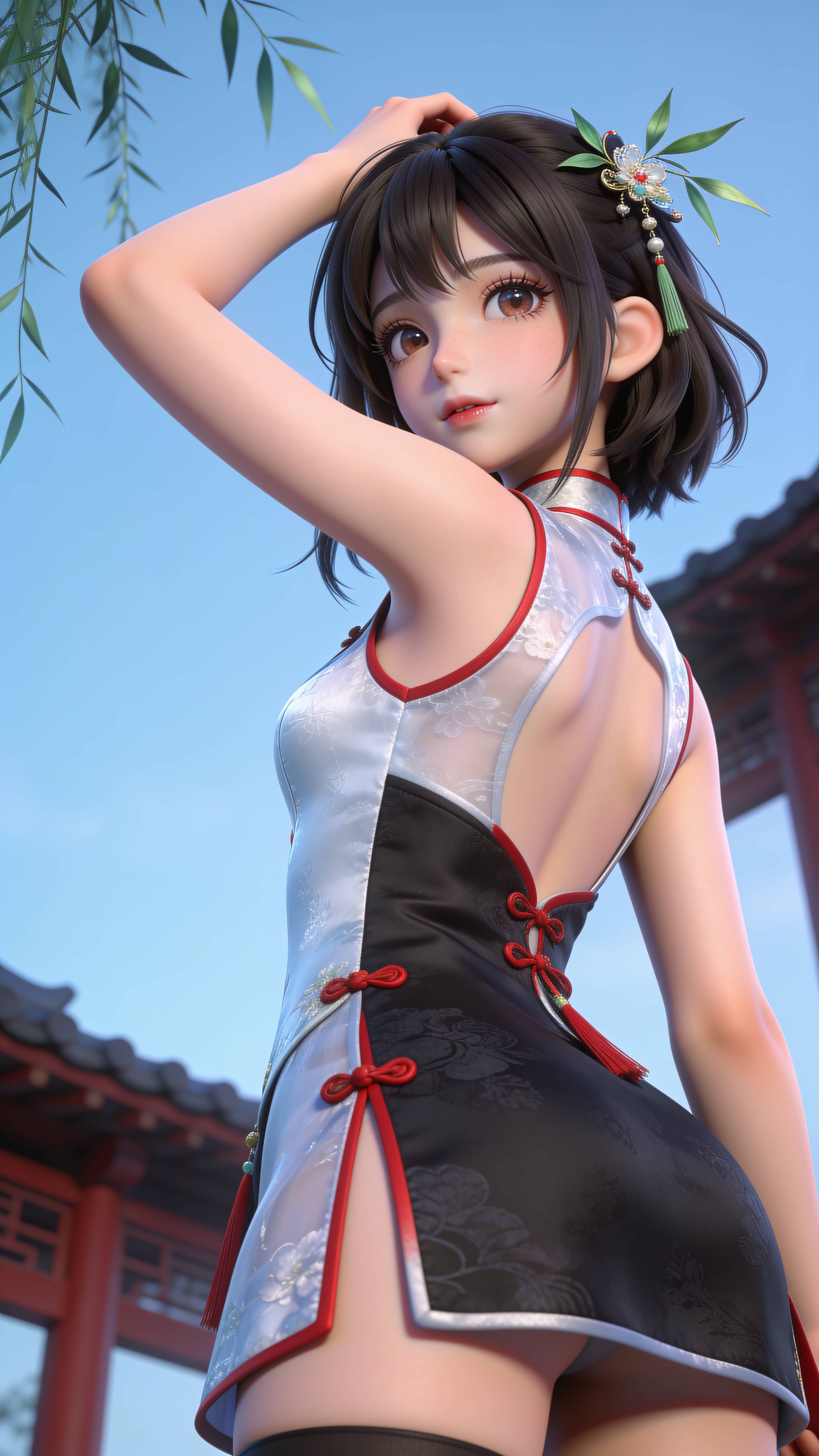
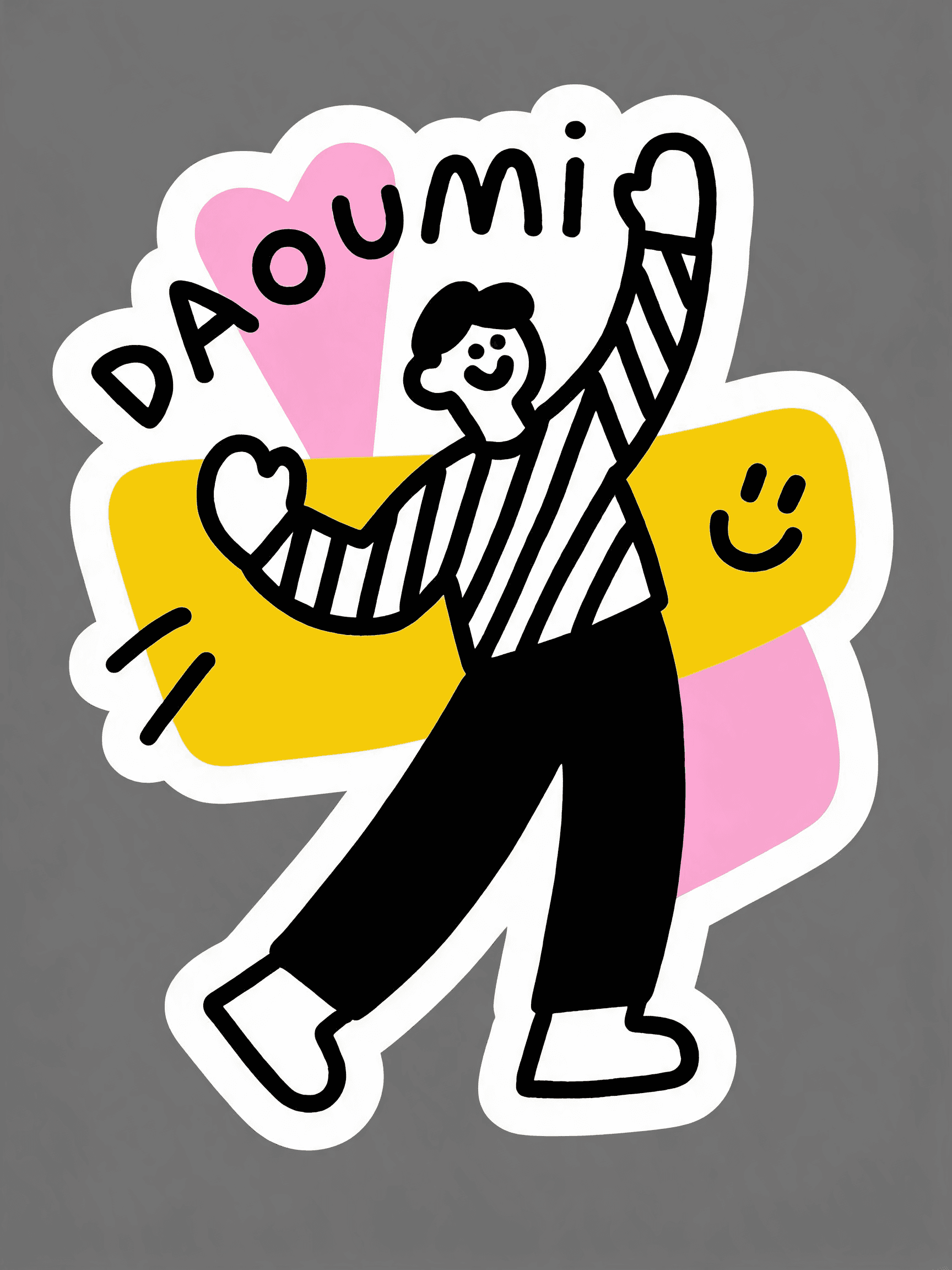
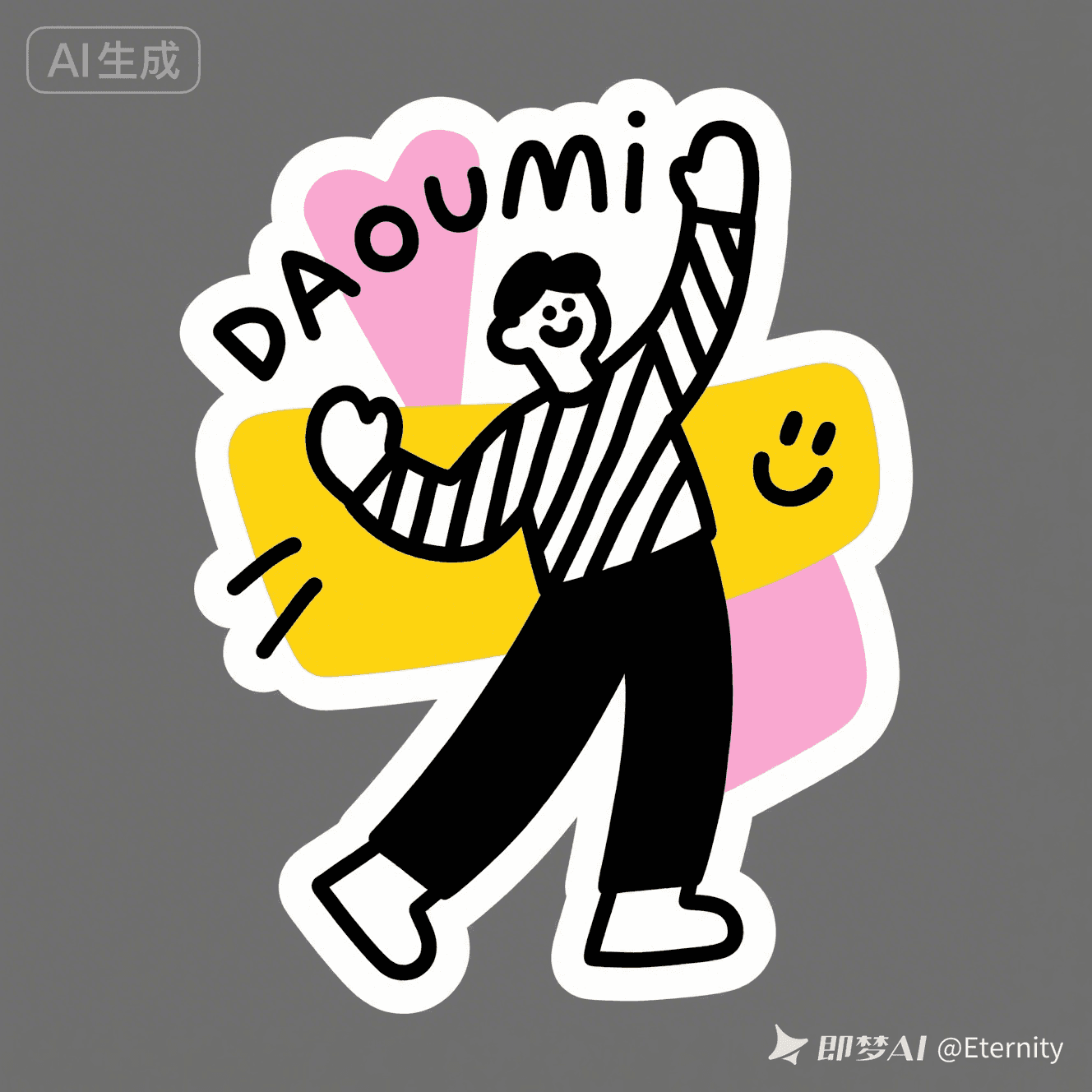

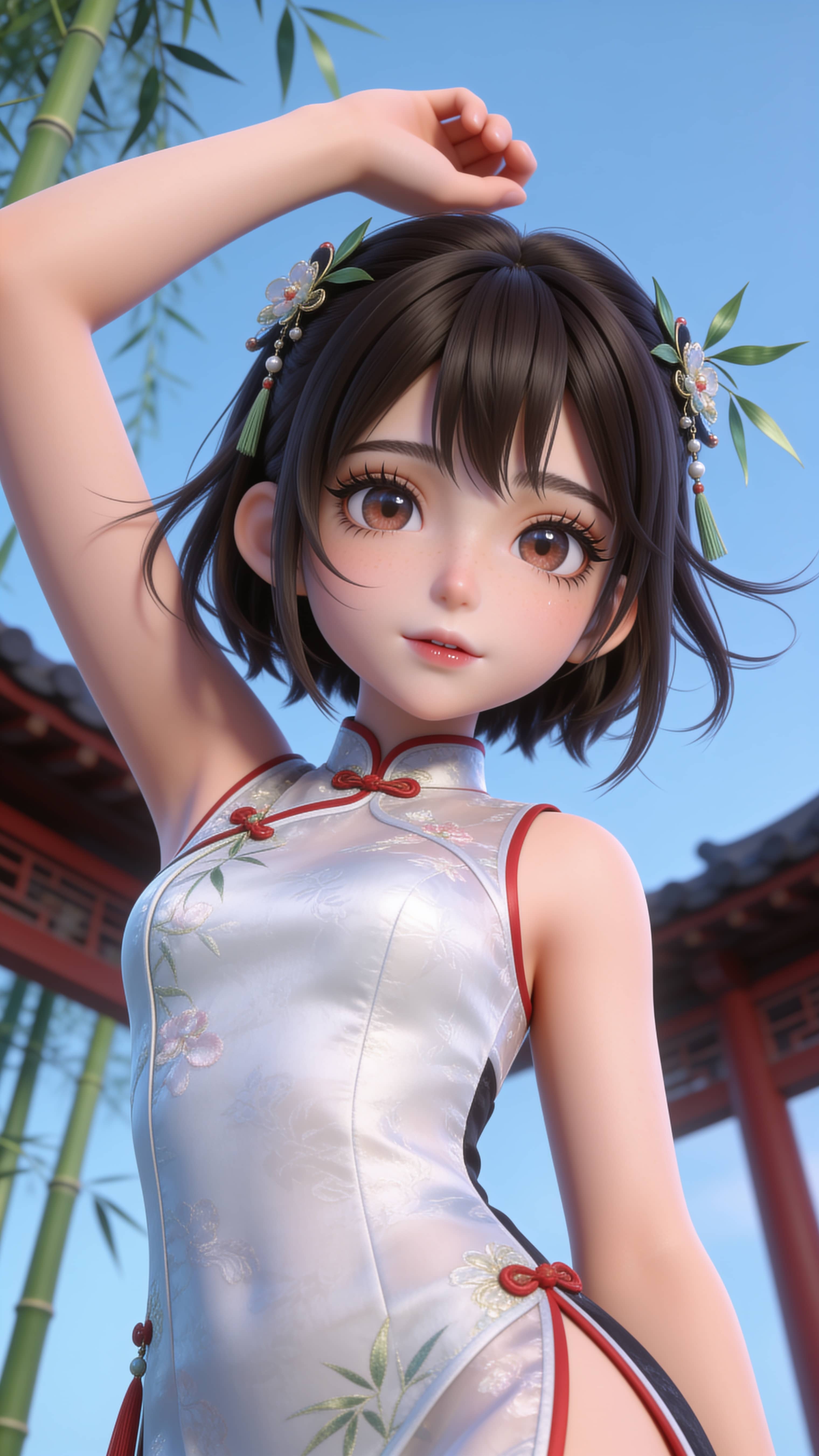
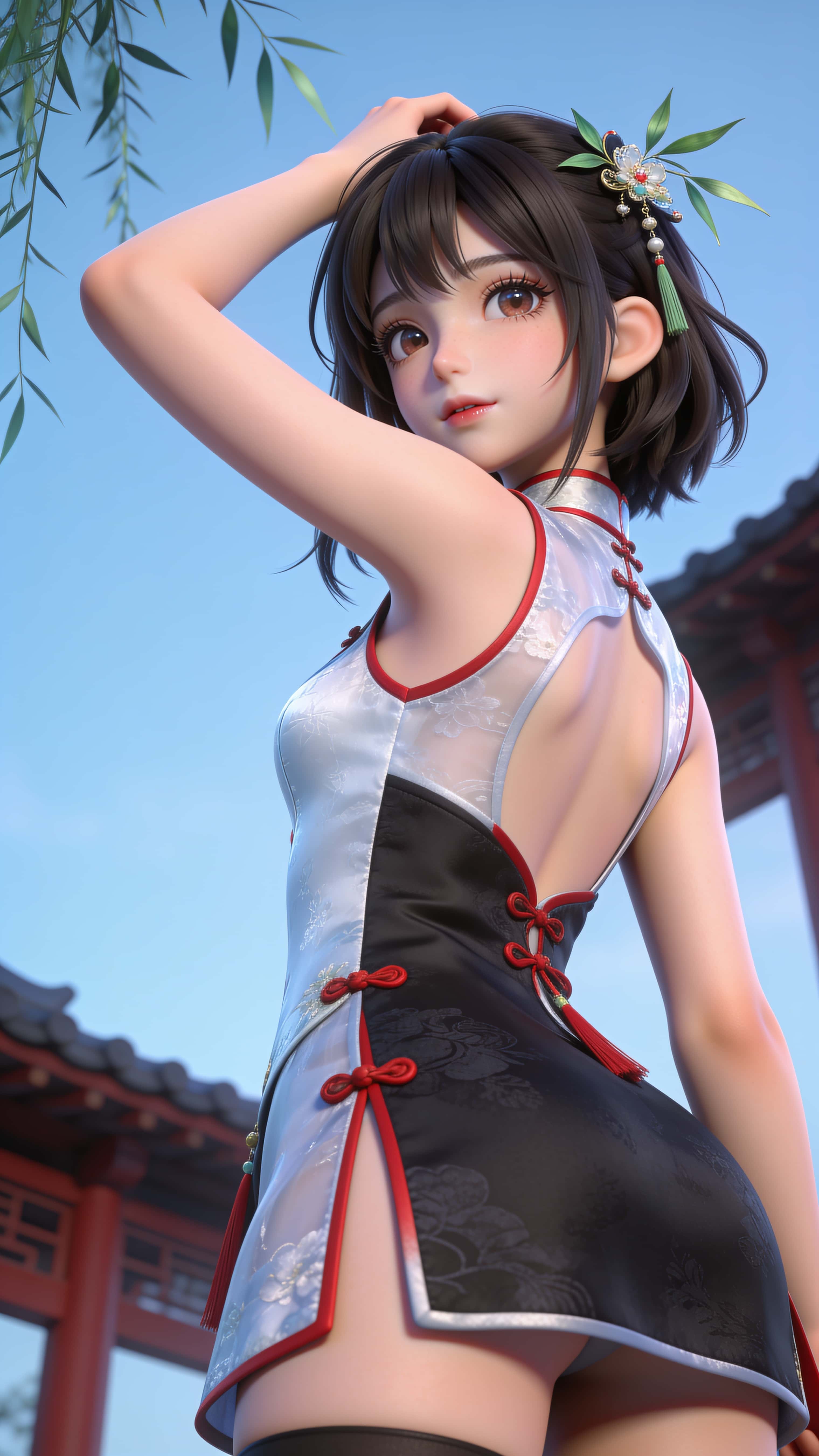
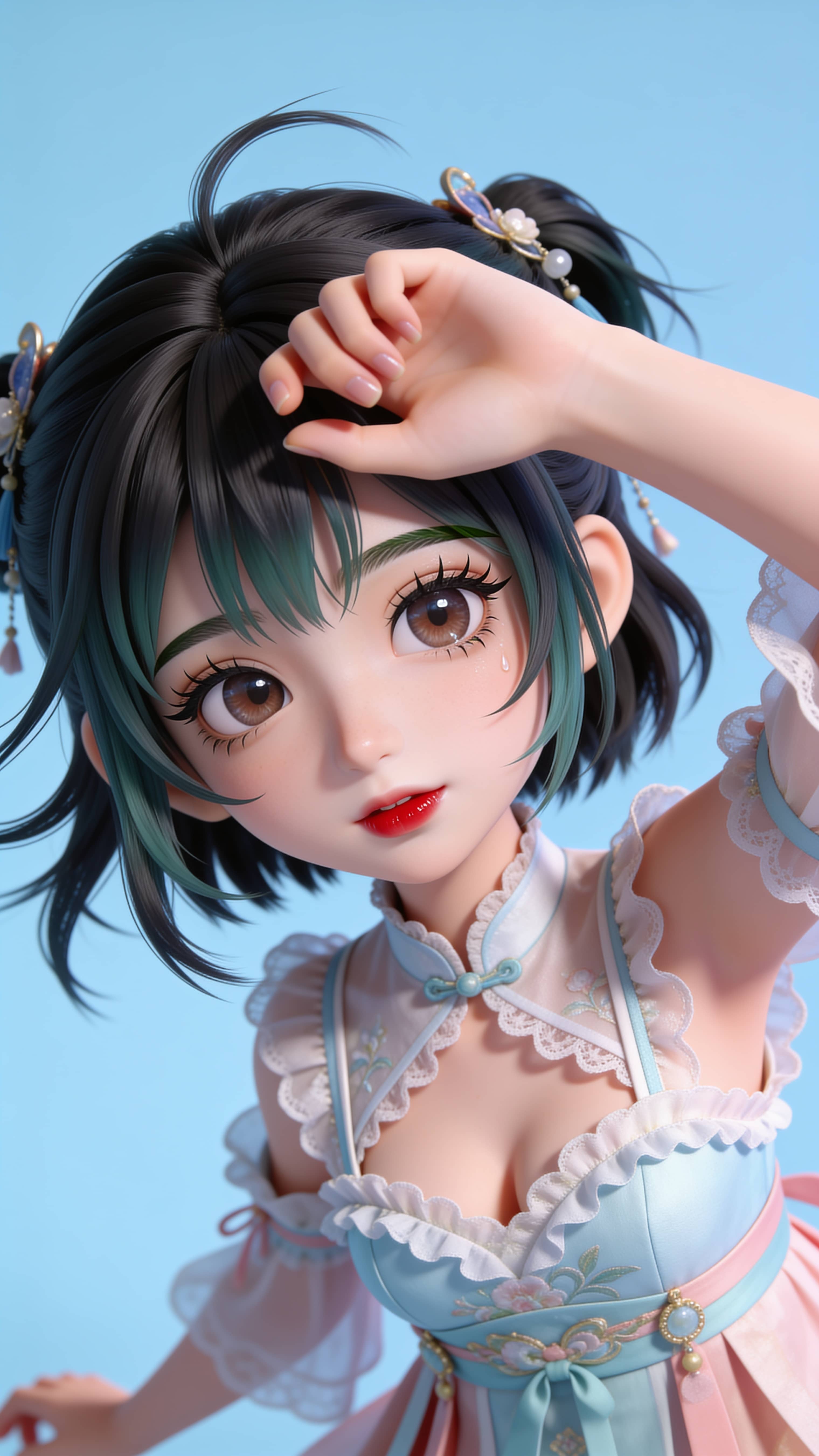


AI Image Prompt Generator for Creative Image Ideas
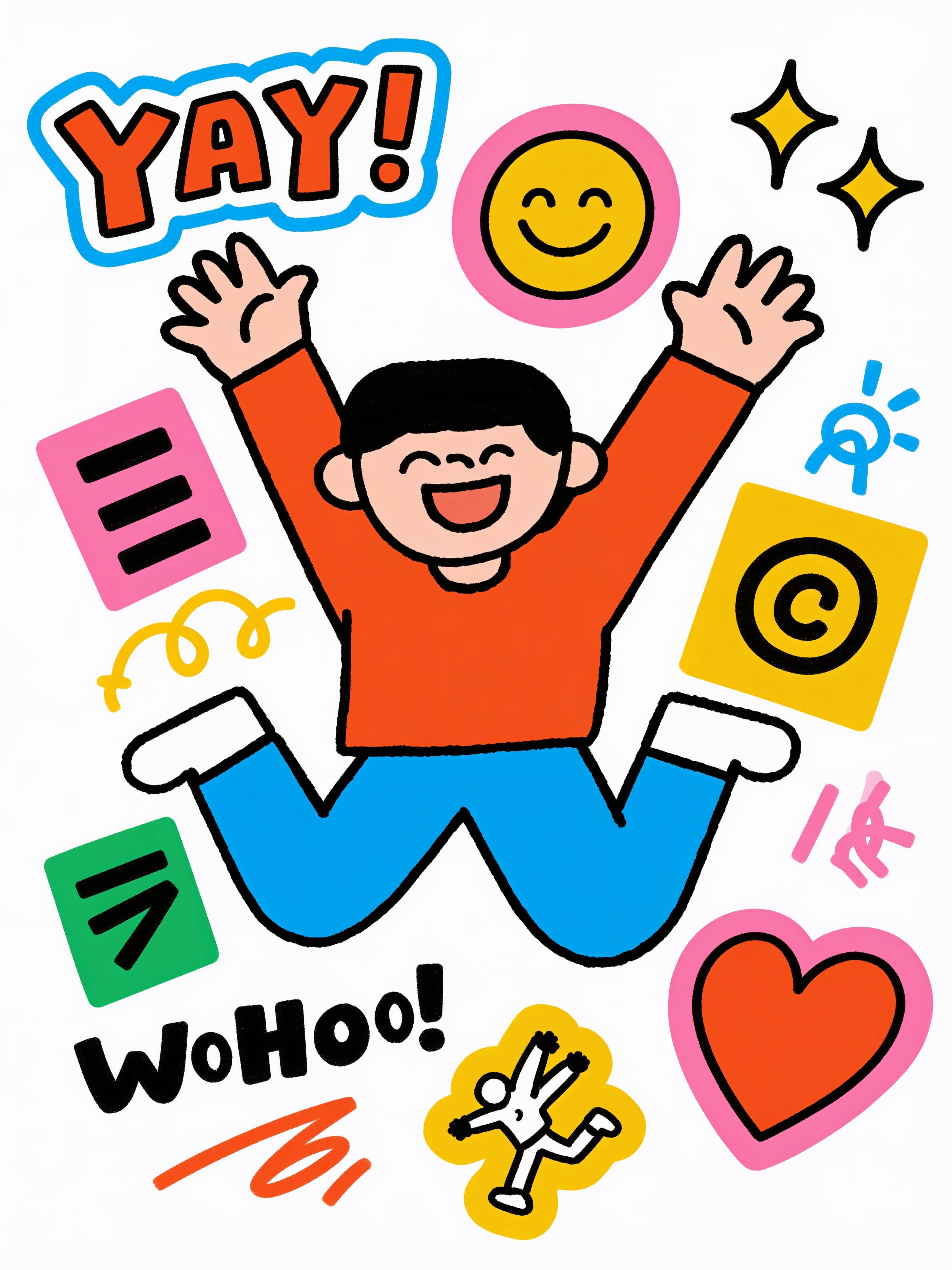
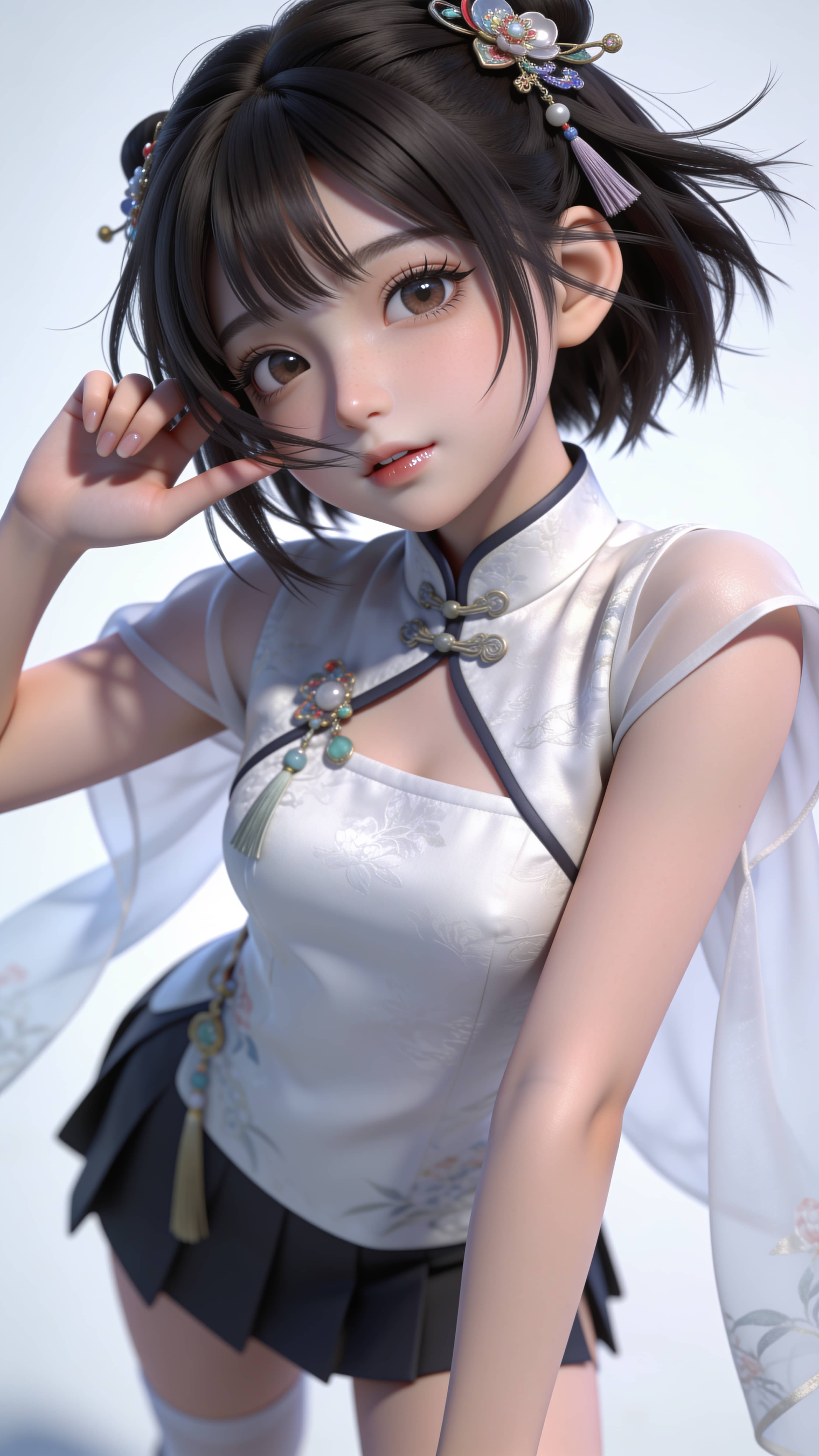
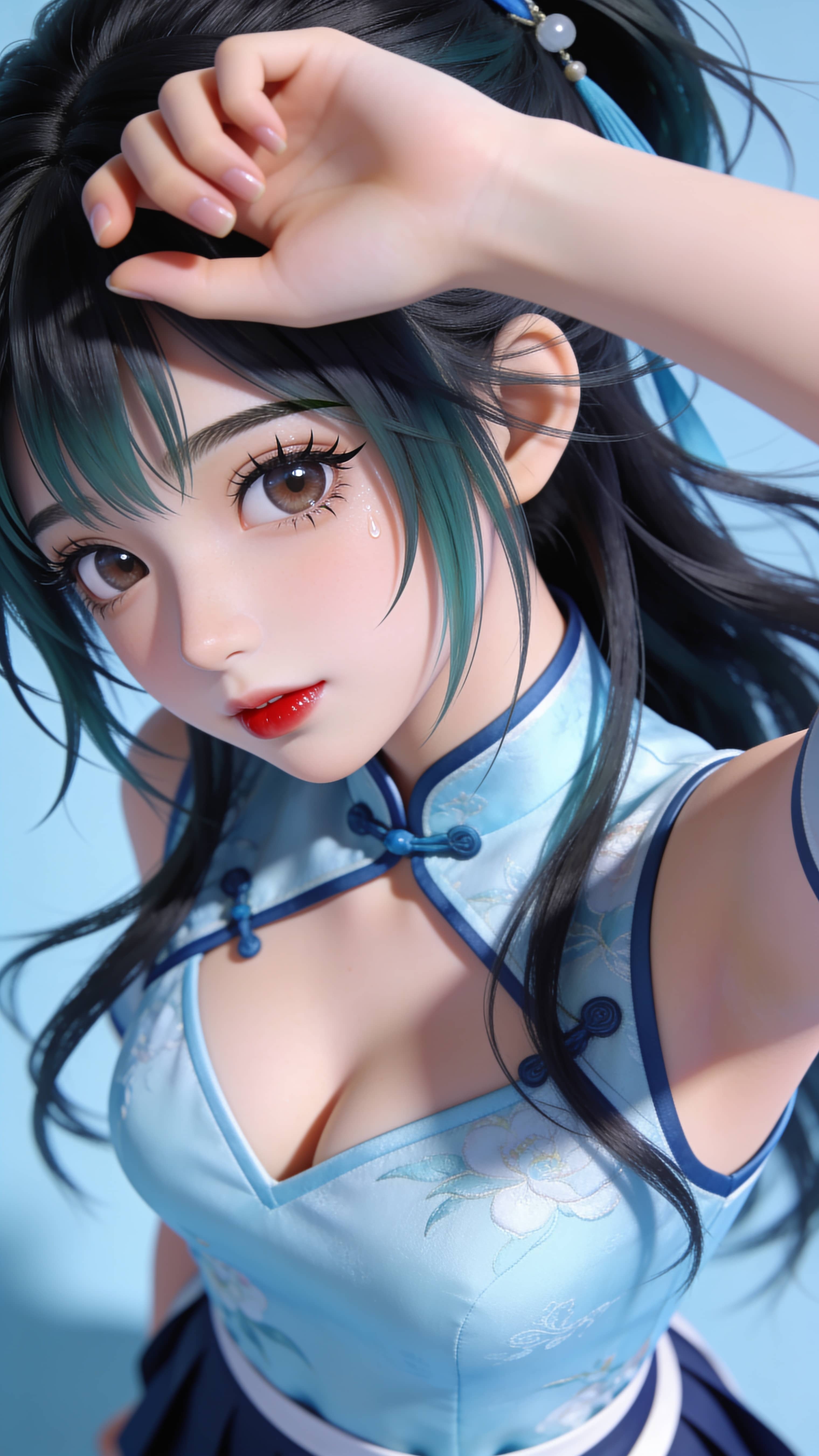
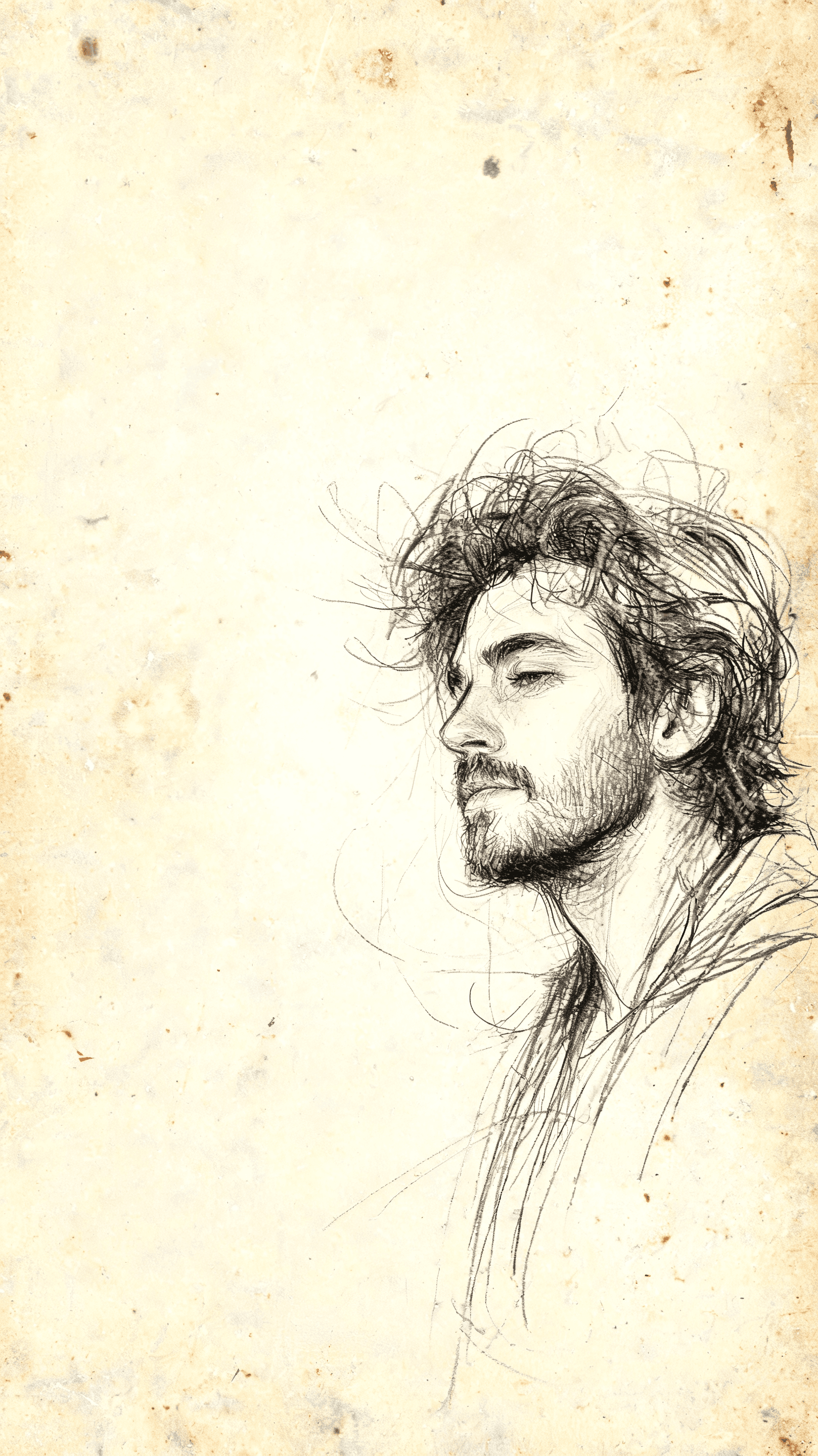
Scroll AI image generator examples first, then use a prompt workflow when one visual direction turns into a product, sticker, portrait, or campaign need.
Inspiration feed
Fresh poster inspiration
How it works
Start with a workflow, then refine the image direction
Magggic is organized around concrete AI image generator tasks, not a generic prompt box. Choose the output type, edit a focused AI image prompt, generate, then reuse the result or a reference image when you want to keep improving the visual.
Choose a visual workflow
Start from an AI image generator use case such as stickers, product photos, garden design, flyers, fantasy characters, or portrait styles.
Edit the prompt
Use the starting prompt as a direction, then adjust subject, style, mood, composition, lighting, reference images, and output details.
Generate and refine
Create the first image, reuse it as a reference, or move into a related workflow when the result needs a different style.
FAQ
Answers before you generate
The same Help Center questions are available here for search engines and for users who want a quick answer before opening a workflow.
Getting started
Do I need prompt skills to use the AI image generator?
No. Pick an AI image template, copy the prompt, or remix it with a few plain-language changes.
Can I upload a reference image?
Image-to-image workflows support reference image uploads. Your uploaded image is used for that generation flow and is not published by default.
Are my creations public?
No. Generated images should stay private unless you choose to submit them to the gallery in a later workflow.
Billing and credits
How do AI image generation credits work?
Each image generation costs the selected model's per-image credit price multiplied by the number of images requested.
Is there a daily free credit reset?
No. New accounts receive 50 welcome credits once. Those free bonus credits can fund up to 3 image submissions per day with 1 image per submission.
What happens if generation fails?
Paid generation failures should refund credits through the server-side credit compensation flow.
Usage and rights
Can I use generated images commercially?
Commercial use depends on your plan, source images, prompts, and applicable model/provider terms. Do not upload content you do not have rights to use.
Can I cancel a subscription?
Subscriptions are handled through Creem checkout and webhook events. Your account page shows plan and credit status.
AI image workflow directory
AI image generator use cases and prompt workflows
Use this prompt-based image generator directory to choose a focused workflow for photo effects, ecommerce product shots, garden and interior concepts, marketing assets, fantasy characters, stickers, and avatars. Each page gives search engines and users a clear path into a specific AI image generator task.
Photo Effects
Turn photos into stickers, line art, mosaics, and other visual styles.
Product & Ecommerce
Create product images, ecommerce visuals, and commercial product scenes.
Home & Interior
Explore garden, interior, exterior, and staging transformations.
Marketing Design
Generate campaign visuals, flyers, and social content.
Game Characters
Create character concepts for RPG, fantasy, and game worlds.
Portrait & Avatar
Generate selfies, avatars, portraits, and profile images.