 Magggic
photo to sticker
Photo to Sticker Generator
Upload or describe one photo and turn the subject into a clean die-cut sticker with a visible border.
For personal, product, or property photos, review Magggic's Privacy Policy and Terms before uploading.


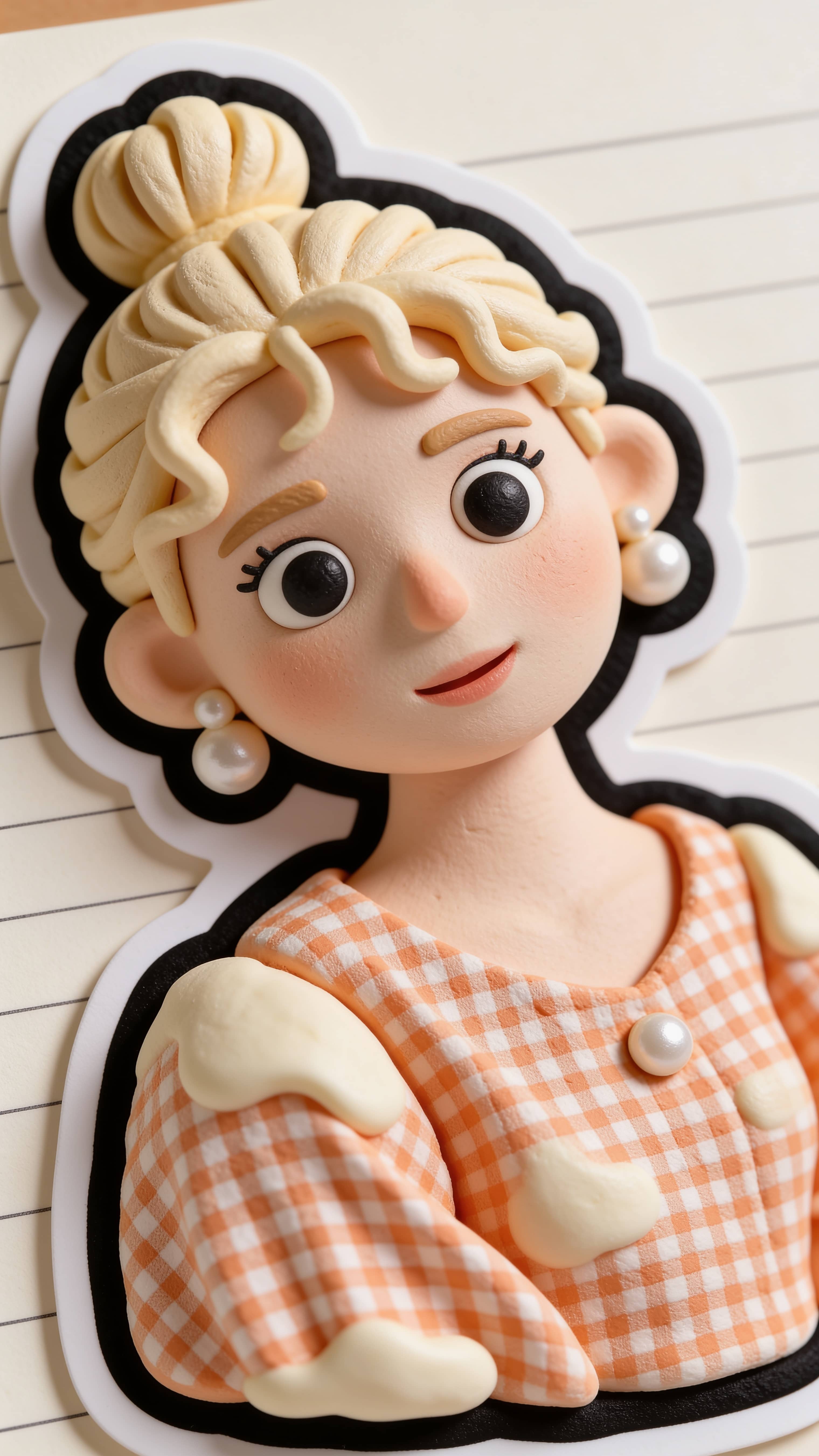

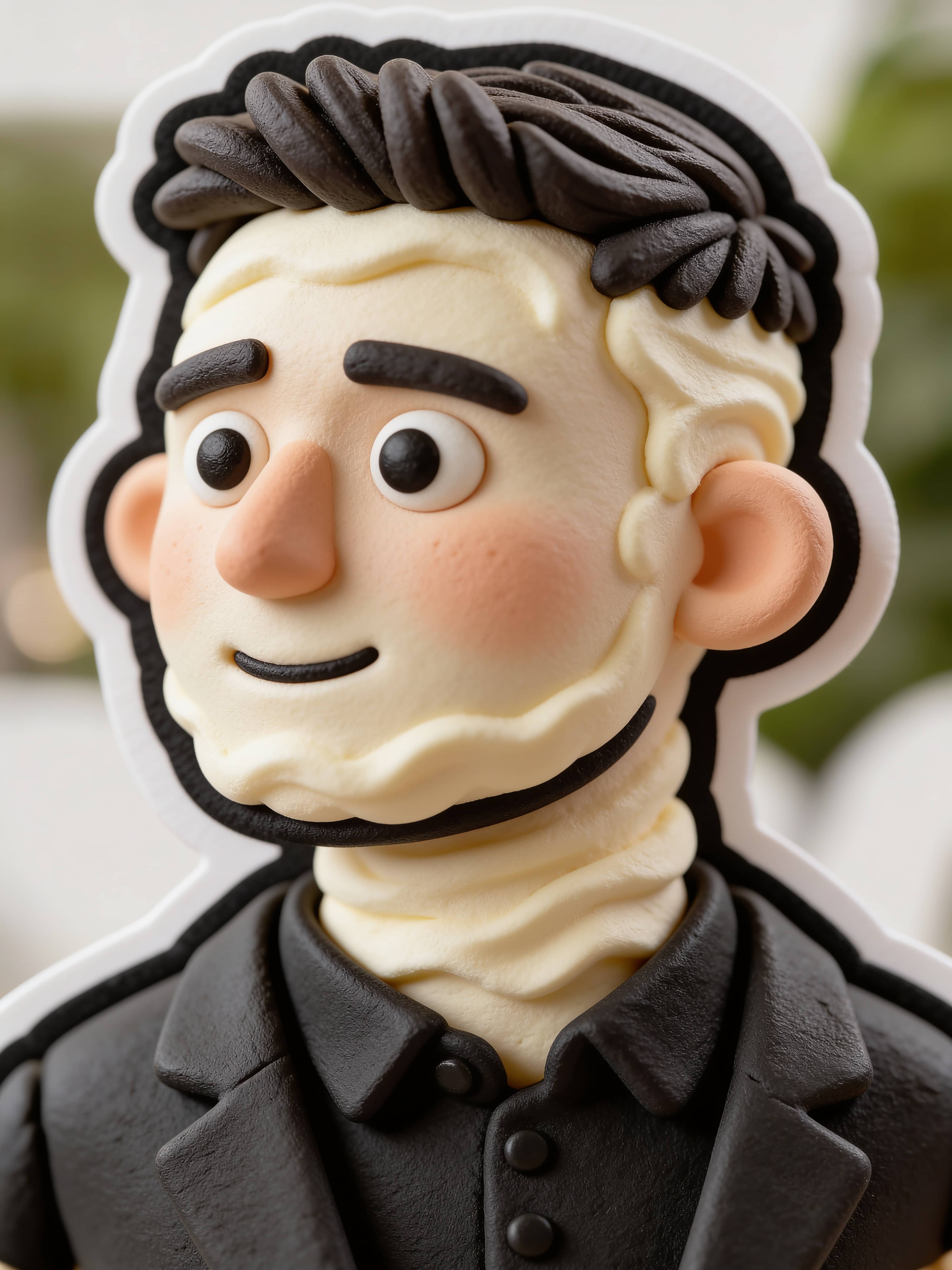

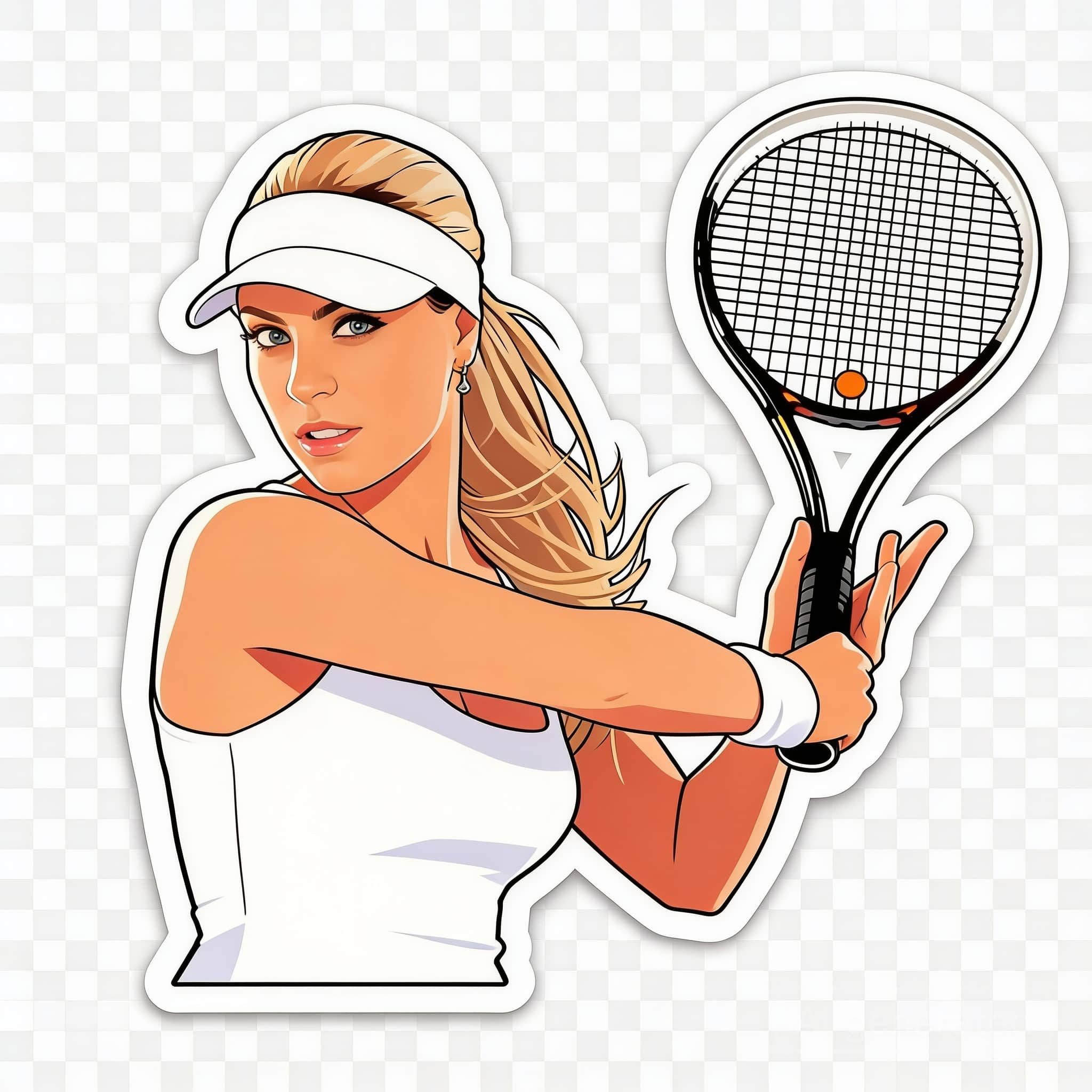

How to turn a photo into a sticker
- 1Upload or describe the photo subject you want to turn into a sticker.
- 2Choose one clear pet, product, person, character, or object so the sticker shape stays readable.
- 3Describe the die-cut border, white outline, transparent-style background, color mood, and edge treatment.
- 4Generate one version first, then refine the border thickness, background, expression, or print-ready silhouette.
Best photo to sticker use cases
- Pet stickers from photos
- Product and object stickers
- Custom sticker from photo merch concepts
- Social and chat sticker ideas
Photo to sticker prompt formula
- 1Name one clear subject from the photo for the photo sticker maker to preserve.
- 2Specify die-cut sticker, border thickness, white outline, and background treatment.
- 3Add a usability constraint such as clean silhouette, printable look, or transparent background sticker.
Photo to sticker prompt tips
- Use phrases like make sticker from photo, die-cut, white outline, clean edge, and transparent background sticker.
- Avoid asking for too many subjects in one image if the sticker needs to read clearly.
- Add print-ready, bold silhouette, sticker pack, or simple background when you want a more usable asset.
What a photo to sticker generator does
The photo to sticker workflow helps users make a sticker from a photo by focusing on one existing subject and turning it into a crisp sticker asset. It works like a photo sticker maker for a pet, product, person, character, or object photo where the subject should stay recognizable while gaining a die-cut shape, white outline, and transparent-style background.
Best fit for this page
Users usually arrive with a specific photo, picture, pet, product, or object and want a fast way to turn a photo into a sticker. The page should match picture to sticker, convert photo to sticker, image to sticker, and custom sticker from photo intent before sending broader from-scratch sticker searches to related pages.
Photo to sticker vs sticker maker online
A photo to sticker page starts from an existing photo and preserves the subject shape. A general online sticker maker can start from text, a mascot idea, or a sticker pack concept. This page is for users who want to make a sticker from a photo quickly, while related sticker tools cover from-scratch sticker ideas.
- Use photo to sticker when you already have a pet, product, person, or object photo.
- Use a from-scratch sticker maker when you want a new character, phrase, mascot, or sticker pack.
- Use this page when the output should look like a die-cut or transparent background sticker with a clean white outline.
Photo to sticker questions
Can I turn any photo into a sticker?
Yes. Start with a clear photo, then use the prompt to describe the sticker style, outline, colors, and background.
Can I make a pet sticker from a photo?
Yes. Pet photos are one of the strongest fits. Use a clear dog, cat, or animal photo and ask for a die-cut sticker with a thick white outline.
Can I make a sticker with a transparent background?
Yes. Ask for a transparent background sticker or transparent-style background so the subject reads like a reusable sticker asset.
Is this only for portraits?
No. It works for pets, products, characters, objects, and illustrations as long as the subject is clear.
Is this different from a sticker maker online tool?
Yes. This page is for turning an existing photo into a sticker. A broader sticker maker online tool can also create new sticker ideas from text only.
Can I use it for product or merch sticker ideas?
Yes. Upload or describe one product, object, or mascot and prompt for a custom sticker from photo style with a clean silhouette.