Photo Mosaic Generator

Create a photo mosaic from one main image and your own picture collection. Adjust the detail, preview the result, and download it free.

Upload

Photo collection

50+ photos give more variety.

0 / 10 minimum

Preview

Your mosaic appears here

Tile size

Tile size
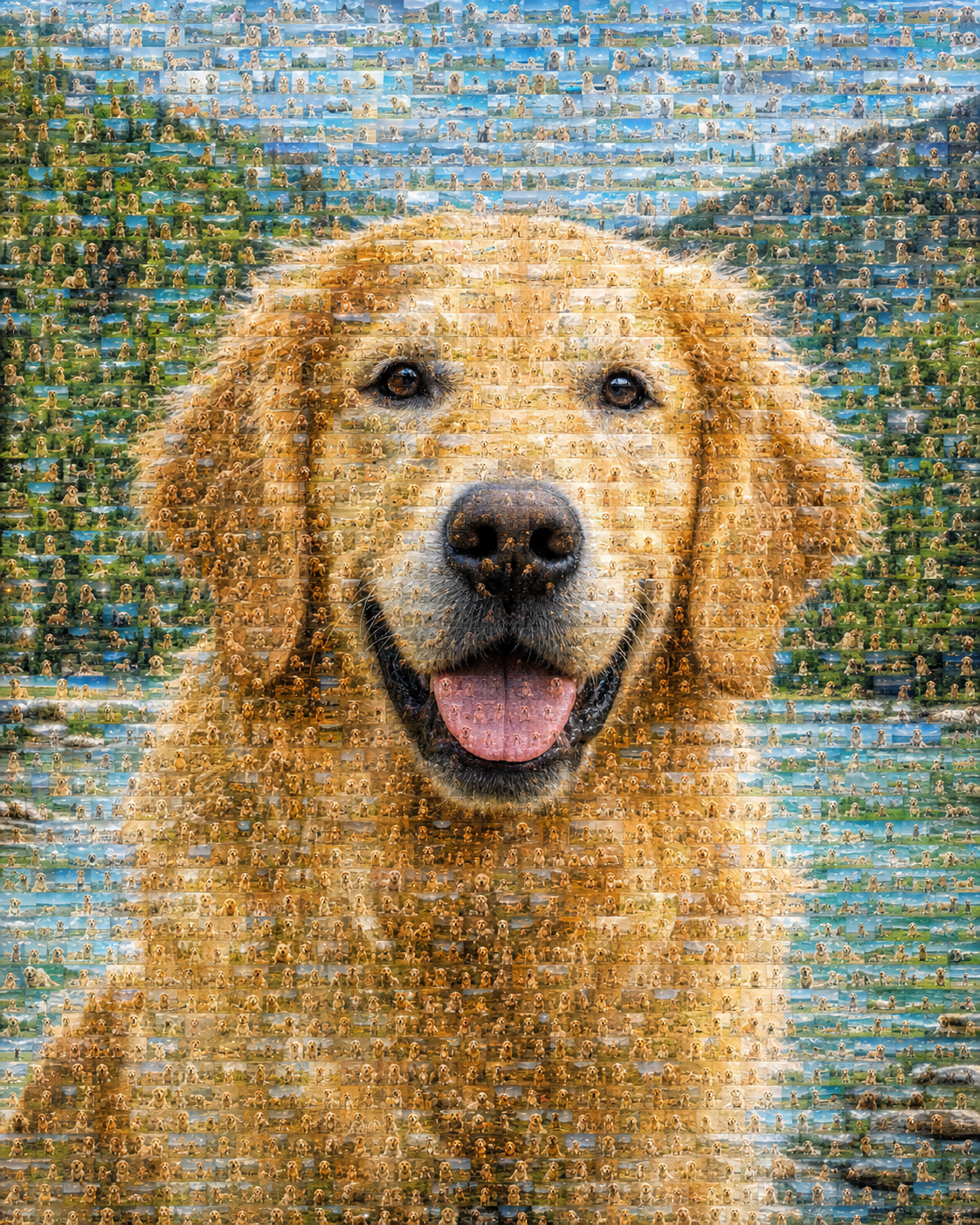
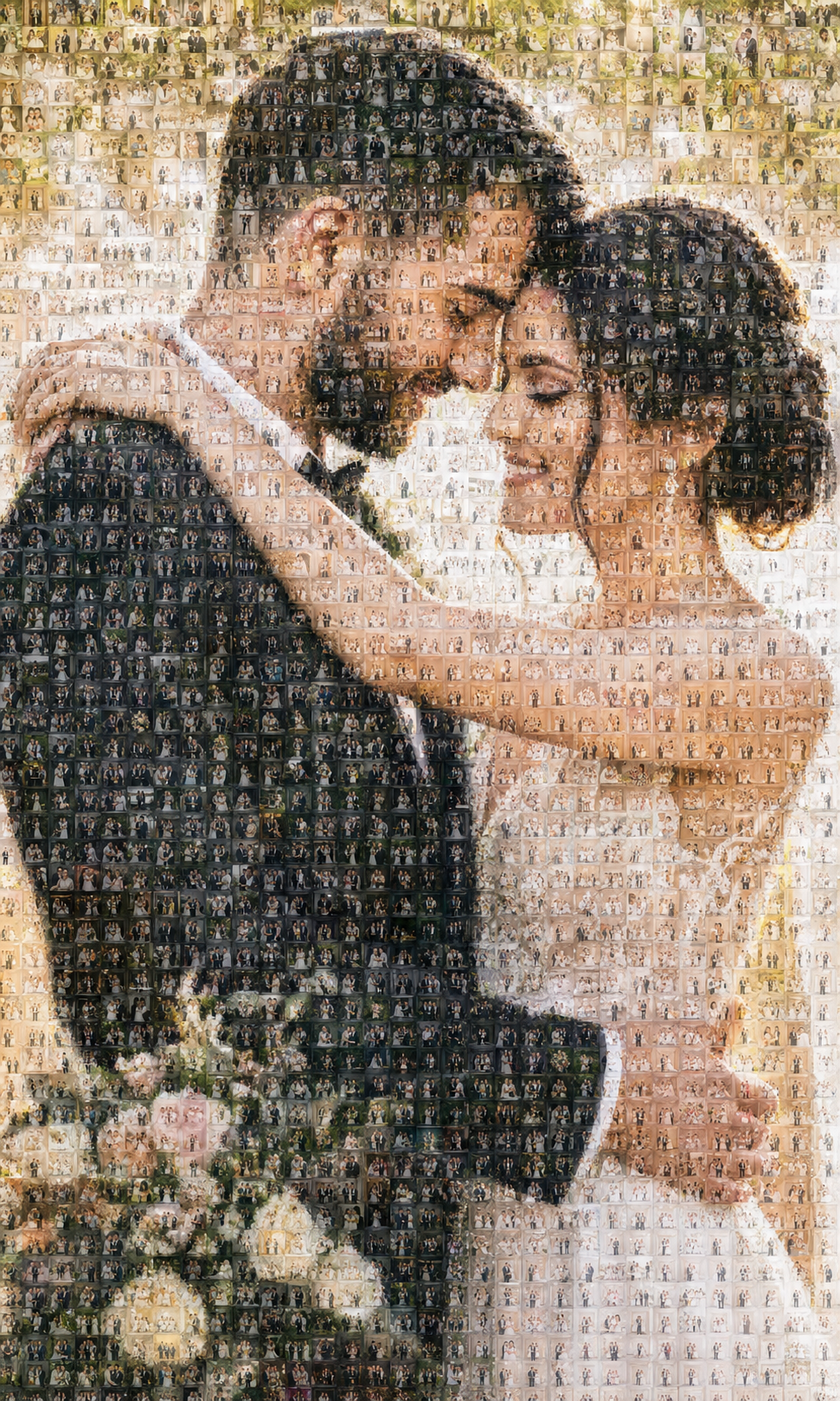
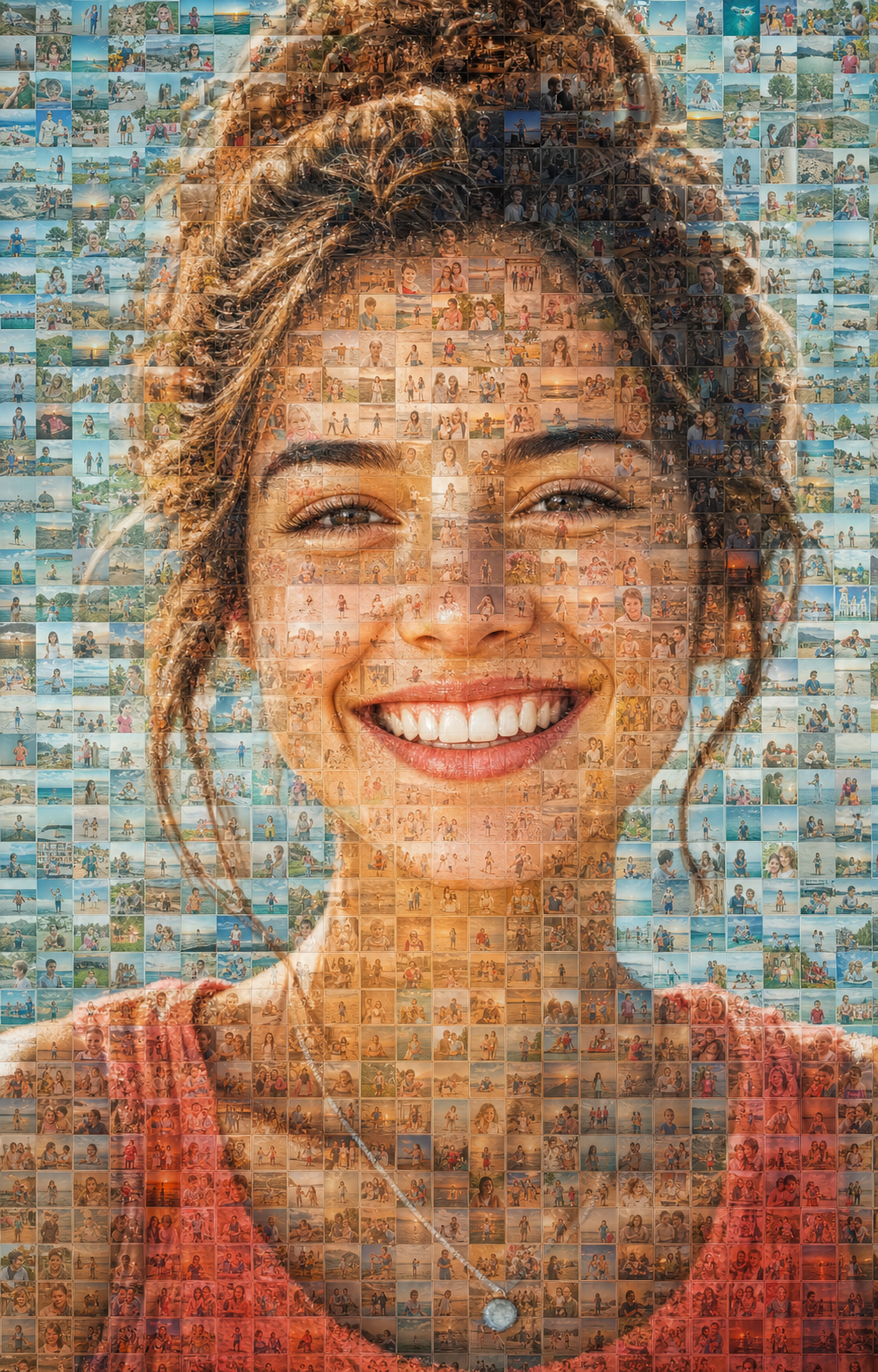
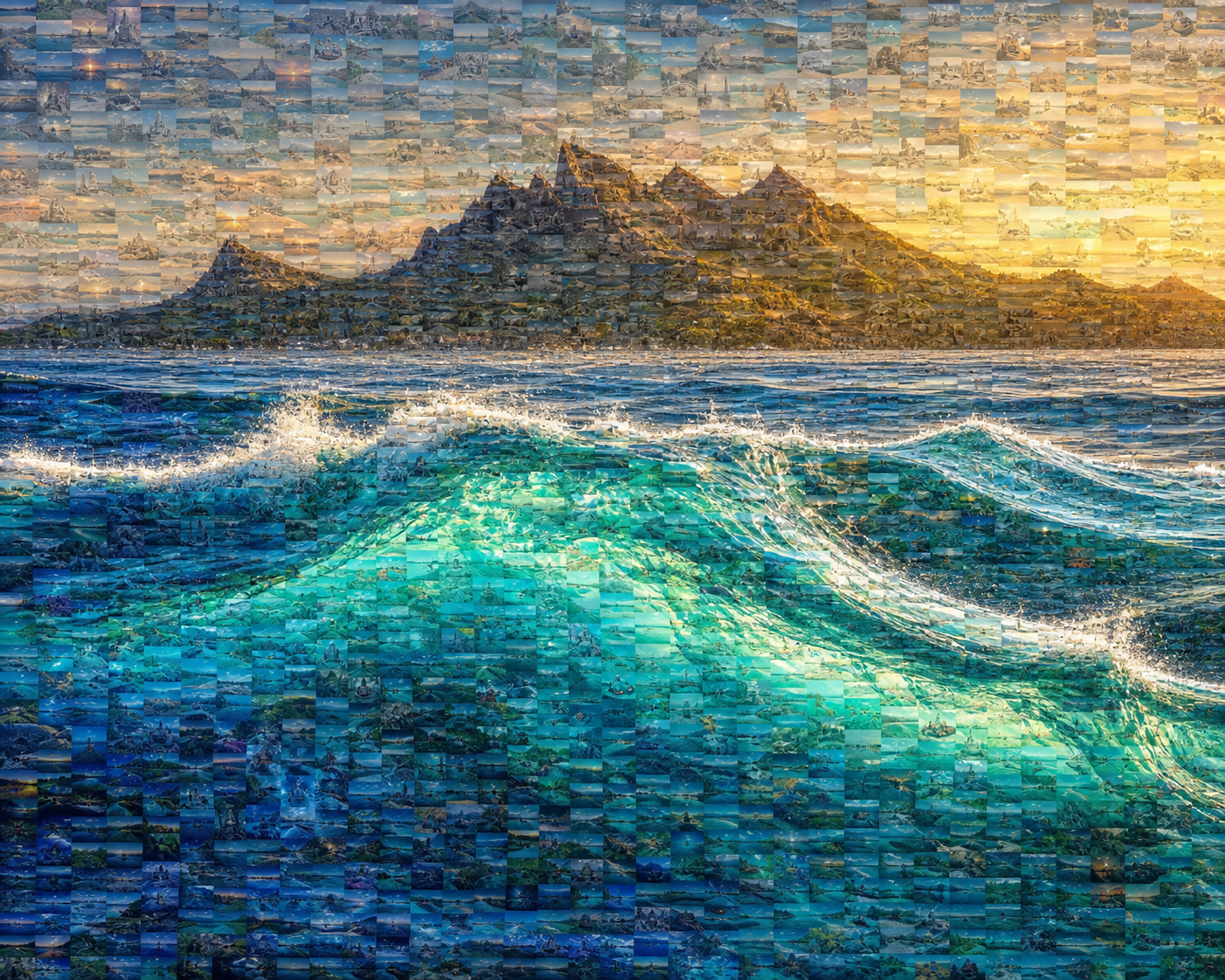
Portrait made from hundreds of small travel photosOcean landscape made from small travel photosGolden retriever made from many small pet photosWedding portrait made from small celebration photosPortrait made from hundreds of small travel photosOcean landscape made from small travel photosGolden retriever made from many small pet photosWedding portrait made from small celebration photosPortrait made from hundreds of small travel photosOcean landscape made from small travel photosGolden retriever made from many small pet photosWedding portrait made from small celebration photos

How to make a photo mosaic from an image

  1. 1Upload one clear main photo that should remain recognizable from a distance.
  2. 2Select at least 10 tile photos from your collection; 50 or more reduces repetition.
  3. 3Choose a Large, Medium, or Small tile size to control how many photos build the mosaic.
  4. 4Create the mosaic, compare it with the original, and download the finished PNG.

Best photo mosaic use cases

  • Family and anniversary gifts
  • Wedding and event memories
  • Pet photo collections
  • Travel and team photo walls

Private by design

The Photo Mosaic Generator helps you turn photo into mosaic artwork by rebuilding one main picture from many smaller photos in your own collection. It matches each part of the source image with a miniature photo of a similar color, keeping the portrait, pet, object, or landscape recognizable from a distance. Your photos are processed locally in your browser and are not uploaded to Magggic.

Photo Mosaic Generator questions

Everything you need to turn one main picture into a mosaic made from your own photo collection.

Can I make a mosaic from a portrait?

Yes. Choose a clear portrait as the main photo, then add at least 10 smaller photos to rebuild it. Fifty or more tile photos give you more variety.

Is this the same as pixel art?

No. A photo mosaic uses real miniature photographs as its tiles. Pixel art uses colored squares in a low-resolution grid.

Can I turn a photo into a mosaic?

Yes. Upload one clear main photo, select your tile photo collection, choose the mosaic detail, and create the result directly in your browser.

Is a photo mosaic the same as a collage?

Not exactly. A collage arranges several pictures as separate elements. A photo mosaic uses many small pictures to recreate one larger, recognizable image.

Are my photos uploaded?

No. The photo mosaic is created locally in your browser, so your main photo and tile collection are not uploaded to Magggic.
Explore more photo tools