

Free Photo to Line Art Converter

Upload a portrait, product, pet, or building photo, choose a style, and create clean line art without writing a prompt. Free credits are included.

Upload

Preview

Your line art appears here

Choose a photo and style to continue.

Style

Fixed styles keep the workflow simple—no prompt writing required.

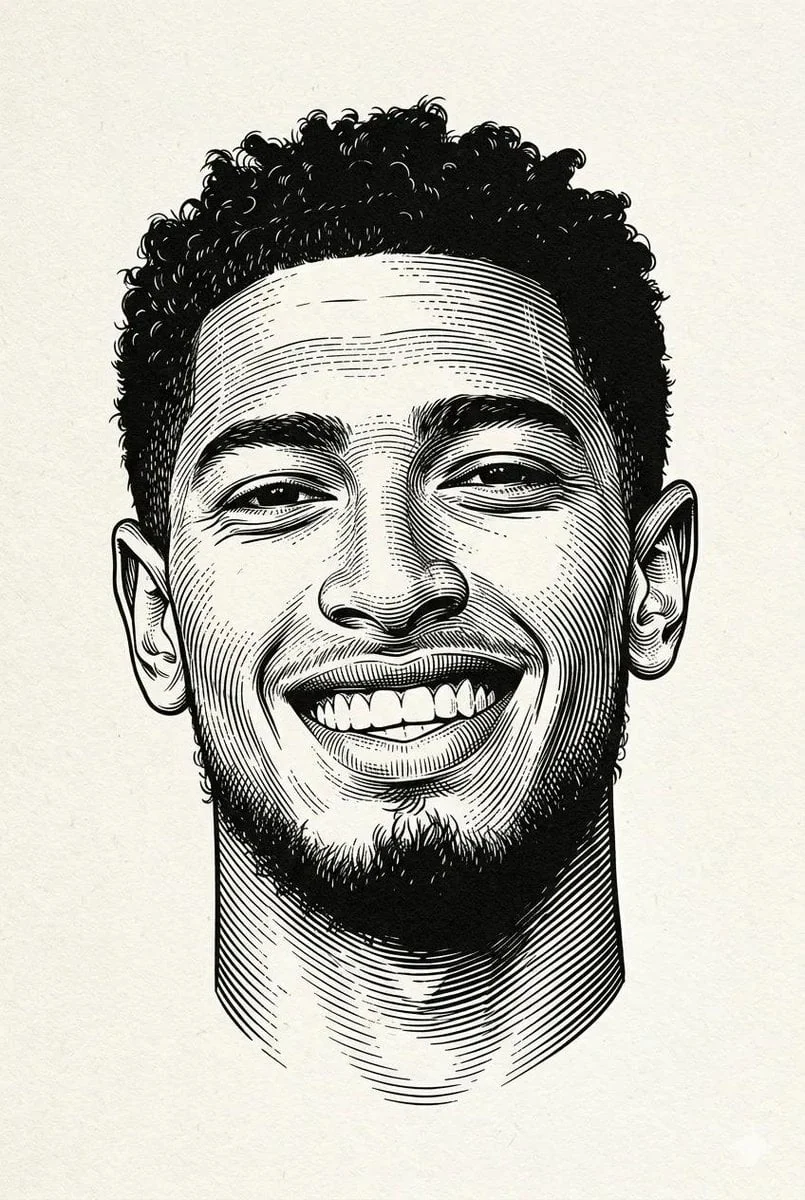
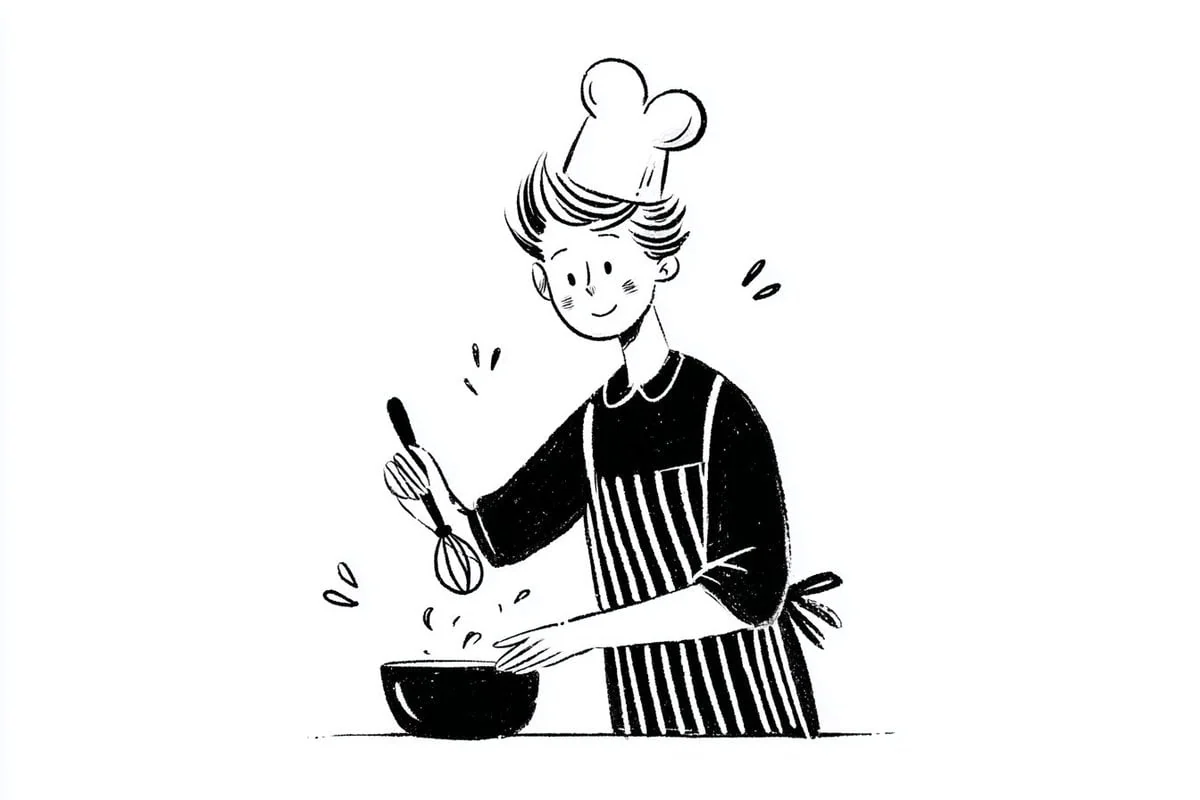
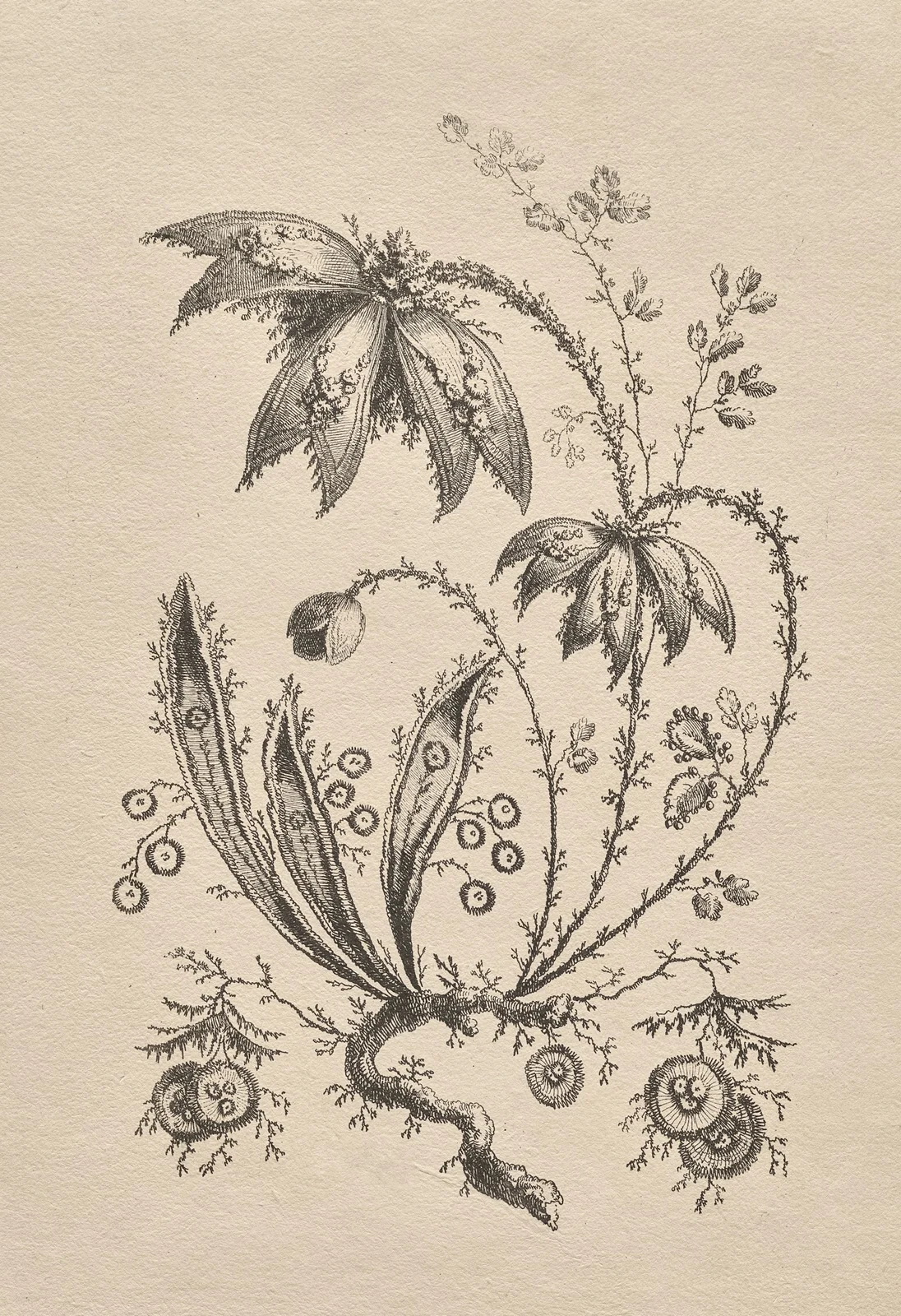
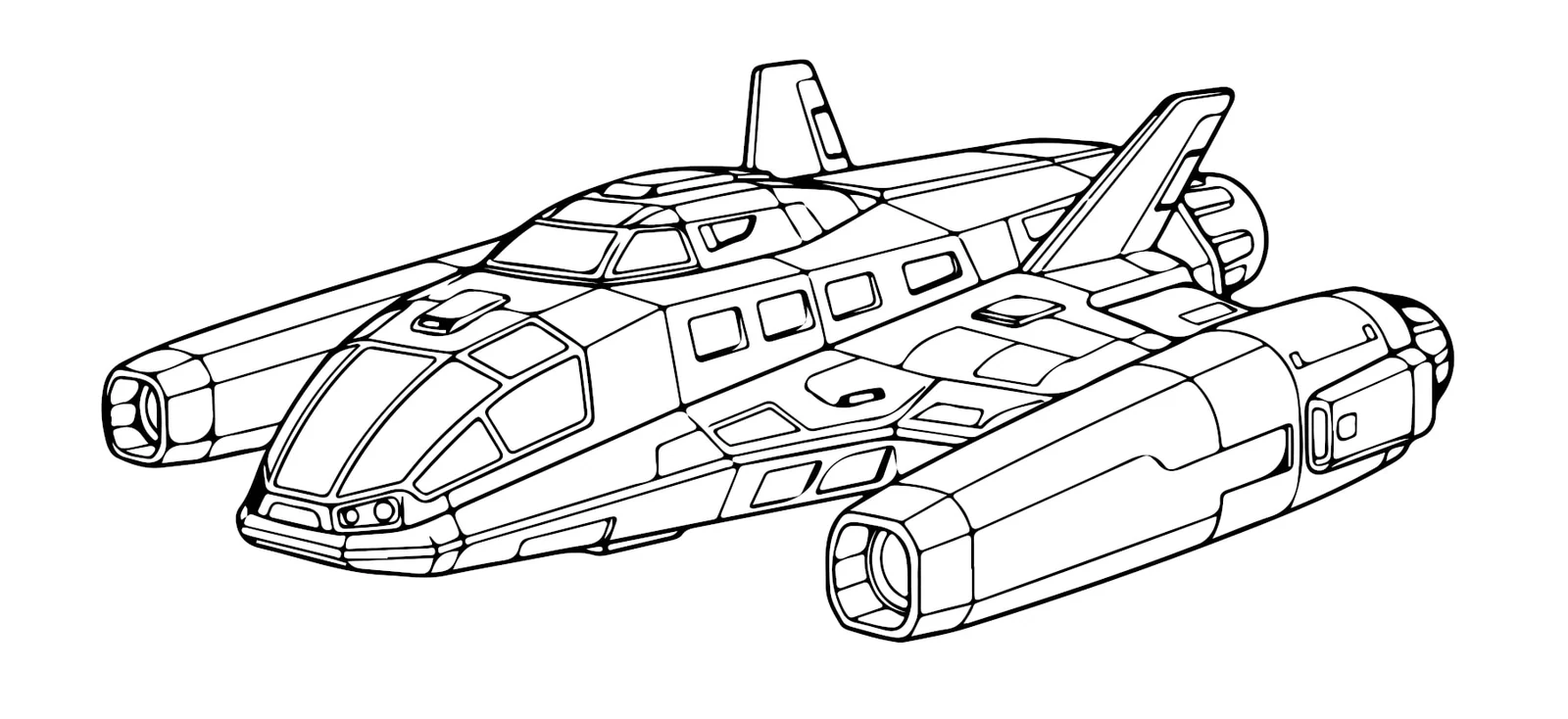
Detailed engraved portrait line artMinimal editorial line drawing of a chefDetailed architectural city line drawingVintage botanical etching with fine linesTechnical spacecraft line drawingVintage dog line drawingDetailed engraved portrait line artMinimal editorial line drawing of a chefDetailed architectural city line drawingVintage botanical etching with fine linesTechnical spacecraft line drawingVintage dog line drawingDetailed engraved portrait line artMinimal editorial line drawing of a chefDetailed architectural city line drawingVintage botanical etching with fine linesTechnical spacecraft line drawingVintage dog line drawing

How to convert a photo to line art

  1. 1Use a source image with clear edges and one main subject for the photo to line art conversion.
  2. 2Choose black-and-white, minimal shading, contour sketch, or technical outline style.
  3. 3Mention which details should be preserved and which textures can be simplified.
  4. 4Regenerate with thinner or thicker lines depending on the final use.

What the converter creates

The photo to line art workflow converts a reference photo into clean outline drawing, contour art, or simple line drawing from photo output. It is most useful when the user wants simplified contours, clear subject shape, and a polished illustration base rather than graphite shading or a rough photo to sketch effect.

Users searching photo to line art usually want a photo simplified into usable outlines. The page also covers photo to sketch, line art generator, convert photo to line drawing, and outline drawing from photo intent while keeping the output focused on clean contours and reduced background noise.

Photo to line art questions

Answers about converting portraits, products, pets, and buildings into usable line drawings.

Can I convert a photo into simple line art?

Yes. Upload a clear source image, choose a fixed line style, and create a black-and-white drawing without writing a prompt.

Can I use this for product outlines?

Yes. Product photos can be turned into outline illustrations for concepts, diagrams, and visual references.

Is photo to line art different from photo to sketch?

Yes. Line art keeps clean contours and minimal shading. Photo to sketch can include pencil texture, graphite shading, or rougher hand-drawn marks.

Can I make an outline drawing from a photo?

Yes. Use prompts like outline drawing from photo, clean contour, precise line weight, and simple background.

Explore more photo tools