

 Magggic
photo to sticker
Upload or describe one photo and turn the subject into a clean die-cut sticker with a visible border.
The photo to sticker workflow helps users make a sticker from a photo by focusing on one existing subject and turning it into a crisp sticker asset. It works like a photo sticker maker for a pet, product, person, character, or object photo where the subject should stay recognizable while gaining a die-cut shape, white outline, and transparent-style background.
Users usually arrive with a specific photo, picture, pet, product, or object and want a fast way to turn a photo into a sticker. The page should match picture to sticker, convert photo to sticker, image to sticker, and custom sticker from photo intent before sending broader from-scratch sticker searches to related pages.
Prompt examples
Use these examples as starting points, then edit the prompt in the generator above.

Turn this single photo subject into a Marshmallow texture cartoon sticker, soft blurred edge, low contrast pastel color, matte soft, rounded border, sweet girly style, no sharp lines
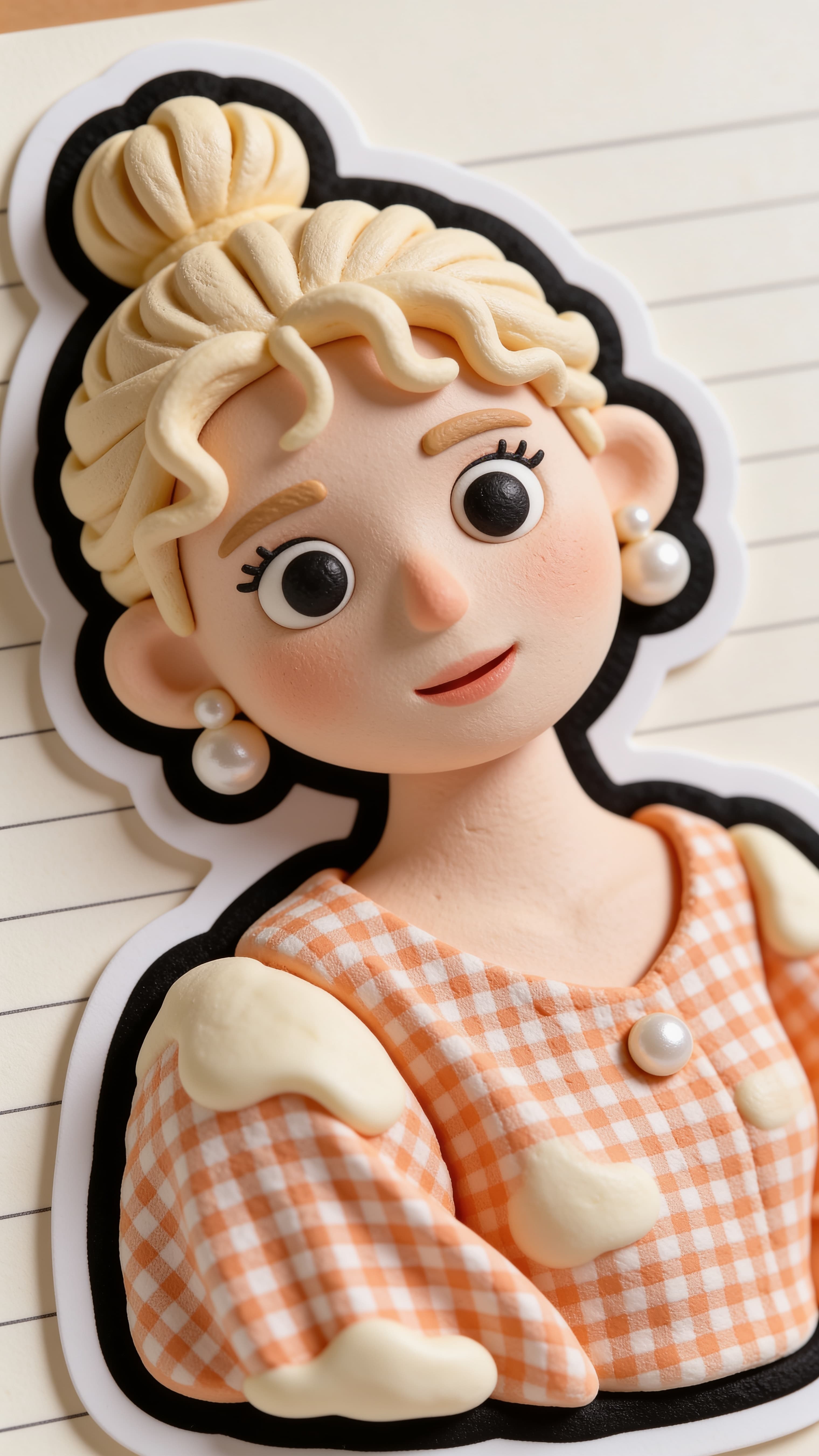
Turn this single photo subject into a Clay cartoon sticker,3D clay texture, cream texture, fluffy soft, highlight gradient, rounded corners, thick black outline, ins journal sticker
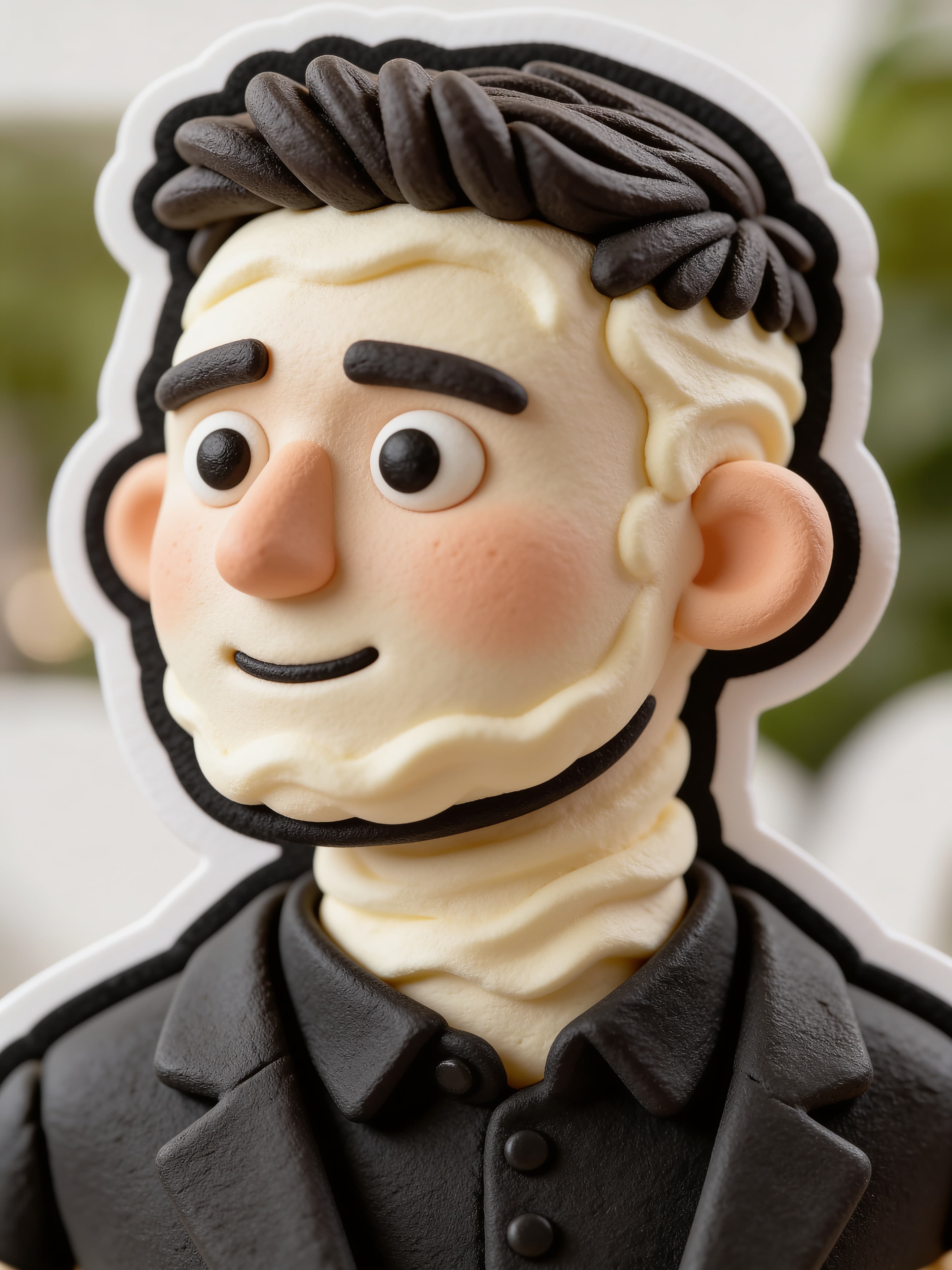
Turn this single photo subject into a Clay cartoon sticker,3D clay texture, cream texture, fluffy soft, highlight gradient, rounded corners, thick black outline, ins journal sticker
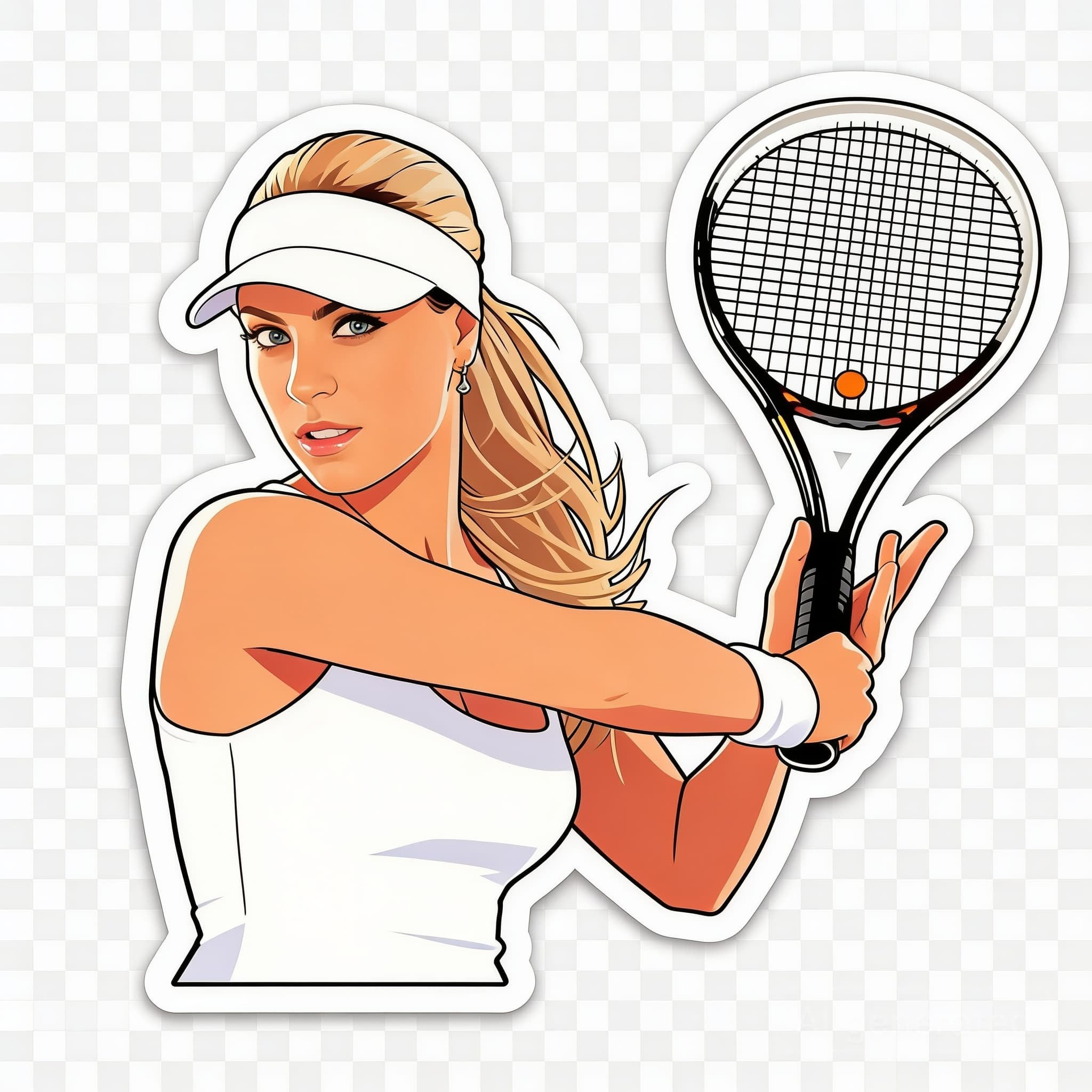
Turn this single photo subject into a clean die-cut sticker, Preserve the main subject’s shape and pose, add a thick white outline, crisp edge cut, playful colors, and a transparent-style background.
Yes. Start with a clear photo, then use the prompt to describe the sticker style, outline, colors, and background.
Yes. Pet photos are one of the strongest fits. Use a clear dog, cat, or animal photo and ask for a die-cut sticker with a thick white outline.
Yes. Ask for a transparent background sticker or transparent-style background so the subject reads like a reusable sticker asset.
No. It works for pets, products, characters, objects, and illustrations as long as the subject is clear.
Yes. This page is for turning an existing photo into a sticker. A broader sticker maker online tool can also create new sticker ideas from text only.
Yes. Upload or describe one product, object, or mascot and prompt for a custom sticker from photo style with a clean silhouette.