

 Magggic
photo to line art
Convert portraits, objects, and references into clean line art and sketch-style AI images.
The photo to line art workflow converts a reference photo into clean outline drawing, contour art, or simple line drawing from photo output. It is most useful when the user wants simplified contours, clear subject shape, and a polished illustration base rather than graphite shading or a rough photo to sketch effect.
Users searching photo to line art usually want a photo simplified into usable outlines. The page also covers photo to sketch, line art generator, convert photo to line drawing, and outline drawing from photo intent while keeping the output focused on clean contours and reduced background noise.
Prompt examples
Use these examples as starting points, then edit the prompt in the generator above.
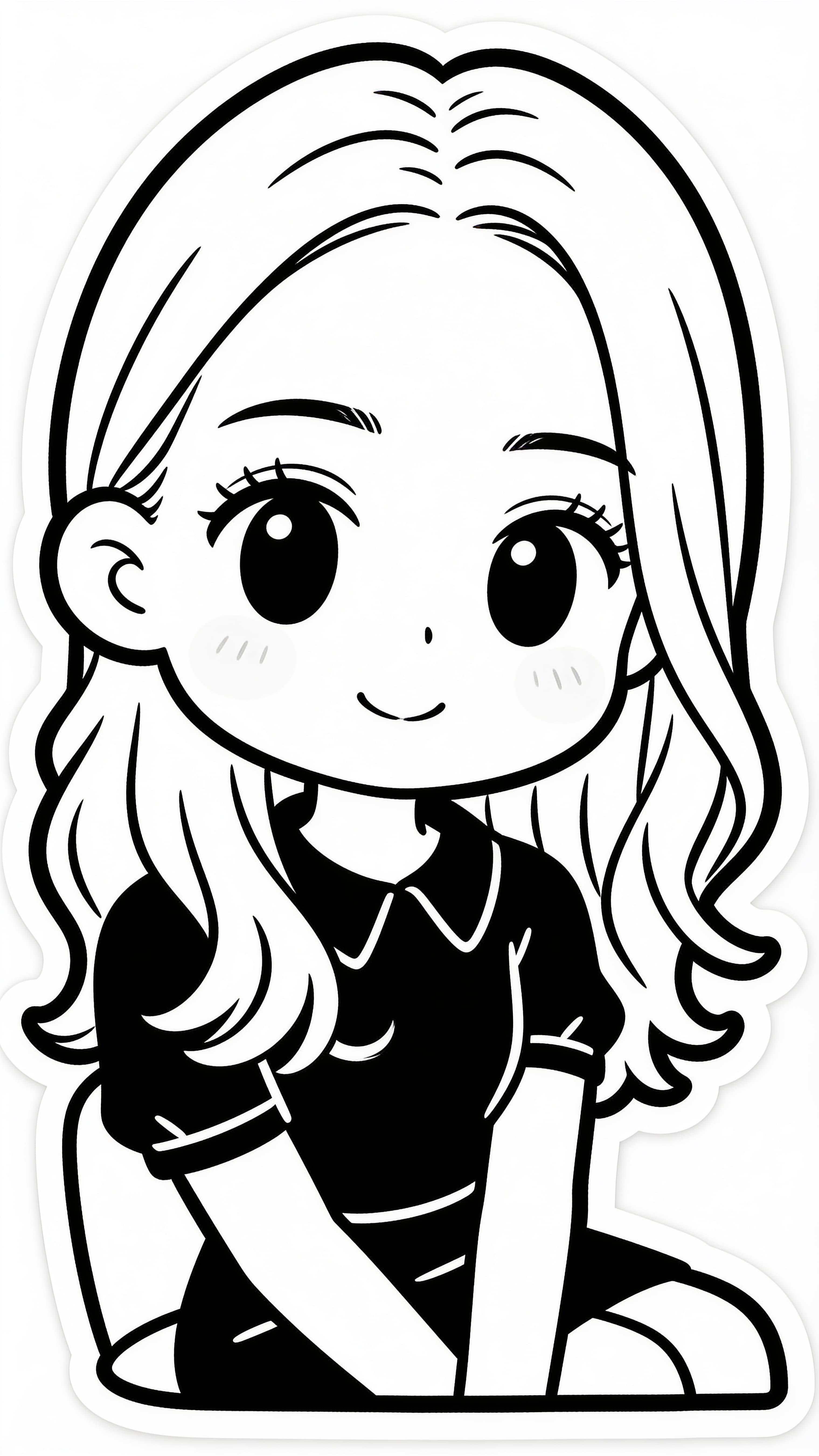
Photo converted to cartoon line art, smooth outline lines, no shadows no coloring, simplified redundant details, rounded lines, high contrast black and white, isolated pure white background, soft chibi line drawing, hand drawn sticker
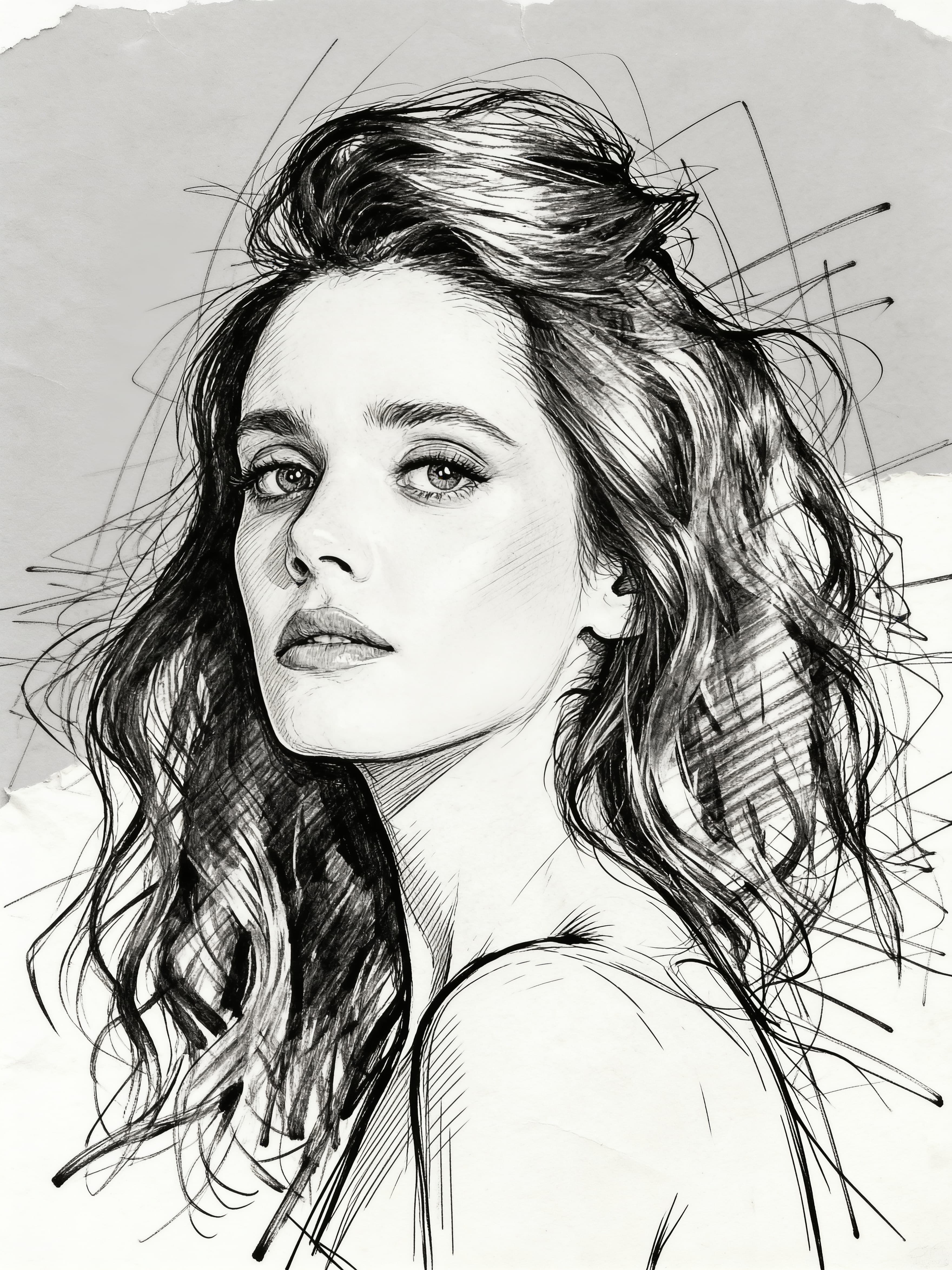
手绘铅笔素描线稿风格,潦草交错的线条,黑白单色调,带有纸张纹理和轻微褶皱质感,漫画分镜式构图,线条粗犷且富有动感,草稿感十足,细节简化,仅保留角色轮廓与动作张力
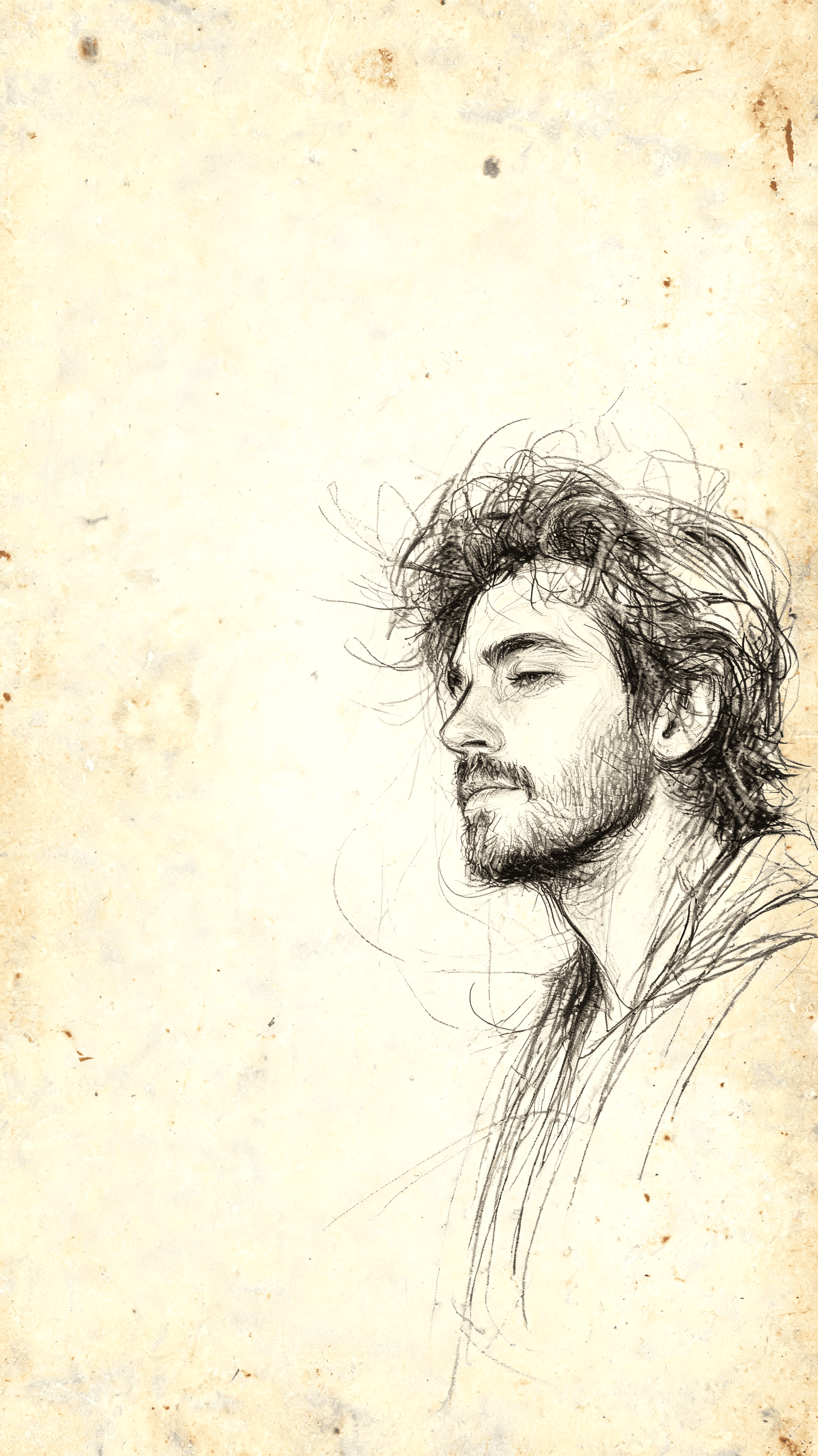
极简主义素描风格,空气感强,松散的细密长线条,精致的涂抹,形式多变,写意,细节敲定,情愫流连,叠加态,神秘感,非常规不对称构图,动态模糊,抽象,标新立异,震撼,意境,大幅留白,高对比度黑色,空灵的氛围,夸张的比例,褪色的边缘,手绘的不完美,最小的阴影,光密度梯度,梦幻般的构图,平静的负空间,情感艺术素描美学,不修边幅的帅气大叔,欧美,极繁,完成后,将作品还原为怀旧复古斑驳泛黄胶片照片人物写真
手绘铅笔素描线稿风格,潦草交错的线条,黑白单色调,带有纸张纹理和轻微褶皱质感,漫画分镜式构图,线条粗犷且富有动感,草稿感十足,细节简化,仅保留角色轮廓与动作张力
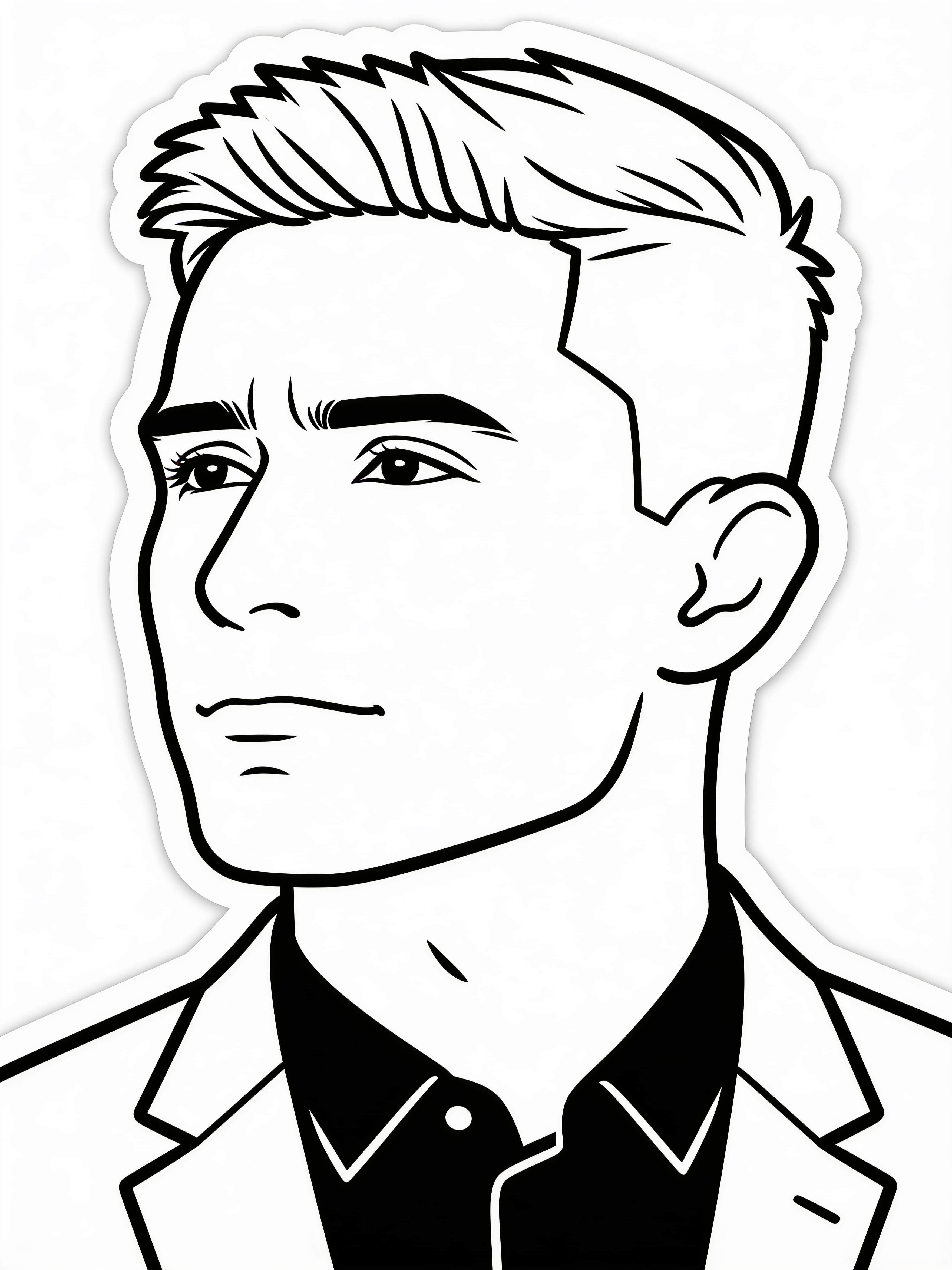
Convert photo to single line art, portrait outline, smooth unbroken one line, no color fill, pure black and white, clean blank space, remove messy textures, solid white background, minimalist aesthetic, clear contour, sticker style
Yes. Use a clear source image and ask for clean outlines, low shading, and a black-and-white illustration style.
Yes. Product photos can be turned into outline illustrations for concepts, diagrams, and visual references.
Yes. Line art keeps clean contours and minimal shading. Photo to sketch can include pencil texture, graphite shading, or rougher hand-drawn marks.
Yes. Use prompts like outline drawing from photo, clean contour, precise line weight, and simple background.