

 Magggic
product image generator
Create clean standalone product shots for listings, landing pages, catalog visuals, and store assets.
The product image generator is for clean product visuals where the product itself is the main subject. It works like an ecommerce product image generator for catalog shots, listing assets, landing page product blocks, and simple commercial presentation images where shape, material, and shadow still matter.
Users searching product image generator want a usable ecommerce visual first, not a broad ad concept. The page also covers product photo generator, product image AI generator, and AI product photography intent while keeping the primary promise focused on clean product images.
Prompt examples
Use these examples as starting points, then edit the prompt in the generator above.
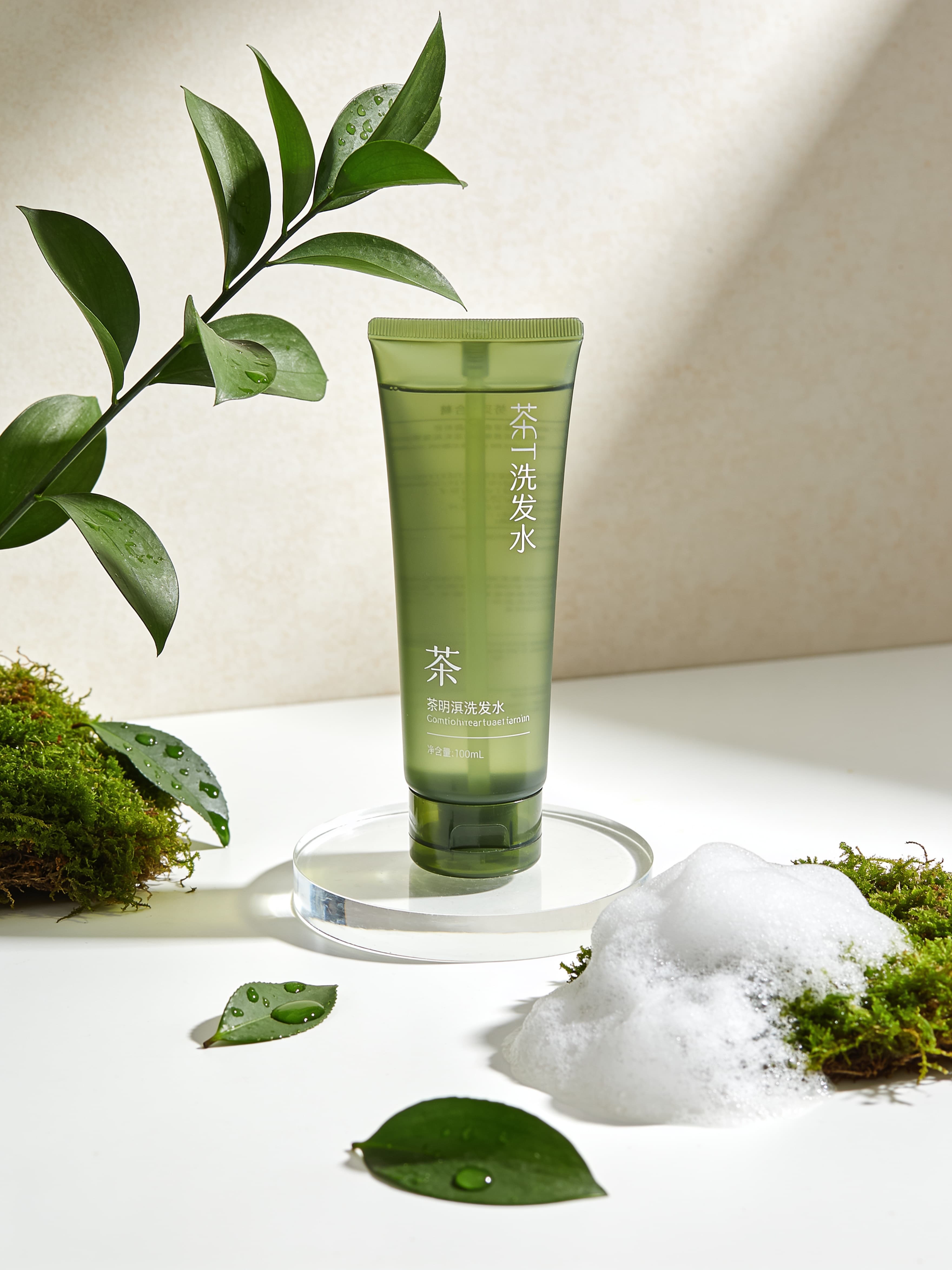
一支绿色洗发水(透明瓶身)放在白色玻璃上,周围有绿色茶树枝叶,点缀着青苔、茶叶带着水滴、泡沫堆,景深效果,浅色背景墙面肌理,莫兰迪配色,简约,时尚,自然光影效果,大面积留白
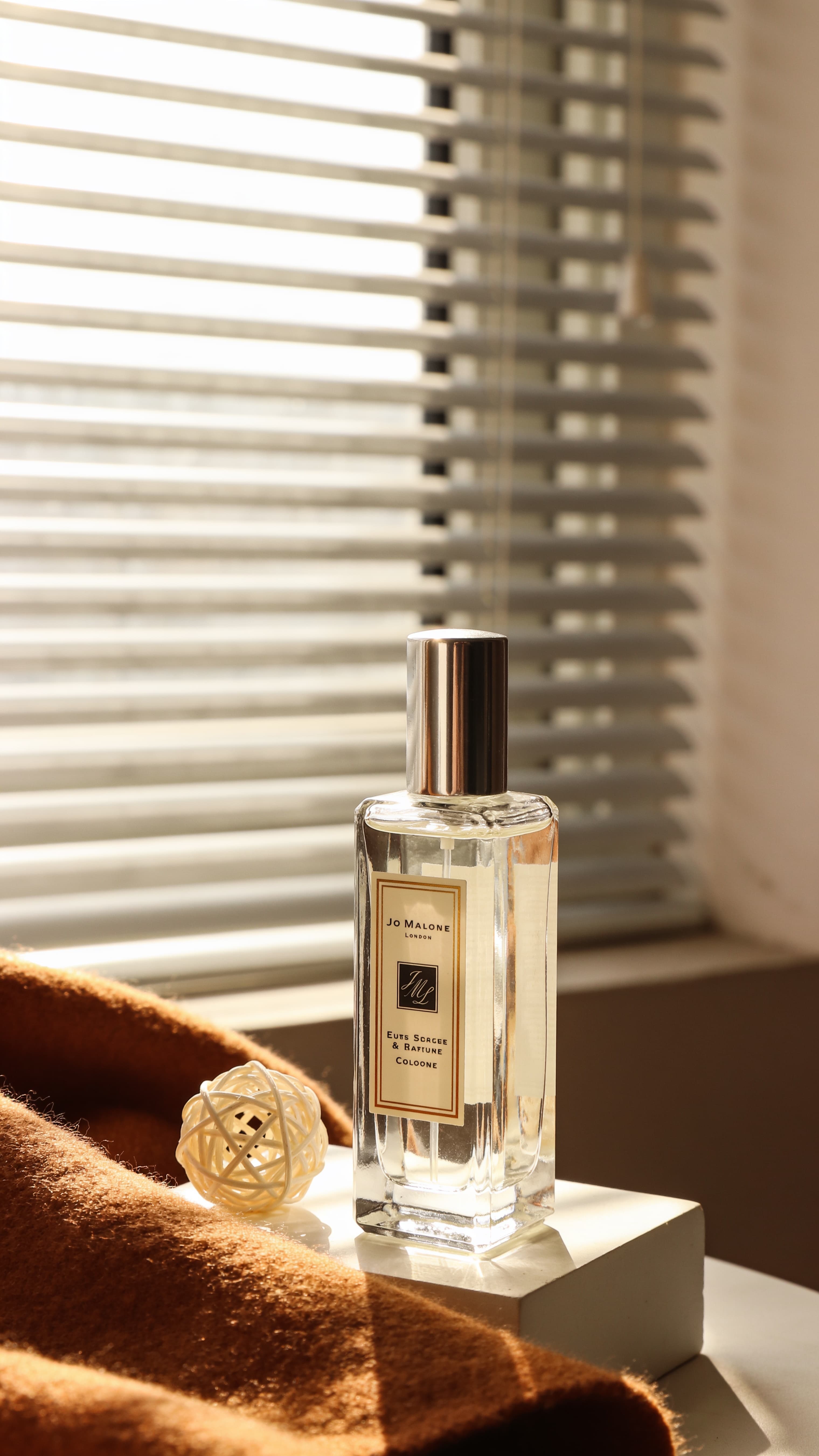
Create an Instagram-style image while keeping the perfume bottle as the main subject unchanged. (Conduct high-end product retouching: adjust exposure, fix imperfections including dust, hair, fingerprints, smudges, scratches, abrasions and unwanted reflections; calibrate colors to restore authentic tones and achieve consistent hues; reshape light and shadow to boost three-dimensionality; refine highlights, accentuate textures and fine details; complete basic flaw removal, shape correction, precise color matching and crisp edge definition to deliver a spotless bottle, smooth labels, crystal-clear liquid and exquisite light and shadow effects for a premium aesthetic.) The backdrop shall be a fresh, soothing still-life scene in classic Instagram style: a transparent perfume bottle set against an off-white base with soft diffused light highlighting its texture, paired with warm brown textiles and pale decorative ornaments beside it, alongside a bright window with venetian blinds. The overall mood is gentle, pure and filled with dappled light and shadow.
Yes. Describe the product, background, lighting, and composition you want, then generate a polished product visual.
Yes. Use prompts for clean backgrounds, lifestyle scenes, ad visuals, and product display compositions.
This page focuses on clean product image generation first. AI product photography can be broader and include campaign scenes, lifestyle props, and brand moods.
Yes. Use a reference image when product shape, packaging, material, or color accuracy matters.