

 Magggic
photo mosaic
Turn photos and ideas into mosaic-style visuals with rich tiles, patterns, and texture.
The photo mosaic workflow creates tile-based mosaic pictures while keeping the main subject recognizable. It is useful when the user wants to turn photo into mosaic art, create patterned detail, or use a photo mosaic maker style transformation instead of a literal photo edit or simple collage.
Users searching photo mosaic usually want a recognizable image transformed into a mosaic effect with tile texture and strong subject preservation. The page also covers turn photo into mosaic, photo mosaic maker, mosaic picture, and mosaic effect intent while avoiding confusion with photo collage tools.
Prompt examples
Use these examples as starting points, then edit the prompt in the generator above.

Object photo mosaic with crisp geometric tiles.
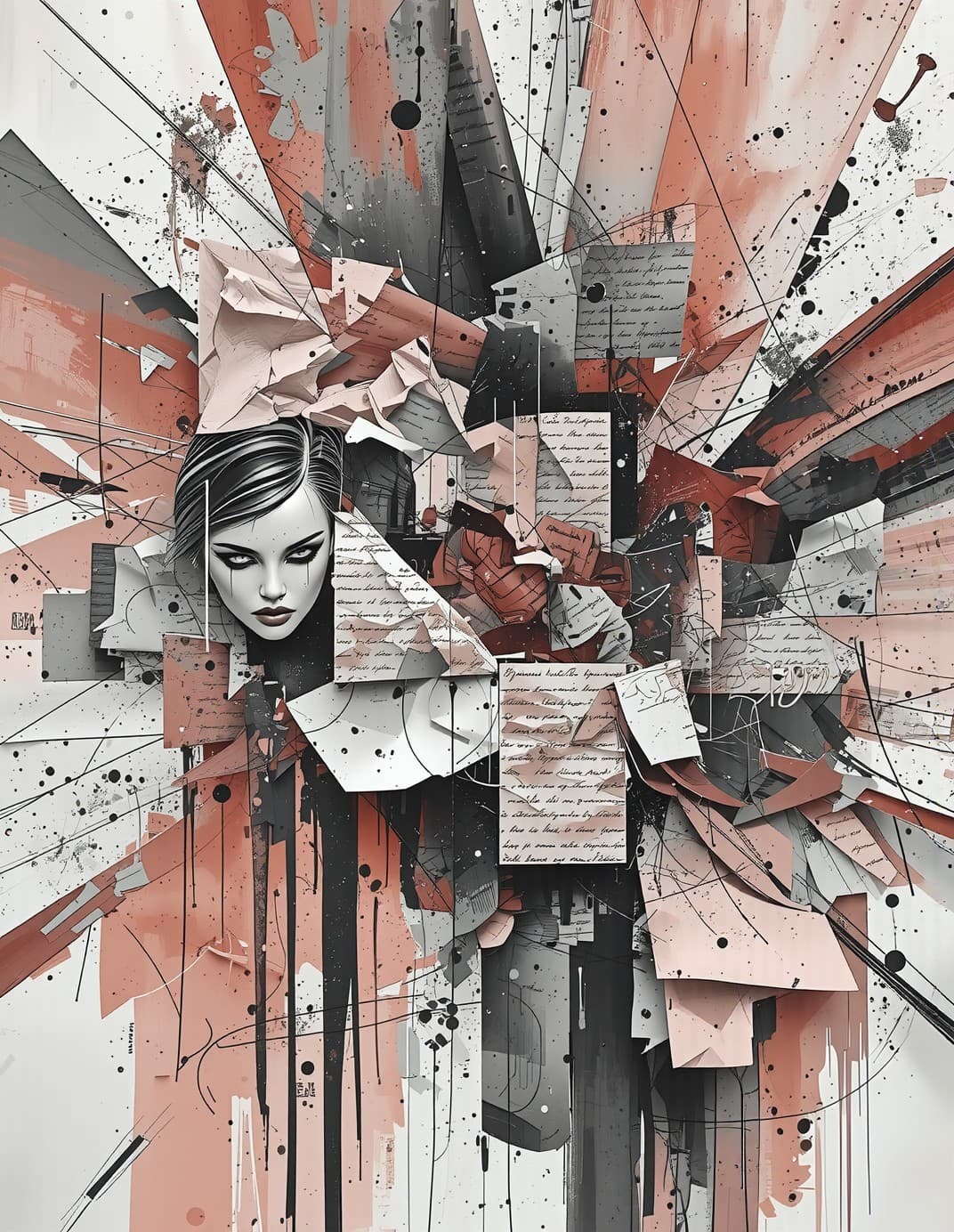
Portrait photo mosaic with colorful tile detail.

Decorative photo mosaic with gallery-quality texture.
Yes. Use a clear portrait and prompt for tile size, color palette, and how much detail to preserve.
No. Mosaic styles use tile-like pieces, while pixel art usually uses a low-resolution grid aesthetic.
Yes. Use a clear subject and ask for a photo mosaic effect with tile size, color palette, and how much of the original image should remain recognizable.
Not exactly. A collage usually combines larger image pieces or cutouts, while a mosaic picture is built from many small tile-like shapes.